Whether you are jumping into competitive multiplayer, grinding Ranked Play, or dropping into fast-paced resurgence maps, playing on default controller settings puts you at an immediate disadvantage. Professional Call of Duty players do not rely on standard sensitivity profiles — they fine-tune dynamic response curves, trigger deadzones, and aim assist types to turn their crosshair into a laser.
If your aim feels floaty, unresponsive, or prone to overshooting running targets, here is the ultimate best call of duty controller settings guide for PlayStation and Xbox players.
- Table of Contents:
- Core Sensitivity & Input Settings
- The Secret Weapon: Dynamic Response Curve
- Deadzone Tuning: Eliminating Stick Drift
- Aim Assist Type: Default vs Precision vs Focusing
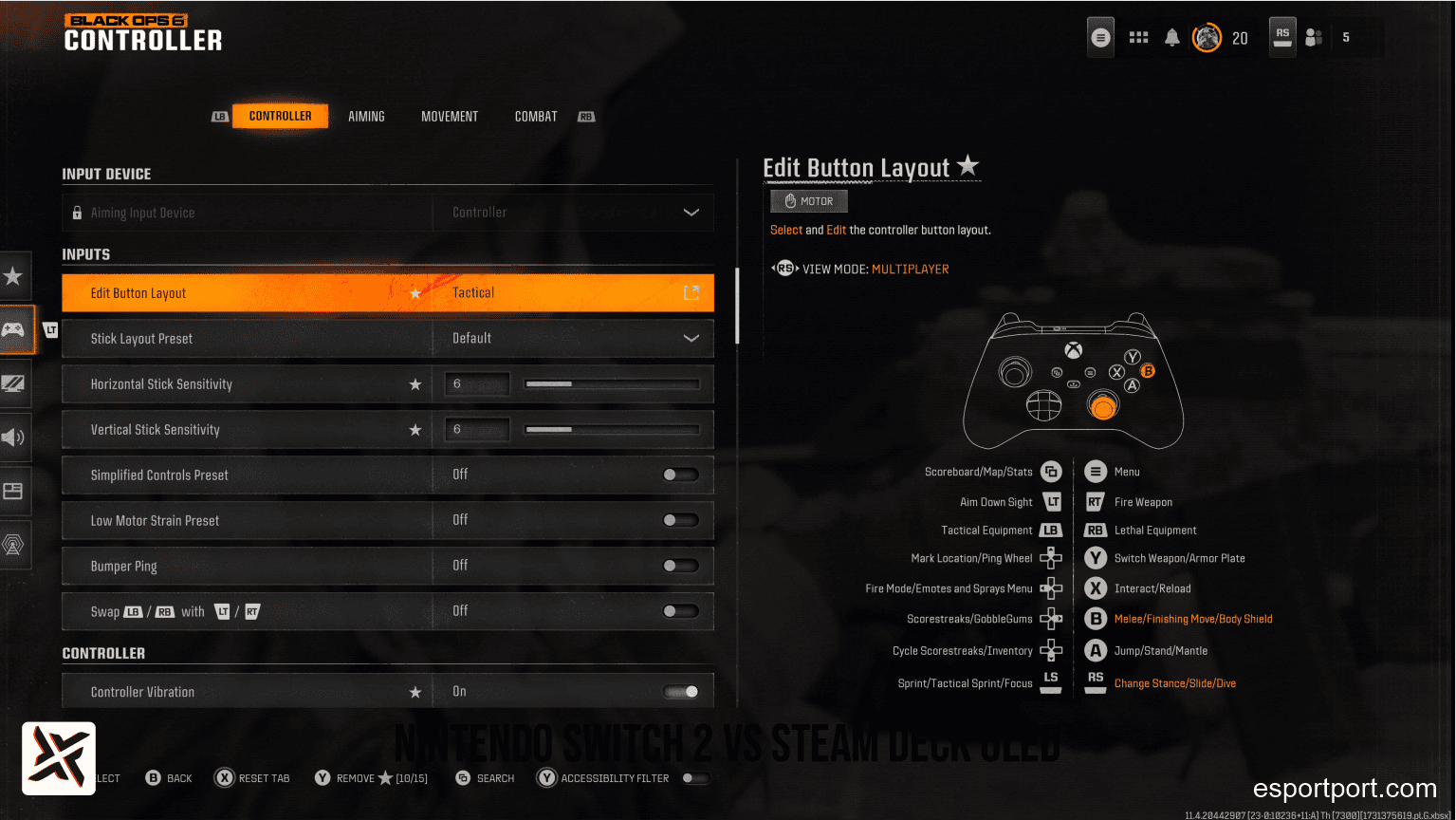
- Button Layout: Tactical Bumper Jumper
- 💡 Expert Tip: The Rotational Aim Assist Exploit
🔥 NEXT UP (Don’t Miss This): Modern Warfare 4 Beta: Release Date, Maps, Modes & Everything We Know
1. Core Sensitivity & Input Settings
Open your controller settings menu and configure these baseline values:
| Setting | Recommended Value | Why It Works |
|---|---|---|
| Horizontal Stick Sensitivity | 6 or 7 | The sweet spot used by 80% of CDL professionals |
| Vertical Stick Sensitivity | 6 or 7 | Matching vertical and horizontal prevents diagonal aim distortion |
| ADS Sensitivity Multiplier | 0.85 | Slightly slows down your aim when ADS-ing for easier micro-adjustments |
| Vibration | OFF | Eliminates physical controller rumble that throws off precision tracking |
| Trigger Effect (PS5 DualSense) | OFF | Removes haptic resistance on L2/R2 for instantaneous shot registration |
2. The Secret Weapon: Dynamic Response Curve
Go to Aiming → Aim Response Curve Type and switch it immediately from Standard to Dynamic:
- Why Dynamic is mandatory: Unlike linear curves, the Dynamic curve features an S-shaped velocity profile. Slight thumb movements produce fine, pixel-precise micro-adjustments at long distances, while full stick deflections produce rapid 180-degree snap rotations. It offers the fastest snap-aim response in the game.
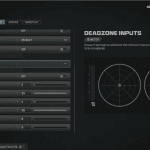
3. Deadzone Tuning: Eliminating Stick Drift
Faulty deadzones will either cause your crosshair to drift on its own or create a delayed, sluggish response when you flick your thumbstick:
- Left Stick Min: 0.03 (Allows instant character movement the split-second you touch the stick).
- Right Stick Min: 0.03 to 0.05 (Set to the lowest possible value where your crosshair remains completely still in the shooting range with your thumbs off the stick).
- Right Stick Max: 0.99 (Ensures you reach maximum rotation speed before your stick physically hits the plastic outer ring).
- L2 / R2 Trigger Deadzones: 0.00 (Instantly registers your aim and fire inputs with zero trigger travel delay).
4. Aim Assist Type: Default vs Black Ops
- Target Aim Assist: Always ON.
- Aim Assist Type: Select Default (or Black Ops if available). The Default profile provides strong rotational aim assist bubbles around enemy player models without violently pulling your crosshair away when two enemies cross paths simultaneously.
🛡️ EXPERT TIP: HOW TO TRIGGER ROTATIONAL AIM ASSIST
The mechanic casual players do completely wrong.
Many players believe Aim Assist is activated by touching the Right Stick (aiming). That is only half true. Standard slowdown aim assist uses the right stick, but Rotational Aim Assist — the overpowered mechanic that literally pulls your crosshair to track jumping and sliding enemies — is activated exclusively by the LEFT STICK (movement). To keep Rotational Aim Assist active during gunfights, never stand completely stationary while shooting. Always keep your left thumb slightly tilted so your character strafes left or right. The moment your character has movement input, the game’s tracking algorithm glues your crosshair to the opponent’s torso automatically.