
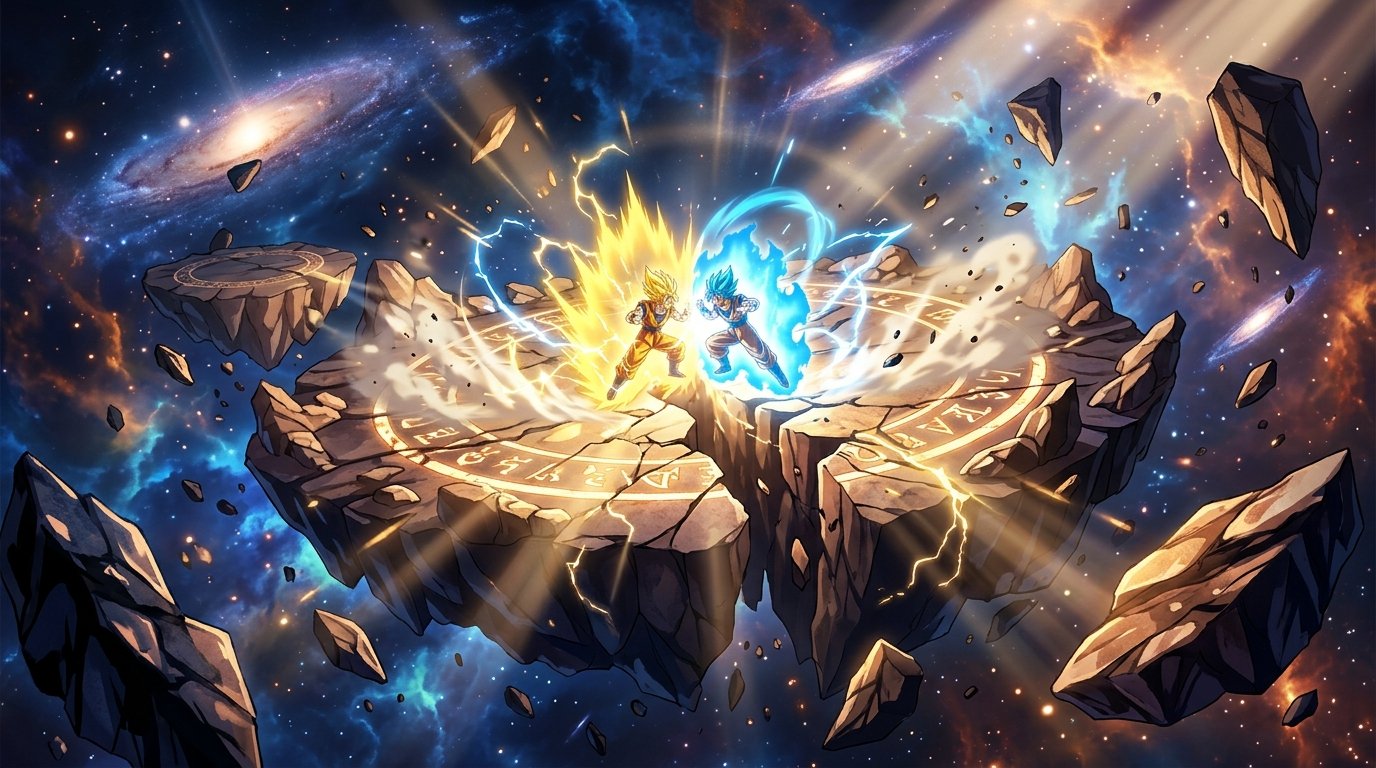
After a 17-year hiatus, Bandai Namco and Spike Chunsoft have unleashed Dragon Ball: Sparking! ZERO, the true heir to the beloved Budokai Tenkaichi arena fighting throne. Boasting an astonishing roster of 182 launch fighters across Dragon Ball Z, Super, GT, and classic movie sagas, the game is an explosive love letter to anime brawlers. However, because fighting game netcode and collision physics are hard-locked to 60 FPS, achieving stable frame pacing and sub-millisecond controller response is mandatory for high-tier ranked survival.
Definitive Review: The Greatest Anime Arena Fighter of All Time
Sparking! ZERO completely shatters modern arena fighting stereotypes. Unlike simplified button-mashers, the combat engine is deep, punishing, and hyper-faithful to the anime. The inclusion of high-skill defensive mechanics—such as Z-Counters, Sonic Sways, Super Perception deflections, and Vanishing Assault chains—means experienced fighters can turn defense into instantaneous offense with single-frame timing.
The campaign’s branching “Episode Battles” allow players to alter canonical DBZ history (e.g., saving Goku against Raditz by teaming with Krillin, or defeating Golden Frieza with Super Saiyan Blue Vegeta), delivering immense replayability for anime fans.
Competitive Frame Pacing: Why 60 FPS Lock is Non-Negotiable
Like Tekken 8 and Street Fighter 6, Sparking! ZERO’s combat logic, blockstun frames, and hit confirm windows are locked to 60 FPS. If your PC drops even a single frame down to 58 FPS, the game engine experiences micro-slowdown, delaying your Z-Counter inputs and causing dropped defensive combos:
| Display Refresh Rate | Default Behavior | Competitive Problem | Required Fix |
|---|---|---|---|
| 144Hz / 165Hz Monitors | V-Sync ON causes erratic micro-stutters | Frame times oscillate between 6.9ms and 16.6ms, ruining Vanish timing | Lock display in NVIDIA/AMD Control Panel to 60Hz or cap FPS to 60.0 via RTSS |
| G-Sync / FreeSync Displays | Framerate uncapped internally | Tearing on screen borders during massive Ultimate Ki blasts | Enable G-Sync + Ultra Low Latency Mode in driver control panel |
| Steam Deck / Handhelds | Dynamic 60 FPS with battery drain | Thermal throttling drops FPS to 45 during Planet Destruction animations | Set SteamOS Refresh Rate to 60Hz and TDP to 12 Watts |
Zero Input Delay Controller Configuration
To ensure your Vanishing Assault and Dragon Dash inputs register instantly:
- Wired USB Connection Over Bluetooth: Always connect your DualSense, Xbox Wireless Controller, or fightpad via a high-speed braided USB-C cable. Bluetooth introduces between 8ms and 14ms of wireless packet latency, which is enough to fail a Z-Counter reaction window.
- Controller Polling Rate Overclock: PC players using DualShock 4 or DualSense controllers should utilize LordOfMice’s hidusbf utility to overclock controller polling to 1,000Hz (1ms response).
- Disable Motion Blur & Depth of Field: In the game’s graphics menu, turn Motion Blur and DoF to Off. This eliminates post-processing motion blur, giving you crystal-clear visual clarity during high-speed Dragon Dash maneuvers.
- Set Effects Quality to High (Not Epic): Epic effects quality introduces massive GPU rendering spikes when Spirit Bombs or Final Flashes collide with terrain.
For combat sports and wrestling showdowns, explore WWE Crown Jewel 2026: Match Card & Rumors.
Related posts:
 Dragon Ball: Sparking! ZERO Launch Tier List & Meta Guide: Best DP Team Builds & Characters
 Dragon Ball Sparking ZERO Review & Combat Guide: Vanishing Step Timing, Sparking Mode & Super Counters
 Metaphor ReFantazio Endgame Archetypes Guide: Royal Synthesis Combos & Superboss Combat Hacks
 Cyberpunk 2077 NightCoop Review: 8-Player Multiplayer Mod, PvP Battles & Edgerunners Season 2 Revival