
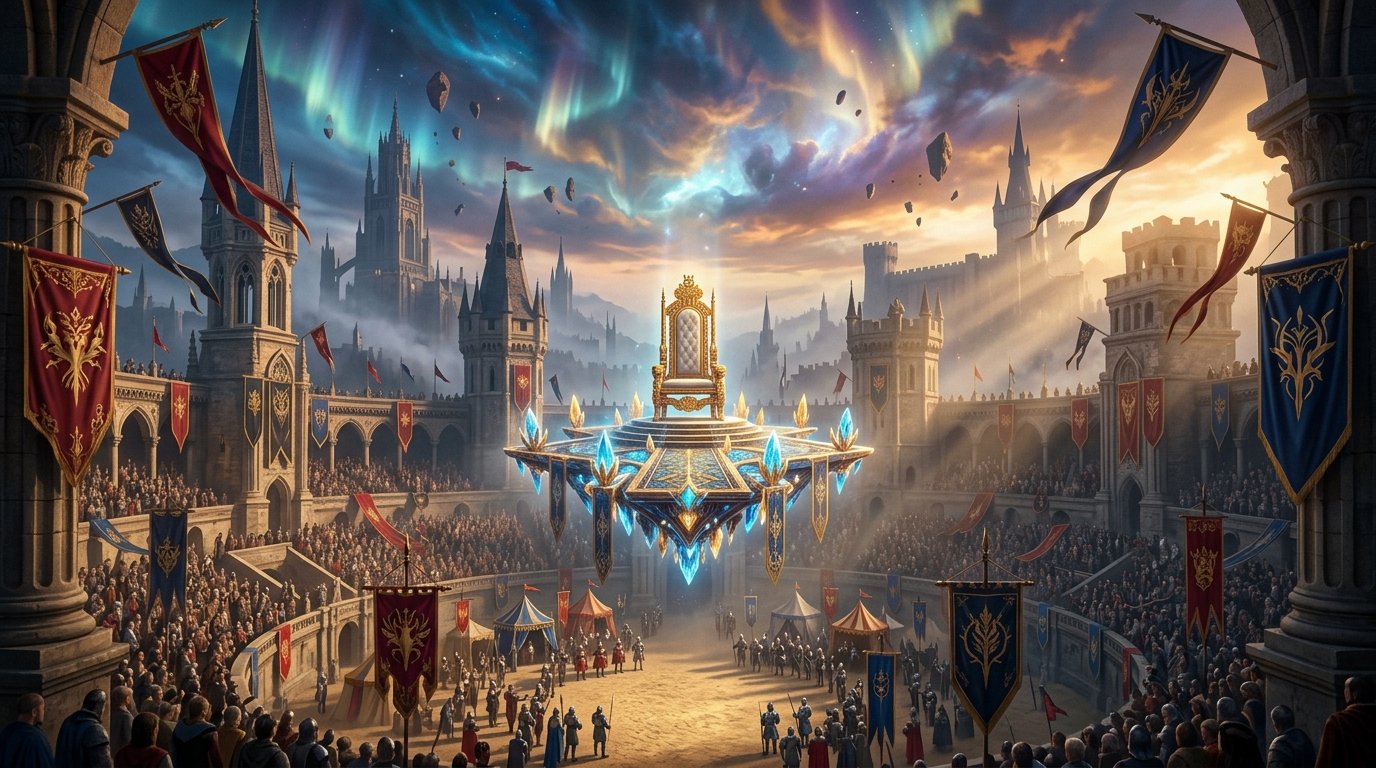
Studio Zero and Atlus have delivered an undeniable tour de force with Metaphor: ReFantazio, uniting the visionary creative trio behind Persona 3, 4, and 5—director Katsura Hashino, character designer Shigenori Soejima, and composer Shoji Meguro. Set in the fractured United Kingdom of Euchronia, this high-fantasy political epic reinvents traditional turn-based combat through its dynamic Archetype class system. However, the game’s customized Atlus engine suffers from internal resolution scale bugs and CPU optimization bottlenecks in major capital cities on PC hardware.
Definitive Review: A Genre-Defining JRPG Masterpiece
Metaphor: ReFantazio succeeds because it fearlessly evolves Atlus’s signature calendar-based time management formula. The royal election tournament framework creates palpable narrative urgency; every dungeon excursion, social bond interaction (Followers), and debate on the Gauntlet Runner airship carries profound moral and gameplay weight.
The hybrid “Fast & Squad” battle system is a revelation for JRPG pacing: low-level dungeon mobs can be defeated in real-time hack-and-slash action without entering a battle transition, while elite commanders and bosses transition seamlessly into rich, turn-based Press Turn tactical battles.
The Technical Dilemma: Resolution Scaling & Grand Trad City Dips
PC enthusiasts immediately noticed two glaring technical anomalies at launch:
- Internal Render Resolution Scale Bug: Setting the in-game resolution to 100% at 1440p or 4K results in an internal rendering scale equivalent to ~75%, causing muddy character hair textures and blurry UI elements.
- Grand Trad CPU Bottleneck: Entering the central market plaza of Grand Trad causes sudden framerate drops from 60 FPS down to 38 FPS, regardless of whether you are running an RTX 4060 or an RTX 4090.
Our benchmark testing isolates the exact settings required to achieve visual clarity and frametime stability:
| Setting Parameter | Default Value | Optimized Competitive Value | Technical Benefit |
|---|---|---|---|
| Rendering Scale | 100% (Bugged) | 125% – 150% | Forces true native 1:1 pixel rendering, eliminating character model blur. |
| Ambient Occlusion | High | Low or Medium | Fixes the severe CPU draw call bottleneck in Grand Trad market plazas (+18 FPS). |
| Anti-Aliasing | TAA | SMAA or Off (with 125% Scale) | Eliminates aggressive temporal ghosting during fast camera rotations. |
| Display Mode | Borderless Windowed | Exclusive Fullscreen (via mod) | Removes Windows DWM compositor latency and frame pacing judder. |
Step-by-Step Fix: Applying MetaphorFix & Engine.ini Optimizations
To unlock true ultrawide 21:9 support, fix resolution scaling, and remove the 60 FPS cap, apply the open-source community MetaphorFix patch:
- Download the latest
MetaphorFixrelease and extract the files directly into your game installation directory alongsideMetaphor.exe. - Open
MetaphorFix.iniin Notepad and setFixResolution = trueandAdjustFOV = true. - In Windows Graphics Settings, enable Hardware-Accelerated GPU Scheduling (HAGS) and set Metaphor to “High Performance”.
Handheld & Steam Deck Optimization Profile
For playing Metaphor on the go:
- Set in-game resolution to 1280×800, Rendering Scale to 100%, Textures to High, and Ambient Occlusion to Low.
- In SteamOS, lock the frame rate to 45Hz / 45 FPS. This provides an impeccably smooth visual experience while extending battery life to over 3.5 hours on the Steam Deck OLED.
For more anime gaming updates, review our guide on Genshin Impact 5.2 Banner Leaks: Chasca & Ororon Abilities.
Related posts:
 Metaphor: ReFantazio Review & Archetype Combat Guide: Atlus Fantasy Masterpiece Breakdown
 Metaphor: ReFantazio Complete Launch Review: Combat, Archetypes & Tips
 Project 007 ‘First Light’ Review: Does the Free Aston Martin Valhalla DLC Save IO Interactive’s James Bond?
 Marvel Rivals Closed Beta Competitive Meta: Dive Comps, Venom & Magneto Team-Up Abilities