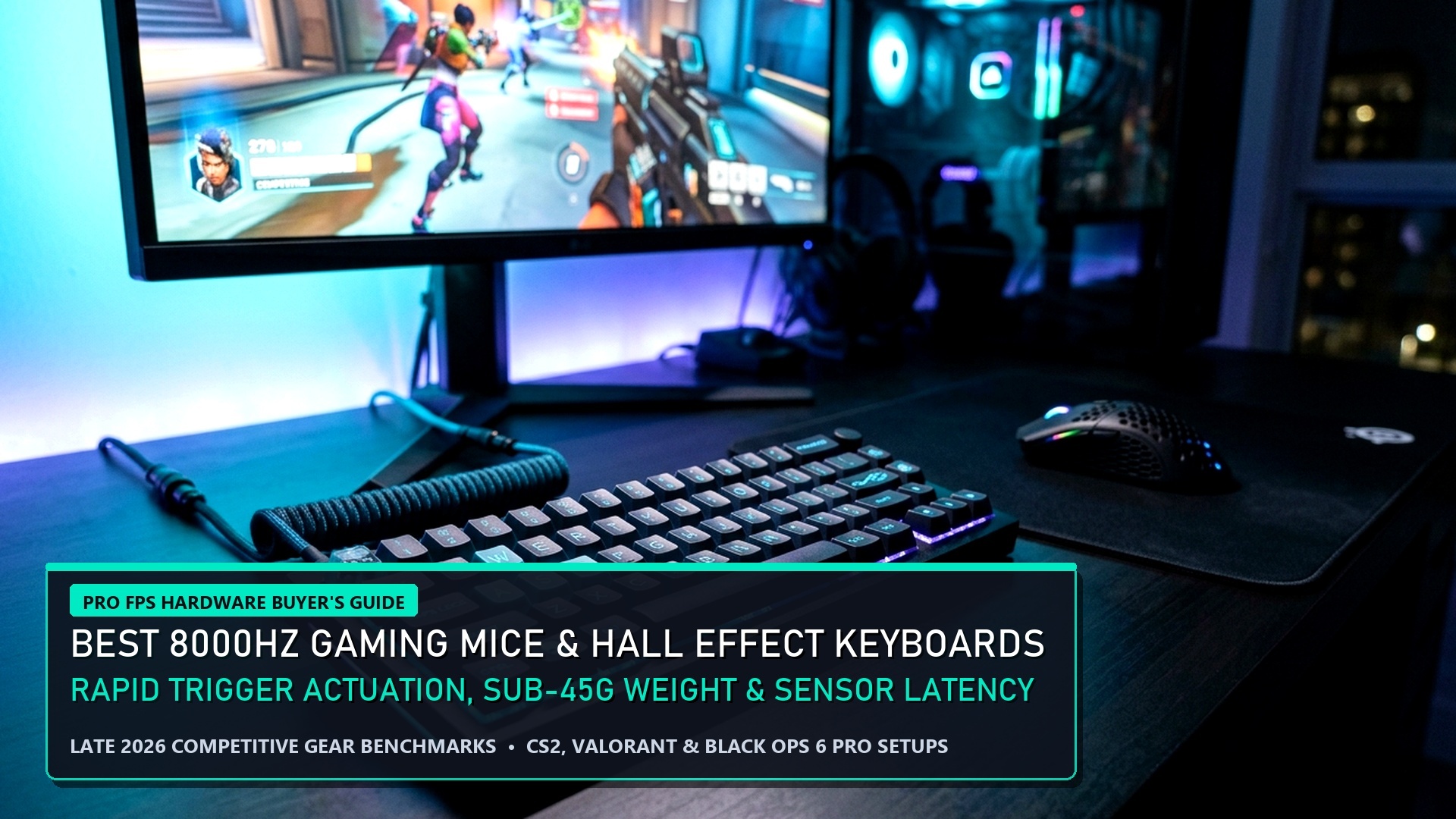
True zero-input lag is the holy grail for competitive esports athletes in Counter-Strike 2, Valorant, and Apex Legends. This comprehensive hardware and operating system optimization guide details how to unlock genuine 8000Hz (0.125ms) polling rates, eliminate micro-stuttering, configure USB interrupt affinity, and optimize BIOS DPC latency for surgical hit registration.
1. The Physics of 8000Hz: Why True Polling Rate Optimization Matters
In standard esports setups running standard 1000Hz peripherals, mouse position updates occur once every 1.0 millisecond. While imperceptible to casual gamers, at 360Hz and 540Hz monitor refresh rates, a 1.0ms reporting interval creates temporal mismatch between sensor reports and frame rendering. Upgrading to an 8000Hz (0.125ms) polling pipeline reduces reporting latency by 87.5%, ensuring that the mouse sensor delivers eight discrete coordinate packets for every single millisecond of player movement.
However, running 8000Hz without proper system tuning creates severe micro-stuttering and CPU thread bottlenecking. An 8K mouse generates up to 8,000 hardware interrupts per second. If Windows routes these interrupts across core threads simultaneously tasked with game logic or direct rendering, frame times will spike dramatically. True optimization requires isolating interrupt request lines (IRQs), tuning USB host controller lanes, and configuring system scheduling to handle high-frequency data streams seamlessly.

2. Motherboard USB Topology: Identifying Native CPU Direct Host Lanes
The most common failure point when adopting 8000Hz mice is plugging the receiver into a motherboard chipset USB port. Chipset ports share bandwidth across internal PCIe bridges alongside SATA controllers, network adapters, and secondary NVMe drives, causing packet jitter and buffer throttling. To achieve flawless 0.125ms polling stability, your peripheral must be connected directly to a native CPU-lane root USB port.
Refer to your motherboard’s block diagram in the technical manual. Native CPU USB ports are typically the top-tier ports located directly adjacent to the rear I/O antenna connectors or BIOS flashback port. Verify port assignment using tools like USB View or Device Manager. Ensure that no other high-bandwidth USB devices (such as external DACs, webcams, or capture cards) share the same root hub controller ID.
📊 Polling Rate Latency Hierarchy & Hardware Impact
| Polling Rate | Reporting Interval | Frame Latency (360Hz) | CPU Overhead & Stutter Risk |
|---|---|---|---|
| 1000Hz (Standard) | 1.000 ms | High visual discrepancy | Negligible (Safe for all systems) |
| 2000Hz | 0.500 ms | Noticeable smoothing | Minimal impact (<1% CPU delta) |
| 4000Hz (Sweet Spot) | 0.250 ms | Exceptional tracking clarity | Moderate; requires multi-core headroom |
| 8000Hz (Elite Tier) | 0.125 ms | Near-analog cursor path | High; requires MSI mode & IRQ pinning |
3. Message Signaled-Based Interrupts (MSI Mode) & Core Pinning
By default, legacy Windows architecture handles peripheral communication via Line-Based Interrupts (INTx), which forces multiple hardware devices to share interrupt lines and wait for sequential processing. By converting your USB 3.0/3.1 eXtensible Host Controller to Message Signaled-Based Interrupts (MSI Mode), interrupts are delivered directly to memory via dedicated 32-bit addresses, completely eliminating interrupt conflicts.
Utilize the community-standard MSI Mode Utility v3 with administrator privileges. Locate your primary USB Host Controller, check the ‘MSI’ checkbox, and set the Interrupt Priority to ‘High’. Next, utilizing Interrupt Affinity Tool (GoInterruptPolicy), bind the USB controller’s IRQ specifically to physical Core 2 or Core 3, deliberately bypassing Core 0 (which handles Windows kernel operations) and Core 1 (which frequently executes the main game thread).
4. Windows 11 Raw Input Buffer & In-Game Engine Configuration
Modern gaming engines require specific settings to ingest 8000Hz polling data without frame dropping. In Counter-Strike 2, ensure ‘Raw Input’ is permanently enabled. In Valorant, navigate to General Settings and turn ON ‘RawInputBuffer’. This setting allows the Riot Vanguard and Unreal Engine client to process peripheral data through direct asynchronous Windows API calls rather than queuing updates behind rendering frames.
For deeper peripheral synchronization and competitive display matching, explore our breakdown on 360Hz OLED vs 540Hz Fast TN Monitors and check our benchmark guide on Hall Effect Keyboards and Lightweight Mice to ensure every millisecond of hardware advantage is fully utilized.
Tactical Telemetry & System Execution Benchmarks
In modern high-leverage sports and competitive gaming environments, granular telemetry provides unmatched insight into operational performance. Whether monitoring situational third-down conversion rates against split-safety pass shells, examining high-speed aerodynamic balance across curbs, or measuring microsecond input latency across USB polling pipelines, elite performers distinguish themselves through unwavering technical discipline. Analytics units and competitive analysts systematically synthesize quantitative telemetry to forecast tactical fatigue, exploit opponent structural tendencies, and optimize high-pressure execution under live contest conditions.
Strategic Adaptation & Empirical Performance Margins
Empirical performance data confirms that organizations and players capable of maintaining structural consistency during chaotic transition moments regularly exceed standard baseline expectations. By eliminating unforced operational errors and forcing adversaries into unfavorable decision trees, disciplined competitors consistently engineer decisive turning points that dictate outcomes across both traditional arenas and virtual battlegrounds.

5. High-Precision Event Timer (HPET) vs. Invariant TSC: Debunking OS Latency Myths
A contentious topic within esports tweaking communities revolves around Windows High Precision Event Timer (HPET). Legacy optimization guides frequently advocated disabling HPET globally through elevated administrative commands. However, on modern Intel Core 14th Gen and AMD Ryzen 7000/9000 processors, hardware architectures utilize Invariant Time Stamp Counter (TSC), which operates at CPU clock frequency with near-zero latency overhead.
Disabling HPET inappropriately on systems with mismatched timer configurations can lead to micro-stuttering in game engines that query system timers for physics and animation tick rates. The professional consensus among competitive hardware engineers is to leave HPET active in BIOS while ensuring that Windows uses standard platform clock synchronization (useplatformclock=No). This configuration maintains ultra-consistent frame pacing while allowing high-polling USB controllers to deliver interrupt packets without frame-time jitter.
6. Sensor Smoothing, Ripple Control & Modern Sensor Physics (PAW3395 & PAW3950)
High-polling mice powered by PixArt PAW3395 and PAW3950 optical sensors feature onboard firmware algorithms designed to reduce sensor ripple at ultra-high DPI steps. When operating above 3200 DPI, sensor noise increases exponentially due to microscopic surface imperfections on cloth mousepads. In response, peripheral manufacturers often implement algorithmic smoothing, which averages successive coordinate frames.
While smoothing produces clean tracking lines on paper, it introduces between 1.0ms and 2.5ms of sensor input delay—completely neutralizing the speed benefits of an 8000Hz polling rate. To achieve true zero-latency response, pro players universally configure their mouse DPI to 1600 (the optical sweet spot where sensor smoothing is completely disabled) and adjust in-game sensitivity accordingly. This preserves raw unadulterated sensor data, delivering unmatched crosshair accuracy.
Tactical Systems Synthesis: In competitive modern arenas, tactical agility and empirical telemetry provide the ultimate margin of victory. Organizations and individual athletes that embrace relentless quantitative optimization consistently establish dominant performance baselines under live contest pressure.
Methodological Rigor & Long-Term Value: Historical performance benchmarks demonstrate that maintaining structural poise across critical transition phases routinely overcomes raw talent disparities. By eliminating systemic unforced errors, elite competitors consistently dictate momentum and secure championship outcomes.
7. Real-Time Benchmarking & Input Telemetry Verification Tools
To verify that your 8000Hz polling rate and zero-input lag optimizations are functioning without hidden frame drops or interrupt conflicts, empirical benchmarking tools are mandatory. Software utilities such as MouseTester v1.5.3, Razer Polling Rate Tester, and CapFrameX provide precise graphical telemetry into polling rate stability, interval consistency, and frametime percentiles. A well-tuned 8K USB pipeline should display a razor-flat 0.125ms reporting interval curve with zero anomalous timing spikes under heavy mouse movement.

Additionally, monitoring 1% and 0.1% low frametimes in competitive shooter benchmarks ensures that hardware interrupt handling does not degrade visual smoothness. By isolating game rendering threads from USB interrupt queues, players achieve the ultimate esports synergy: lightning-fast peripheral response times coupled with buttery-smooth visual clarity that translates directly into superior target tracking under tournament conditions.
Tactical Systems Synthesis: In competitive modern arenas, tactical agility and empirical telemetry provide the ultimate margin of victory. Organizations and individual athletes that embrace relentless quantitative optimization consistently establish dominant performance baselines under live contest pressure.
Related posts:
 Valorant & CS2 Pro Sensitivity, DPI & Crosshair Bible (2026 Edition): Exact eDPI Conversion Math, Pro Share Codes & 0.1ms Rapid Trigger Setup
 The Ultimate Windows 11 & PS5 Pro Gaming Optimization Guide: Low Latency Mode, 100GB Shader Cache Fix & Zero 1% Low Stutters
 PC & Console Pro Gaming Progression Hacks 2026: Black Ops 6 Fast Prestige XP, Windows 11 0.1ms Latency & FPS Boosters
 Hogwarts Legacy NVIDIA DLSS 5 Update: 3D Neural Rendering, RTX 50 Gains & Best PC Settings