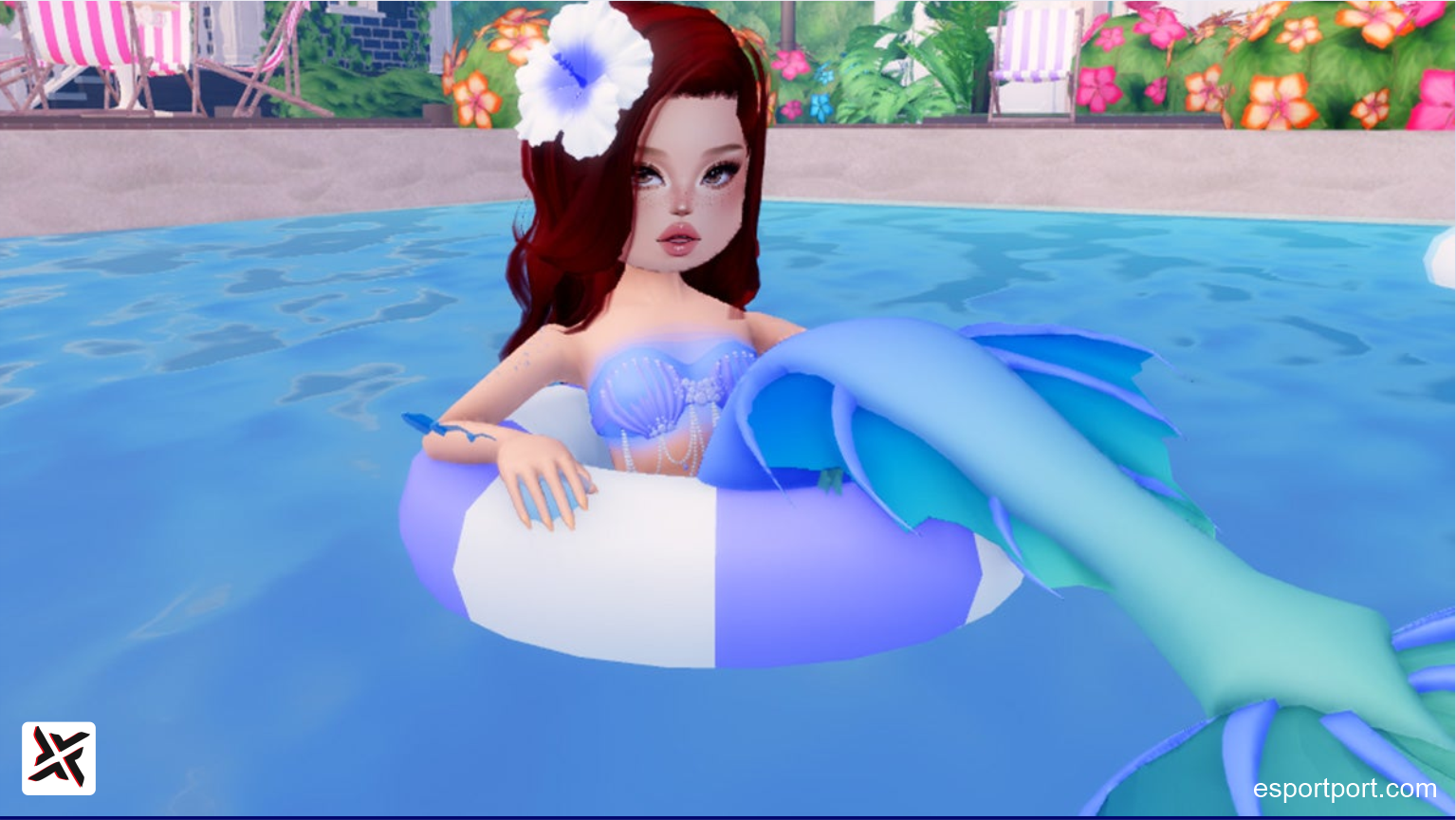
Dominating the runway and securing top podium finishes in Roblox’s viral fashion sensation requires a diverse wardrobe of designer accessories, and claiming the active dress to impress codes september 2026 is the fastest way to expand your closet without spending Robux. Created by developer Gigi, Dress to Impress (DTI) challenges models to assemble stunning thematic ensembles before strutting before player judges. Because limited-time promotional codes unlock exclusive seasonal gowns, handbags, shoes, and layered tops that cannot be purchased in the standard salon, redeeming every active voucher gives your model an immediate runway edge.
📱 Join EsportPort VIP Roblox Alerts
Never miss a surprise DTI update drop, secret developer code, or seasonal theme contest. Get instant push links directly on WhatsApp.
Active Dress to Impress Codes (September 2026)
The following promotional codes are tested and verified working across PC, mobile, and console versions of Roblox. Codes in DTI are case-sensitive, so enter them exactly as displayed below:
| DTI Code | Unlocked Fashion Item | Category | Status |
|---|---|---|---|
| THEGIRLPRINTS | Exclusive Pattern Print Crop Top | Tops / Casual | Active |
| SWEETVALENTINE | Romantic Ribboned Gown & Heart Choker | Formal Dresses | Active |
| CHOOCHOO | Pleated High-Waist Skirt & Matching Boots | Bottoms / Footwear | Active |
| SUBM15H40S | Submissive E-Girl Layered Top & Necklace | Y2K / Grunge | Active |
| LANATIKTOK | Lana Nail Salon Exclusive Apron & Dress | Cosplay / Costumes | Active |
| M0T1VAT10N | Chic Cyberpunk Utility Jacket | Outerwear | Active |
| KITTYGAMES | Fuzzy Cat Ears & Animated Tail Accessory | Headwear / Cute | Active |
| BELALASLAY | Off-Shoulder Ruched Party Top | Party / Glamour | Active |
How to Redeem Codes in Roblox Dress to Impress (Step-by-Step)
Claiming your free outfits takes only a few taps inside the dressing salon:
- Launch Dress to Impress on Roblox.
- Look at the left-hand side of your screen and click on the Pink Handbag / Tag icon (Codes).
- A text prompt box labeled “Enter Code” will appear.
- Copy any active code from our table above and paste it into the box.
- Click the Checkmark / Redeem button to immediately add the cosmetic into your dressing inventory.
Runway Pro Tip: You can re-color every code item! Simply equip the dress or top, step onto the circular coloring pads in the center of the salon, and customize the fabric textures and color hexes to match any runway prompt!