Link Epic Games and MyDisney Fortnite
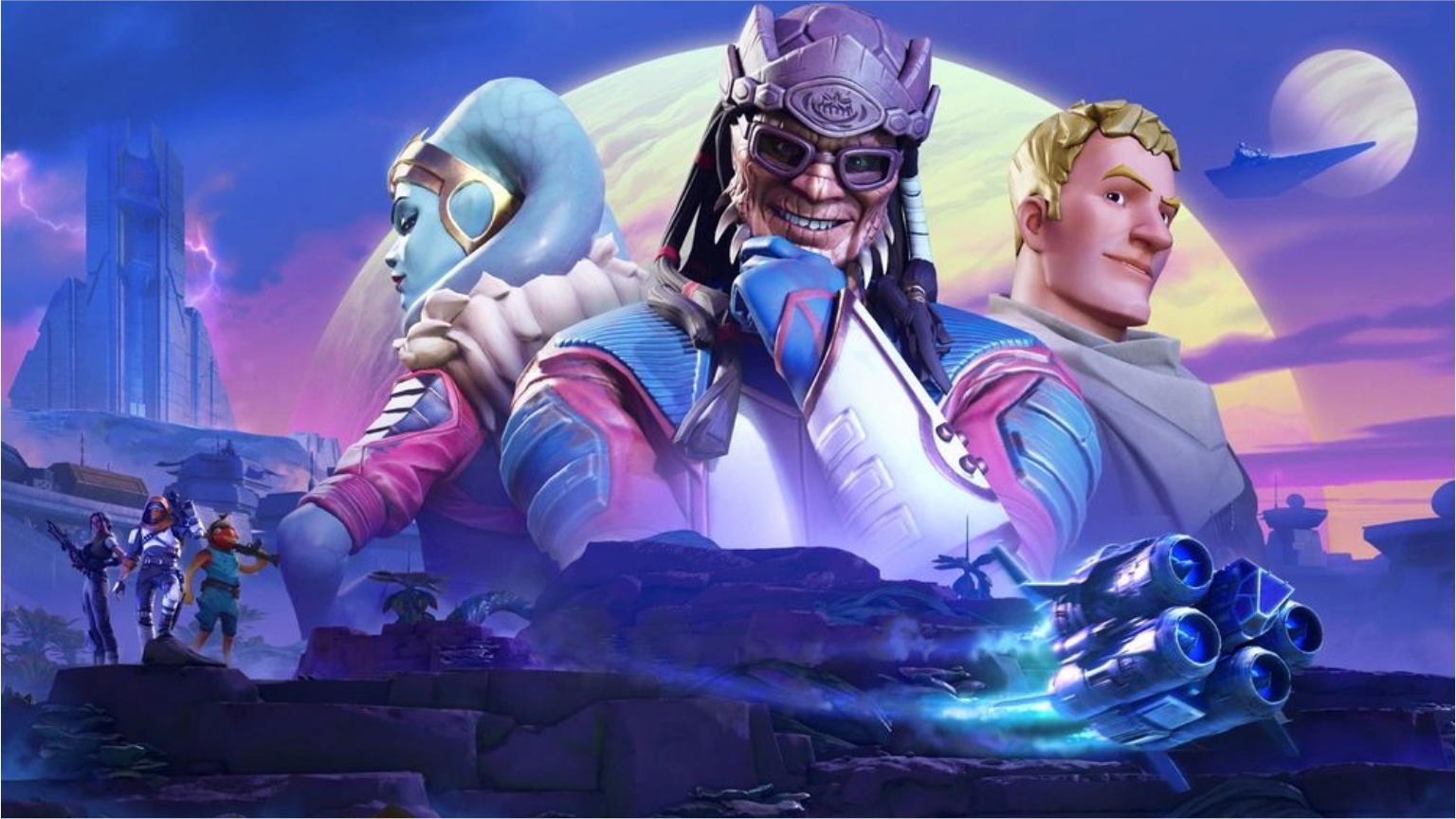
First, Epic Games and Disney just launched one of the most immersive crossover events in gaming history. Because the new Star Wars: Smuggler’s Gambit update connects directly to the real-world Disney theme parks, millions of players are currently flooding the Fortnite servers. However, you cannot access the exclusive cosmetic rewards simply by playing the game.
Consequently, to unlock the exclusive items, you must link Epic Games and MyDisney accounts together. If you are struggling to find this hidden setting, you must carefully follow our step-by-step tutorial detailed below.
1. Why You Must Link Your Accounts
Historically, Epic Games automatically granted event rewards whenever you completed in-game quests. However, this Star Wars collaboration utilizes a completely new cross-platform progression system.
By successfully linking your accounts, your Fortnite profile synchronizes directly with the Millennium Falcon: Smugglers Run attraction.
- The Rewards: Completing this tutorial will instantly grant you the exclusive Smuggler’s Gambit Back Bling, a unique Millennium Falcon glider variant, and a massive chunk of Battle Pass XP. Because these items are classified as “Disney Exclusives,” they will never be sold in the daily Item Shop.
ALSO READ: Are you excited for the massive upcoming season transition? Therefore, you must read our Fortnite Chapter 7 Season 4 Leaks & Event Guide!
2. Step-by-Step MyDisney Linking Tutorial
Because the in-game Fortnite menu does not natively support MyDisney integration, you must execute this process through a web browser. We highly recommend keeping this article open on your smartphone while you follow these steps on your computer.
- Log In: First, open a web browser and navigate directly to the official
EpicGames.comwebsite. Log into your primary Fortnite account. - Account Settings: Hover over your display name in the top right corner and click on “Account” from the dropdown menu.
- Navigate to Apps: On the left-hand sidebar, you must scroll down and click on the “Apps and Accounts” tab.
- Find MyDisney: Under the “Accounts” section, scroll until you locate the official MyDisney logo. Click the blue “Connect” button beneath it.
- Authorize the Link: A pop-up window will appear asking you to log into your Disney account. Enter your MyDisney credentials and click “Authorize.”
ALSO READ: Do you play other tactical shooters besides Fortnite? Therefore, you must copy the settings from our CS2 Pro Crosshair & Viewmodel Guide!
3. How to Claim the In-Game Rewards
Finally, once the website confirms that your accounts are successfully connected, you must completely restart your Fortnite game client.
When you boot back into the main lobby, a massive Star Wars: Smuggler’s Gambit notification screen will automatically appear. Click “Claim All” to permanently add the exclusive rewards to your locker. You can now equip your new cosmetics and drop directly into the PvE co-op missions on the planet Ord Ryla!
In conclusion, taking three minutes to link your accounts is absolutely worth the effort for exclusive Star Wars cosmetics. Therefore, you should complete this process immediately before the event officially ends next month!
Did you successfully link your accounts? Which of the Smuggler’s Gambit rewards is your favorite? Let us know in the comments below!