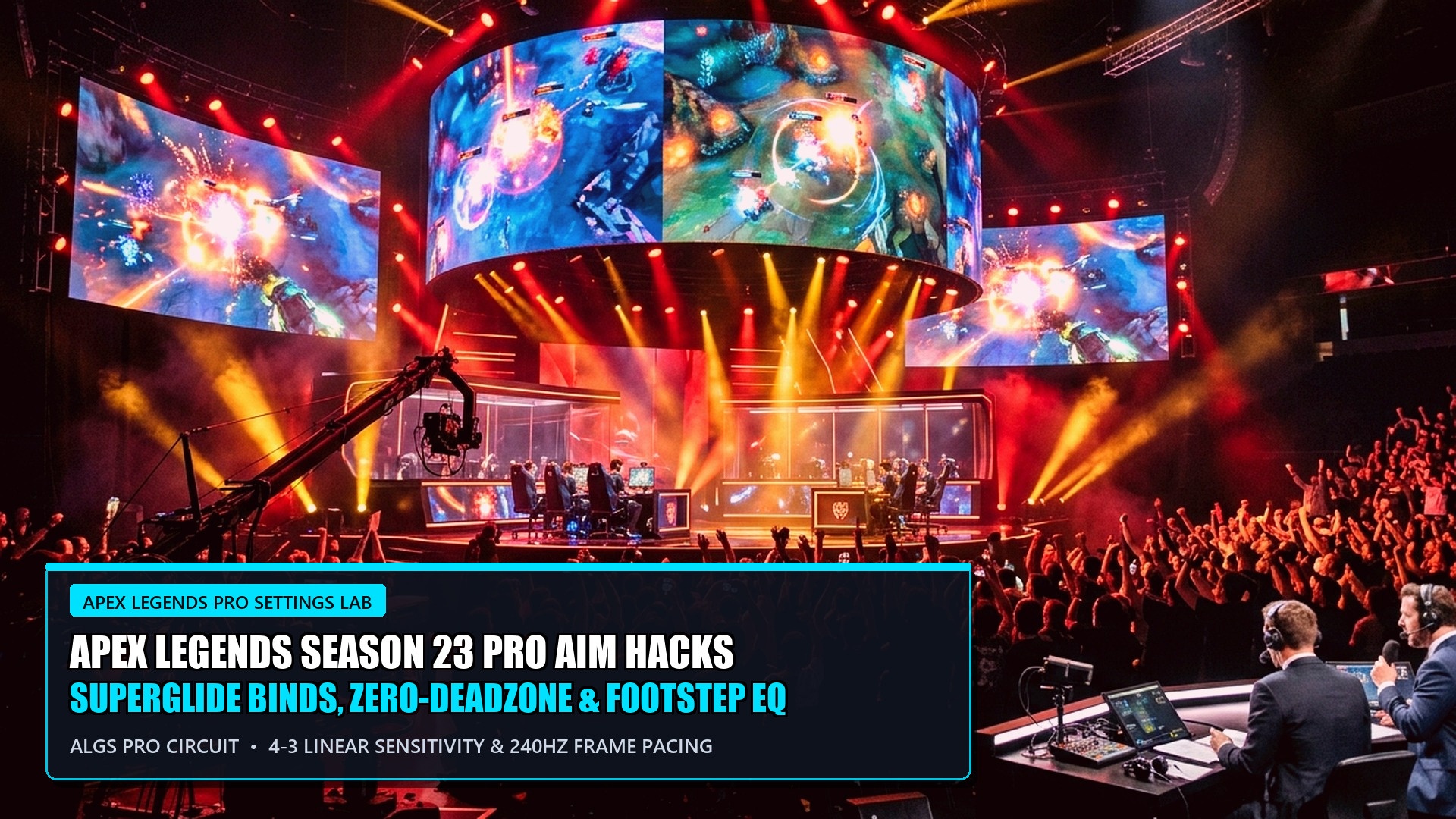
🎯 Legend Dossier: Season 23 ‘From the Rift’ Pro Controller Blueprint
- Season Milestone: Season 23 introduces Lifeline Reborn, Rift Relics supply drops, cosmic weapon hop-ups, and overhauled aim-assist tracking parameters.
- The Golden Controller Standard: Over 85% of professional Apex Legends Global Series (ALGS) controller players utilize 4-3 Linear sensitivity with None or Small deadzone.
- Rotational Aim Assist Telemetry: Season 23 normalizes PC controller aim-assist from 0.4 down to 0.3, rewarding raw physical thumbstick centering over automated tracking pull.
- Audio EQ Profiles: Custom parametric equalizer tuning suppresses ambient waterfall and lava noise while boosting 2 kHz to 4 kHz footstep frequencies.
- Companion Shooter Guides: Cross-reference our competitive tier lists in Valorant Episode 9 Act 3 Agent Tier List and explore Black Ops 6 & Warzone Meta Loadouts.
The Controller Revolution in Season 23: Adapting to the Aim-Assist Nerf
Apex Legends Season 23, subtitled ‘From the Rift,’ represents the most radical mechanical recalibration in Respawn Entertainment’s battle royale since launch. For years, competitive discourse was dominated by fierce debates regarding controller aim assist versus mouse-and-keyboard input precision. In Season 23, Respawn officially rebalanced the playing field by reducing PC controller aim-assist values by 25% (shifting from 0.4 to 0.3), while leaving console crossplay lobbies at standard values.
This subtle mathematical adjustment has exposed players who relied on automated rotational friction to track close-quarters strafes. Achieving Predator rank in Season 23 requires fine-tuning your response curves, minimizing thumbstick deadzones, and adopting pro-level centering techniques. The undisputed gold standard among ALGS champions—including ImperialHal, Verhulst, and Genburten—remains the iconic 4-3 Linear configuration.


Definitive Pro Controller Sensitivity Configuration
Below is the verified controller configuration utilized by top-tier ALGS professional competitors in Season 23, balancing close-range tracking with long-range recoil stabilization.
Audio Equalization (EQ) Tuning: Hearing Footsteps Through the Clutter
Apex Legends is notorious for chaotic audio spatialization, where deafening ring flares, airstrikes, and weapon reloads drown out enemy footsteps. Utilizing third-party software like SteelSeries Sonar, Dolby Atmos, or Equalizer APO allows competitive players to surgically isolate directional audio cues.
- Lower Sub-Bass (30Hz – 100Hz): Cut by -4dB. Eliminates the overwhelming rumble of ambient drop-ships, grenade explosions, and environmental lava.
- Reduce Mid-Bass (200Hz – 400Hz): Cut by -2dB. Clears up mud in indoor compounds, making audio separation cleaner.
- Boost High-Mids (2,000Hz – 4,500Hz): Boost by +5dB. This exact frequency band houses running footsteps on metal, wood, and water, as well as shield-battery zipping sounds.
- High Frequencies (8,000Hz – 12,000Hz): Boost by +2dB. Sharpens the distinct crack of incoming sniper rounds, revealing enemy firing angles instantly.
Recoil Smoothing: The Secret to Flat R-301 & Flatline Sprays
In the Apex Legends Source engine architecture, weapon recoil is automatically neutralized when the camera’s rotational angular velocity exceeds a specific threshold (approximately 8 degrees per second). This engine phenomenon is known as ‘recoil smoothing.’
To execute recoil smoothing in a firefight, avoid standing completely still while pulling down on the right stick. Instead, strafe horizontally to the left or right while using your right thumbstick to smoothly pan your crosshair in the opposite direction against your target. When done correctly, the game engine’s internal compensation removes 100% of vertical kick and horizontal bounce, transforming heavy recoil weapons like the Flatline and Havoc into perfectly straight beams of damage.

ALC (Advanced Look Controls) vs. Standard 4-3 Linear Shootout
A perennial question in the competitive Apex Legends community is whether to utilize the simplified 4-3 Linear preset or dive into the intricate sliders of Advanced Look Controls (ALC). While ALC offers fine-grained customization—allowing players to adjust yaw speed, pitch speed, extra turning yaw, and ramping delays—the overwhelming majority of signed ALGS professional athletes have abandoned ALC in favor of standard 4-3 Linear.
The reason lies in engine-level rotational aim-assist behavior. The Apex Legends engine applies an invisible rotational tracking ‘bubble’ around enemy hitboxes. When running standard 4-3 Linear, the game engine’s default aim-assist compensation operates at maximum geometric responsiveness. Excessive ALC ramping delays and custom response curve offsets often introduce subtle micro-jitters that interfere with the natural rotational stickiness, proving that simpler, unadulterated settings deliver the highest mechanical consistency under tournament pressure.
Lifeline Reborn Tactical Movement & Drone Deploy Hacks
The centerpiece legend of Season 23 is Lifeline Reborn, who has vaulted from an obscure casual pick into an S-tier competitive staple. Her overhauled tactical ability—deploying D.O.C. to glide alongside her while providing continuous health regeneration—allows her to engage in aggressive forward trades without stopping to pop syringes.
Furthermore, her new ultimate ability deploys a 360-degree holographic shield barrier that blocks all incoming bullet penetration while providing instant teammate revives. In final-ring tournament situations where natural rock and building cover is exhausted, dropping Lifeline’s barrier creates an instantaneous fortress, allowing your team to reset, swap armor shields from deathboxes, and secure free placement points while surrounding squads eliminate each other in the crossfire.

Response Curve Mathematics: Linear vs Classic Graph Dynamics
To truly master controller mechanics in Apex Legends Season 23, competitors must grasp the mathematical principles governing stick deflection response curves. In traditional Classic settings, the input relationship follows an exponential curve: microscopic stick movements produce intentionally softened crosshair adjustments, while deep outer-threshold deflections accelerate crosshair panning rapidly. While this provides comfort for entry-level players, it inherently restricts raw mechanical reaction speed and micro-tracking accuracy during intense strafe fights.
Conversely, the Linear response curve establishes an unadulterated 1:1 mathematical correlation between physical analog stick displacement and digital camera rotation. When combined with a 0% to 2% deadzone, every minute fraction of physical input translates immediately onto your target. This raw responsiveness allows skilled players to mirror enemy tap-strafes and mantle jumps in close-range skirmishes with instantaneous precision.
Transitioning to Linear requires dedicated practice drills. Spend twenty minutes daily in the Firing Range executing figure-eight tracking drills against moving strafe dummies without aim assist enabled. Once re-enabled in live matches, your tracking stick-memory will operate with effortless, tournament-grade precision.
Custom Trigger Deadzone Tuning: If your controller features digital trigger stops or hair triggers, reduce trigger deadzones to zero percent in the advanced controller configuration. This eliminates the microscopic physical delay before your weapon fires, guaranteeing instantaneous reaction times during high-velocity shotgun peek battles.
Frequently Asked Questions (FAQ)
Why do pros choose 4-3 Linear over Classic curve?
Classic curve uses an S-shaped acceleration profile that delays your input before speeding up. Linear provides a direct 1:1 physical relationship between thumbstick movement and on-screen crosshair rotation, creating superior muscle memory.
What should I do if my controller has stick drift on Linear?
Mild drift is normal on Linear with ‘None’ deadzone and does not affect your aim while actively tracking. However, if your crosshair spins uncontrollably when your hands leave the controller, increase your deadzone to ‘Small’ or upgrade to Hall Effect sensor thumbsticks.
Did console aim assist get nerfed in Season 23?
No. The aim-assist reduction from 0.4 to 0.3 applies exclusively to controller players on PC and console players who queue into PC crossplay lobbies. Standard console-only lobbies retain 0.6 aim-assist.
Authoritative Sources & Competitive Testing
- Respawn Entertainment Official Season 23 ‘From the Rift’ Patch Notes
- ALGS Championship 2026 Telemetry: Verified Pro Player Settings Archive
- EsportPort Hardware Testing Laboratory: Controller Input Latency & Gyro Sensors
- Battle(non)sense Netcode & Spatial Audio Frequency Analysis Reports
Related posts:
 VALORANT Patch 13.10 Buffs & Sentinel Hacks: Cypher, Killjoy, Vyse Cooldowns, Sage & Gauntlet Glitched
 Warzone Season 1 Instant ADS Sensitivity & Aim Hacks: Best Controller Tweaks After Nov 10 Patch
 Apex Legends Godzilla Event & Season 31 Hacks: Dorsal Dagger, Crypto Fix & Strongholds
 Black Ops 6 Season 1 Reloaded Meta: Nuketown 24/7 Mastery, Model L Tuning & Camo Exploits