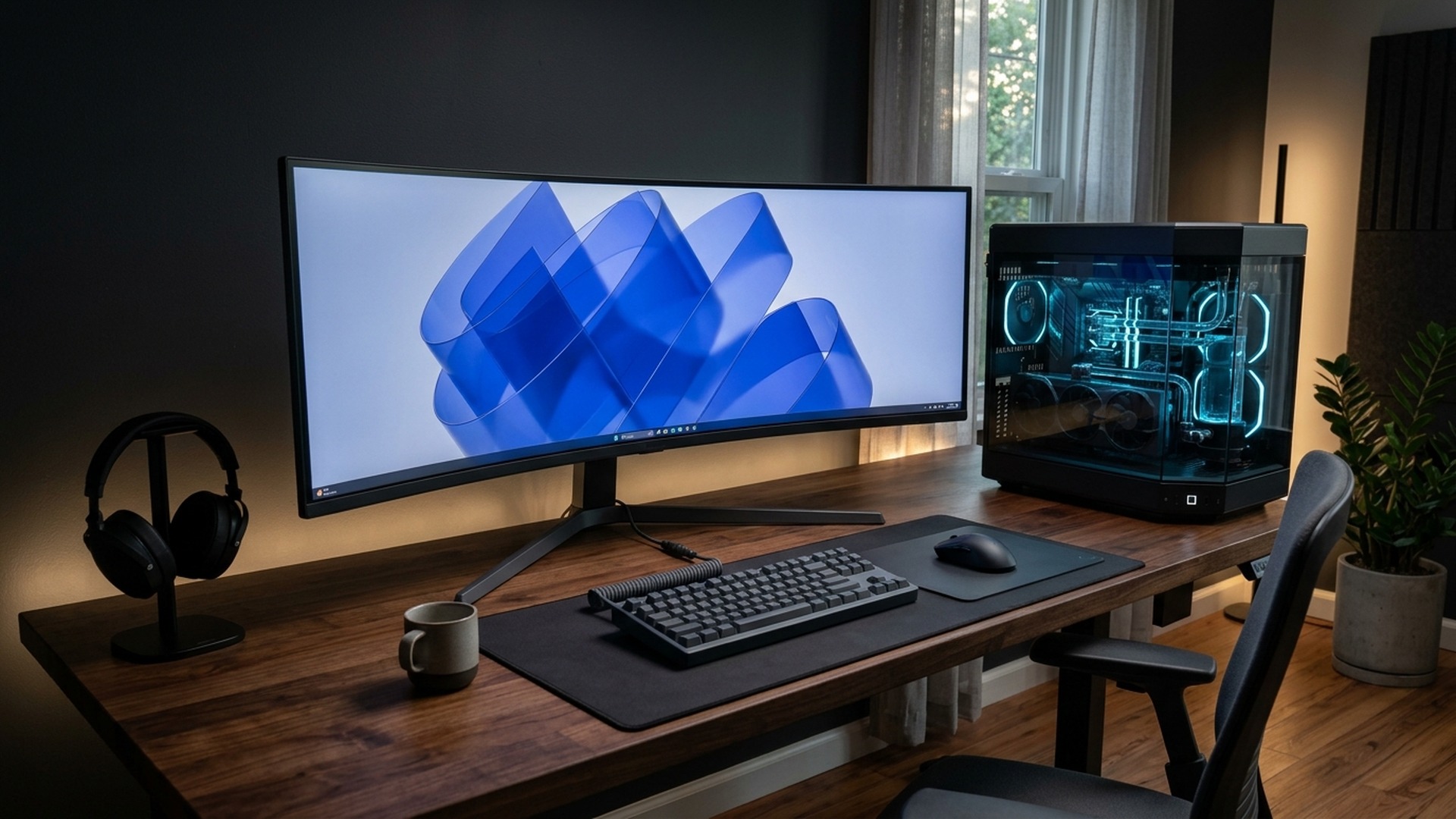
Microsoft’s November 10, 2026 Patch Tuesday shipped KB5131087 (Build 22631.7711) as the final security patch for Windows 11 23H2 Enterprise and Education—meaning every 23H2 gaming rig should now move safely to 24H2 or 25H2.
- Final Build ID: KB5131087 (OS Build 22631.7711) released Tuesday, November 10, 2026.
- Support Nuance: Marks the end of 36-month Enterprise/Education lifecycle (Home & Pro 23H2 already retired Nov 2025).
- Active Upgrade Targets: Windows 11 24H2 and 25H2 received parallel Patch Tuesday builds (such as KB5132061).
- Gaming Risk Check: Unpatched 23H2 builds risk kernel-level anti-cheat incompatibility and security gaps.
Microsoft quietly shut the final chapter on an entire Windows era during November 2026 Patch Tuesday (November 10), rolling out cumulative update KB5131087 (OS Build 22631.7711) as the last official security release for Windows 11 version 23H2 Enterprise and Education editions. With Home and Pro tiers on 23H2 having already left mainstream servicing back in November 2025, any gamer still clinging to a 23H2 partition on university, studio, or custom dual-boot machines needs a clean, zero-stutter path toward optimized Windows 11 24H2 and 25H2 gaming builds.
- What KB5131087 Changes (And the Home vs Enterprise 23H2 Nuance)
- Why Staying on End-of-Support 23H2 Trips Modern PC Anti-Cheat & Drivers
- Windows 11 Version Support & Patch Tuesday Reference Matrix
- 5-Step Zero-Bloat Checklist to Upgrade to Windows 11 24H2 or 25H2
- Checking SSD Firmware & GPU Drivers Before Running Windows Update
- Windows 11 23H2 KB5131087 Upgrade FAQ
What KB5131087 Changes (And the Home vs Enterprise 23H2 Nuance)
Confusion regularly hits social threads on Patch Tuesday because Microsoft staggers Windows feature lifecycles by edition. Windows 11 23H2 Home and Pro reached their 24-month end-of-servicing date back in November 2025, whereas Enterprise and Education editions carried extended 36-month protection all the way through November 10, 2026 via KB5131087.
Meanwhile on the exact same Tuesday, Microsoft pushed active Patch Tuesday builds like KB5132061 out to supported Windows 11 24H2 and 25H2 machines. Once December 2026 Patch Tuesday lands four weeks from now, zero 23H2 SKU on Earth receives browser sandbox patches, privilege-escalation fixes, or Defender kernel updates—leaving remaining holdouts completely exposed.
Why Staying on End-of-Support 23H2 Trips Modern PC Anti-Cheat & Drivers
Casual players often ignore Windows version alerts when frame rates feel acceptable today, yet skipping OS builds eventually crashes headfirst into strict kernel security requirements. Competitive shooters deployed across Steam, Battle.net, and Riot Client constantly validate Windows Secure Boot states, TPM attestation, and signed kernel driver revocation lists.
Missing monthly security rollups beyond November 2026 causes three avoidable gaming headaches within months:
- Anti-Cheat Refusals: Vanguard, Ricochet, BattlEye, and Easy Anti-Cheat periodically elevate minimum supported OS builds, kicking stale builds back to desktop before matchmaking starts—critical if hopping straight into patches like Marvel Rivals Season 11 competitive queues.
- GPU Driver Desync: NVIDIA Game Ready (621.14+) and AMD Adrenalin (26.11.1+) teams optimize shader pipelines, WDDM models, and hardware scheduling specifically around current 24H2/25H2 kernel APIs rather than retired branches.
- Unpatched Web & Mod Vulnerability: Downloading community mods, voice overlays, or browser links on an unpatched OS increases malware exposure sharply.
Windows 11 Version Support & Patch Tuesday Reference Matrix
| Windows 11 Version | November 10, 2026 Patch Status | Recommended Gamer Action |
|---|---|---|
| Windows 11 23H2 (Home & Pro) | Servicing already ended (24-month cycle) | Upgrade immediately to 24H2 or 25H2 |
| Windows 11 23H2 (Enterprise & Edu) | Final security patch KB5131087 (Build 22631.7711) | Migrate lab/campus/dual-boot rigs before Dec 2026 |
| Windows 11 24H2 / 25H2 | Actively patched (Nov 10 KB5132061 rollout) | Recommended daily baseline with full WDDM & anti-cheat support |
| GPU & SSD Stability Check | Adrenalin 26.11.1 & GeForce 621.14+ current | Update chipset & NVMe firmware pre-upgrade |
5-Step Zero-Bloat Checklist to Upgrade to Windows 11 24H2 or 25H2
Follow a structured pre-flight sequence instead of clicking blind pop-ups mid-tournament week so game configs and FPS settings migrate effortlessly:


- 1. Clear 35GB+ NVMe Space & Pause Game Clients: Ensure your OS boot SSD isn’t maxed out near 95% capacity alongside huge installs mapped out in our GTA 6 225GB NVMe planning guide, preventing sluggish pagefile swaps during feature upgrades.
- 2. Refresh Motherboard BIOS, Chipset & GPU Drivers First: Verify AMD chipset drivers and GPU suites—avoiding old storage hiccups documented inside our AMD Radeon Adrenalin SSD troubleshooting report—before kicking off Windows Setup.
- 3. Update Windows via Official Installation Assistant or Settings: Use Settings > Windows Update or Microsoft’s clean Upgrade Assistant rather than sketchy third-party ISO scripts.
- 4. Re-Verify Game Mode & Hardware-Accelerated GPU Scheduling (HAGS): Confirm power plan remains High Performance / Balanced cleanly post-reboot and recheck G-Sync / FreeSync refresh toggles.
- 5. Run Disk Cleanup Safely Post-Week: Keep Windows.old intact for five to seven days while benchmarking favorite titles before reclaiming 20GB via System Cleanup.
Checking SSD Firmware & GPU Drivers Before Running Windows Update
Because 24H2 and 25H2 tighten NVMe power-state transitions and kernel memory integrity (VBS / HVCI) defaults, spending five minutes updating Samsung Magician / WD Dashboard / Crucial Storage Executive NVMe firmware first avoids rare blue screens completely. Combined with the crisp frame latency tips in our RTX 5080 Driver 621.14 showcase guide, migrating off KB5131087 keeps competitive rigs fast, secure, and compatible into 2027.
After the final reboot settles cleanly into 24H2 or 25H2, launch one latency-sensitive multiplayer title inside a private practice lobby and run Windows Update one more time so cumulative .NET patches and Defender intelligence definitions catch up seamlessly. Players running custom audio interfaces or capture cards should also double-check Windows Privacy Microphone toggles before hopping onto Discord stream calls.
Taking twenty calm minutes this week to retire aging 23H2 builds guarantees uninterrupted competitive access through December holidays and avoids urgent forced feature rollouts right in the middle of ranked season placement pushes. Check your current exact build number right now via typing winver inside Start Search: anyone spotting 22631 on an Enterprise, Education, or neglected dual-boot volume has officially reached the November 10 cutoff line and should schedule a clean jump onto 24H2 or 25H2 this weekend. Making that hop proactively locks in modern security shields, reliable kernel anti-cheat handshakes, and peak GPU scheduling responsiveness well into 2027.
Frequently Asked Questions
What is Windows 11 update KB5131087 released in November 2026?
KB5131087 (OS Build 22631.7711) arrived on November 10, 2026 as the final monthly security update for Windows 11 version 23H2 Enterprise and Education editions.
Wait—didn’t Windows 11 23H2 Home and Pro already end support?
Yes. Windows 11 23H2 Home and Pro completed their 24-month lifecycle in November 2025, whereas Enterprise and Education stayed supported for 36 months until November 10, 2026.
Which Windows 11 version should PC gamers upgrade to right now?
Gamers should move onto actively patched Windows 11 24H2 or 25H2 builds (patched Nov 10 via updates like KB5132061) to retain security fixes, GPU optimizations, and anti-cheat support.
Will upgrading from 23H2 delete installed Steam games or saves?
No. An in-place Windows Update upgrade to 24H2 or 25H2 keeps installed games, Steam libraries, and personal files intact when sufficient NVMe free space is available.
Related posts:
 Sunday Pro PC & Mobile Hardware Hacks: How to Unlock 0.1ms Rapid Trigger Strafe Stopping, 1600 DPI Sensor Calibration & Unreal Engine 5 Stutter Fixes in Phantom Blade Zero
 Phantom Blade Zero Kungfupunk Combat & Weapon Tier List: Donnie Yen Action Choreography, Drunken Sword Stance & 720K Steam Concurrency Breakdown
 The Ultimate Windows 11 & PS5 Pro Gaming Optimization Guide: Low Latency Mode, 100GB Shader Cache Fix & Zero 1% Low Stutters
 Hogwarts Legacy NVIDIA DLSS 5 Update: 3D Neural Rendering, RTX 50 Gains & Best PC Settings