
Current Season: Season 6 Rebirth Island & Multiplayer Moshpit | Black Ops 6 Synergy: Omnimovement touch update rolling out |
Verdansk 2026 Overhaul: Slated for early 2026 cross-progression reset | Platforms: iOS & Android
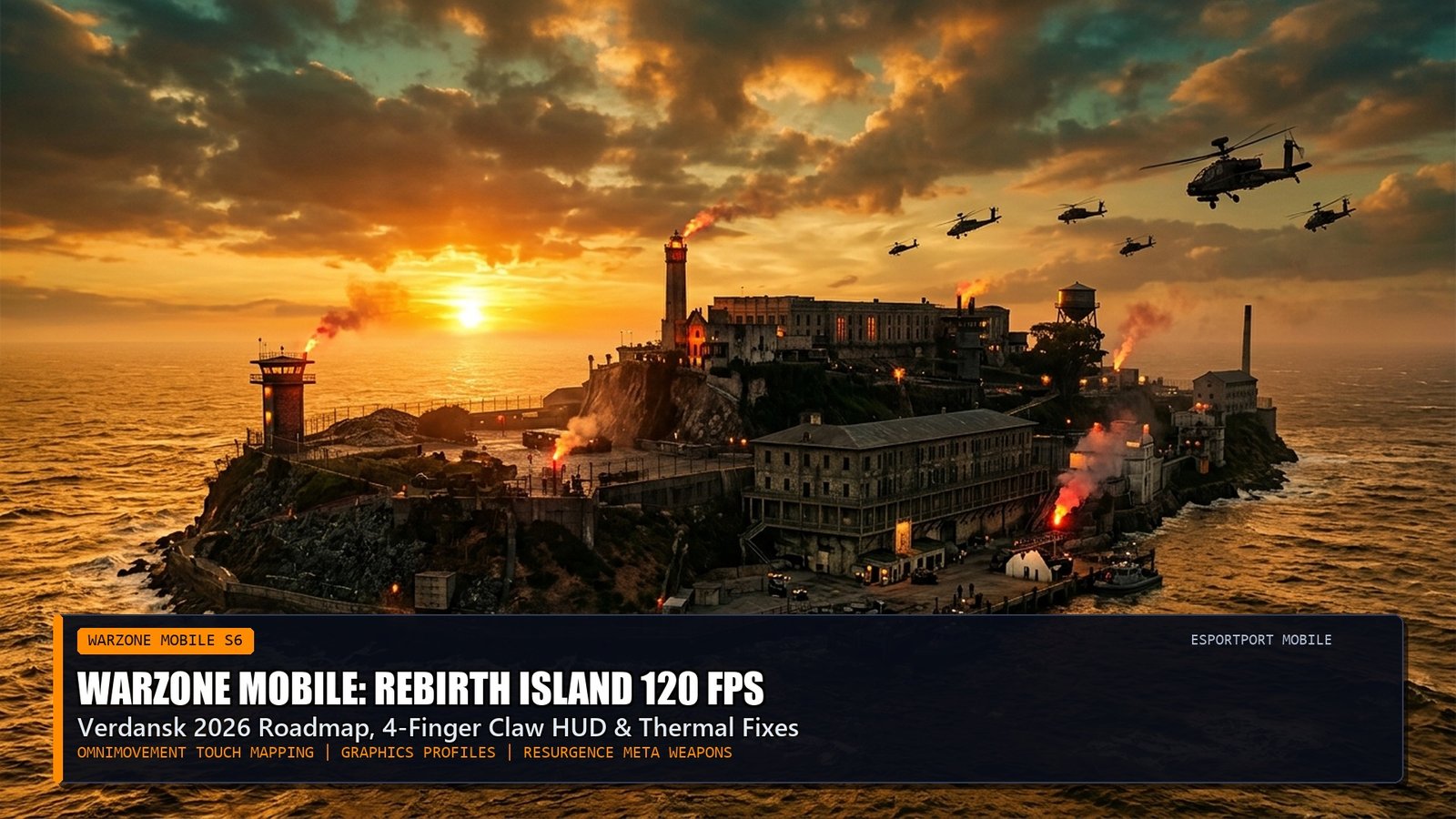
Activision’s Call of Duty: Warzone Mobile has entered a critical new competitive era. Following months of aggressive engine optimizations, shader compilation fixes, and touch digitizer latency reductions, Season 6 brings the frantic pacing of Rebirth Island to handheld devices with true 120 FPS fidelity. As players celebrate the launch of Black Ops 6 on console and PC, Warzone Mobile bridges the franchise through unified cross-progression, shared weapon leveling, and the touch-screen adaptation of 360-degree Omnimovement.
For mobile battle royale warriors competing on smartphones and tablets, overcoming thermal throttling while fine-tuning 4-finger claw HUD layouts is essential. Below, EsportPort’s mobile FPS laboratory provides the definitive 120 FPS graphics profile, Rebirth weapon meta TTK data, and a custom HUD touch-mapping configuration.
1. Rebirth Island Close-Quarters Weapon Meta (Season 6 TTK)
Due to fast respawn timers and tight stairwell gunfights in Prison Block and Living Quarters, Submachine Guns with sub-225ms TTKs dominate the island meta:
2. 4-Finger Claw HUD Configuration & 120 FPS Display Tuning
To execute rapid slide-cancel corners without sacrificing tracking aim, separate movement, aiming, jumping, and firing across 4 distinct touch zones:
Pro Performance Tip: Shader Streaming Cache
Before queueing for Rebirth Island, spend 5 minutes in a Multiplayer Moshpit lobby. This forces the game to download and pre-cache high-resolution textures directly to your phone’s storage, completely eliminating mid-match frame freezes during battle royale drops.
Battery Alert: “Peak” Graphics Thermal Cut-Off
Do not select the “Peak” graphics preset unless your smartphone is mounted to a powered thermoelectric semiconductor cooler. “Peak” forces native rendering resolution, heating modern silicon past 45°C within 12 minutes and slashing frame rates in half.
3. Related Mobile FPS & Call of Duty Coverage
Check out our console and PC launch analysis on Call of Duty: Black Ops 6 Launch Weekend Meta & Zombies Guide, or explore mobile battle royale settings in our BGMI 3.5 120 FPS Zero Recoil Guide.
Frequently Asked Questions (FAQ)
Does Warzone Mobile support physical controllers?
Yes. Full Bluetooth and USB-C controller support is native, including official PlayStation DualSense, Xbox Wireless, and mobile controller grips like the Backbone One and Razer Kishi V2.
Will my Black Ops 6 weapons carry over to Warzone Mobile?
Yes. Activision’s unified Call of Duty engine connects Warzone Mobile to Black Ops 6, granting shared weapon unlocks, Battle Pass progression, and purchased store bundles.
How do you unlock 120 FPS on Warzone Mobile?
Navigate to Settings -> Graphics -> Frame Rate. If your smartphone has a 120Hz display and supported flagship chip (Snapdragon 8 Gen 2/3, Apple A17/A18 Pro), select “Uncapped”.
Why does Warzone Mobile consume so much storage space?
Warzone Mobile dynamically streams high-definition texture assets during gameplay, caching up to 10GB of map geometry and operator models to deliver console-grade visuals.
Is Verdansk coming back to Warzone Mobile?
Verdansk is already featured in Warzone Mobile’s 120-player Battle Royale playlist, with an updated 2026 visual remaster planned alongside Black Ops 6 Season 1 integration.
Related posts:
 Black Ops 6 Zombies Complete Guide: Terminus & Liberty Falls Pack-a-Punch, Wonder Weapons & Main Quests
 Black Ops 6 Ranked Play Ready Guide: Best SMG & AR Class Setups, Hardpoint Rotation Routes & Spawn Flip Control Hacks
 Warzone BO6 Integration Guide: Omnimovement Gunfights, Area 99 Resurgence Meta & Verdansk 2026 Return Roadmap
 Brawl Stars & Clash Royale October 2026 Balance Changes: Kenji & Moe Hypercharge Nerfs, Goblin Queen Journey Meta