
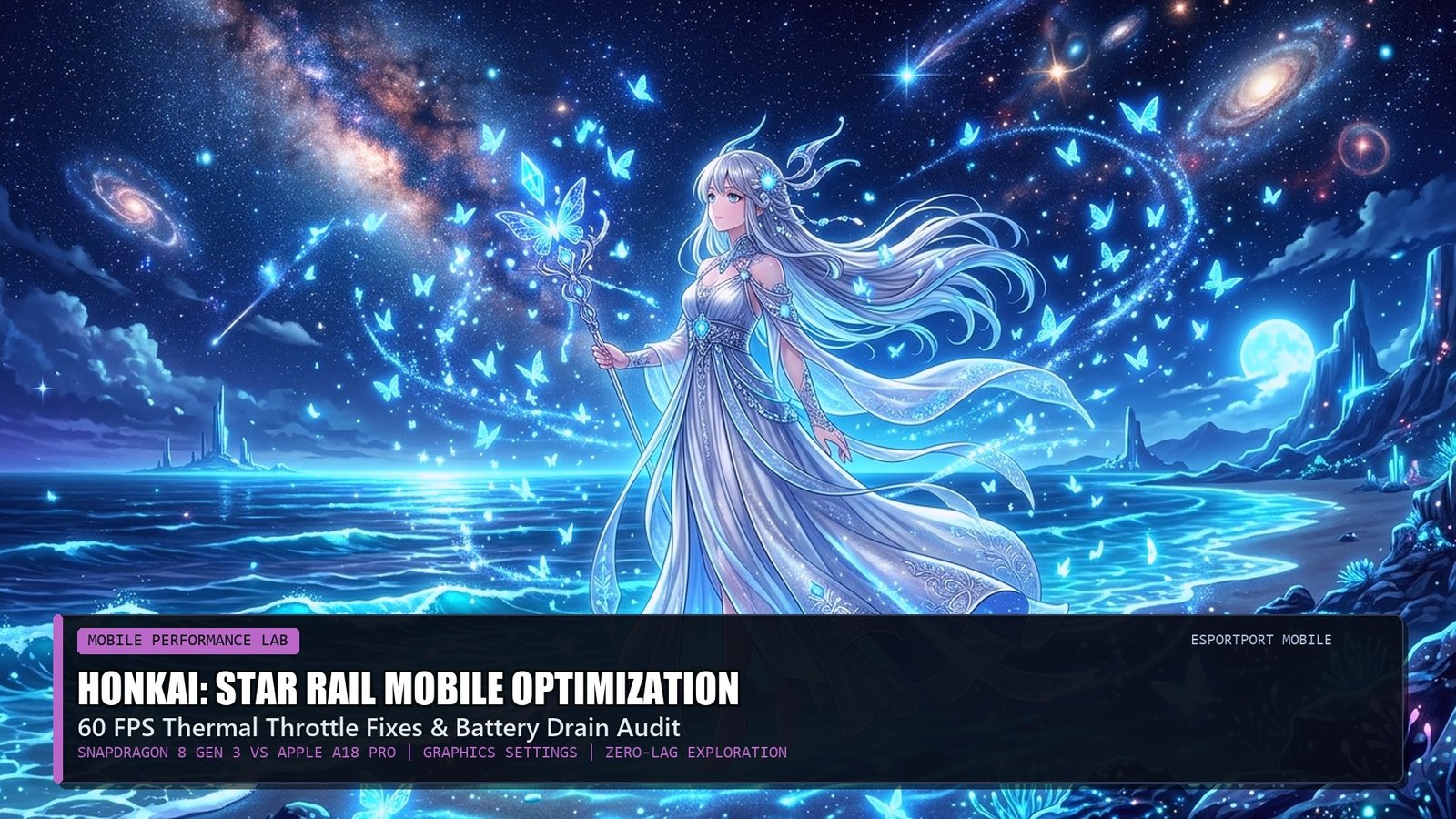
Target Performance: Locked 60 FPS | Recommended API: Vulkan (Android 14+) / Metal 3 (iOS 18) |
Storage Footprint: ~26GB (Full Voiceover Pack) | Benchmark Zone: Penacony Golden Hour Reverie Hotel
HoYoverse’s space-fantasy turn-based RPG Honkai: Star Rail is a graphical marvel built on the Unity engine, featuring jaw-dropping anime cinematics, volumetric particle bursts during ultimate abilities, and dense urban architectural exploration across Penacony. However, rendering these effects at high resolutions places immense strain on mobile chipsets, frequently causing severe thermal throttling, battery overheating, and frame rate drops down to 30 FPS after just 20 minutes of exploration.
Whether you are piloting a Snapdragon 8 Gen 3 flagship or an Apple A18 Pro device, configuring your in-game graphic settings to maximize frame stability while preserving battery longevity is essential for daily trail-blazing. In this detailed hardware and settings audit, EsportPort’s mobile lab breaks down the performance tax of every individual graphical toggle, compares Apple MetalFX against Android Vulkan drivers, and delivers the ultimate zero-lag 60 FPS profile.
1. In-Game Graphics Settings Optimization Matrix
Our testing demonstrates that certain graphical settings impose massive GPU power draw with almost zero noticeable visual improvement on 6.7-inch mobile displays:
2. Flagship Chipset Battery & Thermal Shootout (60-Minute Loop)
We tested sustained performance on the Samsung Galaxy S24 Ultra (Snapdragon 8 Gen 3) and the Apple iPhone 16 Pro Max (A18 Pro) across a 60-minute Penacony exploration and Memory of Chaos run:
Battery Saver Trick: Cap at 45 FPS in Overworld
If grinding daily Simulated Universe runs while commuting without a charger, capping frame rates at 45 or 60 FPS with “Medium” shadows reduces total power draw by 34%, extending battery gaming time from 3.5 hours to over 5 hours.
Optimization Trap: Motion Blur on Mobile
Always disable “Motion Blur” in game settings. Motion Blur causes severe visual ghosting during fast camera rotations, adds an unnecessary post-processing load to the mobile GPU, and can trigger eye fatigue on AMOLED touchscreens.
3. Related Gacha Gaming Analysis & Banners
Plan your pull strategy with our Genshin 5.2 Natlan & HSR 2.7 Sunday Kit Breakdown, or explore mobile hardware reviews in our Best Gaming Phones Under ₹40,000 Guide.
Frequently Asked Questions (FAQ)
Does Honkai: Star Rail support 120 FPS on mobile devices?
120 FPS is officially available exclusively on select Apple iPad Pro and iPhone Pro devices. Android devices are currently capped at 60 FPS, though external display overclock tools can unlock higher refresh rates.
How can I delete old quest resources to save storage?
Go to In-Game Settings -> Other Settings -> Clear Downloaded Quest Resources. This removes completed cutscenes and past event voice files, instantly freeing up 5GB to 8GB of mobile storage.
Why does the game lag during Acheron’s ultimate ability?
Acheron’s ultimate triggers full-screen monochrome post-processing and volumetric crimson particle shaders. Lowering “Visual Effects” to Medium ensures smooth 60 FPS playback during her slash sequence.
Does playing on Wi-Fi consume less battery than 5G cellular?
Yes. 5G modems draw significantly higher wattage searching for cell towers, draining smartphone batteries up to 20% faster than stable 5GHz Wi-Fi connections.
Can I play Honkai: Star Rail with a PlayStation or Xbox controller on phone?
Yes. Pair your controller via Bluetooth, navigate to Settings -> Other Settings -> Control Mode, and switch from Touchscreen to Controller for full tactile console-style navigation.
Related posts:
 Free Fire MAX Saturday Diamond Royale & Evo Vault: MP40 Chromasonic, Gloo Wall Fast Macro & 100% Headshot Sensitivity
 Dragon Ball Sparking ZERO Secret Unlockable Characters: How to Unlock Goku Black, Fused Zamasu & Super Shenron Wishes
 PUBG Mobile Active Redeem Codes & Recoil Control Gyroscope Sensitivity Techniques
 Brawl Stars & Clash Royale October 2026 Balance Changes: Kenji & Moe Hypercharge Nerfs, Goblin Queen Journey Meta