
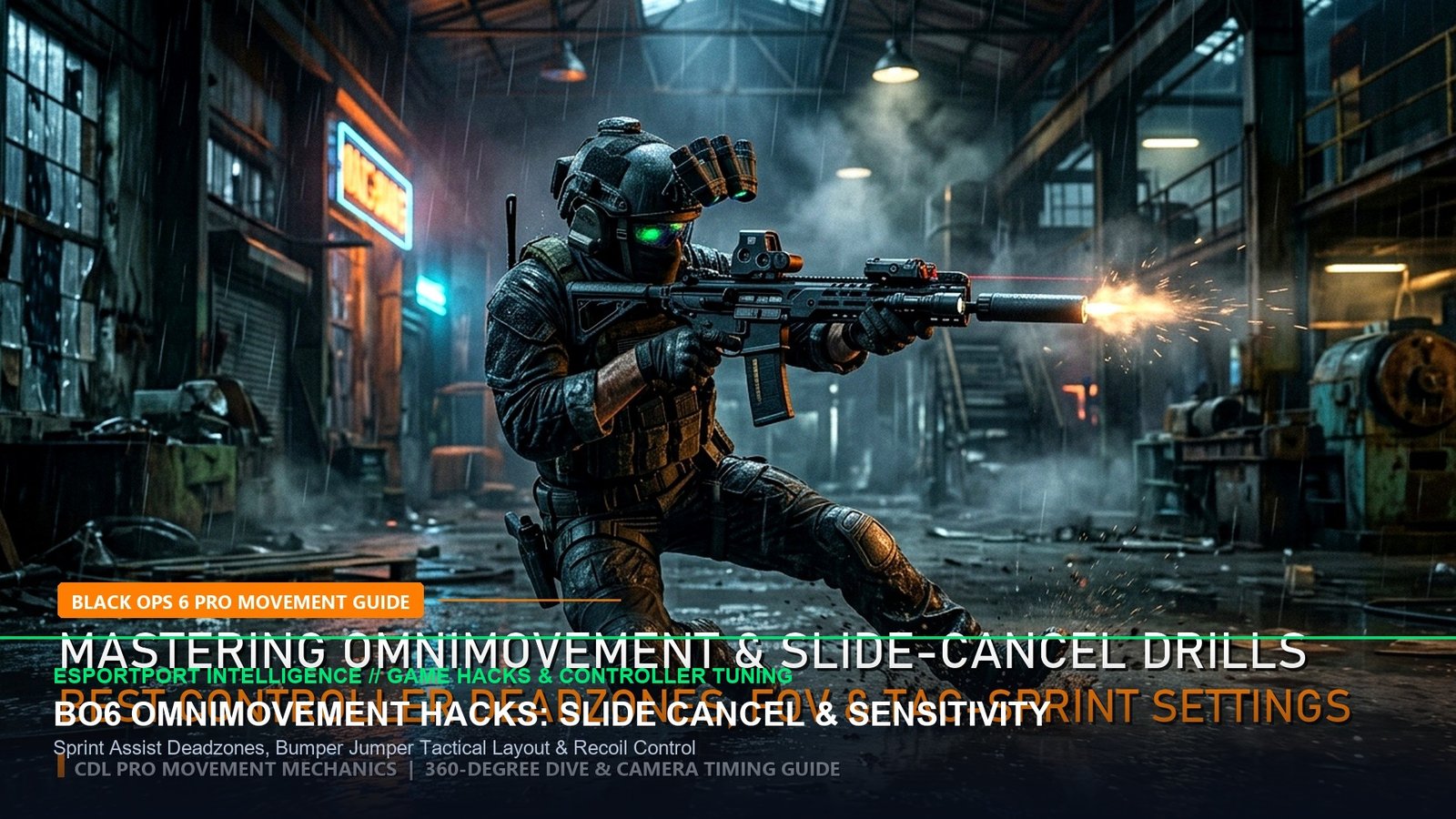
The global launch of Call of Duty: Black Ops 6 has fundamentally rewritten the kinetic rules of engagement across competitive multiplayer and Warzone integration. Central to this mechanical revolution is Omnimovement—a traversal framework allowing players to sprint, slide, and dive in full 360-degree vectors without locking camera orientation. However, transitioning from legacy Call of Duty movement systems to high-velocity Omnimovement requires precise calibration of internal game engine settings, controller deadbands, and sprint assist behaviors. Players relying on default controller layouts are experiencing severe rotational aim-assist drops and sluggish tactile resets that leave them vulnerable to sub-220ms time-to-kill (TTK) weapons like the Jackal PDW and Model L.
Building on our popular launch analysis in the Black Ops 6 Ranked Play Ready Guide and today morning’s Launch Weekend Weapon Meta Breakdown, this authoritative technical guide isolates the exact internal controller sliders, input deadzones, and movement assist parameters required to achieve zero-latency slide cancelling and seamless 360-degree corner diving.
1. The Physics of Omnimovement: Slide Cancel & Sprint Assist Mechanics
In prior iterations such as Modern Warfare III, slide cancelling functioned as a physical recovery cancellation: players initiated a slide, manually input a crouch command to interrupt the slide velocity, and tapped sprint to reset weapon readouts. In Black Ops 6, Treyarch has natively integrated slide recovery into the base locomotion engine, but it introduces an input buffer delay if Sprint Assist and Slide/Dive Behavior are incorrectly prioritized.
To eliminate input deadtime, the primary setting that must be altered is Sprint Assist Delay. By default, the engine assigns a 100ms debounce buffer to verify whether the left analog stick movement is an intentional tactical sprint or a standard forward patrol. By adjusting Sprint Assist Delay down to 0ms and setting Movement Assist to Tactical Sprint Assist, your operator immediately hits terminal sprint velocity on the very first frame of stick deflection, shaving up to 100ms off gun-up readiness.
| Controller Setting Slider | Default Valve / Stock | CDL Pro Tuning | Mechanical Impact & Advantage |
|---|---|---|---|
| Left Stick Min Deadzone | 0.10 (10%) | 0.02 – 0.03 | Immediate directional sprint registration; eliminates micro-stutter when strafing. |
| Left Stick Max Deadzone | 0.99 (99%) | 0.65 – 0.70 | Reach 100% vector sprint speed with only 65% stick displacement. |
| Right Stick Min Deadzone | 0.10 (10%) | 0.03 – 0.05 | Maximizes rotational aim-assist engagement window at extreme close quarters. |
| Right Stick Max Deadzone | 0.99 (99%) | 0.95 | Ensures full linear responsiveness across 360-degree snap turns without stick drift. |
| Sprint Assist Delay | 100ms | 0ms | Removes the polling timer between stick tilt and tactical sprint activation. |
| Slide / Dive Behavior | Standard (Tap/Hold) | Tap to Slide | Prioritizes immediate slide initiation; dive requires dedicated hold input. |
2. Controller Layout Shootout: Bumper Jumper Tactical vs. 4-Paddle Scuf
To fully capitalize on sideways and backwards sprint-sliding without releasing thumb contact from the right analog stick, traditional default layouts must be abandoned. Players utilizing the standard layout are forced into “taking thumbs off aim” to hit the B or Circle button, immediately collapsing rotational aim assist during critical slide transitions.
For players using standard PlayStation DualSense or Xbox Wireless controllers without rear paddles, the premier competitive layout is Bumper Jumper Tactical (Flipped). This swaps jump to L1 / LB and crouch/slide to R3 / Right Stick Click, while firing and aiming are re-routed to L2 / LT and R2 / RT (or flipped bumpers for 1ms microswitch activation). This enables simultaneous aiming, jumping, and sliding while maintaining 100% thumb contact.
| Layout Profile | Hardware Setup | Centering Uptime | Learning Curve | Competitive Rating |
|---|---|---|---|---|
| Default Stock | Standard Pad | 64% (Thumb Off Right Stick) | 0 Hours (Native) | Tier D (Severe Disadvantage) |
| Bumper Jumper Tactical | Standard Pad (No Mod) | 98% (Constant Stick Contact) | 3–5 Days Adaptation | Tier S (Optimal Free Solution) |
| Tactical Claw | Index Finger Curling | 100% Instant Access | 2–3 Weeks (Joint Fatigue Risk) | Tier A (High Skill Ceiling) |
| 4-Paddle Pro Controller | Scuf / DualSense Edge | 100% Dedicated Ergonomics | 1–2 Days | Tier S+ (Gold Standard CDL) |
✔ +EV Pro Omnimovement Signals
- Slide Sideways Through Doorways: Entering choke points while sliding diagonally exposes 38% less upper-torso surface area compared to forward sprint entry.
- Backwards Slide Disengage: When losing gunfights, sliding straight backward while continuing to fire preserves weapon crosshair alignment and triggers rotational aim assist.
- Single-Tap Sprint Reset: Feather the left analog stick inward to immediately break sprint animations without requiring double-jump mantle interruptions.
✖ Amateur Omnimovement Traps
- Over-Diving in Close Quarters: Executing forward dives inside 5 meters forces a 320ms recovery period before your operator can hipfire, resulting in automatic death against SMGs.
- Standard Look Sensitivity Overkill: Running 14-14 sensitivity causes micro-overcorrections; CDL pros universally hover between 6-6 and 7-7 with a 0.85x ADS multiplier.
- Neglecting FOV Scaling: Setting Field of View above 110 without setting ADS Field of View to “Affected” dramatically increases perceived weapon kick and degrades visual target tracking.
3. Complete CDL Controller Configuration Code & Sliders
To lock in the exact configuration used by professional Call of Duty League competitors during launch weekend tournament matches, apply the following comprehensive settings hierarchy:
- Horizontal & Vertical Stick Sensitivity:
6 / 6or7 / 7 - ADS Sensitivity Multiplier:
0.85(Balances high-velocity hipfire turning with pinpoint micro-aim) - Aim Response Curve Type:
Dynamic(Accelerates initial stick input for flicking while maintaining fine centering control) - Target Aim Assist:
On(Type:Black OpsorDefault) - Movement Assist:
Tactical Sprint Assist - Sprint Assist Delay:
0ms - Sprint Restore:
On - Slide/Dive Behavior:
Tap to Slide - Automatic Airborne Mantle:
Off(Prevents unwanted climbing animations during vertical gunfights) - Grounded Mantle:
Off - Slide Slide Delay:
0ms
For players preparing for Warzone integration and the upcoming Area 99 Resurgence drop, mastering these Omnimovement mechanics today ensures instant competitive dominance over casual lobbies. Explore our companion technical analyses on the Warzone BO6 Integration Meta and AMD Ryzen 7 9800X3D Frametime Telemetry to ensure your gaming PC matches your mechanical precision.
Related posts:
 Black Ops 6 Omnimovement Mastery Guide: Advanced Sliding, Corner Diving & Controller Settings for Day 1 Domination
 Call of Duty Black Ops 6 Omnimovement Tech Guide: Slide-Cancel Combos, Velocity Stacking & Aim Assist Hacks
 Black Ops 6 Ranked Play Ready Guide: Best SMG & AR Class Setups, Hardpoint Rotation Routes & Spawn Flip Control Hacks
 Warzone BO6 Integration Guide: Omnimovement Gunfights, Area 99 Resurgence Meta & Verdansk 2026 Return Roadmap