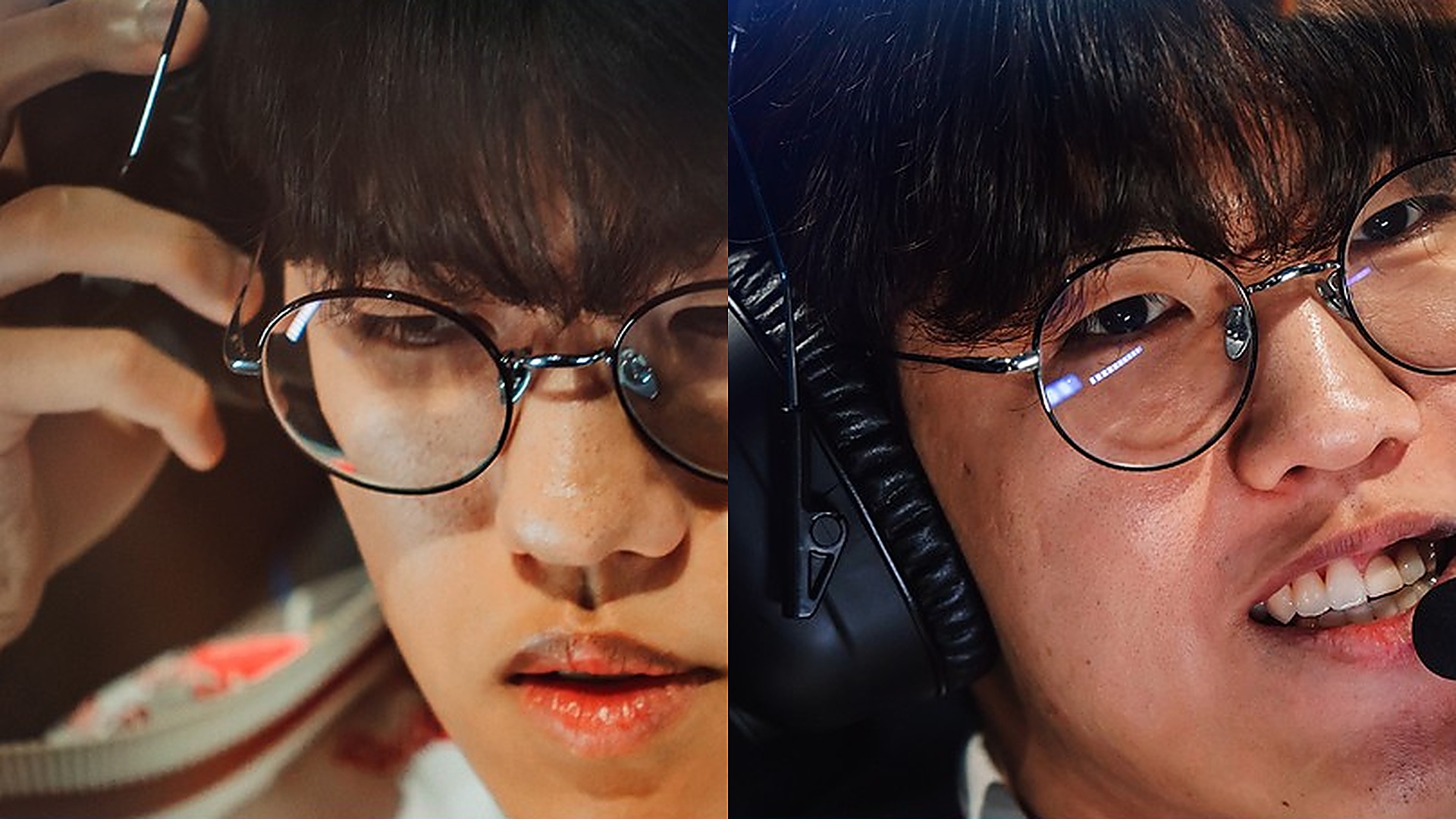
Executing frame-perfect F-key camera sweeps at 400 APM, dodging skillshots on 1ms ping, and landing pixel-perfect Baron smites require hardware engineered for zero input latency. In the final installment of our 3-day T1 feature series (following our T1 vs. BLG Semifinals Autopsy, T1 Financial Empire Dossier, and T1 Best Players & Macro Tactics Guide), this complete T1 pro player PC specs Faker mouse DPI settings reference reveals the exact machine configurations, Razer peripherals, Samsung Odyssey OLED monitors, and in-game League of Legends HUD/keybind settings used by Faker, Gumayusi, Oner, and Keria in 2026.
1. T1 Headquarters & Scrim Room PC Machine Configuration (2026 Hardware Specs)
Inside T1’s Gangnam headquarters in Seoul and the flagship T1 Base Camp training rooms, every workstation is standardized to eliminate 1% low framerate micro-stutters during late-game 5v5 Baron and Elder Dragon teamfights. Leveraging AMD’s 3D V-Cache architecture (which we benchmarked in our AMD Ryzen 7 9800X3D Gaming Benchmark Dossier), here is the official T1 pro scrimmage machine configuration:
| Hardware Component | T1 HQ Scrim Workstation Specification | Competitive Latency & FPS Purpose |
|---|---|---|
| Processor (CPU) | AMD Ryzen 7 9800X3D / 7800X3D (96MB L3 3D V-Cache) | Locks 1% low framerates above 240 FPS in late-game 5v5 teamfights |
| Graphics Card (GPU) | NVIDIA GeForce RTX 4080 Super / RTX 4090 (NVIDIA Reflex On) | Sub-2ms render queue latency & simultaneous OBS 1080p60 streaming |
| Primary Display Monitor | Samsung Odyssey OLED G6 (G60SD) 27″ 360Hz (0.03ms GtG) | Instantaneous 0.03ms OLED pixel response with zero motion blur |
| System Memory & Storage | 64GB DDR5-6000 CL30 + Samsung 990 PRO 2TB PCIe 4.0 NVMe | Instant client loading & zero background frame hitching |
| Ergonomic Chair | Secretlab TITAN Evo T1 / Faker Worlds Edition | 4D armrests aligned flush with desk surface for wrist pivot stability |
2. T1 Starting Roster Peripherals, Mouse DPI & In-Game Sensitivity Table
A crucial insight in our T1 pro player PC specs Faker mouse DPI settings breakdown is how Korean pros configure high hardware DPI (`1600` to `3500` DPI) paired with lower in-game League of Legends mouse speed (`35` to `50`) to maximize optical sensor sub-pixel accuracy without cursor skipping:

| T1 Player | Gaming Mouse | DPI & Polling Rate | In-Game Speed / Camera | Keyboard & Headset |
|---|---|---|---|---|
| Faker (Mid) | Razer DeathAdder V3 Pro Faker Edition / Viper V3 Pro | 1600 DPI (4000Hz) | 50 Mouse / 55 Camera | Razer Huntsman V3 Pro TKL / BlackShark V2 Pro |
| Gumayusi (ADC) | Logitech G PRO X Superlight 2 / Razer Viper V3 Pro | 1600 DPI (2000Hz) | 45 Mouse / 50 Camera (Attack Move on A) | Razer Huntsman V3 Pro / BlackShark V2 Pro |
| Keria (Support) | Razer Viper V3 Pro Ultra-Lightweight | 1800 DPI (4000Hz) | 40 Mouse / 50 Camera | Razer Huntsman V3 Pro Mini / BlackShark V2 Pro |
| Oner (Jungle) | Razer DeathAdder V3 Pro Wireless | 1600 DPI (2000Hz) | 50 Mouse / 50 Camera (F1–F4 Ally Cam) | Razer Huntsman V3 Pro TKL / BlackShark V2 Pro |
3. Faker’s Exact In-Game League of Legends Keybinds, F-Keys & Video Settings
- F-Key Ally Camera Cycling: Rebinds F1, F2, F3, F4 directly to Top, Jungle, ADC, and Support (removing Self-Select from F1 since Spacebar already centers camera on Link/Faker), cycling through all four teammates up to 40 times per minute during laning phase.
- Quick Cast Without Indicator: Enabled across Q, W, E, R, D (Flash), and F (Teleport/Ignite), with Normal Cast bound to Shift + Q/W/E/R for checking max-range Orianna Command: Attack or Viktor Death Ray vectors.
- HUD Scale & Framerate Cap: HUD Scale set to 0 (Minimum) to maximize screen visibility, Minimap Scale set to 50–65, Colorblind Mode Enabled (gold health bar), and Framerate Cap locked at 240 FPS (matching tournament stage refresh rates without GPU thermal spikes).
4. Complete T1 Pro League of Legends Video, Audio & PersistedSettings.json Config
Beyond physical hardware, every T1 starter customizes their in-game `PersistedSettings.json` configuration file to eliminate visual clutter during high-particle 5v5 teamfights. Even though T1’s workstations pack NVIDIA GeForce RTX 4090 and RTX 4080 Super GPUs capable of running over 600 FPS on Ultra settings, Faker, Gumayusi, Oner, and Keria intentionally tune specific graphics parameters down to Medium or Low so enemy skillshot hitboxes (such as Ashe’s Enchanted Crystal Arrow, Morgana’s Dark Binding, or Blitzcrank’s Rocket Grab) stand out starkly against the Summoner’s Rift terrain.
| In-Game Client Parameter | Faker & Gumayusi Setting | Oner & Keria Setting | Competitive Visibility Advantage |
|---|---|---|---|
| Resolution & Window Mode | 1920×1080 Fullscreen (16:9) | 1920×1080 Fullscreen (16:9) | Bypasses Windows DWM composition for lowest input lag |
| Character Quality & Inking | High (Character Inking: ON) | High (Character Inking: ON) | Draws a crisp black outline around champion models for target clicks |
| Effects Quality | Medium – High | Medium | Preserves outer ring indicators on AoE spells without smoke bloom |
| Environment Quality & Shadows | Low (Shadows: OFF) | Low (Shadows: OFF) | Eliminates distracting ground shadows that mimic Zed/Kayn clones |
| Anti-Aliasing & V-Sync | Anti-Aliasing ON / V-Sync OFF | Anti-Aliasing ON / V-Sync OFF | Zero vertical sync buffer delay; capped at 240 FPS in client |
| Attack Move on Cursor & Target Champions Only | Enabled (A Key + Tilde ` Toggle) | Enabled (A Key + C / Tilde Toggle) | Prevents accidental minion or tower auto-attacks during dives |
5. Razer Huntsman V3 Pro Analog Optical Switches & Actuation Point Tuning
On the keyboard front, T1’s partnership with Razer equips the roster with the Razer Huntsman V3 Pro TKL featuring Gen-2 Analog Optical Switches. Through Razer Synapse, T1 players customize per-key actuation distances: movement, Flash (D/F), and core combat spells (Q, W, E) are tuned to an ultra-shallow 1.0mm to 1.2mm actuation point for instantaneous response, while high-cooldown ultimate abilities (R) and Teleport are set slightly deeper at 1.5mm to 1.8mm to prevent accidental fat-finger presses during tense Baron pit standoffs. Paired with 4000Hz HyperPolling wireless receivers positioned within 15 centimeters of the mousepad edge using braided desk extenders, T1’s peripheral chain achieves sub-millisecond click-to-photon responsiveness.
6. T1 OS-Level Windows 11 & Network Latency Optimization Checklist
To replicate T1’s stage responsiveness at home, T1 system engineers apply five mandatory Windows 11 optimizations across every scrimmage PC. First, Windows Pointer Precision (mouse acceleration) is disabled with the slider locked at 6/11 so muscle memory remains 1:1 across 1600 DPI profiles. Second, Hardware-Accelerated GPU Scheduling (HAGS) and Game Mode are enabled while Xbox Game Bar background recording is completely disabled in Registry. Third, network adapters are configured with Interrupt Moderation disabled and Receive/Transmit Buffers maximized on dedicated fiber lines, ensuring zero packet jitter on the Seoul 1ms Riot Direct server backbone.
Frequently Asked Questions: T1 Pro Gear & Faker Settings
1. What mouse and DPI does T1 Faker use in 2026?
Faker uses the Razer DeathAdder V3 Pro Faker Edition (and Razer Viper V3 Pro) set to 1600 DPI with an in-game League of Legends mouse speed of 50 and Windows pointer speed at 6/11 (Enhance Pointer Precision off).
2. What monitor do T1 players use for training?
T1 players train on Samsung Odyssey OLED G6 (27-inch, 360Hz, 0.03ms GtG response time) gaming monitors at T1 headquarters in Seoul.
Suggested Related T1 & Pro Hardware Articles on EsportPort
- LoL Worlds 2026 Grand Final (BLG vs. Gen.G): Complete Schedule, Points Table & $5M Prize Pool
- T1 vs. BLG LoL Worlds 2026 Semifinal Breakdown: Game 1–4 Analysis & Faker’s Reaction
- Inside T1’s Financial Empire (2026): Faker’s Net Worth, Player Salaries & Sponsorships
- AMD Ryzen 7 9800X3D Global Gaming Benchmarks: 2nd-Gen 3D V-Cache FPS Records
Related posts:
 T1 Best Players Ranked, Championship Macro Tactics & VALORANT VCT Roster Guide: Inside the T1 Esports Dynasty
 LoL Worlds 2026 Knockout Stage Schedule & Swiss Final Scorecard: Dplus KIA vs BLG, Karmine Corp vs T1, Gen.G vs LYON & Bo5 Fearless Draft Guide
 LoL Worlds 2026 Knockout Quarterfinals Tactical Dossier: Fearless Draft Meta, Bracket Odds & Champion Depth
 T1 vs. Bilibili Gaming (BLG) LoL Worlds 2026 Semifinal Breakdown: Why T1’s Four-Peat Dynasty Ended in a 3-1 Upset & Faker’s Reaction