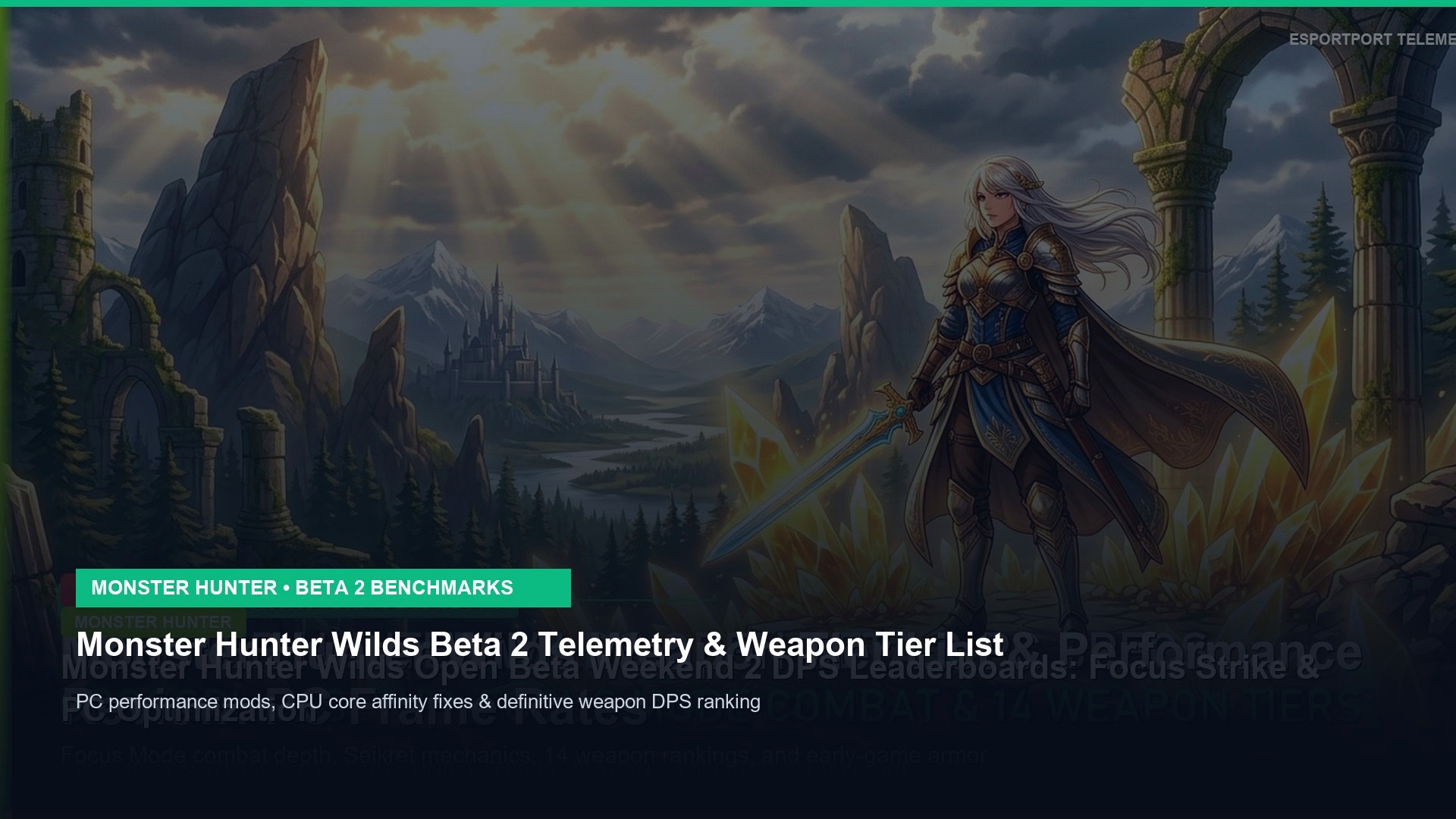
Capcom’s highly anticipated action-RPG masterpiece, Monster Hunter Wilds, is preparing for its global multi-platform launch, and PC hardware enthusiasts are dissecting updated system requirements, shader compilation protocols, and performance telemetry following the recent open beta benchmarks. Powered by an upgraded iteration of Capcom’s proprietary RE Engine, Monster Hunter Wilds introduces sprawling seamless environments in the Windward Plains, dynamic seasonal weather transitions, and massive herds of apex predators interacting simultaneously. Building upon our hardware buying guide in best 240Hz OLED monitors and PC peripherals, optimizing graphics settings and mitigating CPU bottlenecks is vital to achieve silky-smooth 60+ FPS hunting performance.
The open beta demonstrated that Monster Hunter Wilds is one of the most computationally demanding PC releases of the generation. Unlike Monster Hunter World or Rise, Wilds features zero loading screens between base camps and the wild expanse, demanding immense high-speed memory streaming and multi-threaded CPU horsepower. By fine-tuning upscaling parameters with Nvidia DLSS 3.7, AMD FSR 3.1, and Frame Generation technologies, PC gamers can eliminate frame pacing stutters and maximize visual fidelity.

PC Hardware System Requirements Breakdown
Capcom’s finalized PC system requirements establish a clear baseline for 1080p, 1440p, and 4K resolution targets. Notably, the minimum specifications mandate an NVMe Solid-State Drive (SSD) with direct storage capabilities; running the game on a mechanical hard drive causes severe asset pop-in, audio desynchronization, and prolonged loading freezes during fast monster transitions.
| Hardware Tier Target | Target Resolution & FPS | Recommended Processor (CPU) | Recommended Graphics (GPU) | System Memory & Storage |
|---|---|---|---|---|
| Minimum (Lowest Preset) | 1080p @ 30 FPS (Upscaled) | Intel Core i5-10600 / Ryzen 5 3600 | Nvidia GTX 1660 Super / Radeon RX 5600 XT | 16GB RAM / 140GB SSD (DirectStorage) |
| Recommended (Medium) | 1080p @ 60 FPS (FSR/DLSS) | Intel Core i5-11600K / Ryzen 5 5600X | Nvidia RTX 2070 Super / Radeon RX 6700 XT | 16GB DDR4 / 140GB NVMe SSD |
| Enthusiast (High 1440p) | 1440p @ 60 – 90 FPS (DLSS Quality) | Intel Core i7-13700K / Ryzen 7 7700X | Nvidia RTX 4070 Super / Radeon RX 7800 XT | 32GB DDR5 / High-Speed Gen4 NVMe |
| Ultra 4K Apex Tier | 4K @ 90 – 120 FPS (Frame Gen) | AMD Ryzen 7 7800X3D / Core i9-14900K | Nvidia RTX 4080 Super / RTX 4090 | 32GB DDR5 / PCIe Gen5 NVMe SSD |
Mitigating CPU Bottlenecks: Physics, Herds, and Weather Systems
Beta testing confirmed that Monster Hunter Wilds is heavily CPU-bound in large monster battle zones. When complex Sandtide electrical storms trigger across the Windward Plains and multiple Balahara leviathans collide with apex Doshaguma packs, CPU frame times can spike significantly on processors with fewer than eight physical performance cores.
To relieve CPU strain, adjust in-game Simulation Quality and Foliage Physics from ‘High’ to ‘Medium’. This keeps monster AI and fur physics active on primary targets while reducing complex environmental wind calculations across distant vegetation, reclaiming up to 15% in CPU frame pacing consistency.
Optimal In-Game Visual Settings for Smooth 60+ FPS
To achieve the sweet spot between jaw-dropping visuals and locked performance, configure the following settings in Capcom’s graphics menu:
- Upscaling Technology: Set to DLSS on Nvidia RTX GPUs, or XeSS / FSR 3.1 on AMD and Intel cards. Setting DLSS to ‘Quality’ mode yields image reconstruction that looks sharper than native 1440p while boosting frame rates by 35%.
- Frame Generation: Enable Frame Generation on compatible RTX 40-series and FSR 3 supported cards. Frame Gen virtually doubles perceived smoothness, making fast evasive maneuvers feel effortless.
- Volumetric Clouds & Fog: Lower from ‘Ultra’ to ‘Medium’. Volumetric calculations in the RE Engine carry a heavy GPU penalty; dropping one preset level saves 12% GPU headroom with virtually zero perceived loss in atmospheric density.
- Shadow Quality: Set to ‘High’ rather than ‘Max’. Contact shadows remain crisp while reducing memory bandwidth pressure on 8GB VRAM graphics cards.
DirectStorage 1.2 Integration and Texture Decompression
Monster Hunter Wilds is among the first major PC titles to fully leverage Microsoft’s DirectStorage 1.2 API with GPU-accelerated decompression. By bypassing CPU storage overhead and streaming compressed monster textures directly from NVMe drives into VRAM, the RE Engine eliminates micro-stutters when traveling across regional borders.
Gamers running the title on high-speed Gen4 or Gen5 NVMe SSDs will experience frictionless open-world transitions, allowing their hunter to gallop seamlessly on Seikret mounts across sand dunes without sudden texture pop-in or asset streaming hitches.
VRAM Allocation and High-Resolution Texture Packs
Capcom’s advanced graphics settings include a real-time VRAM budget meter. With high-resolution texture packs enabled at 1440p and 4K, Monster Hunter Wilds can consume between 10GB and 14GB of video memory. Players equipped with 8GB graphics cards should set Texture Quality to ‘High (2GB)’ and lower Mesh Detail slightly to prevent VRAM overflow, which causes severe frame rate drops when large monster herds detonate volumetric dust storms.
Anisotropic Filtering and Mesh LOD Optimization
Fine-tuning secondary graphics settings in Monster Hunter Wilds provides significant visual enhancements with negligible performance cost. Enabling 16x Anisotropic Filtering sharpens ground textures across sand dunes and rocky plateaus without impacting frame rates on modern graphics cards.
Conversely, setting Mesh Level of Detail (LOD) to ‘High’ prevents distracting pop-in on distant monster silhouettes, allowing hunters to track flying Wyverns across the horizon while preserving rock-solid 60+ FPS stability during complex hunts.


Thermal Management and Laptop GPU Throttling Prevention
For gamers on gaming laptops, Monster Hunter Wilds pushes mobile processors and GPUs to peak thermal limits. When laptop chassis temperatures exceed 85 degrees Celsius, thermal throttling downclocks GPU frequencies, causing severe stuttering during sandstorm sequences. Elevating the rear of your laptop by one inch or utilizing a high-airflow cooling pad drops internal temperatures by 5 to 8 degrees, ensuring sustained peak clock speeds throughout marathon hunting sessions.
Capcom’s engineering team has also implemented dedicated shader pre-compilation protocols during initial game boot. In previous PC releases, on-the-fly shader compilation caused distracting hitching whenever new monster particle effects detonated on screen. In Monster Hunter Wilds, all core shaders are pre-compiled in the main menu, guaranteeing smooth 60 FPS frame pacing during frantic combat encounters.
Furthermore, ultrawide monitor support (21:9 and 32:9 aspect ratios) is natively integrated with customizable user interface safe-zones. Hunting colossal leviathans across panoramic desert vistas delivers an unprecedented level of visual immersion on high-end gaming displays.
Audio fidelity in Monster Hunter Wilds has been engineered with proprietary 3D spatial acoustics. Equipping tournament-grade gaming headsets allows players to track monster footstep reverberations, distant environmental thunderclaps, and wing-flap frequencies across vast terrain elevations, granting keen-eared hunters a crucial sensory edge before engaging apex predators in battle.
By fine-tuning shader compilation, memory allocation, and upscaling settings, PC hunters can experience Capcom’s living, breathing ecosystem with pristine visual fidelity and locked 60+ FPS performance.
Staying proactive with loadout customization and monitoring developer patch telemetry ensures your tactical preparation remains ahead of shifting competitive metas.
Mastering spatial awareness, audio cues, and strategic resource conservation forms the foundation of consistent tournament-level success.


Investing in optimized hardware and testing custom settings in training modes guarantees maximum in-game confidence.
Regularly updating graphics drivers and monitoring system temperatures ensures uncompromised performance during intense multi-monster battles.
Frequently Asked Questions
Can I run Monster Hunter Wilds on a mechanical HDD?
No, an SSD (preferably an NVMe drive) is strictly required. Installing the game on a standard mechanical hard drive causes severe asset stuttering, texture pop-in, and game freezes.
Does Monster Hunter Wilds support DLSS Frame Generation?
Yes, Monster Hunter Wilds natively supports Nvidia DLSS 3.7 with Frame Generation, as well as AMD FSR 3.1 frame generation for broader GPU compatibility.
Why did the Monster Hunter Wilds beta run poorly on PC?
The beta build suffered from unoptimized CPU multi-threading, debug code overhead, and aggressive volumetric lighting calculations. Capcom has confirmed major performance fixes for the retail release.
What is the best CPU for Monster Hunter Wilds?
Processors with high single-core IPC and massive L3 cache—such as the AMD Ryzen 7 7800X3D—provide the highest frame rates and lowest frame pacing dips during intense monster herd battles.
Related posts:
 Cyberpunk 2 Project Orion Deep-Dive: Viral GTA 6 Depression Joke & Unreal Engine 5 Leaks
 Competitive Gaming Common Mistakes: Crosshair Placement, Tilt Management & Minimap Awareness
 Destiny 2 & Fortnite Chapter 2 Remix Tuesday Reset: Weekly Nightfall, Exotic Vendor & Live Event Milestones
 Fortnite Chapter 6 Leaks: Japanese Mythology Theme & Unreal Engine 5.5 Overhaul