
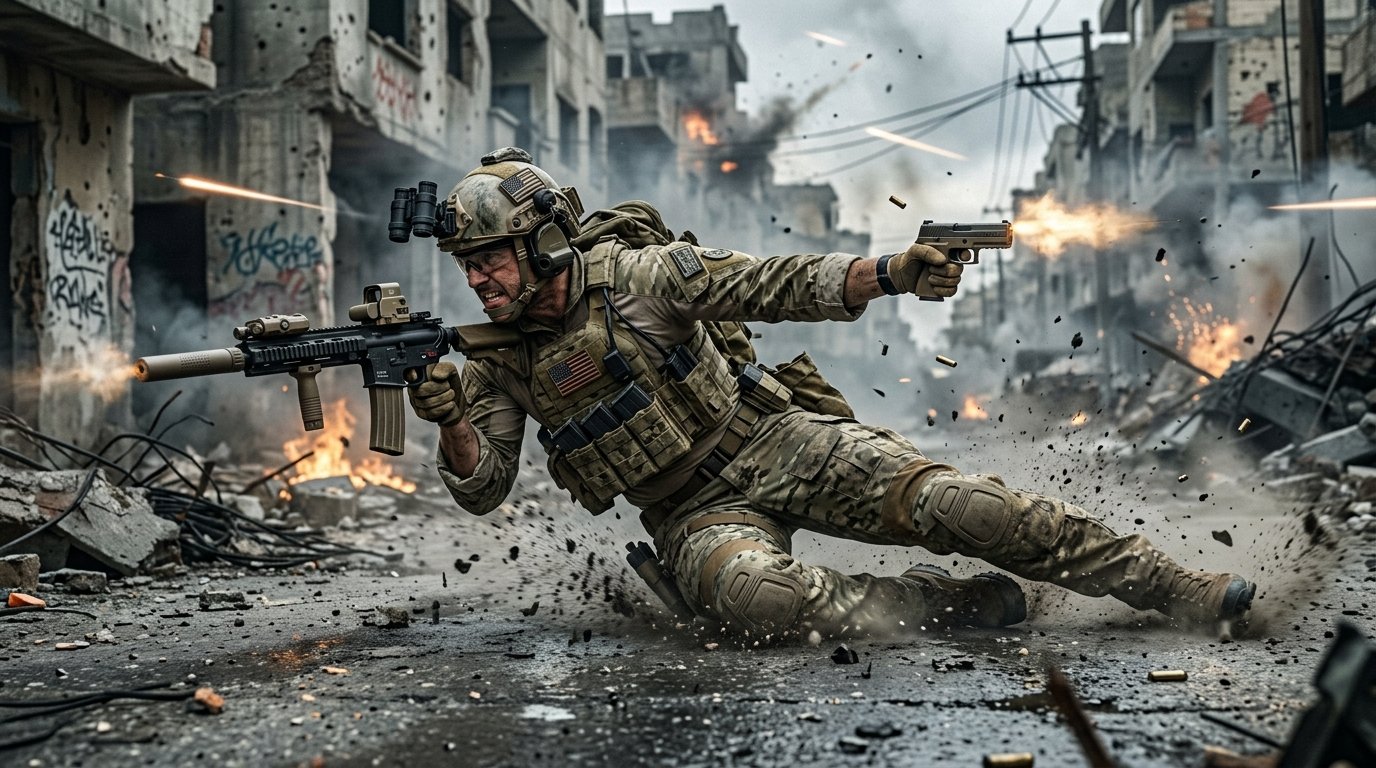
With the worldwide launch of Treyarch’s latest blockbuster, mastering the revolutionary omnimovement system requires pinpoint mechanical control. This tactical breakdown reveals the Black Ops 6 Best Controller Settings, optimal aim assist calibrations, and sensitivity tweaks utilized by Call of Duty League (CDL) professionals to maximize rotational tracking in ranked multiplayer.
Rotational Aim Assist Calibration & Response Curves
In modern Call of Duty titles, rotational aim assist provides a subtle crosshair slowdown and target friction when your left movement stick is actively engaged. Consequently, fine-tuning your response curve ensures effortless target acquisition without sticky over-correction.
| Controller Parameter | Default Setting | CDL Pro Recommended Value | Performance Rationale |
|---|---|---|---|
| Horizontal & Vertical Stick Sens | 4 / 4 | 6 / 6 or 7 / 7 | Optimal balance for flick turns & micro-aim |
| Aim Response Curve Type | Standard | Dynamic | Reverse S-curve provides snappy initial turn speed |
| Left Stick Min Deadzone | 10 | 2 or 3 | Triggers rotational aim assist instantly on strafe |
| Right Stick Min Deadzone | 10 | 2 to 4 (Check stick drift) | Maximizes immediate recoil compensation |
| ADS Sensitivity Multiplier | 1.00 | 0.80 – 0.85 | Prevents overshooting head glitches at medium range |
Omnimovement Keybinds: Sliding, Diving & Sprint Assists
Furthermore, omnimovement enables sprinting, sliding, and diving in any 360-degree direction. To maximize this mobility without sacrificing your thumb position, configure these essential movement toggles:
- Slide/Dive Behavior: Set to Tap to Slide. This removes input delay when initiating slide-cancels around high-traffic corners.
- Automatic Tactical Sprint: Enabled. This immediately initiates peak velocity upon pushing forward or sideways, keeping you hard to hit.
- Sprint Restores Crouch: On. This allows you to fluidly bounce back to a standing posture after sliding under enemy crosshairs.
- Button Layout Preset: Tactical (or Bumper Jumper Tactical). Swapping crouch/slide to the right stick thumb click lets you slide and jump without ever lifting your thumb off your aim.
For more competitive loadouts and launch strategies, consult our Black Ops 6 Campaign & Zombies Midnight Launch Guide and explore our earlier deep dive on Call of Duty BO6 Omnimovement Mechanics.
Trigger Deadzones & Controller Overclocking
If you play on PC with an Xbox or PlayStation controller, setting Left Trigger and Right Trigger minimum deadzones to 0 guarantees instantaneous shot registration. Additionally, utilizing software tools like LordOfMice HIDUSBF to overclock your DualSense or DualShock 4 polling rate to 1000Hz drops USB controller latency from 4ms down to under 1ms.
Summary
Applying the Dynamic response curve combined with aggressive deadzones and Tactical button layout provides an immediate competitive advantage in Black Ops 6 ranked lobbies. Dial these settings in private bot matches before taking them into search and destroy.
Related posts:
 Call of Duty: Black Ops 6 Campaign & Zombies Midnight Launch Guide: Pre-Load Times, New GobbleGums & Liberty Falls Secrets
 Black Ops 6 Omnimovement Mastery Guide: Advanced Sliding, Corner Diving & Controller Settings for Day 1 Domination
 Warzone & Black Ops 6 Competitive Enhancement: Omnimovement Slide-Cancel, Dynamic Response Curve & Audio EQ Hacks
 Roblox Anime Vanguards & Blox Fruits Midnight Active Codes: Free Gems, Trait Rerolls & Mythical Drops