
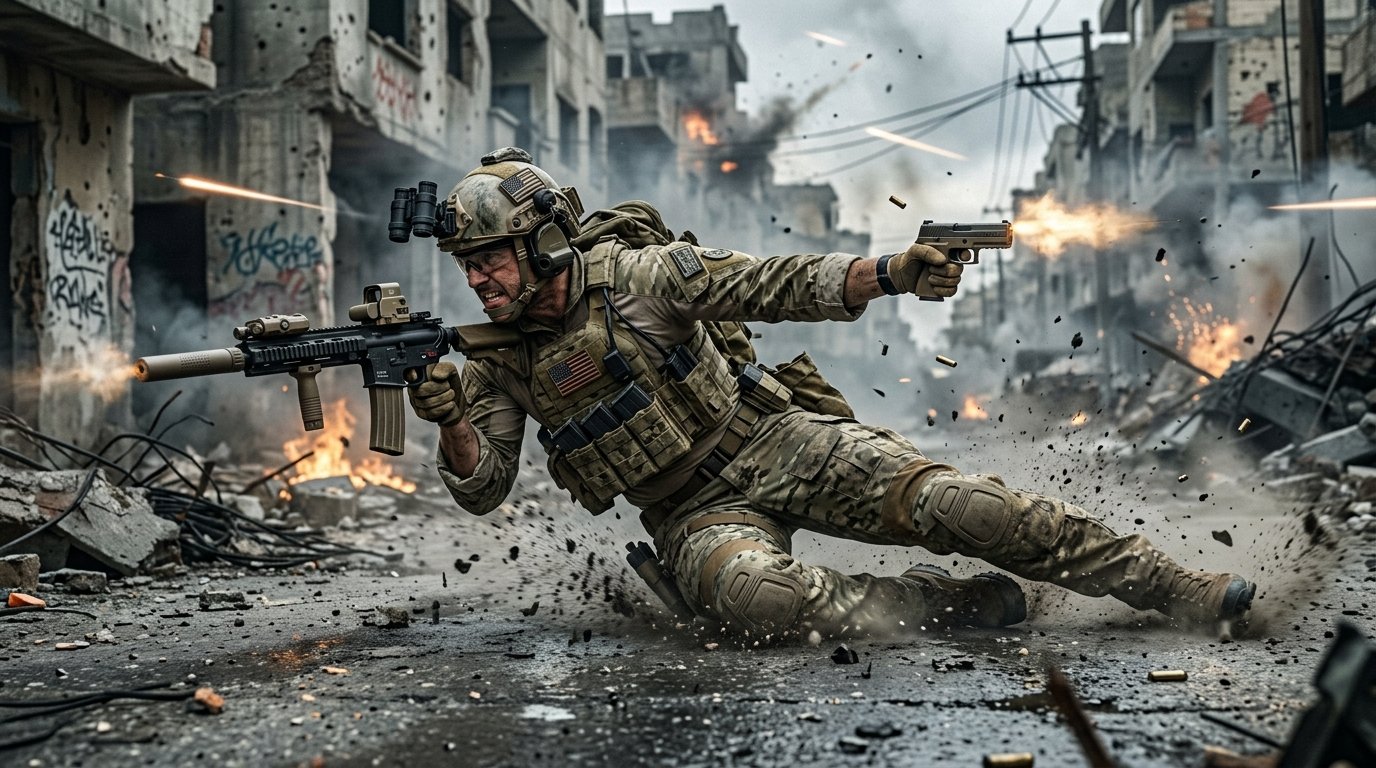
The arrival of Treyarch’s revolutionary Omnimovement system in Call of Duty: Black Ops 6 and Warzone has completely redefined the movement ceiling of the franchise. By enabling full-speed sprinting, sliding, and diving in all 360-degree directions, gunfights are no longer static shootouts—they are high-velocity aerial and ground acrobatics where millisecond reaction times and custom controller calibrations separate bottom-frag casuals from Top 250 Ranked grinders.
Mastering Omnimovement: The Backward Slide-Cancel & Supine Dive
Omnimovement allows operators to sprint backward and laterally while retaining full weapon fire capabilities. To turn this mechanic into an unfair competitive advantage, master these two advanced movement inputs:
- The Lateral Slide-Cancel Reset: While holding sprint horizontally (strafe sprint), initiate a slide and instantly tap jump. This breaks enemy rotational aim assist (RAA) by instantly altering your hitbox elevation while resetting your sprint-to-fire delay window.
- The Supine Backward Dive Peek: When retreating around cover under low health, execute a backward tactical dive. Your operator will land in the “Supine” prone position on their back, allowing you to hold pre-aim angles at ground level where enemies rarely expect return fire.
- Slide Only Setting (Controller): Navigate to Movement Settings and set “Slide/Dive Behavior” to Hybrid or Tap to Slide. This eliminates the 150ms hold delay required to trigger slides, making your corner slides instantaneous.
Pair your shooter reflexes with our hardware performance analysis in Competitive Gaming Hacks: Optimizing Low Latency, Reflex Precision & Audio EQ.
Pro Controller Calibration: Dynamic Response Curve & Deadzones
To maximize rotational aim assist engagement and maintain laser recoil control at long range, apply these proven pro settings:
| Controller Setting | Optimal Competitive Value | Tactical Advantage & Impact |
|---|---|---|
| Aim Response Curve Type | Dynamic | Accelerated ramp-up at stick extremes for rapid 180-degree turns while retaining pinpoint micro-aim precision in the center. |
| Left Stick Min Deadzone | 0.01 – 0.03 | Triggers immediate tactical sprint movement without dead travel distance. |
| Right Stick Min Deadzone | 0.02 – 0.04 | Eliminates input delay on recoil compensation while avoiding passive stick drift. |
| Target Aim Assist Mode | Default | Provides the strongest crosshair slowdown bubble and rotational pull on moving targets. |
| FOV (Field of View) | 105 – 115 (Affected) | Reduces visual gun bounce recoil while preserving target silhouette size at 40+ meters. |
Custom PC Audio EQ Profile for Crystal-Clear Footsteps
Call of Duty’s default audio mix often drowns out enemy footsteps beneath thunderous airstrike bass. If using PC audio tools like SteelSeries Sonar, Dolby Atmos, or Windows Sonic, adjust these specific frequency bands:
- 60Hz – 125Hz (Sub-Bass): Reduce by -4.0 dB – Cuts concussive explosion and cluster strike rumble.
- 250Hz – 500Hz (Muddy Lows): Reduce by -2.5 dB – Eliminates ambient engine and vehicle drones.
- 1kHz – 4kHz (Footstep Slap & Gear Rustle): Boost by +5.0 dB – Amplifies the exact audio frequency of rubber soles hitting metal, wood, and concrete.
- 8kHz – 12kHz (Armor Plate & Reload Audio): Boost by +3.0 dB – Gives instant audible confirmation when an enemy breaks armor behind cover.
For high-tier multiplayer weapon loadouts, check our coverage on EA Sports FC 25 Centurions Promo & Meta Tactics.
Related posts:
 Black Ops 6 Omnimovement Mastery Guide: Advanced Sliding, Corner Diving & Controller Settings for Day 1 Domination
 Dragon Ball Sparking ZERO Review & Combat Guide: Vanishing Step Timing, Sparking Mode & Super Counters
 Complete Twitch Streaming Starter Guide: Best OBS Settings, Budget Hardware & 1080p 60FPS Bitrate
 Windows 11 Laptop Gaming Optimization Guide: Low-Latency Registry Tweaks, Fan Curves & Thermal Throttling Fixes