
🎯 Pro Controller Setup Box: Black Ops 6
Stick Sensitivity: 6-6 or 7-7 with 0.85x ADS Sensitivity Multiplier for optimal tracking precision.
Aim Response Curve: Dynamic (provides fine micro-adjustments at center stick and rapid 180° turn acceleration at max deflection).
Stick Deadzones: Left Stick Min: 2 | Left Stick Max: 75 | Right Stick Min: 3 | Right Stick Max: 99.
Omnimovement Secret: Enable Sprint Assist (Tactical Sprint) and set Slide/Dive to “Tap to Slide” for instantaneous omni-directional dashes.
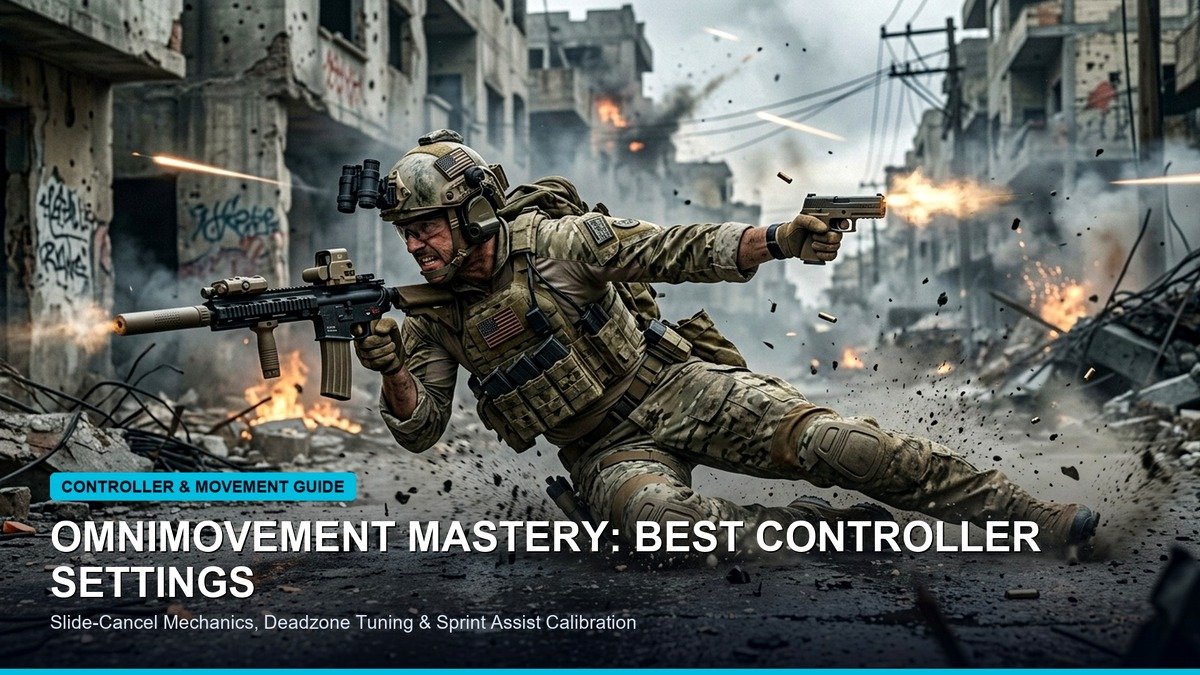
The introduction of Omnimovement in Call of Duty: Black Ops 6 represents the most dramatic mechanical paradigm shift in the history of the franchise. By liberating player movement from rigid forward vectors and allowing full-velocity sprinting, sliding, and diving in 360 degrees, Treyarch has fundamentally elevated the mechanical skill ceiling. To maximize this newfound mobility while maintaining surgical weapon accuracy during our Black Ops 6 Dark Spine and Nebula camo grind, dialing in pro-grade controller settings is essential.
Most casual players struggle with inconsistent crosshair centering and “floaty” recoil control because they operate on default stick deadzones and linear response curves. Default deadzones introduce a massive dead zone cushion (often 10–13%) that forces players to push their thumbsticks significantly before input registers on screen. In high-velocity gunfights against submachine gunners chaining omni-slides, that minute delay guarantees you lose the rotational aim assist bubble and forfeit first-shot advantage.
The consensus among Call of Duty League (CDL) professionals is unanimous: Dynamic Response Curve paired with tightened minimum stick deadzones delivers the highest competitive win rate. The Dynamic curve inverts the S-curve acceleration profile, offering hyper-responsive micro-adjustments around the stick center while preserving rapid turn speeds when flicking to the stick boundary.
Furthermore, tuning Rotational Aim Assist in Black Ops 6 requires active left-stick input. Rotational aim assist engages only when the player is applying directional movement vector pressure. By lowering your Left Stick Minimum deadzone to 2 or 3 and setting your Left Stick Maximum to 75, your character initiates instant lateral strafing with minimal stick deflection, permanently keeping the aim assist bubble active during centering.
Below is our comprehensive setting-by-setting master configuration, optimized for standard DualSense, Xbox Series, Scuf, and DualSense Edge controllers.
Pro Master Controller Settings Configuration
Apply these exact parameters within the Black Ops 6 Controller Settings tab for immediate aim and movement improvements:
Omnimovement Settings: Fluidity and Button Layout
Mastering omnidirectional movement requires re-configuring key behavioral toggles:
1. Sprint Assist vs Tactical Sprint Behavior
Set Sprint Assist to “Tactical Sprint Assist” with a 0ms assist delay. This eliminates the need to click L3 (left thumbstick) repeatedly, automatically putting your operator into full tactical sprint in whichever direction you tilt your stick. This saves thumb fatigue and prevents premature controller wear.
2. Slide / Dive Behavior Toggle
Configure Slide / Dive to “Tap to Slide”. In BO6, sliding across enemy lines is significantly more powerful than diving in close-quarters gunfights. Tapping your crouch button instantly drops your operator into a low-profile slide while keeping your weapon ready to fire.
3. Button Layout Recommendation: Bumper Jumper Tactical
If you play without rear paddles, switch your button layout to Bumper Jumper Tactical. This maps Jump to L1/LB and Crouch/Slide to R3 (right thumbstick click). You can jump, slide, aim, and shoot simultaneously without ever removing your right thumb from the aiming stick.
Field of View (FOV) & Visual Clutter Optimization
- Field of View: 105 to 110. (Setting FOV to 120 makes distant targets too small, reducing effective aim assist engagement range).
- ADS Field of View: Affected. (Keeps visual zoom consistent with your base FOV, reducing visual recoil).
- Weapon Motion Blur: Disabled.
- World Motion Blur: Disabled.
- 1st Person Camera Movement: Set to Least (50%) to minimize screen shake during explosive artillery strikes.
Advanced Omnimovement Mechanics: The Slide-Cancel Bunny Hop
To outmaneuver opponents in Black Ops 6, players must master the chained omnimovement sequence. Unlike traditional Call of Duty titles where sliding required a dedicated sprint buildup, BO6 omnimovement allows you to slide diagonally or backwards from a standstill.
The current competitive movement meta centers on the Omni Slide-Cancel Hop:
1. Initiate a 45-degree diagonal tactical sprint.
2. Tap the crouch button to initiate an omni-slide.
3. At the midpoint of the slide animation, tap Jump to cancel the ground slide and launch into an airborne bunny hop.
4. While airborne, rotate your aim stick to track the enemy player. This preserves full momentum while throwing off enemy headshot crosshair placement.
Aim Assist Types Demystified: Default vs Black Ops vs Precision
Within the Black Ops 6 aiming menu, selecting the correct Aim Assist Type dramatically alters your target acquisition feel:
Custom Button Remapping & Hair Trigger Digital Click Kits
For players who prefer not to invest in expensive paddle controllers, custom button remapping within the PlayStation 5 accessibility menu or Xbox Accessories app offers competitive parity. The Stick and Move preset swaps Jump to R3 (right thumbstick click). This allows players to hop around corners while aiming, though it can slightly disrupt fine crosshair centering during heavy thumb clicks.
Conversely, Bumper Jumper Tactical remains the CDL gold standard. By shifting Jump to L1 and Slide to R3, your index and middle fingers manage vertical and lateral movement while your thumbs remain permanently anchored to your analog sticks, ensuring seamless tracking through the omni-sprint cycle.
Frequently Asked Questions: Black Ops 6 Controller Optimization
Why does my aim assist feel like it is pushing off enemies?
If your aim assist feels like a negative bubble repelling your crosshair, your Left Stick Minimum deadzone is set too high or you are not engaging in continuous strafe movement. Lowering your Left Stick Min deadzone to 2 or 3 ensures your operator registers subtle lateral motion, which keeps the Rotational Aim Assist algorithm locked onto the enemy target hitbox.
Should I turn off vibration and trigger haptics?
Yes. Competitive Call of Duty pros universally disable controller vibration and adaptive trigger resistance. Uncontrolled haptic motor vibrations introduce physical micro-shakes into your thumbs during critical headshot tracking situations.
Weapon-Specific ADS Sensitivity Tuning
Different weapon classes demand tailored sensitivity multipliers to balance rapid flicking with stable recoil tracking:
Pro CDL Player Configurations: Shotzzy & Simp Controller Profiles
Call of Duty League champions utilize specific sensitivity nuances tailored to their combat roles. OpTic Gaming’s Shotzzy runs a 6-6 sensitivity with a 0.80x ADS multiplier to facilitate lightning-quick 180-degree omni-slides behind enemy anchors. Atlanta FaZe’s Simp utilizes a 7-7 sensitivity with a 0.85x multiplier, emphasizing snappy initial target snapping and headshot precision from head-glitch cover.
Hall Effect Magnetic Thumbsticks: Eliminating Stick Drift Permanently
The greatest enemy of controller accuracy is analog potentiometer wear, which inevitably creates stick drift after 300 to 500 hours of aggressive gameplay. In 2026, competitive players are overwhelmingly transitioning to controllers equipped with Hall Effect magnetic sensors. Hall Effect sensors use non-contact electromagnetic fields to measure stick position, permitting you to set your minimum deadzone to 1 or 2 with zero risk of phantom cursor movement.
Conclusion: Transforming Your Gunfights in Black Ops 6
In conclusion, taking the time to calibrate your thumbstick deadzones and practicing with dynamic response curves creates an immediate, noticeable competitive advantage. Whether grinding ranked play or public lobbies, your gunfights will feel sharper, more responsive, and effortlessly lethal. Combine these settings with daily centering drills in custom matches against recruit bots, and you will quickly master Treyarch’s revolutionary omnimovement mechanics.
Related posts:
 Call of Duty: Black Ops 6 Omnimovement Slide-Cancel & Tac-Sprint Tuning Hacks: Pro Controller Sensitivity & Controller Layouts
 Call of Duty: Black Ops 6 Launch Weekend Weapon Tier List: Best AR, SMG & Sniper Loadouts for Day-1 Dominance
 Call of Duty: Warzone Season 6 Weapon Meta: Urzikstan & Rebirth Island Long-Range AR & Close-Range SMG Tier List
 Modern Warfare 4 PC Settings & 90+ FPS Optimization Guide