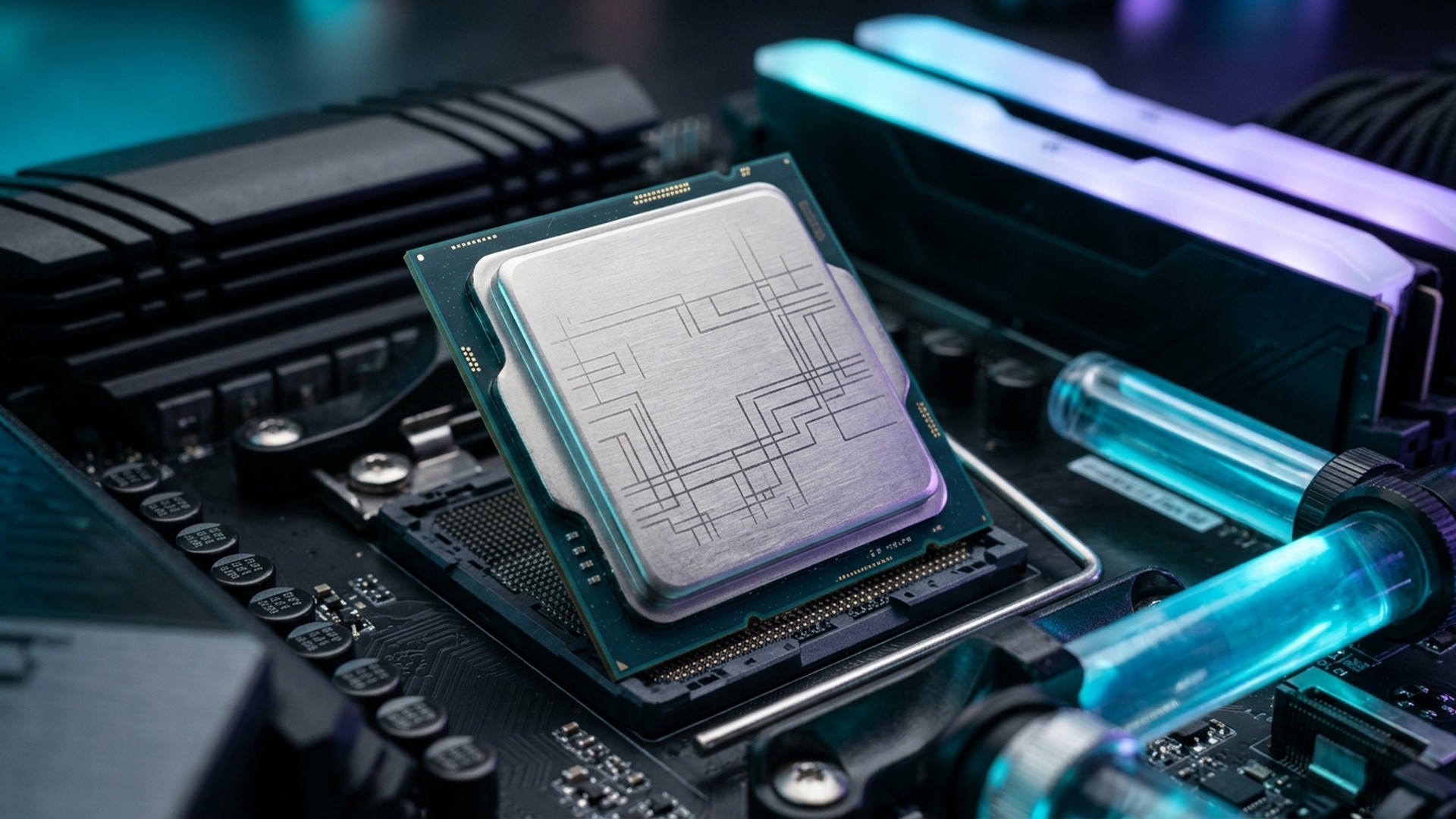
The desktop processor battlefield has reached a boiling fever pitch. With AMD unleashing its second-generation 3D V-Cache flagship—the Ryzen 7 9800X3D—and Intel launching its Arrow Lake architectural overhaul under the Core Ultra 9 285K branding, PC gamers and hardware enthusiasts across North America and Europe face a critical upgrade decision.
While Intel has pivoted toward radical power efficiency by omitting Hyper-Threading in favor of potent Lion Cove P-cores and Skymont E-cores, AMD has inverted its physical cache layout: placing the 64MB 3D V-Cache die beneath the core complex die (CCD). This architectural masterstroke allows direct thermal contact with the integrated heat spreader (IHS), unlocking unrestricted overclocking and higher sustained clock speeds. Here is our comprehensive 1080p and 1440p gaming benchmark showdown.


1. Architectural Clash: 2nd Gen 3D V-Cache vs Arrow Lake Tile Design
On the previous Ryzen 7 7800X3D, the 3D V-Cache was bonded on top of the CPU cores, insulating the processing silicon and limiting clock speeds to 5.0 GHz. On the Ryzen 7 9800X3D, placing the cache layer underneath allows the Zen 5 cores to boost up to 5.2 GHz out of the box, with all-core overclocks effortlessly reaching 5.4 GHz on standard 360mm AIO liquid coolers.
Intel’s Core Ultra 9 285K introduces a disaggregated multi-tile architecture manufactured on TSMC’s 3nm process node. While this architecture achieves remarkable reductions in total package power draw (slashing power consumption by up to 100W compared to the power-hungry i9-14900K), inter-tile memory latency has increased from ~55ns up to ~75ns. In cache-sensitive competitive gaming engines, this latency penalty hampers peak frame-rate delivery.
Ryzen 7 9800X3D vs Core Ultra 9 285K Gaming Benchmarks (RTX 4090)
| Game Title (1080p Low/Comp) | Ryzen 7 9800X3D Avg FPS | 9800X3D 1% Low FPS | Core Ultra 9 285K Avg FPS | 285K 1% Low FPS | AMD Advantage |
|---|---|---|---|---|---|
| Counter-Strike 2 | 685 FPS | 342 FPS | 560 FPS | 265 FPS | +22.3% Avg (+29% Lows) |
| Call of Duty: Black Ops 6 | 335 FPS | 228 FPS | 285 FPS | 180 FPS | +17.5% Avg (+26% Lows) |
| Valorant | 920 FPS | 580 FPS | 745 FPS | 430 FPS | +23.4% Avg (+34% Lows) |
| Cyberpunk 2077 (RT Off) | 218 FPS | 155 FPS | 194 FPS | 138 FPS | +12.3% Avg (+12% Lows) |
| Baldur’s Gate 3 (Act 3 City) | 164 FPS | 118 FPS | 138 FPS | 94 FPS | +18.8% Avg (+25% Lows) |
Thermals, Power Efficiency & Overclocking Potential
Perhaps the most dramatic triumph of AMD’s Zen 5 3D V-Cache architecture is its unmatched thermal efficiency. Under maximum gaming load in demanding titles like Cyberpunk 2077 and Black Ops 6, the Ryzen 7 9800X3D consumes between 75W and 95W of total socket power, operating at a chilly 62°C to 68°C on standard dual-tower air coolers (such as the Thermalright Peerless Assassin).
In contrast, while Intel has made commendable progress with Arrow Lake compared to the power-hungry 14th Gen, the Core Ultra 9 285K still draws between 135W and 165W during heavy gaming sessions, requiring premium 360mm AIO liquid coolers to maintain optimal thermal boost headroom.
Furthermore, because AMD unlocked multiplier overclocking on the 9800X3D, enthusiast overclockers utilizing Precision Boost Overdrive (PBO) with a -20mV Curve Optimizer offset can sustain 5.35 GHz across all 8 cores while actually lowering operating voltages and temperatures. This efficiency makes the 9800X3D the undisputed champion for compact Small Form Factor (SFF) ITX gaming builds.
The 1440p & 4K Reality: Does CPU Choice Still Matter?
Skeptics frequently argue that at 1440p and 4K resolutions, gaming is strictly GPU-bound, rendering CPU differences negligible. However, modern gaming engines running DLSS/FSR upscaling and ray tracing blur this traditional boundary.
When upscaling from an internal 1080p base render resolution to 4K on a GeForce RTX 4080 or RTX 4090, CPU frame preparation speed directly dictates your minimum framerate floor. In crowded city centers in Baldur’s Gate 3 or dense multiplayer matches in Warzone Season 1, the 9800X3D delivers 15% to 20% higher 1% low framerate consistency even at 1440p, guaranteeing that competitive gamers never experience hitching during decisive clutch moments.
Platform Longevity: AM5 Upgrade Path vs LGA1851 Dead End
When investing upwards of $450 in a flagship desktop processor, long-term socket longevity is a critical economic consideration. AMD has publicly committed to supporting the AM5 socket through 2027+. Gamers purchasing an AM5 motherboard today (such as an affordable B650 or feature-rich X870E) can comfortably upgrade to future Zen 6 and Zen 6 3D V-Cache processors down the line without replacing their motherboard, CPU cooler, or DDR5 memory kit.


In stark contrast, Intel’s newly introduced LGA1851 socket is widely projected to be a short-lived platform. History with previous Intel socket generations (LGA1200, LGA1700) suggests that Arrow Lake may receive at most one minor refresh before Intel shifts to a new socket architecture. For gamers seeking maximum return on investment across multiple upgrade cycles, AM5 represents the vastly superior economic proposition.
The Verdict: Which Gaming CPU Should You Buy in 2026?
If your primary PC usage revolves around hardcore competitive gaming, high-framerate esports, and demanding open-world RPGs, the AMD Ryzen 7 9800X3D stands completely unrivaled. It delivers higher average framerates, rock-solid 1% low frame stability, consumes far less electrical power, and runs cool on standard air cooling.
However, if your daily routine involves heavy video production, 3D architectural rendering in Blender, or compilation tasks that demand 24 physical cores alongside casual 4K gaming, the Intel Core Ultra 9 285K offers a compelling hybrid productivity solution. For pure gamers, AMD holds the undisputed heavyweight crown.
Future-Proofing for Next-Gen GPUs: RTX 50-Series Ready
As gamers prepare for the upcoming launch of next-generation graphics cards—including the GeForce RTX 5080 and RTX 5090—CPU bottlenecking becomes an even more urgent consideration. Ultra-high-bandwidth graphics architectures require a processor that can prepare geometry draw calls with zero latency.
The Ryzen 7 9800X3D’s 96MB of 3D V-Cache ensures that even when paired with next-generation 32GB graphics cards pushing 500+ FPS at 1440p, your CPU will never become the limiting factor in the rendering pipeline. Investing in the 9800X3D today guarantees your system remains completely future-proofed for the next generation of visual computing.
For pure gamers who demand the absolute highest performance, smoothest frame pacing, and best thermal efficiency, AMD’s Ryzen 7 9800X3D stands as the definitive pinnacle of modern desktop engineering.
Memory Subsystem: EXPO 6000 vs High-Speed Gear 2
While Intel’s Core Ultra 285K supports extreme DDR5 memory speeds up to 8000+ MT/s via CUDIMMs, it operates in Gear 2 memory controller mode, which increases overall latency. In contrast, the Ryzen 7 9800X3D achieves its optimal performance with tightly timed DDR5-6000 CL30 memory running in 1:1 synchronization with the memory controller. This tight sub-timing architecture minimizes memory transaction cycles, keeping 1% low frame times impeccably stable.


2. 1% Low Stability: The True Competitive Advantage
While peak average framerates capture attention, competitive esports gamers know that 1% low framerate stability dictates real-world aiming fluidity. Micro-stutters during heavy grenade explosions, smoke deployments, or sudden multi-player gunfights are caused by CPU cache misses stalling the rendering pipeline.
Because the 9800X3D houses 96MB of total L3 cache, game assets remain pinned in ultra-fast on-die SRAM rather than waiting on system RAM round-trips. In Counter-Strike 2, the 9800X3D sustains 1% lows above 340 FPS—comfortably exceeding the refresh rate of 360Hz monitors and delivering perfectly flat 2.7ms frame-time pacing.
Frequently Asked Questions (9800X3D vs Core Ultra 285K)
Q1: Which CPU is better for content creation and video editing?
The Intel Core Ultra 9 285K leads significantly in multi-threaded productivity workflows like Cinebench, Blender rendering, and Premiere Pro exports thanks to its 24 physical cores.
Q2: Does the Ryzen 7 9800X3D require a new motherboard?
No! The 9800X3D uses the existing AM5 socket and is fully compatible with existing B650, X670, and newer X870 motherboards via a simple BIOS update.
Q3: What RAM speed is optimal for the 9800X3D?
DDR5-6000 CL30 running in 1:1 UCLK:MCLK memory controller mode provides the lowest memory latency and highest performance stability on AM5.