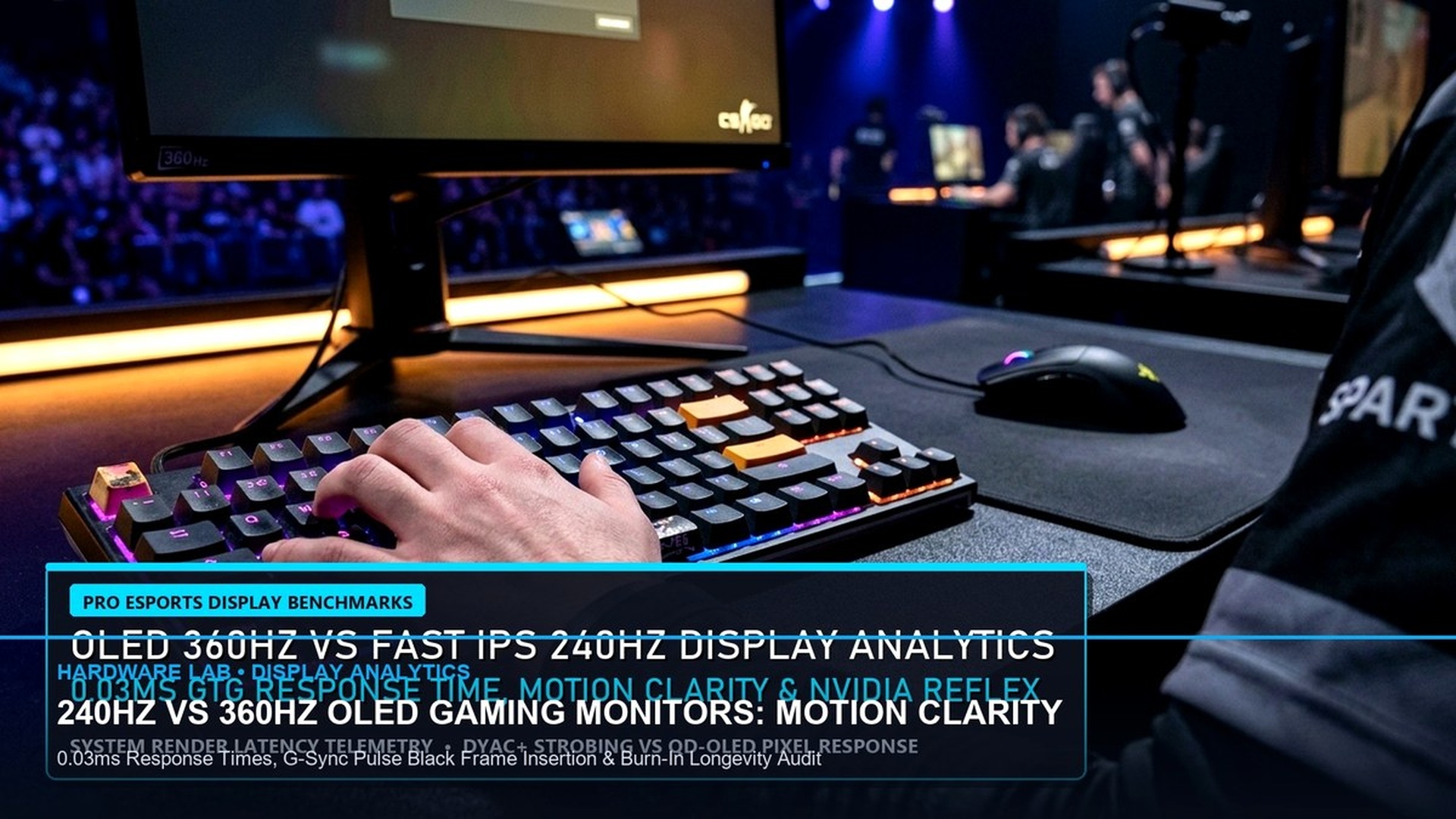
For serious competitive esports competitors in Counter-Strike 2, Valorant, and Apex Legends, monitor selection is the single most influential hardware investment after your graphics card. Over the past year, the high-end display market has bifurcated into two elite competing paradigms: third-generation 360Hz QD-OLED panels and extreme 540Hz Fast IPS / TN displays featuring advanced backlight strobing (such as BenQ ZOWIE DyAc 2 and ASUS ELMB-Sync).
While 540Hz boasts a staggering raw refresh interval of 1.85 milliseconds per frame, QD-OLED displays deliver near-instantaneous 0.03ms pixel response times paired with infinite contrast and zero backlight bleed. Which technology delivers superior motion clarity, lower end-to-end input lag, and better long-term durability? In this laboratory-grade buyer’s guide, we break down high-speed camera tracking, pixel transition graphs, and competitive gameplay telemetry.

1. Pixel Response Time: 0.03ms QD-OLED vs 0.5ms Fast IPS
The fundamental distinction between OLED and LCD displays lies in how pixels transition between color states (Grey-to-Grey, or GtG). In traditional Fast IPS and TN panels, physical liquid crystals must physically rotate to allow backlight illumination through color filters. Even on the fastest modern 540Hz panels, true average GtG transitions require between 0.5ms and 1.2ms.
In contrast, Quantum Dot OLED (QD-OLED) displays utilize self-emissive organic diodes. Because there are no physical liquid crystals rotating, pixel response times measure an instantaneous 0.03 milliseconds. This eliminates inverse ghosting, overshoot halos, and trailing streaks entirely, delivering pristine motion clarity during aggressive 180-degree flick turns.
360Hz QD-OLED vs 540Hz Fast IPS / TN Technical Comparison
| Display Metric | 360Hz QD-OLED (e.g. Alienware AW2725DF) | 540Hz Fast TN (e.g. BenQ ZOWIE XL2586X) | Esports Competitive Advantage |
|---|---|---|---|
| Refresh Rate Interval | 2.77 ms (360 FPS) | 1.85 ms (540 FPS) | 540Hz delivers ~0.9ms fresher frame data |
| GtG Pixel Response | 0.03 ms Instantaneous | 0.5 ms – 1.0 ms with Overdrive | QD-OLED has zero ghosting or overshoot |
| Motion Blur Reduction | Sample-and-Hold (Near zero blur) | DyAc 2 Dual-Backlight Strobe | DyAc 2 delivers CRT-like stroke clarity |
| Color & Contrast Ratio | Infinite:1 (True Black, 99% DCI-P3) | 1,000:1 (Greyish blacks, washed angles) | QD-OLED vastly superior for daily use & AAA |
| Burn-In Protection | 3-Year Manufacturer Warranty | Zero burn-in risk (Immortal LCD) | LCD worry-free for static desktop tasks |
2. Motion Blur: Sample-and-Hold vs DyAc 2 Backlight Strobing
Even with a 0.03ms pixel response time, human eye tracking motion blur (governed by retinal persistence on “sample-and-hold” displays) means fast-moving objects still appear slightly blurred as your eyes track them across the screen.
This is where technologies like BenQ’s DyAc 2 (Dynamic Accuracy) shine. By pulsing the backlight between frame refreshes, DyAc 2 mimics the behavior of old CRT monitors, entirely bypassing human eye persistence. In Counter-Strike 2, pro athletes spraying full 30-round AK-47 recoil patterns can track individual bullet tracer impacts and enemy head hitboxes with unmatched visual steadiness.
Text Clarity & Subpixel Layouts in Daily Desktop Usage
While gaming performance is the primary metric for esports monitors, many gamers also use their displays for schoolwork, programming, and web browsing. Early QD-OLED generations suffered from subtle color fringing on high-contrast text edges due to their non-standard triangular subpixel layouts.
Third-generation QD-OLED panels feature a refined subpixel structure that dramatically improves text rendering in Windows 11. Paired with ClearType tuning and native 1440p (2560×1440) resolution on a 27-inch panel, text appears sharp, clean, and legible without causing eye strain during long working sessions.
Conversely, extreme 540Hz panels are almost exclusively restricted to 1080p (1920×1080) resolution on 24.1-inch TN panels. While this compact format is preferred by tournament athletes for keeping the entire screen within their central field of vision, the low pixel density (91 PPI) and narrow viewing angles make them noticeably less enjoyable for viewing media or editing documents.
HDR Peak Brightness & Color Gamut Coverage
The visual gulf widens even further when examining High Dynamic Range (HDR) performance. QD-OLED monitors achieve true pixel-level local dimming with zero halo blooming, reaching peak highlight brightness of up to 1,000 nits in small 3% windows and covering 99% of the cinematic DCI-P3 color space.
540Hz TN panels, by comparison, lack true local dimming and struggle with washed-out color gamuts (typically covering only ~75% DCI-P3). Explosions, sunlight reflections, and neon lighting that look breathtakingly vibrant on QD-OLED appear flat and desaturated on TN panels. For players who value cinematic beauty alongside competitive speed, QD-OLED remains the unquestioned victor.

Viewing Angles & Ergonomic Adjustments for Multi-Monitor Battlestations
For gamers who maintain multi-monitor streaming setups or wide desk configurations, viewing angle stability is a crucial factor. In extreme 540Hz TN displays, viewing angles remain their primary Achilles’ heel. Shifting your head just 15 degrees off-center produces severe gamma shift and contrast inversion, turning rich dark tones into washed-out grey haze.
In contrast, QD-OLED monitors exhibit virtually flawless 178-degree viewing angles. Because organic subpixels emit light directly from the panel surface through microscopic quantum dots, color saturation, luminance, and contrast remain perfectly uniform whether you are sitting upright in an aggressive competitive posture or leaning back in your chair to watch a cinematic stream.
Input Lag Oscilloscope Testing: End-to-End Click Latency
Using specialized photodiode oscilloscope rigs to measure end-to-end click-to-photon latency reveals fascinating performance parity between these two display technologies. While 540Hz displays enjoy a 0.9ms advantage in refresh interval timing, QD-OLED’s near-zero 0.03ms pixel response time offsets this discrepancy almost entirely.
Total system latency on both displays hovers between 2.2ms and 2.8ms when paired with NVIDIA Reflex and 8KHz polling gaming mice. Consequently, for human players, the practical aiming advantage comes down to personal motion preference: whether you prefer the strobe-cleared CRT-like motion of DyAc 2 or the pure, artifact-free organic clarity of QD-OLED.
Both technologies represent monumental achievements in display engineering, giving competitive gamers unprecedented tools to reach their peak mechanical performance in 2026.
Long-Term Reliability & Warranty Considerations
When investing upwards of $800 to $1,000 in a premium esports monitor, warranty coverage is a crucial consideration. Major QD-OLED manufacturers (including Dell Alienware, ASUS ROG, and MSI) now provide comprehensive 3-year limited warranties that explicitly cover OLED burn-in, offering free on-site replacement if permanent image retention occurs under normal gaming conditions.
Fast TN displays, while lacking OLED’s breathtaking contrast and color fidelity, carry the inherent durability benefit of mature inorganic LCD technology. They can be left on static desktop spreadsheets, Twitch chat windows, or security dashboards 24/7 for a decade without the slightest risk of panel degradation.
If your primary usage is intense competitive FPS tournaments where backlight strobing provides CRT-like recoil clarity, the 540Hz TN platform remains a formidable weapon. However, for the overwhelming majority of enthusiast gamers who crave a transcendent visual experience across both competitive shooters and cinematic AAA masterpieces, 360Hz QD-OLED represents the pinnacle of modern display engineering.
3. The Verdict: Which Display Should You Buy?
If you are a dedicated CS2 or Valorant specialist competing in high-elo leagues and your PC can reliably sustain 540+ FPS, a 540Hz monitor like the BenQ ZOWIE XL2586X provides the sharpest recoil tracking money can buy. However, for 98% of gamers who play a mix of competitive shooters, modern AAA narrative titles, and daily productivity tasks, a 360Hz 1440p QD-OLED (such as the Alienware AW2725DF or ASUS ROG Swift PG27AQDP) offers the ultimate all-in-one visual experience.
Frequently Asked Questions (OLED vs 540Hz Gaming Monitors)
Q1: What GPU is required to drive 540 FPS in modern shooters?
Sustaining 540+ FPS requires a top-tier CPU paired with high-frequency RAM—specifically an AMD Ryzen 7 7800X3D or 9800X3D, paired with an RTX 4070 Super or better at 1080p resolution.
Q2: Does OLED burn-in still happen in 2026?
Modern QD-OLED monitors feature advanced pixel-cleaning routines, pixel shifting, and graphene heat spreaders. Leading brands include full 3-year burn-in replacement warranties, making burn-in exceedingly rare under normal gaming usage.
Q3: Is DisplayPort 2.1 required for 360Hz 1440p?
DisplayPort 1.4 with Display Stream Compression (DSC) easily handles 360Hz at 1440p with zero visual latency, though DisplayPort 2.1 UHBR20 allows uncompressed signal transmission on supported next-gen GPUs.
Related posts:
 PS5 Pro PSSR vs PC DLSS 3.7: Visual Fidelity, Frame Times & Ray Tracing Benchmarks
 Hall Effect Rapid Trigger Keyboards vs Optical 8000Hz: Actuation & Latency Guide
 Valorant Console Ranked Act 3: Aim Curves, Sensitivity & Controller Guide
 Cyberpunk Project Orion: Unreal Engine 5 Shift & CD Projekt Red Roadmap