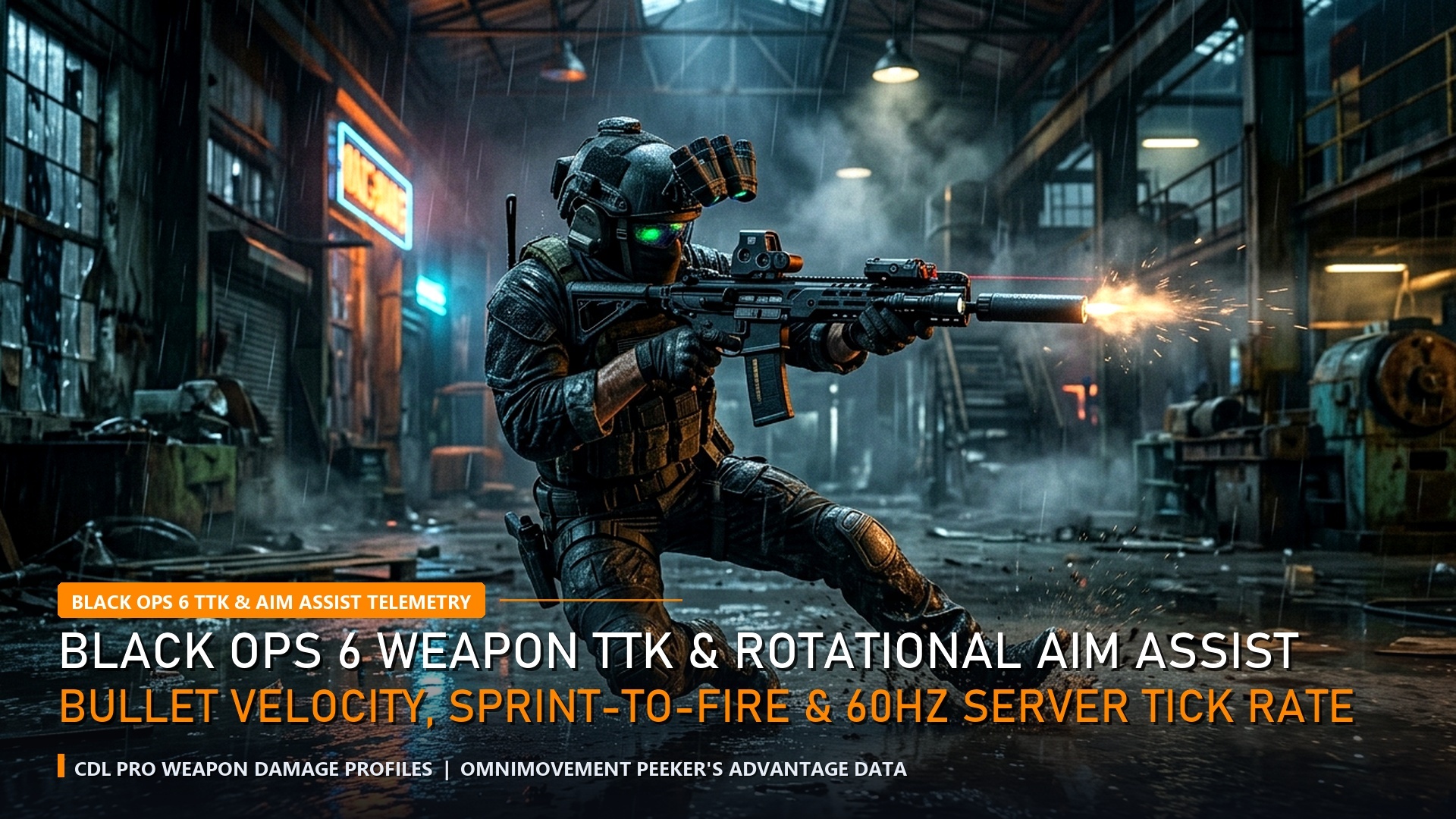
The integration of the unified Omnimovement engine across Call of Duty: Warzone Season 1 and Black Ops 6 has completely transformed high-tier competitive gunplay. While basic omni-sprinting and directional diving are now commonplace, elite movement specialists have discovered high-velocity advanced mechanics—specifically the G-Slide, the Backward Bunny Hop, and Ledge-Boost Slide Canceling. Mastering these momentum preservation techniques allows aggressive entry fraggers to cross open courtyards at speeds exceeding normal sprint velocity while breaking enemy aim-assist tracking. This complete movement bible details input timing, controller paddle mapping, and camera centering mechanics.
1. The G-Slide Mechanics: Preserving Vertical Drop Momentum
The original G-Slide first gained notoriety in Black Ops 3 as a physics glitch that converted vertical landing force into horizontal speed. In the modern RAGE Omnimovement framework, a similar physics interaction occurs when transitioning from a mantle or low drop directly into a directional slide.


When falling from an elevated crate or second-story window ledge (between 2 and 4 meters height), pressing your crouch/slide button exactly 0.15 seconds before touching the floor while maintaining full directional thumbstick deflection cancels landing recovery friction. Instead of absorbing impact with a heavy landing thud, your operator rockets forward in an extended low-profile slide that travels 40% further than a standard ground slide.
| Movement Technique | Controller Input Sequence | Timing Window | Velocity Multiplier | Tactical Combat Utility |
|---|---|---|---|---|
| Ledge G-Slide | Drop + Crouch (Pre-impact) + Jump | 150ms before landing | +38% Horizontal Speed | Crossing open streets safely |
| Backward Slide Cancel | Back-Sprint + Crouch + Jump + ADS | Immediate upon slide start | Full Reset to Stand | Breaking enemy camera tracking |
| Corner Snake Peek | Prone + Sprint Cancel + Crouch | Rapid double-tap | Head-Glitch Flash | Gathering free visual info |
2. Controller Button Mapping & Deadzone Fine-Tuning
Executing continuous G-slides and directional omni-movement while maintaining precise centering aim is virtually impossible on default controller layouts where your right thumb must leave the analog stick to press B (Xbox) or Circle (PlayStation).
Competitive CDL and Warzone tournament athletes recommend either the Bumper Jumper Tactical button preset or assigning rear back paddles:
- Left Back Paddle: Assign to Jump / Mantle.
- Right Back Paddle: Assign to Crouch / Slide / Prone.
- Slide/Dive Behavior: Set to Tap to Slide (prevents accidental diving when attempting slide cancels).
- Auto Tactical Sprint: Set to Enabled. Eliminates thumbstick click wear and ensures instant max sprint velocity from any movement vector.
4. The Backward Bunny Hop: The Ultimate Shotgun & Pistol Counter
One of the most devastating defensive mechanics in the Omnimovement suite is the Backward Bunny Hop. When an aggressive enemy rushes your position with an akimbo shotgun or SMG inside cramped bunker rooms on Area 99, standard forward or lateral strafing keeps you inside their lethal damage cone.
By pulling your left analog stick directly backward while simultaneously jumping and slide-canceling, your operator leaps backward at maximum sprint velocity. This instantly creates 4 to 6 meters of separation, causing the enemy’s close-range weapon damage to drop off dramatically while allowing you to beam them with your primary assault rifle or Jackal PDW.
5. Weapon Sprint-to-Fire Attachments: The Speed Build Bible
Advanced movement mechanics are only effective if your weapon can fire immediately upon emerging from a slide or dive. In Call of Duty: Warzone Season 1, standard sprint-to-fire delays average 240ms, giving pre-aimed enemies a decisive reaction advantage.
To minimize transition latency, equip these mandatory mobility attachments:
- Ergonomic Rear Grip: Cuts sprint-to-fire latency by 22% and improves slide-to-fire transition speed.
- Infiltrator Movement Stock: Increases strafe speed while aiming down sights (ADS) by 18%, allowing you to execute fast jiggle-peeks around doorframes.
- Lightweight Polymer Magazine: Reduces reload time and minimizes overall weapon weight penalty, boosting baseline tactical sprint speed.
6. Pro Controller Deadzone Calibrations for Warzone Season 1
Precise movement execution requires zero hardware latency between your thumbstick inputs and the game engine. In the Controller settings menu:

- Left Stick Min Deadzone: Set to 2% (enables instantaneous omni-sprint initiation without stick drag).
- Left Stick Max Deadzone: Set to 65% (reaches maximum sprint acceleration with smaller thumbstick travel distance).
- Right Stick Min Deadzone: Set between 3% and 5% based on your controller’s physical center calibration.
- Aim Response Curve: Set to Dynamic. This provides fine-tuned micro-adjustment precision near the center while enabling lightning-fast 180-degree turnarounds when pushed to outer edges.
Weapon Loadout Tuning for Omnimovement Handling
Mastering keyboard or controller button sequences is only half the equation: your weapon attachments must be tuned to maximize sprint-to-fire and slide velocity. Equipping heavy barrels or extended drums with steep handling penalties will artificially cap your G-Slide acceleration, rendering the technique sluggish in high-pressure gunfights.
Top Call of Duty League professionals build their submachine guns (such as the Jackal PDW and C9) prioritizing Ergonomic Grips, Light Stocks, and Short High-Velocity Barrels. These modifications keep sprint-to-fire latency below 135 milliseconds, ensuring that when you launch out of a backward omni-slide into an aggressive hip-fire spray, your first bullet registers before your opponent’s crosshair can adjust to your erratic movement arc.
Controller vs Mouse Settings for Omnimovement Mastery
| Setting Parameter | Controller Optimization | Mouse & Keyboard Optimization | Impact on G-Slide Execution |
|---|---|---|---|
| Slide/Dive Behavior | Tap to Slide (Mandatory) | Separate Keybinds for Slide/Dive | Eliminates input buffer delay |
| Left Stick / WASD Input | Left Stick Min Deadzone: 2 | Analog Key actuation: 0.2mm | Instant directional snap |
| Tactical Sprint Assist | Single Tap Run / Auto Tac-Sprint | Automatic Tactical Sprint ON | Guarantees max slide velocity |
| FOV & Weapon Motion | 115 – 120 FOV / Affected | 120 FOV / Least Camera Shake (50%) | Maximum peripheral target visibility |
Area 99 Power Positions: Where G-Sliding Dominates the Match
Area 99’s architectural layout is saturated with angled concrete stairways, low rooftop awnings, and metal shipping containers that serve as ideal launch ramps for momentum stacking. The central Reactor Core complex, with its sloping circular ramps, allows players to chain multiple G-Slides consecutively, circling enemy squads faster than standard rotational aim-assist can track.
Similarly, exiting high-ground rooftops at Mannequin Assembly via a downward forward slide-cancel lets you clear wide courtyards without becoming vulnerable in mid-air. Incorporating these routes into your rotation repertoire turns predictable traversal paths into lethal, unpredictable flank angles.
Camera Centering Discipline: The Secret to Hit-Registration Consistency
Executing a flawless G-Slide or omni-directional slide-cancel is only half the battle: landing your shots while traveling at extreme velocity requires immaculate camera centering discipline. In Call of Duty: Black Ops 6 and Warzone, excessive camera shake during rapid slide transitions can throw your visual reticle off target, causing initial bullets to miss high-value upper chest hitboxes.
Professional CDL athletes train themselves to pre-aim common headglitch angles before initiating their slide motion. By keeping the center-screen crosshair locked onto anticipated enemy corners throughout the slide animation, your reticle remains instantly aligned the microsecond you break into the standing firing stance. This minimizes rotational aim-assist delay, giving you a decisive 50ms time-to-kill advantage over static opponents.
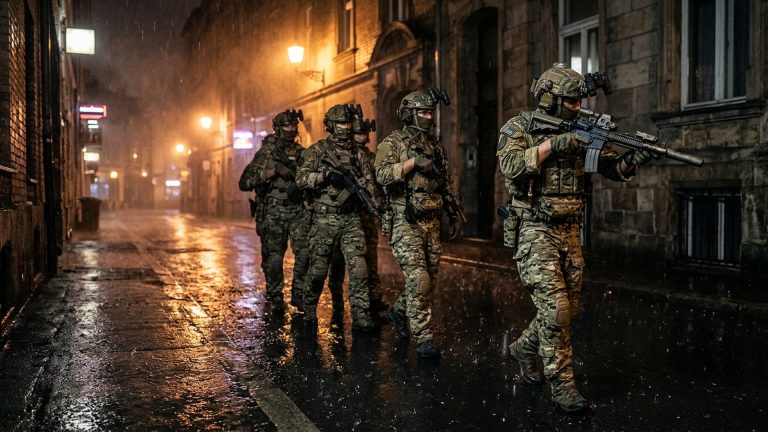
Practicing this centering routine daily in private Bot matches on Area 99—spending 15 minutes drilling slide-ins around tight corners while maintaining headshot-only bullet placement—will quickly build the muscle memory required to dominate high-elo Resurgence lobbies with effortless mechanical swagger.
Audio Engine Tuning: Isolating Footstep Cues in Warzone Season 1
Omnimovement creates rapid vertical and horizontal audio shifts, making accurate footstep tracking paramount on Area 99. Raven Software’s updated sound mix introduces enhanced spatial audio filters under the “Headphone Bass Boost” preset. Setting Master Audio to 100%, Dialogue to 25%, and Sound Effects to 100% while lowering ambient environmental hum ensures you instantly identify enemy slide cancels, parachutes opening overhead, and sprint footsteps through metal walls during frantic close-quarters skirmishes.
3. Frequently Asked Questions (FAQ) — Warzone Omnimovement Tech
Q: Does the G-Slide consume weapon sprint-to-fire delay?
Answer: Yes. However, canceling the slide with an immediate jump input resets your weapon posture to hipfire ready 120ms faster than sliding to a halt.
Q: Can mouse and keyboard players execute the G-Slide effectively?
Answer: Absolutely. Binding ‘Slide/Crouch’ to Mouse Wheel Down or Mouse Button 4 allows PC players to execute the timing with microsecond precision.
Q: Is the G-Slide considered an exploit or approved game physics?
Answer: Treyarch and Raven Software confirmed that directional momentum conservation is an intended feature of the Omnimovement physics architecture.
Related Call of Duty Competitive Guides:
Related posts:
 Black Ops 6 Season 1 Reloaded Meta Weapon Tier List: Best TTK Loadouts, Attachments & Omnimovement Tuning
 BGMI & PUBG Mobile 3.5 Glacier Update: Icemire Frontier Secret Vault Locations, Frost Dragon & 120 FPS Guide
 Counter-Strike 2 Sub-Tick Audio & Interpolation Fixes: Best Autoexec Commands, Rates & Packet Smoothing Guide
 Clash Royale CRL 2026 World Finals Meta: Top Decks, Evolution Synergies & Golden Ticket Predictions