
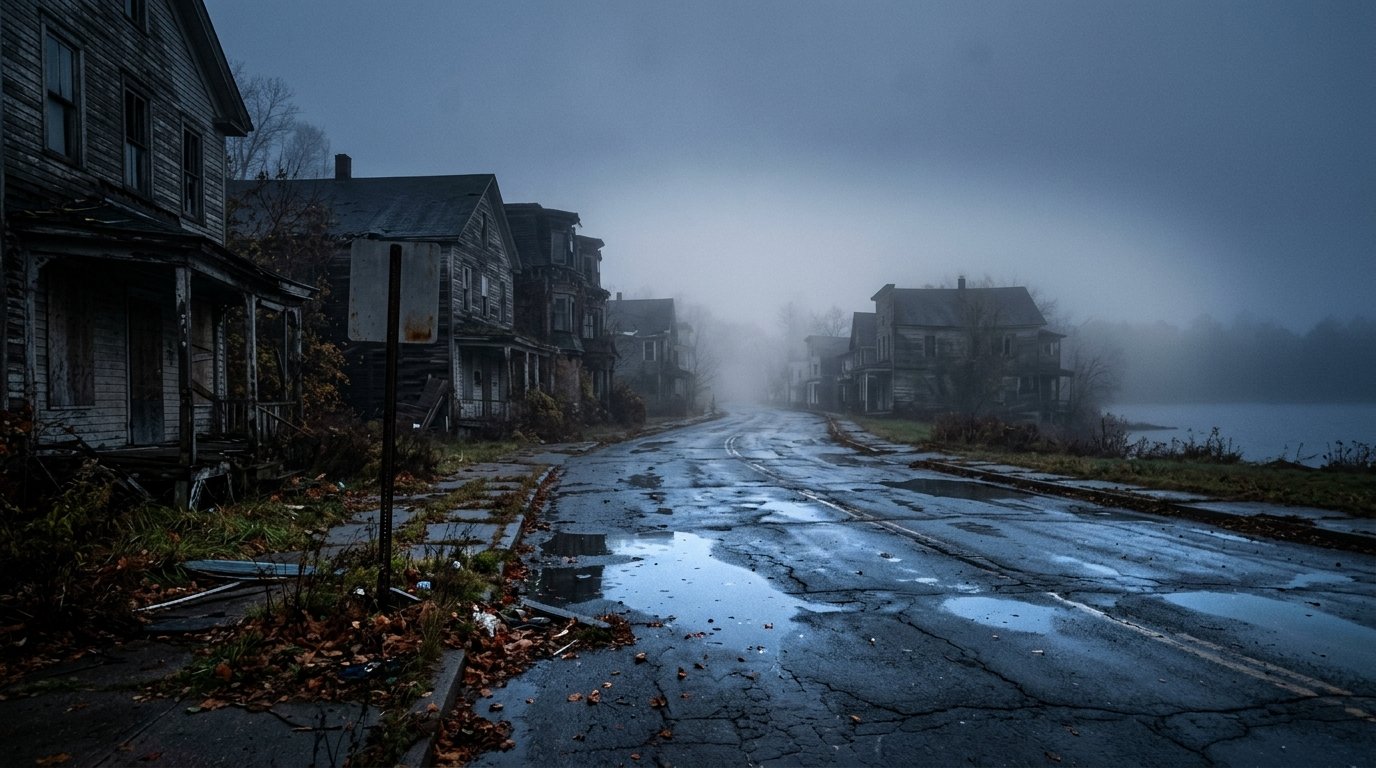
Bloober Team and Konami have defied all skeptics with the masterfully crafted Silent Hill 2 Remake, resurrecting James Sunderland’s haunting psychological descent into the fog-drenched nightmare of South Vale. While the game represents an unmitigated triumph of atmospheric horror, sound design, and narrative loyalty, its implementation of Unreal Engine 5’s Lumen global illumination introduces severe traversal stutters and volumetric fog performance penalties on PC hardware.
Definitive Review: A Masterclass in Atmospheric Psychological Horror
Reimagined from the ground up with modernized third-person over-the-shoulder perspectives, Silent Hill 2 captures the stifling, claustrophobic dread that made the 2001 original legendary. The environmental storytelling across the Brookhaven Hospital and Wood Side Apartments is staggering; every peeling wallpaper texture, rust-stained corridor, and distant scraping sound creates suffocating tension.
Akira Yamaoka’s reimagined soundtrack, accompanied by modernized visceral combat encounters with Mannequins, Bubble Head Nurses, and the iconic Pyramid Head, delivers a chilling experience that respects the source material while standing as a peer to the Resident Evil remakes.
The Optimization Challenge: Lumen Lighting & Volumetric Fog
Bloober Team utilizes UE5’s software and hardware Lumen ray tracing for real-time flashlight reflections and light bounces through mist. Without optimization, these systems cause dramatic framerate hitching when transitioning between interior rooms and open streets:
| Setting Option | Recommended Value | Performance Impact | Visual Difference & Why |
|---|---|---|---|
| Ray Tracing / Lumen Mode | Software Lumen (RT OFF) | +28% Higher FPS | Software Lumen still provides gorgeous dynamic flashlight bounce without hardware RT bottlenecks. |
| Volumetric Fog Quality | Medium | +14% Higher FPS | Low destroys the eerie depth of South Vale’s fog; Medium looks identical to Epic while eliminating GPU load. |
| Shadow Quality | High | +10% Higher FPS | Epic calculates excessive micro-shadows inside vents and floorboards with imperceptible visual gain. |
| Shader Quality | Medium | +8% Higher FPS | Stabilizes frametime spikes when flashlights hit wet tiled surfaces in apartments. |
Engine.ini Tweaks: Eliminating Traversal Stutter & Ghosting
To eliminate the aggressive traversal hitching when walking through South Vale’s street intersections, navigate to %LOCALAPPDATA%\SilentHill2\Saved\Config\Windows\Engine.ini and paste the following parameters:
[SystemSettings]
r.TextureStreaming=1
r.Streaming.FullyLoadUsedTextures=1
r.Streaming.HLODStrategy=2
r.FidelityFX.FI.Enabled=0
r.MotionBlur.Max=0
r.DepthOfFieldQuality=0
r.SceneColorFringeQuality=0
Display Calibration: Perfecting Deep Black Levels & HDR
Silent Hill 2’s horror relies on deep shadows. By default, the game’s gamma curve can appear washed out on OLED and IPS gaming monitors:
- In-Game Brightness / Gamma: Lower the slider from default 2.2 to 2.0 or 1.9 to restore pitch-black darkness that forces reliance on your flashlight.
- HDR Calibration: Set HDR Peak Brightness to match your panel’s true nits (e.g., 800 nits for OLED), and set Tone Mapping to Filmic to prevent white-out clipping when examining notes.
For more retro remake and survival game coverage, check our Minecraft 1.22 Pale Garden & The Creaking Mob Survival Guide.
Related posts:
 Silent Hill 2 Remake In-Depth Review: UE5 Performance, Combat & Endings Guide
 Silent Hill 2 Remake Review: Bloober Team’s Triumphant Survival Horror Resurrection
 Silent Hill 2 Remake Endings Guide: How to Unlock Maria, In Water, Leave, Rebirth & Secret UFO Endings
 Black Myth: Wukong In-Depth Performance Review & PC Stutter Fix: Best Graphics Settings for Silky 60+ FPS