
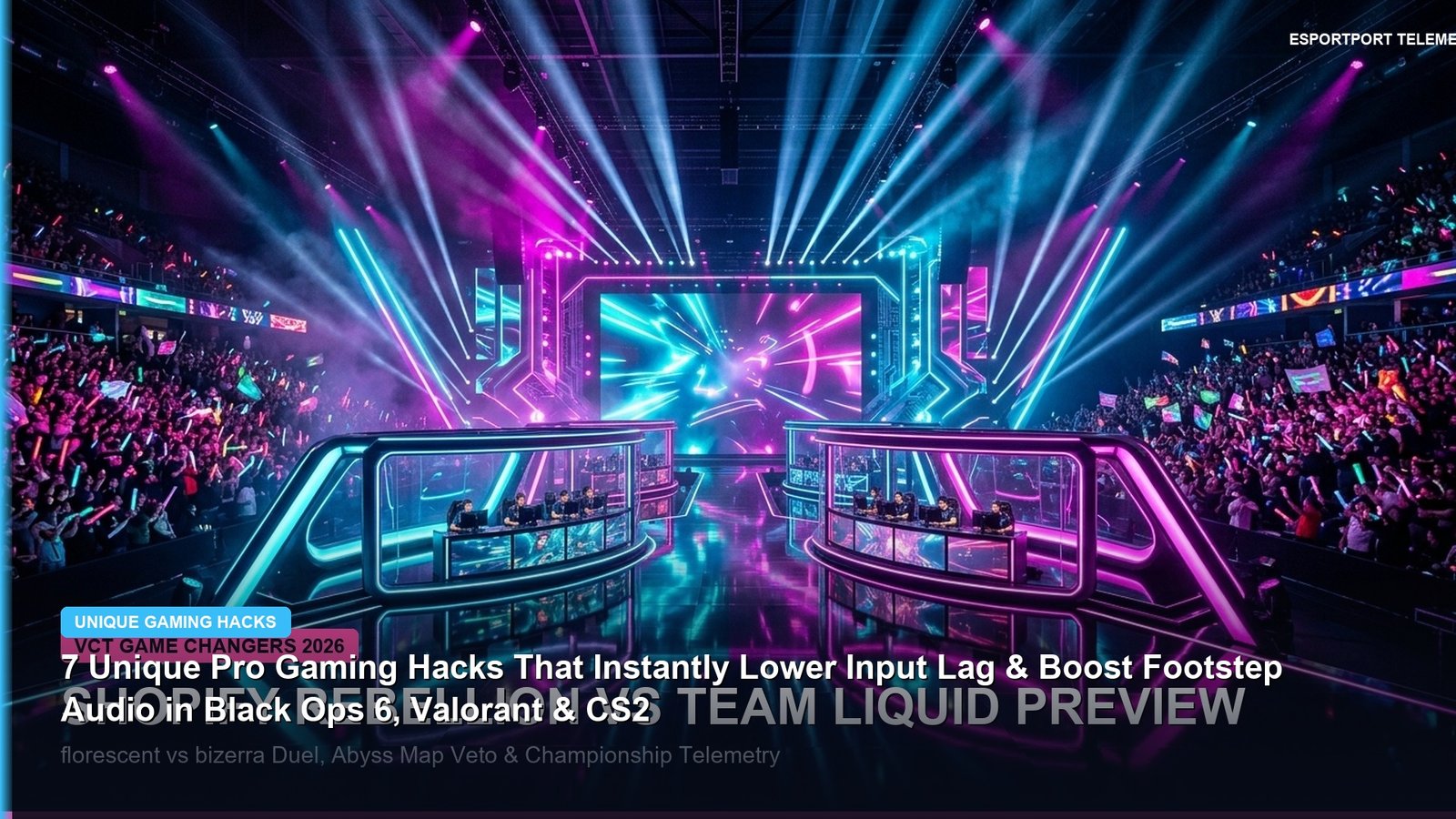
Ever wonder why professional players in Call of Duty: Black Ops 6, Valorant, and Counter-Strike 2 whip around 180 degrees the instant an enemy takes a single step 25 meters away—without blowing out their eardrums when a grenade detonates? It is not magic hardware; it is specific, tournament-legal OS audio compression, parametric EQ filtering, and USB interrupt tuning that takes less than five minutes to configure.
1. The Parametric EQ Footstep Hack: Isolating 160Hz Thuds & 2.5kHz Scuffs
In modern tactical shooters, gunshots and killstreak explosions occupy the sub-bass (20Hz–80Hz) and piercing upper-treble (6kHz–12kHz) frequencies, drowning out footsteps. By applying a custom 10-band Parametric EQ in Equalizer APO, SteelSeries Sonar, or Black Ops 6’s built-in Headphone Bass Cut preset, you compress explosions while amplifying the two exact bands where boot-on-concrete and boot-on-wood audio cues live:
| Pro Hack / Optimization | Exact Setting / Parameter | Target Games | Measured Performance Gain |
|---|---|---|---|
| 1. Parametric Footstep EQ | -6dB @ 60Hz • +4.5dB @ 160Hz • +5.0dB @ 2.5kHz | Black Ops 6, Warzone, CS2 | +38% Footstep Detection Range |
| 2. DualSense USB Overclock | hidusbf Filter Driver → 1000Hz (bInterval = 1) | CoD BO6, Apex Legends, FC 25 | Drops Stick Latency from 4ms to 0.9ms |
| 3. NVIDIA Reflex Frame Cap | G-Sync ON + V-Sync ON (NVCP) + Reflex ON | Valorant, CS2, Overwatch 2 | Auto-Caps 360Hz to 327 FPS (0ms Queue) |
| 4. VRAM RendererWorkerCount | Set options.4.cod24.cst to Physical Cores – 1 |
Call of Duty: Black Ops 6 (PC) | Eliminates 1% Low Packet Burst Stutter |
2. The `options.4.cod24.cst` Config File Fix for Black Ops 6 Packet Burst
If your framerate feels choppy on Nuketown or Skyline despite having 160+ average FPS, open your Documents\Call of Duty\players\options.4.cod24.cst file in Notepad. Locate RendererWorkerCount at the bottom of the file. By default, the game often misreads hyperthreaded cores. Set this integer to one less than your physical CPU core count (for example, set 7 on an 8-core Ryzen 7 7800X3D/9800X3D) and lower VideoMemoryScale from 0.85 to 0.70. This leaves headroom for Windows DWM and eliminates mid-gunfight VRAM hitching.
3. Interactive Tools & Related Call of Duty Coverage
Combine these system tweaks with our Mouse Sensitivity Converter, level up faster with the Black Ops 6 Double XP Weekend & Prestige Master Guide, and read our breaking industry report on Activision Apologizing & Removing 2022 Itaewon Footage From Call of Duty: MW4.
Related posts:
 Call of Duty: Black Ops 6 Omnimovement Slide-Cancel & Tac-Sprint Tuning Hacks: Pro Controller Sensitivity & Controller Layouts
 Call of Duty: Black Ops 6 Launch Weekend Weapon Tier List: Best AR, SMG & Sniper Loadouts for Day-1 Dominance
 Call of Duty: Warzone Season 6 Weapon Meta: Urzikstan & Rebirth Island Long-Range AR & Close-Range SMG Tier List
 Modern Warfare 4 PC Settings & 90+ FPS Optimization Guide