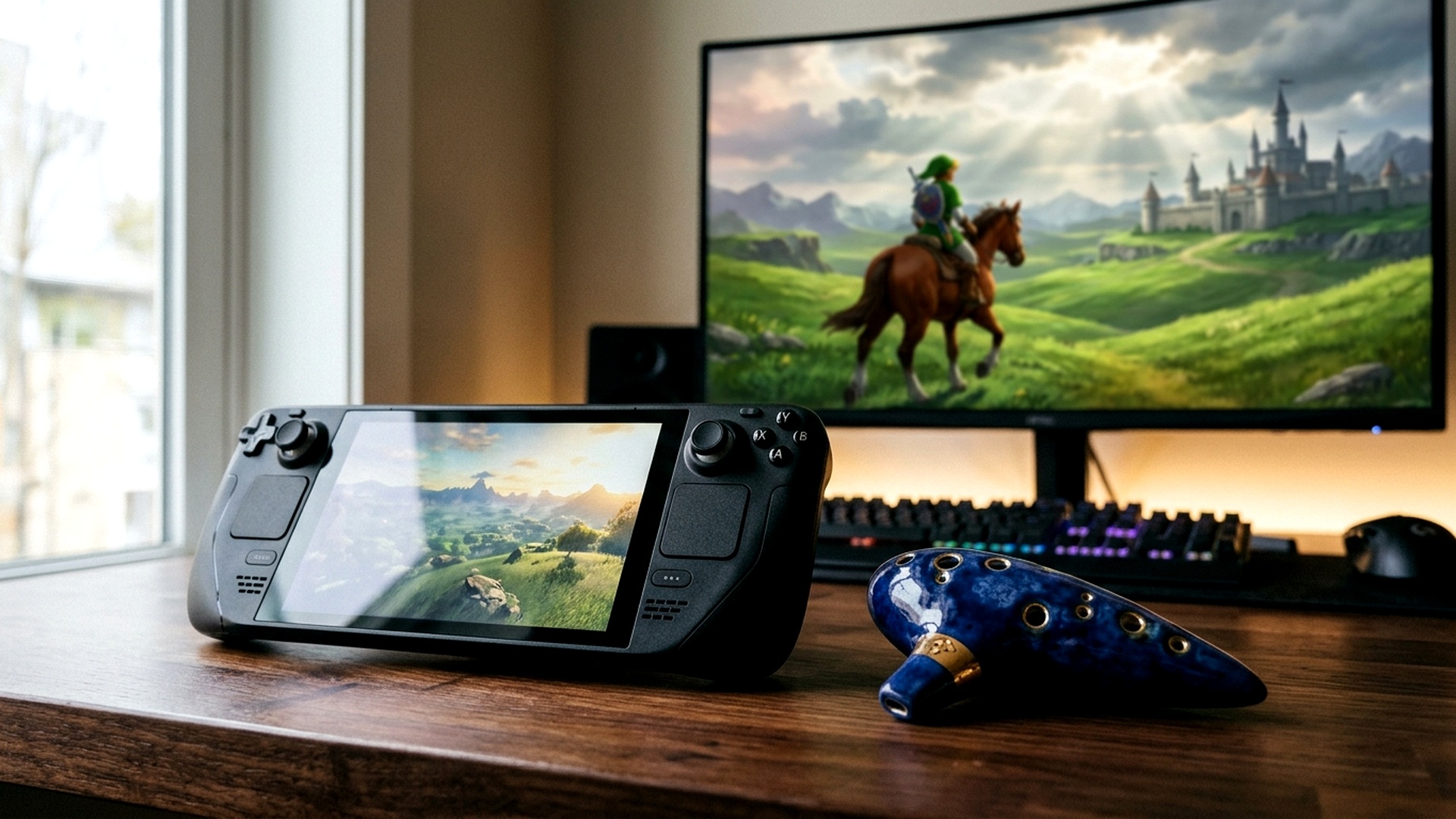
Nintendo has officially rolled out Version 1.1.2 for The Legend of Zelda: Ocarina of Time on the newly launched Nintendo Switch 2 console. Released on November 25, 2026, this critical post-launch software update specifically targets game-breaking progression anomalies and system stability issues that emerged following the blockbuster remake’s early November debut. Most notably, Version 1.1.2 resolves a widespread quest-locking glitch surrounding the beloved ‘Malon’s Friend’ side event at Lon Lon Ranch, which previously prevented thousands of completionist players from securing key heart pieces and advancing equestrian progression. Furthermore, Nintendo Support has confirmed that applying Version 1.1.2 is strictly mandatory for all players wishing to retain access to connected online network services, cloud backups, and companion telemetry.
Official Patch Notes Breakdown: What Version 1.1.2 Changes
According to the official documentation published across Nintendo Support operational portals, Version 1.1.2 prioritizes structural gameplay continuity and technical polish over transformative content additions. For players whose save data was compromised by earlier event flags, the patch delivers automatic retrospective recovery. Below are the full verified patch notes:


- Progression Bug Resolution (Malon’s Friend Quest): Resolved an issue that prevented Link from advancing through the multi-stage ‘Malon’s Friend’ event dialogue sequence after completing the daytime obstacle sprint. Crucially, players whose save files were already stuck in a locked state prior to downloading the update can seamlessly resume and finalize the event once Version 1.1.2 is installed, without requiring a fresh game restart.
- General Gameplay Stability & Memory Optimizations: Addressed several unspecified minor crashes, temporal rendering hitches in Kokiri Forest, and environmental collision anomalies inside Dodongo’s Cavern and the Water Temple to provide a significantly smoother, stutter-free gameplay experience.
- Mandatory Online Network Synchronization: Applying Version 1.1.2 is required to continue utilizing the game’s Internet-connected features, including cloud save data verification, global time-trial speedrun rankings, and asynchronous community ghost markers.
| Software Parameter | Version 1.1.1 (Launch Polish) | Version 1.1.2 (Current Update) | Impact on Nintendo Switch 2 Players |
|---|---|---|---|
| Release Date | November 4, 2026 | November 25, 2026 | Rapid post-launch engineering response from Nintendo EPD |
| Primary Focus | ZELDA NOTES Companion App Support | Progression Glitch & Lon Lon Ranch Fix | Unlocks stalled 100% completion save files globally |
| Malon’s Friend Event | Susceptible to dialogue trigger lock | Fully patched with retroactive save healing | Allows uninhibited heart piece and horse song acquisition |
| Online Service Status | Legacy protocol supported | Mandatory Version 1.1.2 protocol | Prevents online leaderboards and cloud desync errors |
| Companion App Synergy | Initial ZELDA NOTES synchronization | Refined live GPS coordinate streaming | Eliminates pin latency on second-screen mobile maps |
The ‘Malon’s Friend’ Progression Glitch Explained
The progression blocker resolved in Version 1.1.2 centered on a complex script timing conflict within Lon Lon Ranch during Child Link’s exploration phases. Under specific conditions—predominantly when players spoke to Talon or interacted with Epona while carrying active trade quest items before initiating Malon’s obstacle course—the internal quest state machine failed to trigger the concluding flag. Consequently, Malon remained trapped in an uninteractable loop, rendering the completion of her associated event impossible and barring players from acquiring critical early-game upgrades.
The engineering team at Nintendo EPD implemented a retroactive script validation routine within Version 1.1.2. Upon booting the game post-update, the engine scans the player’s existing event inventory and world flags; if it detects an incomplete ‘Malon’s Friend’ flag paired with the requisite prerequisites, the event resets to its final talk prompt, allowing players to immediately claim their rewards.
ZELDA NOTES Companion Feature & Launch Ecosystem Context
The rollout of Version 1.1.2 builds directly upon the foundational architecture introduced in Version 1.1.1, which dropped on November 4, 2026—just 24 hours prior to the remake’s official worldwide launch. That preceding update integrated support for ZELDA NOTES, Nintendo’s innovative companion application accessible via smartphones and tablet browsers. ZELDA NOTES provides real-time interactive Hyrule overworld tracking, live Gold Skulltula collectible heatmaps, subtle puzzle hints, and dynamic dungeon floor-plan synchronization.
Under Version 1.1.2, network packet transmission between the Nintendo Switch 2 hardware and the ZELDA NOTES web infrastructure has been streamlined. Handheld adventurers exploring Death Mountain or the Gerudo Fortress now experience zero noticeable latency when checking live collectible pings on their companion screens. Furthermore, as part of the late November update cycle, Nintendo has distributed an exclusive new wave of Nintendo Switch Online custom user profile icons, allowing subscribers to redeem Platinum Points for retro-remastered avatars of Adult Link, Princess Zelda, Sheik, and Ganondorf.


Nintendo Switch 2 Technical Benchmarks: 4K DLSS & 60 FPS Fidelity
As one of the premier launch-window showcases for Nintendo’s next-generation hardware, The Legend of Zelda: Ocarina of Time on Switch 2 leverages custom NVIDIA Tegra silicon architectures. When docked, the game utilizes hardware-accelerated NVIDIA DLSS (Deep Learning Super Sampling) to reconstruct a pristine 4K resolution output on modern OLED televisions while sustaining a locked 60 frames per second. In handheld mode, dynamic resolution scaling targets native 1080p, backed by improved battery efficiency optimizations that yield over 4.5 hours of continuous portable playtime.
Players transitioning between our comprehensive Black Friday console hardware guides and daily gaming news will appreciate how Nintendo’s aggressive post-launch patching schedule reinforces the longevity of its flagship launch titles. By addressing early technical snags within three weeks of launch, Nintendo ensures that Ocarina of Time remains an immaculate centerpiece for the holiday shopping rush.
How to Manually Download & Install Version 1.1.2 on Switch 2
While the Nintendo Switch 2 will automatically download and install software updates when connected to Wi-Fi in Sleep Mode, players wishing to verify or force the update immediately can execute the following steps:
- Step 1: From the Nintendo Switch 2 Home Menu, highlight the tile for The Legend of Zelda: Ocarina of Time.
- Step 2: Press the + (Options) button on your right Joy-Con controller.
- Step 3: Select Software Update from the left-hand navigation sidebar.
- Step 4: Choose Via the Internet. The system will contact Nintendo’s distribution servers, verify your local build, and commence downloading Version 1.1.2.
- Step 5: Once installation concludes, verify that the title screen displays ‘Ver. 1.1.2’ in the lower right-hand corner before entering Hyrule.
Technical analysis confirms that Version 1.1.2 stabilizes dynamic resolution scaling during combat. In previous builds, navigating heavy volumetric particle effects—such as the fiery magma chambers of Death Mountain Crater or the torrential rain sequences surrounding the Temple of Time—occasionally triggered brief temporal frame dips down to 54 FPS. Optimized GPU shader caching ensures the Switch 2 maintains 60 frames per second across all biomes.

Speedrunning communities have welcomed the update with relief. Because the ‘Malon’s Friend’ sequence forms a mandatory gateway for optimal routing toward early equestrian travel and essential heart container thresholds, the glitch had previously invalidated dozens of world record attempts. With retroactive save state integrity fully restored, competitive speedrunners can once again pursue optimized any% and 100% completion categories without fearing catastrophic quest-locking dead ends.
Frequently Asked Questions: Zelda Ocarina of Time Update 1.1.2
Does Version 1.1.2 fix broken save files for the Malon quest?
Yes, the update includes retroactive save-repair logic. If your character was previously stuck during the ‘Malon’s Friend’ event, simply loading your existing save file after applying Version 1.1.2 will allow you to complete the event normally without restarting.
Can I continue playing without updating to Version 1.1.2?
You can continue playing offline in single-player mode, but you will be strictly blocked from using online features, including Nintendo Switch Online cloud saves, companion app integration with ZELDA NOTES, and global ranking leaderboards.
What features does the ZELDA NOTES companion app provide?
Introduced in Version 1.1.1, ZELDA NOTES allows players to connect their smartphone or tablet to view real-time Hyrule map tracking, Gold Skulltula collectible checkpoints, puzzle hints, and live dungeon schematics while playing.
How do I verify which version of the game is currently installed?
Highlight the game on your Switch 2 Home Menu and press the + button. The current version number is displayed directly under the game title at the top of the screen, or on the bottom right corner of the in-game title screen.
Related posts:
 Pokemon Ruby and Sapphire Switch 2 Remaster Rumors: Leaks, Release Window & What We Know
 Nintendo Switch 2 Upcoming Games Slate Spotlights 21 Major Titles Including 10 Exclusives for 2027
 Golden Joystick Awards 2026 Winners: Resident Evil Requiem Sweeps Ultimate Game of the Year & 4 Trophies
 Sonic Pico Park, Hands Over & Derelikt Lead Nov 12–13 Steam Co-Op Wave While PC Gamers Wait for GTA 6