
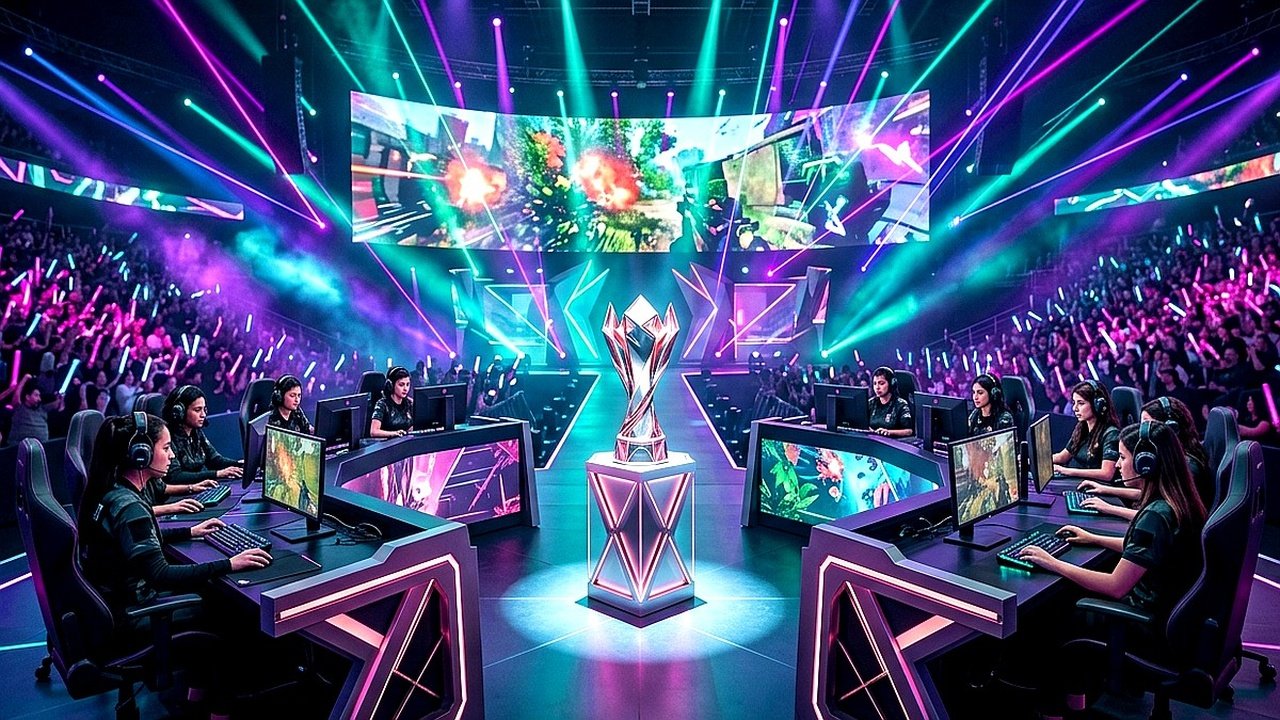
Developing a consistent Valorant Radiant aim routine is the single most critical investment for players striving to climb through Immortal into top-tier Radiant ranks. Rather than mindlessly clicking targets in casual deathmatch, deliberate mechanics practice builds neurological muscle memory that holds steady under extreme competitive pressure.
In tactical first-person shooters, raw flick speed accounts for less than twenty percent of actual gunfight success. Instead, pristine crosshair placement, calm micro-adjustments, and precise counter-strafing dictate over eighty percent of clean one-tap headshots.
⚡ Golden Rule: Effective DPI (eDPI) Calibration
Over 78% of professional VCT champions play within an eDPI window between 200 and 320 (calculated by multiplying mouse DPI by in-game sensitivity). Setting your sensitivity within this competitive standard minimizes over-flicking while ensuring sufficient turn speed for checking 90-degree corners.
The 30-Minute Daily Radiant Training Routine
Consistency compounds over time. Executing this structured 30-minute warm-up sequence before queueing competitive matches sharpens your visual reaction speed and fine-tunes your hand-eye coordination.
Mastering Deadzoning and Counter-Strafing Mechanics
Deadzoning is the technique of firing a bullet during the exact split-second when your character reaches zero velocity while changing movement directions. In Valorant, bullets achieve 100% first-shot accuracy whenever movement speed drops below 30%.
By synchronizing your key presses between ‘A’ and ‘D’, you can peek angles, fire two pinpoint Vandal shots, and return behind cover before the opponent can react. Furthermore, combining deadzoning with proper angle slicing makes you virtually impossible to pin down.
For recommended agent picks and current balance tier lists, explore our guide on Valorant Patch 9.08 Tier List & Meta Agents.
Hardware Settings: Refresh Rates and Raw Input Buffer
Optimal in-game mechanics require lag-free input processing. Ensure that ‘Raw Input Buffer’ is turned ON within your general mouse settings to bypass Windows operating system cursor polling lag.
Additionally, disable full-screen optimizations on your Valorant executable and activate NVIDIA Reflex Low Latency (set to ‘On + Boost’). This configuration reduces total system rendering latency by up to 14 milliseconds, granting an immediate competitive advantage.
Frequently Asked Questions About Valorant Aim Routine
Should I play Aim Lab or KovaaK’s alongside in-game practice?
Third-party aim trainers excel at developing raw mouse control and tracking fluency. However, in-game deathmatch remains superior for mastering Valorant-specific crosshair height, model speeds, and counter-strafing timings.
What is the ideal crosshair color for high competitive clarity?
Cyan (#00FFFF) and Green (#00FF00) provide the highest visual contrast against dark textures on maps like Bind, Haven, and Abyss, ensuring your crosshair never gets lost in smoke clouds.
How do I stop spraying and panic crouching in duels?
Unbind your crouch key during deathmatch sessions for one full week. This forces you to commit to 2-round burst firing, repositioning, and disciplined counter-strafing instead of locking yourself into static crouch sprays.
Related posts:
 Valorant Radiant Aim Hacks: Angle Snapping, DPI Scaling & Micro-Adjustment Drills
 Valorant Abyss Map Smokes & Lineups Guide: Omen One-Ways, Viper Walls & Cypher Trapwire Setups
 Valorant 2027 Input Latency & Deadzoning Hacks: How Pros Achieve Zero Micro-Stutter and Pixel-Perfect Crosshairs
 Valorant Night Market & Episode 9 Act 3 Tracker: Eligible 1,775 VP Skins, Sunset Rework & Map Rotation