 Free Fire MAX Auto Headshot Settings 2026
🚨 TL;DR SUMMARY 🚨
- General Sensitivity: Keep this between 95 and 100 for maximum movement speed.
- Red Dot: Set to 90-95 for easy drag-headshots.
- The Secret: It is not a “hack.” Auto-headshots require the perfect drag-shoot technique combined with these exact sensitivities.
If you are tired of emptying a whole magazine into an enemy’s chest just to get one-tapped by a Desert Eagle, you are using the wrong settings. The secret to dominating Grandmaster lobbies isn’t downloading sketchy apps—it’s optimizing your in-game sensitivity.
We have tested the configurations of the top Indian esports players. If you want to master the drag-shoot technique, apply these exact Free Fire MAX auto-headshot settings today!
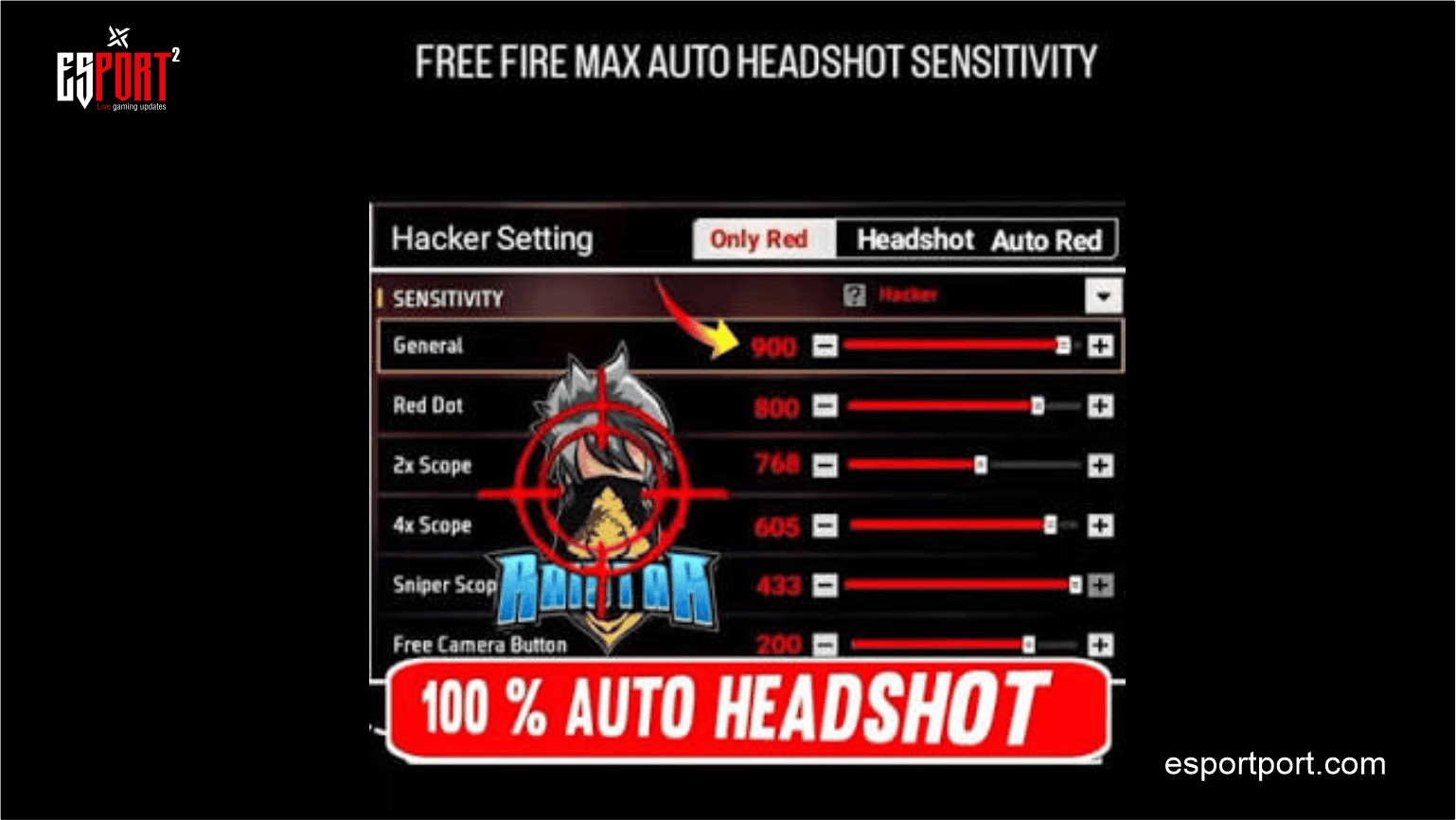
🎯 The Perfect Pro Sensitivity Settings (2026)
To hit consistent headshots, your crosshair needs to glide smoothly from the enemy’s chest to their head when you drag your fire button upwards. If your sensitivity is too low, the crosshair gets stuck on their chest.
Copy these exact numbers into your Free Fire MAX settings:
- General: 95 – 100 (Crucial for fast gloo wall deployment and 360-degree turns)
- Red Dot: 90 – 95 (The sweet spot for drag headshots with SMGs and ARs)
- 2x Scope: 85 – 90
- 4x Scope: 80 – 85
- Sniper Scope: 45 – 50 (Keep this low for precise AWM flicks)
- Free Look: 75 – 80
🛠️ Custom HUD & Fire Button Placement
Sensitivity is only half the battle. If your fire button is the wrong size, your drag technique will fail.
- Fire Button Size: Set your right fire button size between 45% and 55%. If it is too big, your thumb won’t have enough screen space to drag upward.
- Placement: Place the fire button slightly lower on your screen than the default layout. This gives you maximum vertical dragging distance.
🚀 The “Drag Shoot” Technique
These settings will not aim for you magically. You must execute the drag technique:
- Aim your crosshair near the enemy’s chest (wait for the crosshair to turn red).
- The instant you press the fire button, violently swipe your thumb upward towards the top of your screen.
- The high Red Dot sensitivity will force the aim-assist to break off the chest and lock onto the head.
ALSO READ: Are you looking for free Diamonds and rewards? Therefore, you must read our Free Fire MAX Daily Redeem Codes Guide!
Did these sensitivity settings help you hit more one-taps? What is your current rank? Let us know in the comments below!