
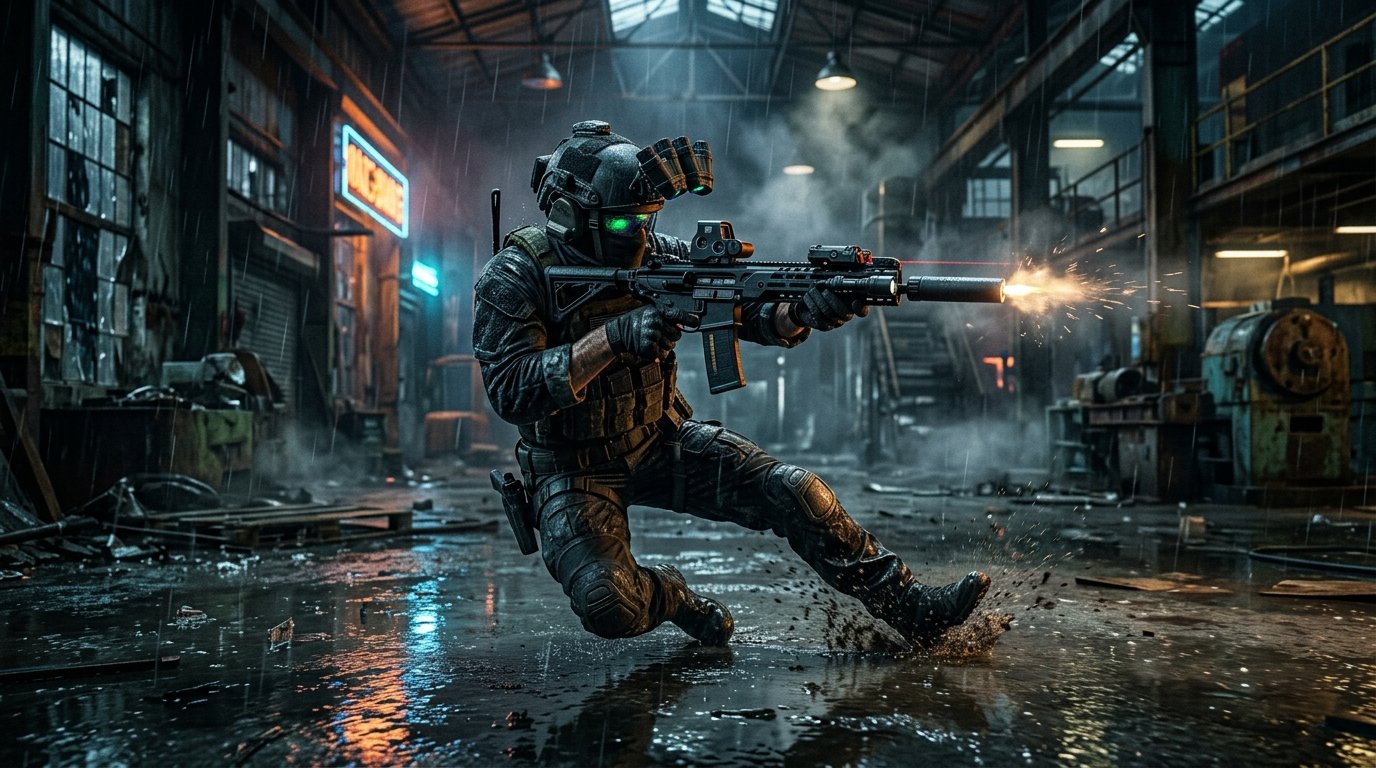
PC gaming enthusiasts can finally begin preparing their solid-state drives as Activision officially opened download servers worldwide this Wednesday morning. In this essential guide as Black Ops 6 PC Pre-Load Live Now, we examine the full 102GB file requirements, outline critical NVIDIA and AMD graphics driver updates, explain how to avoid day-one shader compilation stutter, and provide optimal installation paths across Steam, Battle.net, and PC Game Pass.
Platform Download Sizes & Hardware Prerequisites
First and foremost, PC players must ensure their systems possess adequate uncompressed SSD storage space before initiating the pre-load. Unlike previous iterations that forced massive monolithic installs, Call of Duty HQ now allows players to download specific modular components.
| PC Platform Storefront | Modular Install Component | Required SSD Space | Recommended Driver Version |
|---|---|---|---|
| Steam (PC) | Full Game (Campaign, MP, Zombies) | 102 GB SSD | GeForce 565.90 / Adrenalin 24.10.1 |
| Battle.net (Blizzard) | Multiplayer & Zombies Only | 68 GB SSD | GeForce 565.90 / Adrenalin 24.10.1 |
| Xbox App (PC Game Pass) | Full Game Package | 102 GB SSD | GeForce 565.90 / Adrenalin 24.10.1 |
| Hi-Rez Texture Pack | Optional 4K Ultra Textures | 32 GB Additional SSD | Requires 16GB+ VRAM GPU |
In addition, Beenox confirmed that solid-state drive (SSD) storage is strictly mandatory; traditional mechanical hard disk drives (HDDs) will suffer severe texture streaming hitches and prolonged loading times.
Driver Optimization: NVIDIA 565.90 & AMD Adrenalin 24.10.1
Furthermore, both major GPU manufacturers released dedicated day-one driver packages specifically tuned for Black Ops 6’s customized IW9 graphics engine.
- NVIDIA GeForce Game Ready 565.90: Delivers DLSS 3 Frame Generation support, Reflex latency reductions down to under 12ms, and optimized shader caching for RTX 40-series cards.
- AMD Adrenalin 24.10.1: Features Anti-Lag 2 support and custom RDNA 3 pipeline profiles to eliminate frame pacing drops during fast omnimovement slides.
For tactical weapon setup guides ahead of launch, review our Call of Duty: Black Ops 6 Best Launch Weapons Tier List and explore our Black Ops 6 Global Launch Countdown & Region Trick.
How to Prevent Day-One Shader Compilation Stutters
Moreover, when launching the game for the first time, allow the in-game shader pre-caching progress bar on the top-left screen to reach 100% completion before queuing into multiplayer matches.
Consequently, interrupting shader optimization causes severe micro-stuttering during gunfights. Verify your system readiness directly on the official Call of Duty portal.
Summary
Taking advantage of Black Ops 6 PC Pre-Load Live Now ensures you jump directly into the fray without downloading bottleneck delays at launch. Install your packages, update your drivers, and prepare for zero hour.
Related posts:
 Call of Duty: Black Ops 6 Campaign & Zombies Midnight Launch Guide: Pre-Load Times, New GobbleGums & Liberty Falls Secrets
 Call of Duty: Black Ops 6 Best Controller Settings & Aim Assist Hacks: Dynamic Response Curve & Deadzone Config for Ranked
 Black Ops 6 Liberty Falls Zombies Guide: Complete Easter Egg Walkthrough, Jet Gun & Church Boss Fight
 Black Ops 6 Global Launch Countdown: New Zealand Region Trick, Day One Patch Notes & Server Timers