
Zero Forward Velocity Penalty
Instant Max-Velocity Breakout
Micro-Tracking Responsiveness
Prevents Accidental Belly Flops
- The Sprint Assist Revolution: Enabling “Tactical Sprint Assist” with a 0ms buffer eliminates manual L3 thumb depression completely, letting you initiate omni-slides sideways and backward instantly.
- Supine Prone Aiming: Diving backward into a supine position allows you to track targets with 100% hipfire accuracy while presenting an ultra-narrow hit box to opposing head-glitches.
- Corner G-Walk Resets: Chaining a diagonal slide with a backward jump input resets your tactical sprint meter, enabling continuous maximum-velocity camera breaks in tight Hardpoint hills.
🇺🇸 EDT: 15:09 – 23:30 (US Prime Multiplayer Servers)
🇪🇺 CET: 21:09 – 05:30
🇮🇳 IST: 00:39 – 09:00 (Sun)
🇯🇵 JST: 04:09 (Sun)
The Paradigm Shift: Black Ops 6 Omnimovement Settings & Mechanics
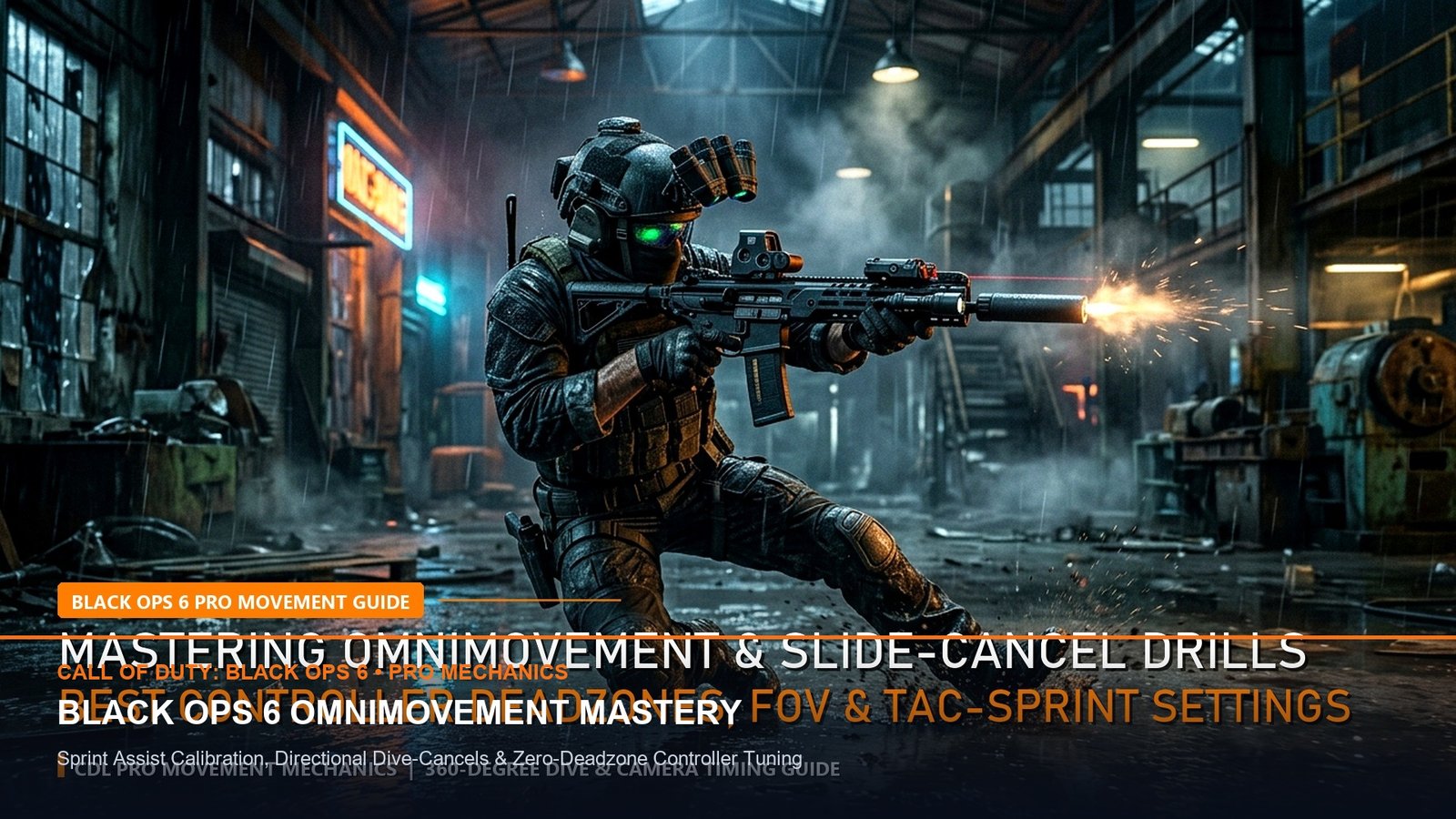
Treyarch and Raven Software have fundamentally rewritten the kinetic rules of first-person shooters with the introduction of Omnimovement in Call of Duty: Black Ops 6. For two decades, Call of Duty mechanics constrained maximum sprint velocity and slide capabilities strictly along a forward vector. In Black Ops 6, players can sprint, slide, and dive in any 360-degree direction—forward, backward, left, right, and every diagonal angle in between—without suffering a transition penalty. In our definitive guide to Black Ops 6 Omnimovement Settings, we reveal the exact controller configurations and input timings utilized by CDL professionals.
In our earlier weapon evaluation of the Call of Duty: Warzone Season 6 Weapon Meta, we detailed how bullet velocity determines gunfight outcomes; in Black Ops 6 multiplayer, movement velocity dictates whether you absorb damage or completely break your opponent’s aim-assist camera lock.
Controller Configuration: Deconstructing Intelligent Movement
The secret to mastering omnimovement lies within the “Intelligent Movement” sub-menu in the Black Ops 6 settings. Default settings leave several automated helpers enabled, which cause unintended mantle animations and inconsistent slide entries. To achieve esports-grade mechanical control, configure your controller settings according to our tested telemetry matrix.
🎯 Pro Movement Secrets vs. Casual Habits
+EV Movement Signal: The Backward Diagonal Slide. When caught reloading or taking damage from a doorway, pull the left stick back-left and tap slide. You will glide backward out of view while keeping your crosshair locked directly on the door threshold.
-EV Casual Trap: Jumping immediately after a slide. In Black Ops 6, jumping out of an omni-slide incurs a -15% ADS speed penalty for 400 milliseconds. Instead, crouch-cancel the slide with a second tap to enter hipfire immediately.
Advanced Tech: Supine Prone & Camera Break Rotations
The single most powerful combat addition in Black Ops 6 is Supine Prone. By diving backward or sliding and holding prone, your operator lands on their back with weapon raised. Unlike traditional prone positions that restrict horizontal aiming to a 90-degree cone, supine prone allows for full 360-degree upper-body torso rotation.
When holding a Hardpoint choke point (such as B-Dom on Babylon or Subsonic), sliding into a supine position under low tables or behind knee-high cover presents an opponent with only your helmet and rifle muzzle, rendering their rotational aim-assist completely ineffective.
For more competitive hardware and latency optimization, read our 240Hz vs 360Hz QD-OLED Gaming Monitors Guide.
Related posts:
 PC Gaming Optimization Masterclass: Windows 11 24H2 Debloat, GPU Driver Latency & BIOS PBO Tuning for Maximum FPS
 Call of Duty: Black Ops 6 Launch Weekend Weapon Tier List: Best AR, SMG & Sniper Loadouts for Day-1 Dominance
 Call of Duty: Warzone Season 6 Weapon Meta: Urzikstan & Rebirth Island Long-Range AR & Close-Range SMG Tier List
 Steam Deck OLED vs. ROG Ally X Handheld Shootout: Battery Life, 1% Low FPS & Ergonomics for Late-Night Gaming