BGMI 4-finger claw setup 2026
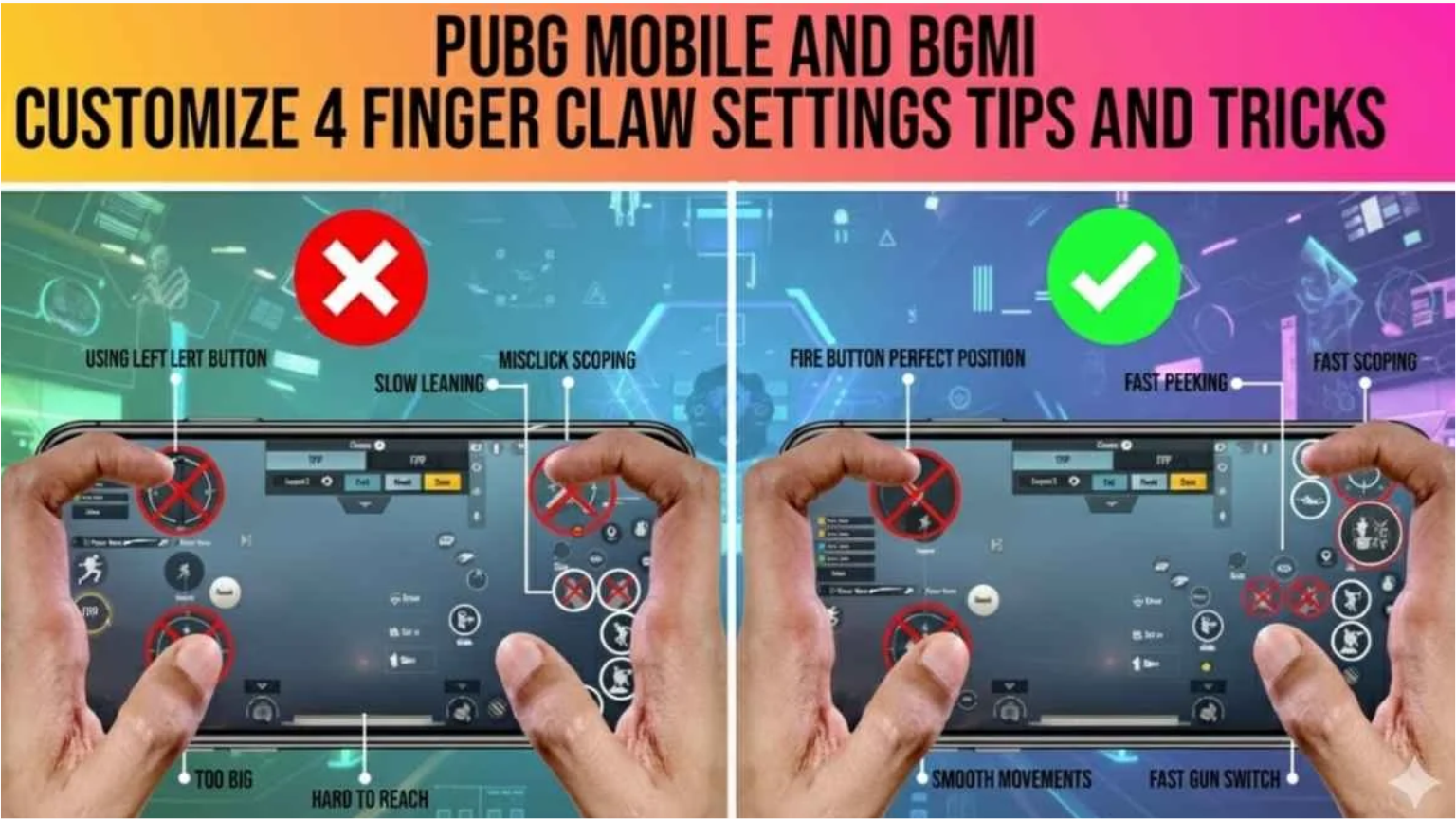
First, reaching the Conqueror tier in Battlegrounds Mobile India (BGMI) is physically impossible if you only play with your two thumbs. Because the current 2026 meta requires you to shoot, move, crouch, and aim simultaneously, a two-finger layout will mathematically limit your reaction time. Consequently, professional esports athletes universally utilize the BGMI 4-finger claw layout code 2026 to dominate their opponents.
Therefore, we have compiled the ultimate guide for transitioning from a casual thumb player to a tier-1 Assaulter. If you want to instantly improve your close-range gunfights, you must carefully study and apply the control codes detailed below.
1. Why the 4-Finger Claw is Superior
Historically, casual players struggle to win 1v1 battles because they have to stop moving to press the fire button. However, the 4-finger claw completely eliminates this delay.
By curving your hands like a “claw” over the top of your smartphone, you dedicate specific fingers to specific actions.
- Left Index Finger: Dedicated exclusively to the Primary Fire button.
- Right Index Finger: Dedicated exclusively to the ADS (Scope) button and Crouch/Prone.
- Left Thumb: Dedicated strictly to the movement joystick.
- Right Thumb: Dedicated strictly to camera swiping and recoil control.
Because your fingers never have to switch buttons, you can easily execute complex maneuvers like the “Jiggle-Peek” without ever dropping your crosshair.
ALSO READ: Are you struggling with high ping while trying to practice your new layout? Therefore, you must read our “Ultimate BGMI Ping Fix & Zero Lag Guide!”
2. The Best BGMI 4-Finger Claw Layout Codes (August 2026)
Currently, finding a balanced HUD layout is incredibly tedious. Therefore, we have extracted the exact, optimized layout strings used by top Indian competitive players. You can directly copy these codes to instantly overwrite your current HUD.
- Aggressive Assaulter Layout (Perfect for SMGs & ARs):
7112-4389-1290-3482-145 - Dedicated Sniper Layout (Optimized for Bolt-Action):
7112-4389-1290-3482-298 - iPad / Tablet 4-Finger Layout:
7112-4389-1290-3482-333
(Note: Because smartphone screen sizes vary, you may need to slightly adjust the button transparency and size after importing these codes).
3. How to Import the Layout Code
If you have never imported a custom HUD string before, you must meticulously follow these exact steps inside the BGMI client.
- First, highlight and Copy your preferred 19-digit layout code from the list above.
- Next, launch BGMI, open your Settings, and tap on the Customize Buttons tab.
- Click the Customize button to open your current HUD editor.
- At the top of the screen, tap the Layout Management (gear icon) button, and select Search Method.
- Finally, paste the 19-digit code into the text box and click Search. Tap Apply to permanently save the new layout.
ALSO READ: Do you also play Free Fire MAX on your smartphone? Therefore, you must study our “Ultimate Free Fire MAX Auto Headshot Guide 2026!”
In conclusion, transitioning to a 4-finger claw setup will initially feel extremely uncomfortable. However, if you spend exactly three days practicing in the Training Grounds, your muscle memory will adapt. Therefore, you must import these codes today and start grinding!
Are you currently a 2-finger, 3-finger, or 4-finger player? Which layout code did you decide to import? Let us know in the comments below!