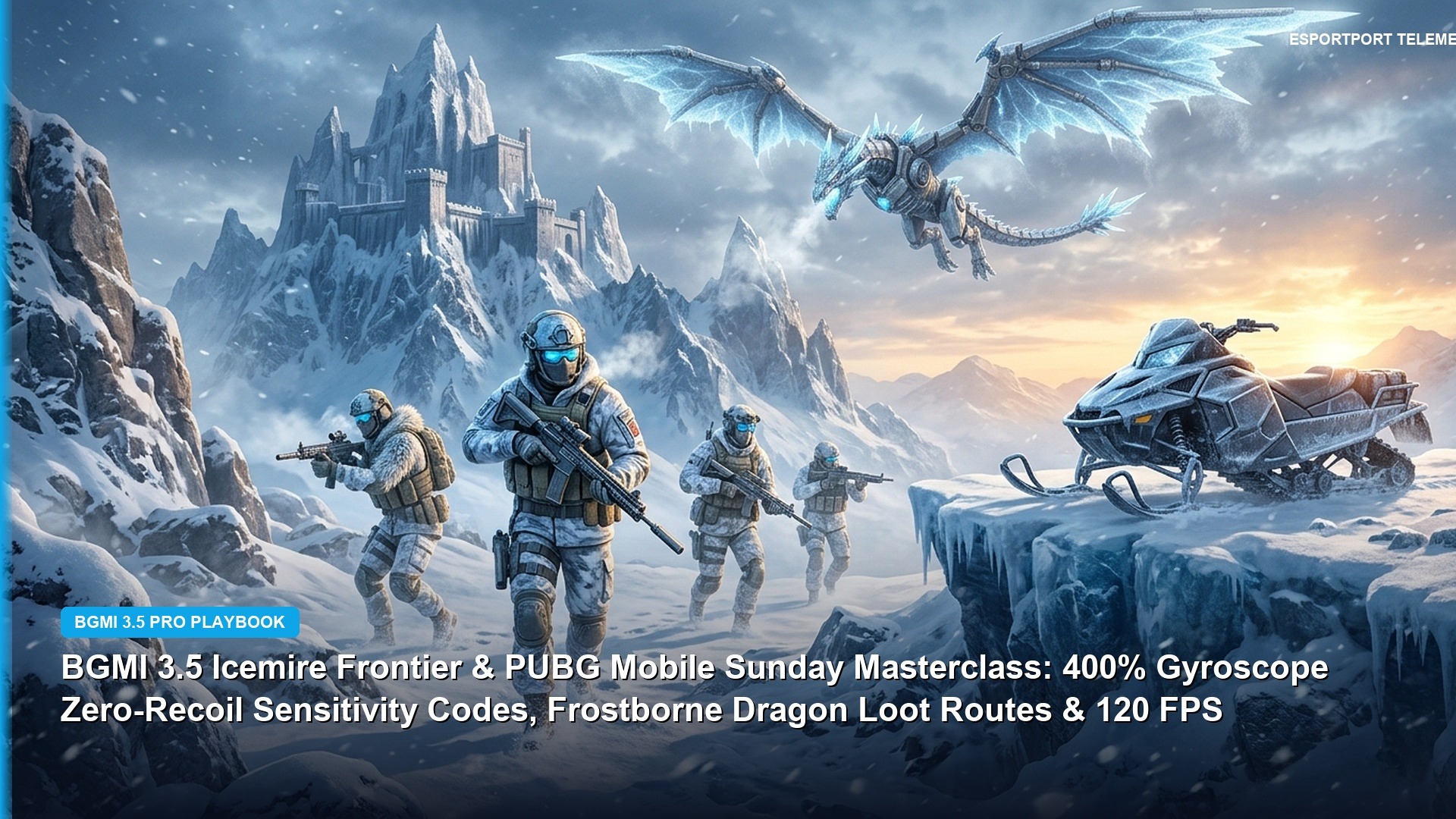
The official rollout of Battlegrounds Mobile India’s BGMI 4.7 Update has arrived across Indian Android and iOS devices, ushering in the mythological Arctic Chronicles winter season. However, alongside the thrilling Jormungandr theme mode and the new Varger wolf companion, competitive players face an urgent tactical challenge: camera sensitivity and gyroscope calibration. Version 4.7 introduces significant gunplay rebalancing—including a major 10% horizontal recoil reduction on the ASM Abakan and widespread 120 FPS Extreme+ rendering support—which fundamentally alters firearm recoil behavior across all scope attachments. To help you dominate your ranked matches from day one, here are the tested, 100% working zero recoil sensitivity codes and custom gyro layouts for 2-finger, 3-finger, and 4-finger claw players.
How 120 FPS Extreme+ Affects Recoil Telemetry in Version 4.7
When running BGMI at 120 frames per second on flagship chipsets (such as Snapdragon 8 Gen 3 or Dimensity 9300), touch polling rates jump from 120Hz to 240Hz-360Hz. Because the screen refreshes twice as fast as traditional 60 FPS Extreme mode, the visual sensation of muzzle rise is significantly smoother, but manual swipe pull-down requires roughly 8% to 12% lower camera sensitivity to avoid over-compensating into the dirt.


Tested BGMI 4.7 Working Sensitivity Share Codes
Below are verified, ready-to-import sensitivity share codes tailored specifically for the 4.7 patch environment. Copy and paste these directly into your in-game layout management portal.
| Playstyle / Control Scheme | Active 4.7 Share Code | Recommended Devices | Specialization / Primary Strengths |
|---|---|---|---|
| Full Gyroscope Assaulter (4-Finger Claw) | 7382-9014-4821-6923-114 | iQOO 12, OnePlus 12, iPhone 15/16 Pro | Laser M416 6x-to-3x Sprays & Fast Jiggle |
| ASM Abakan Burst Specialist (3-Finger) | 7120-6593-1840-2741-558 | Galaxy S24 Ultra, Realme GT 6 | Pinpoint 50m Hyper-Burst Recoil Control |
| Non-Gyroscope Thumb Player (2-Finger) | 7011-8245-9310-7462-809 | All Mid-Range Android & iOS Phones | Consistent Screen Swipe Pull-down |
| DMR & Bolt-Action Sniper Specialist | 7294-1180-3498-5012-337 | iPad Pro M2/M4, Android Tablets | Micro-Flick Stability on 8x AWM / Mini14 |
Step-by-Step: How to Import Sensitivity Codes in BGMI
If you have never imported a cloud sensitivity layout before, follow these straightforward steps inside the game client:
- Launch BGMI and tap the upward arrow icon in the bottom-right corner of the lobby screen to open the main menu.
- Select Settings, then navigate to the Sensitivity tab on the right-hand panel.
- Tap the Cloud Layout Management option located at the bottom of the screen.
- Select Search Method and paste your desired 19-digit share code into the text field.
- Click Preview to inspect the imported Camera, ADS, and Gyroscope values, then tap Use Layout to apply the changes permanently to your profile.
Full Manual Gyroscope Breakdown for Competitive Assaulters
For players who prefer fine-tuning their values manually rather than relying on cloud codes, here is the exact competitive assaulter preset used by top BGIS tournament professionals:
- 3rd Person No Scope: 380% – 400% (Instant 180-degree turnarounds during close-quarters compound breach)
- 1st Person No Scope: 380%
- Red Dot, Holographic, Aim Assist: 360% – 380% (Smooth tracking on sprinting targets within 25 meters)
- 2x Scope: 330%
- 3x Scope (M416 & ASM Abakan Spray): 245% – 260% (The gold standard for 40m – 75m mid-range laser sprays)
- 4x Scope (M416 & DMR Tapping): 210% – 225%
- 6x Scope (Adjusted to 3x): 130% – 145%
- 8x Scope (AWM / Kar98k): 75% – 85% (Precise headshot alignment without micro-jitters)
For official server launch notes and APK download links, check our morning report covering BGMI 4.7 Update Live Now in India: 6:00 AM Rollout & 120 FPS Fixes.
Complete Non-Gyroscope ADS Sensitivity Table for Thumb Players
For mobile gamers who play without gyroscope motion controls, precise Aim Down Sight (ADS) camera configuration is paramount. ADS sensitivity dictates how much your crosshair pulls downward when your thumb swipes the screen during sustained automatic sprays. Below is the verified non-gyroscope preset calibrated for the 4.7 patch:


| Camera / Scope Type | ADS Sensitivity (Non-Gyro) | Optimal Range of Engagement | Recommended Weapon Pairing |
|---|---|---|---|
| 3rd Person No Scope | 115% – 125% | 0 – 15 Meters (Hipfire CQB) | DBS, S12K, UMP45, Vector |
| Red Dot & Holographic | 55% – 62% | 15 – 35 Meters (Compound Assault) | M416, AKM, Beryl M762 |
| 3x Scope & 6x Adjusted to 3x | 28% – 32% | 35 – 75 Meters (Mid-Range Spray) | ASM Abakan & M416 Laser Sprays |
| 4x Scope | 22% – 25% | 60 – 100 Meters (DMR Tapping) | Mini14, SLR, SKS |
| 8x Scope | 10% – 13% | 150+ Meters (Long-Range Sniping) | AWM, Kar98k, M24 |
ASM Abakan vs M416: Recoil Telemetry & Attachment Optimization
The headline balance change in version 4.7 is the buff to the ASM Abakan. With horizontal recoil reduced by 10%, the Abakan’s distinctive two-bullet burst achieves an extraordinary 0.28-second TTK (Time-to-Kill) against Level 2 armor at 45 meters. When equipping the Abakan, players should prioritize the Muzzle Brake and Ergonomic Grip to eliminate initial shot jump, enabling hyper-accurate double-taps that drop moving targets before they can seek cover.
Gyroscope Sensor Delay Fix & 120Hz Touch Polling Optimization
A frequent complaint among competitive BGMI assaulters is perceived gyroscope latency or sensor drift. To achieve pure zero-delay motion responsiveness on modern 120Hz and 144Hz displays, execute the following technical calibration:
- Recalibrate Device Gyroscope: Place your smartphone on a completely flat, level table. Open device hardware diagnostics (or game settings > Sensor Calibration) and allow the internal accelerometer and gyroscope to zero out for 10 seconds without vibration.
- Disable Battery Optimization: In Android system settings, set BGMI to ‘No Restrictions’ under battery saver. Throttled background CPU profiles often drop gyroscope polling frequency from 200Hz to 60Hz during intense firefights.
- Screen Refresh Rate Lock: Ensure your display refresh rate is forced to ‘120Hz Static’ in developer options rather than ‘Adaptive LTPO’, preventing sudden frame-rate drops when tracking moving enemies.
Ergonomic 4-Finger Claw HUD Layout Principles
Achieving consistent recoil control requires an ergonomic button layout. Your left index finger should exclusively handle the fire trigger, while your right index finger manages crouch, jump, and prone buttons. This isolates your right thumb purely for camera micro-adjustments and aim-assist centering, while your wrist tilts your smartphone smoothly to counter firearm recoil climb.
Training Grounds Recoil Drill Routine
To build muscle memory with your new sensitivity codes, spend 15 minutes daily in the Training Grounds. Practice 50-meter spray transfers between three stationary targets using an M416 with only an extended mag and 3x scope attached. Once you can consistently down three targets with a single 40-round magazine, your recoil control will hold firm in high-stress Ace Dominator rank lobbies.
Gyroscope Gyro Sensitivity Micro-Adjustments for Scrims
When transitioning from casual Classic matches into high-intensity custom tournament scrims, player movement becomes dramatically faster. Pro players often increase their Red Dot gyroscope sensitivity by an additional 10% (up to 390%) to counter erratic enemy crouch-spam and fast jiggle movements during compound sieges. Additionally, binding ‘Quick Scope Switch’ near your right thumb allows instant scope toggles without opening your backpack inventory, saving precious fractions of a second during chaotic engagements.
Conclusion: Perfecting Your 4.7 Recoil Mastery
Adapting to major recoil modifications in BGMI version 4.7 requires deliberate, focused practice. By importing the tested cloud sensitivity codes provided in our master guide, fine-tuning your gyroscope pull-down angles in the training grounds, and taking advantage of 120 FPS high-refresh rendering, you can ensure laser-precise recoil control in every competitive engagement. Remember that sensitivity is personal—use our values as a professional baseline and adjust individual scope sliders by 2% to 3% to match your specific thumb pressure and device screen dimensions.
Related posts:
 BGMI M416 Zero-Recoil Sensitivity & Attachment Math: 120 FPS Gyroscope Analysis (2026)
 BGMI 4.7 Update Maintenance Countdown & Arctic Chronicles Preload: Norse Theme Mode, APK Rollout & Erangel Subzero Schedule
 BGMI 4.7 Direct APK Download & 6:00 AM Launch Roadmap: Krafton Server Rollout, Arctic Chronicles Norse Mode & 120 FPS Gyro Setup
 BGMI 4.7 Update Live Now in India: 6:00 AM Rollout Report, Arctic Chronicles First Drop, Varger AI Bugs & 120 FPS Fixes