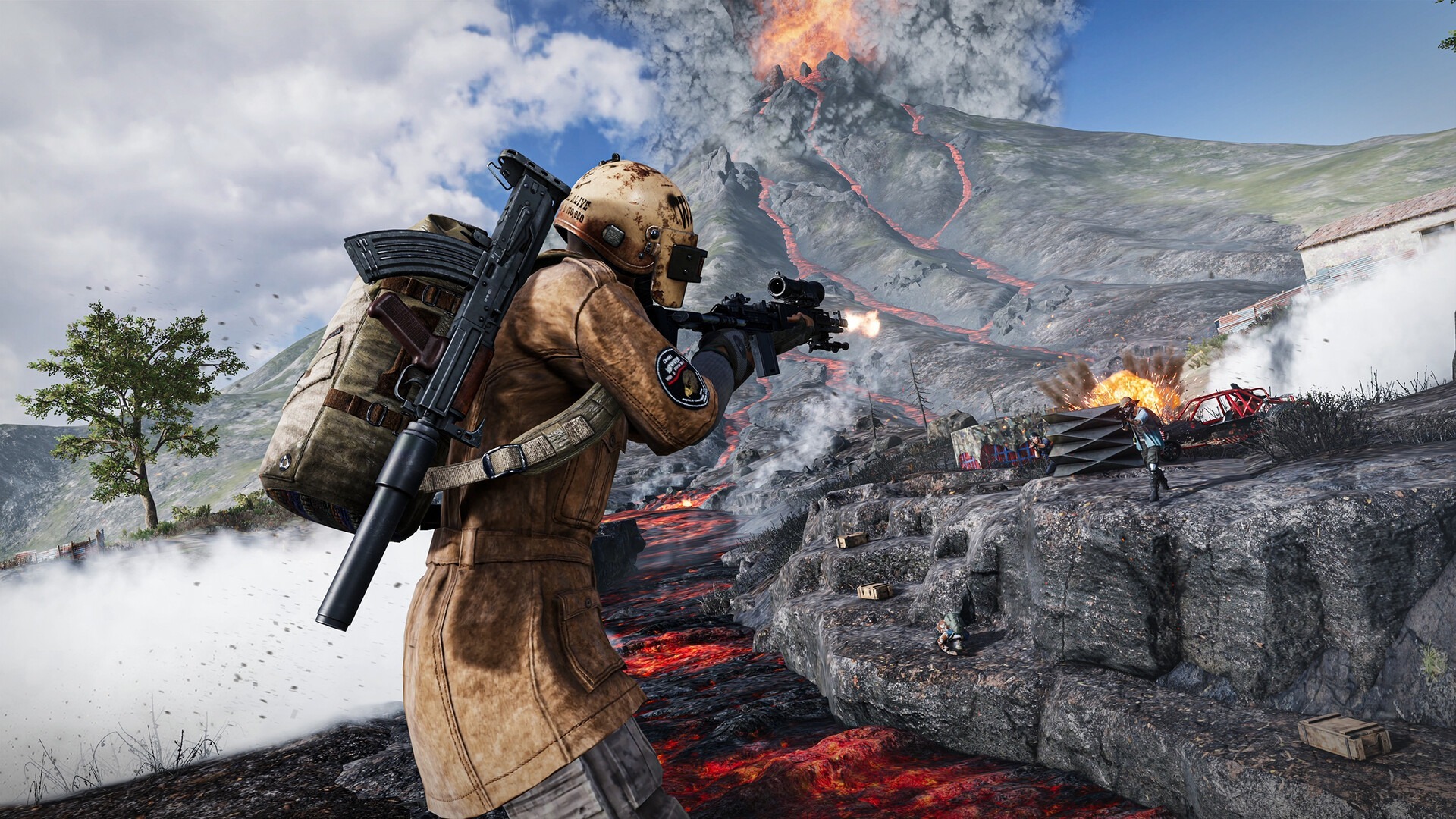
Stepping up from 60/90 FPS to Extreme+ (120 FPS) slashes frame interval down to ~8.3ms—requiring a 10% to 15% reduction on legacy gyroscope sensitivities, flat-surface calibration, and active thermal management.
- Why Recoil Shifts at 120 FPS: Halving frame time accelerates gyroscope micro-sampling, turning old high-gyro values into twitchy crosshair jitter during 3x/4x M416 sprays.
- Optimal Scope Sweet Spots: Run 350–400% TPP No Scope, 300–340% Red Dot/Holo, 220–250% 3x Scope, and 160–190% 4x Scope before training-ground fine tuning.
- Hardware Gate Check: Requires 120Hz+ system display lock enabled plus flagship silicon (Snapdragon 8 Gen 2/3/4, Dimensity 9200–9400, or Apple A17 Pro–A19 Pro).
Switching onto a modern flagship OLED phone only to discover your M416 4x spray wobbles wildly after toggling BGMI Extreme+ (120 FPS) frustrates countless competitive grinders every season. Faster frame output feels buttery smooth while looting Pochinki or driving Miramar ridges—yet the exact same hardware upgrade suddenly ruins months of muscle memory unless you recalibrate your gyroscope curves around 8.3-millisecond frame intervals.
With winter snow shaders and frozen Stalber corridors arriving inside next week’s major update—and eight creator teams battling in Saturday’s PM Boom-Baam Cup—nailing stable zero-recoil gyroscope sensitivity at 120 FPS now prevents thermal frame drops and wild crosshair shake before new seasonal rank pushes start.
BGMI 120 FPS Supported Devices List & Display Lock Checklist
Ultra Extreme (120 FPS) graphics unlock natively only when both your SoC thermal envelope and Android/iOS refresh settings align. Flagship tiers smoothly sustaining high-refresh BGMI lobbies in late 2026 include:
- Apple iOS Pro Tier: iPhone 17 Pro / Pro Max, iPhone 16 Pro / Pro Max, and iPhone 15 Pro / Pro Max (note: standard 60Hz non-Pro models stay locked below 120 FPS despite fast chips).
- Samsung Galaxy Lineup: Galaxy S25 series, S24 series, S23 series, plus modern Galaxy Z Fold flagships (set Motion Smoothness to Adaptive/High in One UI settings).
- OnePlus & iQOO Performance Phones: OnePlus 13, 12, 12R, 11, OnePlus Open; iQOO 13, 12, 11, alongside select iQOO Neo 9 Pro / Neo 10 series handsets.
- Xiaomi, POCO & Dedicated Gaming Phones: Xiaomi 15 Ultra, 14 Ultra, 13 Pro, high-end POCO F/Pro series, ASUS ROG Phone 8 / 9 series, and Red Magic 9 / 10 Pro models.
If ‘Ultra Extreme’ vanishes inside your BGMI Graphics & Audio panel despite holding a supported flagship, verify three quick toggles first: update BGMI to the latest store build, switch your phone OS refresh rate from 60Hz Battery Saver back to 120Hz (never lock adaptive fallback below 120Hz inside developer game modes), and disable Android Virtual RAM / aggressive power throttling.


Why 120 FPS Ruins Old 60/90 FPS Muscle Memory
At 60 FPS, your display updates once every 16.6 milliseconds; at 90 FPS, roughly every 11.1 milliseconds. Jumping to 120 FPS slices frame latency down to 8.3 milliseconds while cutting touch-to-photon motion blur nearly in half.
Here is why your spray jumps off-target on day one: mobile gyroscopes continuously convert wrist tilt into rotational angular velocity per frame tick. Because 120 FPS polls fine hand tremor and micro-corrections twice as smoothly—eliminating the subtle input muddiness you subconsciously compensated for at 60 FPS—your fingers physically over-pull horizontally during sustained 30-round automatic bursts.
As explored in our Indian mobile shooter ranked playbook, treating 120 FPS identically to 90 FPS is the single biggest sensitivity mistake. Dialing every ADS and Gyroscope slider down by 10% to 15% restores silky horizontal tracking while letting vertical recoil pull-down feel locked onto chest-to-head hitboxes.
Zero-Recoil 120 FPS Gyroscope & Camera Sensitivity Values
Apply Smooth graphics + Ultra Extreme (120 FPS), set Style to Colorful or Classic for crisp enemy silhouettes, toggle Anti-Aliasing off if thermal headroom runs tight, and build from these proven 2026 baseline ranges:
| Scope / Camera Tier | Recommended Gyroscope (Always On) | Primary Combat Role |
|---|---|---|
| TPP & FPP No Scope | 350% – 400% | Hip-fire strafe tracking, crouch-jumps, quick 180 sweeps in compounds |
| Red Dot / Holographic / Aim Assist | 300% – 340% | Close-range spray transfers (lower by 10% steps if over-flicking) |
| 2x Scope | 280% – 320% | Aggressive SMG/AR pushes between 25m and 60m ridge fights |
| 3x Scope / Win94 | 220% – 250% | Bread-and-butter M416/SCAR-L vehicle sprays across open Erangel |
| 4x Scope / VSS | 160% – 190% | Precision mid-long bursts; locks vertical kick cleanly without jitter |
| 6x Scope (Converted to 3x or Full) | 90% – 120% | Long compound suppression; keep slightly firm for single-tap DMR resets |
| 8x Scope | 50% – 70% | Bolt-action micro-leads against running heads above 250 meters |
Keep Camera Sensitivity (Free Look) comfortable rather than hyper-twitchy so checking angles behind rocks stays effortless: 130%–150% for TPP Character/Vehicles, 100%–120% for FPP Character, and 120%–140% on Parachute Free Look so spotting rival early drops on Livik or Erangel stays razor-clean.
Stopping Thermal Throttling, Gyro Drift & Attachment Setup
Software sliders alone cannot protect spray consistency when your battery crosses 42°C after three hot drops. Pushing 120 frames per second across mobile SoCs spikes heat steeply; the instant thermal throttling cuts frame pacing from 120 FPS back to 72 FPS mid-gunfight, your crosshair responsiveness rubberbands unpredictably.
- Desk Calibration Before Queueing: Open BGMI Settings → Controls → Advanced Controls → place your phone flat on a level wooden table and tap Calibrate for 3 seconds to eliminate phantom slow drift.
- Clip-On TEC Cooling & Case Removal: Pull heavy rubberized cases off during classic rank marathons, and consider a magnetic Peltier (TEC) phone cooler if ambient room heat exceeds 30°C—just as top scrim squads prep ahead of marathon fixtures like PMGC 2026 tournament marathons.
- Compensator + Half/Vertical Grip Synergy: No slider fixes naked Beryl M762 horizontal bounce at 80 meters. Pair M416 with Compensator + Vertical Foregrip (or Half Grip for hybrid 3x tracking) + Tactical Stock before finalizing sensitivity numbers.
- 10-Minute Naked Gun Training Drill: Enter Cheer Park, equip zero attachments on M416 + 3x scope, spray moving targets at 75 meters while adjusting gyro 5% up or down until your burst tightens naturally—then attach Compensator for true laser control.
Remember to check back after grabbing cosmetics via verified BGMI redeem checklists and comparing pro scrim strategies ahead of global competitive PUBG Mobile circuits—consistent frame pacing wins far more chicken dinners than chasing daily config myths.
Frequently Asked Questions
Does switching to 120 FPS improve recoil control in BGMI?
Yes—once calibrated. 120 FPS drops frame intervals to 8.3ms for cleaner visual tracking, but you should reduce existing 60/90 FPS gyroscope sensitivities by roughly 10% to 15% to prevent crosshair jitter.
What are the best BGMI 120 FPS gyro settings for Red Dot and 3x Scope?
Start around 300%–340% on Red Dot/Holo and 220%–250% on 3x Scope under Always-On Gyroscope, fine-tuning in 5% increments on Cheer Park moving targets.
Why is 120 FPS not showing on my 120Hz phone in BGMI?
Ensure Battery Saver is disabled, lock your phone display setting to 120Hz High Refresh Rate instead of 60Hz Auto, install the latest BGMI patch, and select Smooth graphics above Extreme+.
How do I fix random BGMI gyroscope drift?
Place your device flat on a level desk before opening ranked lobbies and run Gyroscope Calibration in Controls, and avoid rapid temperature swings inside tight protective cases.
Related posts:
 BGMI & PUBG Mobile 90 FPS Gyroscope Hacks: Zero Recoil Sensitivity Formulas & Pro Control Layout Codes
 Mobile Esports 120 FPS Frame-Pacing & 400Hz Gyroscope Analytics: Touch Sampling Latency, Thermal Throttling & Pro Claw Metrics
 7 Secret Free Fire MAX & OB47 Pro Gaming Hacks (Sunday Special): Auto-Headshot One-Tap Drag Sensitivity, 360 Gloo Wall Speed Tricks & Zero-Ping DNS Config
 BGMI 3.5 Icemire Frontier & PUBG Mobile Sunday Masterclass: 400% Gyroscope Zero-Recoil Sensitivity Codes, Frostborne Dragon Loot Routes & 120 FPS Thermal Hacks