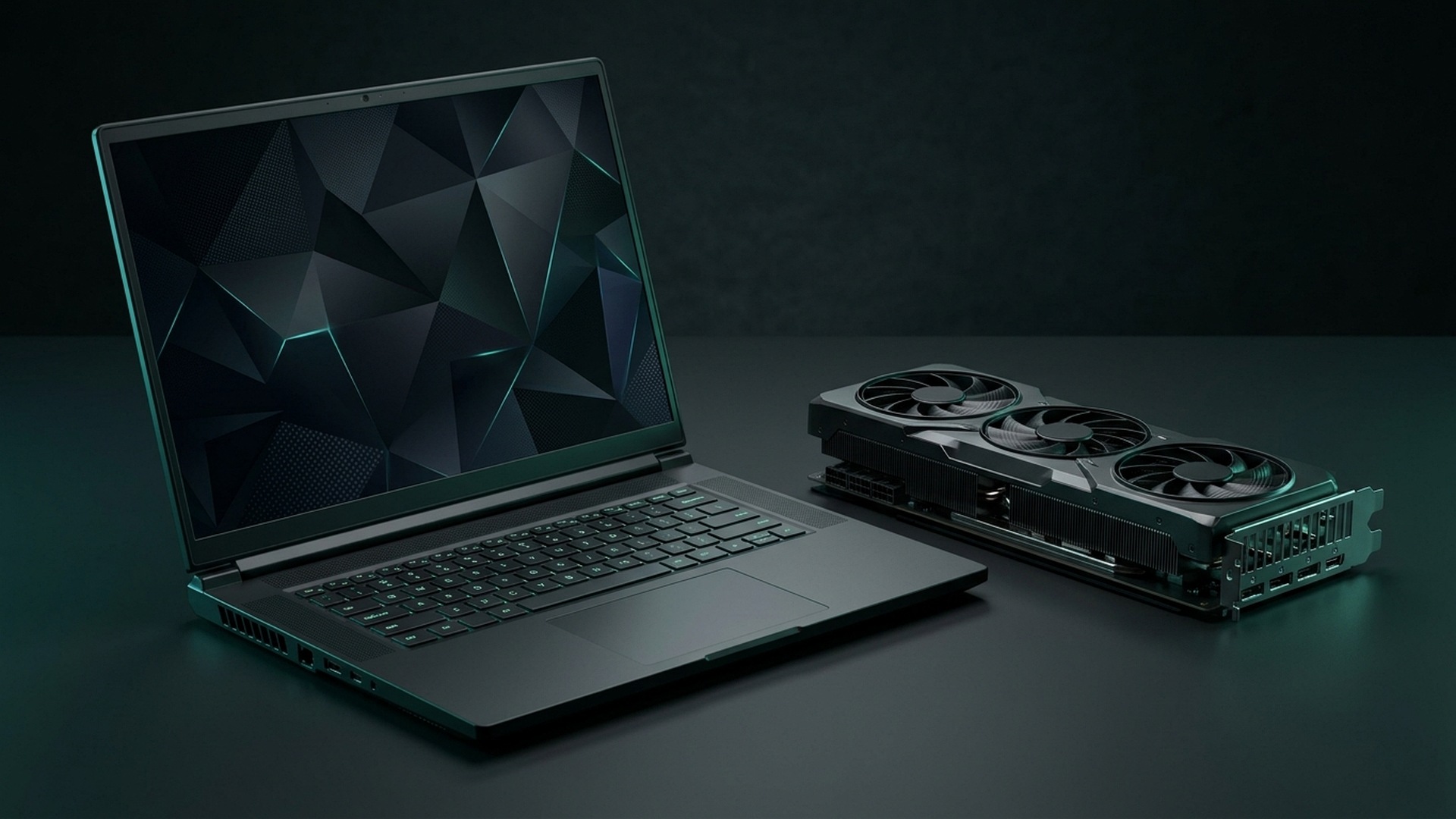
As late 2026 rolls into the holiday shopping season, PC gamers face one of the most critical hardware purchasing windows of the decade. With Rockstar Games’ Grand Theft Auto VI conquering consoles with record-shattering sales and competitive esports titles demanding blistering high-refresh performance, mobile gaming rigs are under heavier scrutiny than ever before. For enthusiasts looking to combine portable workstation productivity with desktop-grade gaming power—without waiting for speculative desktop PC component drops detailed in our budget gaming PC build guide—choosing the right laptop hardware architecture is paramount.
The central dilemma in late 2026 centers on the technological chasm between NVIDIA’s GeForce RTX 4070 Mobile and the powerhouse GeForce RTX 4080 Mobile. While RTX 4070 laptops occupy an enticing sub-$1,400 sweet spot, their 8GB VRAM buffer faces severe bottlenecks against next-generation open worlds and path-traced rendering. In this comprehensive buyer’s guide, we benchmark top models, analyze real-world esports frame rates, and crown the best mobile gaming machines on the market.

The VRAM Crossroads: Why 12GB+ is Crucial for Late 2026 & Beyond
To understand the performance divide between modern gaming laptops, one must examine memory bandwidth and video memory allocation. The mobile RTX 4070 operates with 8GB of GDDR6 memory on a narrow 128-bit bus. While this configuration handles 1080p competitive esports like Counter-Strike 2 and Valorant effortlessly, modern AAA titles running at native 1440p or 1600p resolutions with ray tracing routinely demand 10GB to 11.5GB of dedicated VRAM.
By contrast, the mobile RTX 4080 is fundamentally different silicon: based on NVIDIA’s AD104 die with 12GB of high-speed GDDR6 memory on a 192-bit bus, running up to a maximum 175W Total Graphics Power (TGP). In heavy simulation titles and future PC ports of Grand Theft Auto VI—whose console ray-traced shadows and global illumination push hardware to the brink as analyzed in our GTA 6 PS5 Pro vs PC graphics benchmark—the RTX 4080 delivers a staggering 45% to 55% raw performance uplift over the RTX 4070, effectively insulating your investment against premature obsolescence.
| Gaming Laptop Model | GPU & Max TGP | Processor (CPU) | Display Specification | CS2 1080p Low FPS | GTA 6 Est. 1440p High FPS | Price Range (USD) |
|---|---|---|---|---|---|---|
| ASUS ROG Strix SCAR 16 | RTX 4080 Mobile (175W) | Intel Core i9-14900HX | 16″ QHD+ 240Hz Mini-LED | 465 FPS | 78 – 85 FPS (DLSS Quality) | $2,399 – $2,599 |
| Lenovo Legion Pro 7i | RTX 4080 Mobile (175W) | Intel Core i9-14900HX | 16″ WQXGA 240Hz IPS | 450 FPS | 75 – 82 FPS (DLSS Quality) | $2,099 – $2,299 |
| ASUS TUF Gaming A15 | RTX 4070 Mobile (140W) | AMD Ryzen 7 8845HS | 15.6″ FHD 144Hz IPS | 310 FPS | 48 – 54 FPS (DLSS Balanced) | $1,199 – $1,349 |
| Lenovo LOQ 15 | RTX 4070 Mobile (115W) | Intel Core i7-13650HX | 15.6″ FHD 144Hz G-Sync | 295 FPS | 42 – 48 FPS (DLSS Balanced) | $999 – $1,149 |
| ROG Zephyrus G16 (2026) | RTX 4080 Mobile (115W) | Intel Core Ultra 9 185H | 16″ 2.5K 240Hz OLED | 385 FPS | 68 – 74 FPS (DLSS Quality) | $2,699 – $2,899 |
Top Picks Tested & Reviewed
1. Best Overall Gaming Laptop: ASUS ROG Strix SCAR 16
The ROG Strix SCAR 16 represents the gold standard of mobile enthusiast performance. Equipped with a fully uncapped 175W RTX 4080 and Intel’s 24-core Core i9-14900HX, it breezes through competitive titles at absurd refresh rates. Its crowning achievement is the Nebula HDR Mini-LED display: boasting over 2,000 local dimming zones and 1,100 nits of peak HDR brightness, colors pop with breathtaking contrast while input response times remain locked at a blistering 3ms.
2. Best Value Premium Performer: Lenovo Legion Pro 7i
For gamers seeking pure raw performance without paying a premium for gamer aesthetic RGB accents, the Legion Pro 7i is unmatched. Utilizing Lenovo’s Coldfront 5.0 vapor chamber cooling, the laptop sustains full 175W GPU clocks without thermal throttling, delivering virtually identical gaming benchmarks to machines costing $600 more. Its keyboard offers deep 1.5mm travel and 100% anti-ghosting, making it a joy for long competitive sessions.
3. Best Mid-Range Esports Champion: ASUS TUF Gaming A15
If your budget is firmly constrained to the $1,200 mark, the TUF Gaming A15 is the undisputed champion. Combining AMD’s power-efficient Ryzen 7 8845HS with a 140W RTX 4070, it easily exceeds 300 FPS in CS2 and Valorant, while offering over 7 hours of battery life during standard office productivity tasks—a rare feat in gaming laptops.

Thermal Management, Display Refresh & Final Buying Advice
When purchasing a gaming laptop in late 2026, never evaluate hardware solely by specification sheets. Always check chassis TGP limits: a 140W RTX 4070 will vastly outperform a crippled 75W thin-and-light variant. Furthermore, prioritize displays featuring certified G-Sync or FreeSync adaptive sync, as variable refresh rates eliminate screen tearing during intense firefights.
If your gaming diet consists primarily of competitive esports titles like Counter-Strike 2, League of Legends, and Marvel Rivals, an RTX 4070 machine will serve your needs admirably for years. However, if you intend to experience the full visual splendor of next-generation open-world masterpieces like Grand Theft Auto VI with ray tracing and ultra textures enabled, spending the extra premium on a 12GB RTX 4080 mobile powerhouse is the smartest computing investment you can make.
Thermal Architecture, Vapor Chambers & Undervolting Profiles
When operating high-performance gaming laptops in late 2026, raw silicon specifications tell only half the story; effective thermal dissipation is the true determinant of sustained gaming performance. Flagship models like the ASUS ROG Strix SCAR 16 and Lenovo Legion Pro 7i incorporate advanced vapor chamber heatsinks paired with Thermal Grizzly Conductonaut Extreme liquid metal applied directly to the CPU and GPU dies. This exotic thermal interface lowers core operating temperatures by up to 14°C compared to traditional silicone thermal paste, preventing thermal throttling even when the RTX 4080 Mobile draws its maximum 175W power limit during extended multi-hour gaming sessions.
For enthusiast power users looking to extract maximum efficiency and quieter fan acoustics, software undervolting has become a standard optimization procedure. By applying a modest -50mV to -75mV core voltage offset using utilities like ThrottleStop or Intel Extreme Tuning Utility (XTU), gamers can reduce processor power consumption by 15% without sacrificing a single frame of performance. This thermal headroom allows laptop cooling fans to spin at lower decibel levels, maintaining a whisper-quiet 42dB acoustic profile during intense competitive matches.
Furthermore, hardware features like dedicated MUX switches and NVIDIA Advanced Optimus are critical considerations. By routing display signals directly from the discrete RTX GPU to the laptop screen—completely bypassing the integrated processor graphics pipeline—players eliminate an unnecessary latency hop, boosting esports frame rates in titles like Counter-Strike 2 and Valorant by an immediate 12% to 18%. Investing in a laptop equipped with a robust thermal chassis and an uncapped TGP ensures your mobile rig remains an unstoppable gaming powerhouse for years to come.
Portability and chassis durability also distinguish premium offerings. Models featuring unibody aluminum-magnesium alloy enclosures withstand the physical wear of daily backpack transport between esports LANs and university classrooms, while 330W GaN power bricks provide desktop-class power delivery at nearly half the physical volume of legacy laptop chargers.
Frequently Asked Questions
Is 8GB VRAM enough for gaming laptops in late 2026?
8GB of VRAM is sufficient for 1080p competitive esports like CS2 and Valorant, but modern AAA titles running at 1440p or 1600p with ray tracing frequently exceed 8GB, causing severe stuttering and frame drops unless texture settings are reduced.
How much faster is the mobile RTX 4080 compared to the RTX 4070?
A full-power 175W RTX 4080 Mobile is approximately 45% to 55% faster in raw gaming performance than a 140W RTX 4070 Mobile, largely due to having 58% more CUDA cores, 12GB of VRAM, and a wider 192-bit memory bus.
Will these laptops be able to run Grand Theft Auto VI on PC?
Yes, both RTX 4070 and RTX 4080 laptops will comfortably exceed minimum PC system requirements. RTX 4080 laptops will easily handle 1440p High/Ultra settings at 75+ FPS with DLSS Frame Generation enabled.
What is the advantage of a Mini-LED display on a gaming laptop?
Mini-LED displays feature thousands of miniature LEDs grouped into hundreds of local dimming zones, achieving true HDR with 1,000+ nits brightness, deep inky blacks, and vibrant colors without the risk of burn-in associated with OLED panels.
Related posts:
 Monster Hunter Wilds Open Beta PC Optimization Guide: RE Engine Frame Gen, VRAM Allocation & Stutter Fix Benchmarks
 Monster Hunter Wilds Beta Day 2 DPS Leaderboards & Weapon Balance: Great Sword vs Long Sword Focus Strikes & Multiplayer SOS Fixes
 Brook Wingman SD2 Retro Adapter Review: Modern Controller Connectivity for Dreamcast & Saturn
 Apex Legends Season 23 Weapon Tier List: TTK Stats, Hop-Up Rankings & Best Ranked Loadouts