Pro Gaming Hacks: Omnimovement Physics Engine Decoded
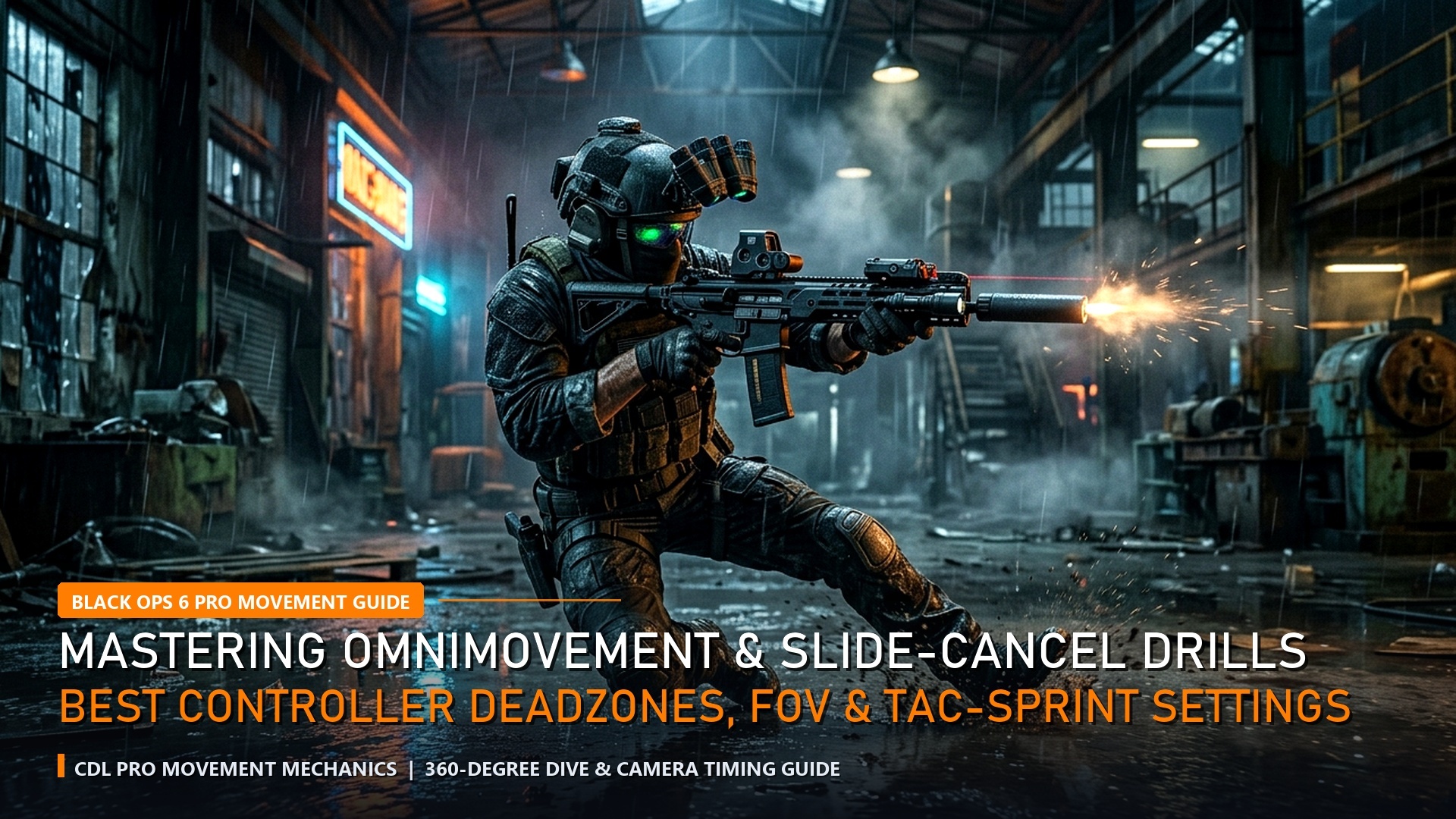
The introduction of omnimovement in Call of Duty: Black Ops 6 represents the most radical mechanical evolution in franchise history. By allowing players to sprint, slide, and dive in any 360-degree direction, Treyarch has severed the traditional restrictions of first-person shooter gunplay. However, maximizing this movement system requires re-architecting your controller deadzones, sprint-to-fire attachments, and animation canceling inputs. Here is the definitive pro player optimization bible.
The Mechanics of the True Slide-Cancel & G-Slide Resurgence
In earlier Call of Duty iterations, slide-canceling required awkward double-crouch-jump button sequences. In Black Ops 6, the physics engine treats sliding as a momentum vector rather than a locked animation state. To execute the fastest slide-cancel, set Slide/Dive Behavior to Tap to Slide in the Controller Gameplay settings.
Initiating a lateral or backward slide followed by tapping your ADS (Aim Down Sights) trigger cancels the slide animation immediately on frame 14, bypassing the standard deceleration penalty. By immediately chaining this into an omnidirectional sprint, your operator maintains maximum velocity while instantly resetting tactical sprint reserves. Master players use this technique to “break cameras” around tight 90-degree corners, entering rooms at angles that completely de-sync enemy rotational aim assist.

| Controller Parameter | Default Setting | Pro Esports Benchmark | Mechanical Advantage |
|---|---|---|---|
| Left Stick Min Deadzone | 13 | 0 – 2 | Instantaneous tactical sprint activation |
| Left Stick Max Deadzone | 99 | 65 – 75 | Full movement speed reached with minimal tilt |
| Right Stick Min Deadzone | 13 | 2 – 4 (hardware dependent) | Pixel-perfect micro-adjustments on target |
| Aim Response Curve | Standard | Dynamic (0.90 Slope) | Exponential precision for tracking moving targets |
| Slide / Dive Behavior | Standard / Hold to Dive | Tap to Slide | Zero input delay on slide initiation |
Sprint-Out Time (STF) Attachment Stacking & Gunsmith Optimization
In competitive Call of Duty, gunfights are decided in milliseconds. The base sprint-to-fire time on weapons like the Model L assault rifle or Jackal PDW submachine gun sits at approximately 210ms to 240ms. If you encounter an enemy while tactical sprinting, this delay guarantees you will be eliminated before your first bullet leaves the chamber.
To counter this, pro loadouts prioritize the Ergonomic Grip rear handle paired with the Light Stock. This combination slashes sprint-to-fire time by 32% and dive-to-fire time by 45% without introducing catastrophic horizontal recoil penalties. When combined with the Gung-Ho perk from the Enforcer combat specialty tree, you can reload and swap weapons while maintaining full omnidirectional sprinting speed. For top-tier competitive builds, explore our comprehensive guide on Black Ops 6 Season 1 Meta Loadout Guide & Attachments.
Corner Peeking Angles & Snaking Elimination in Black Ops 6
In previous Call of Duty titles, “snaking”—the repetitive crouching and standing behind head-glitch headwalls—plagued competitive matches. In Black Ops 6, Treyarch implemented a physical momentum gate on crouch animations that significantly slows down players who attempt rapid vertical stance toggling. To hold power positions effectively without snaking, elite players utilize lateral micro-slides.
By positioning your operator half a meter behind cover and sliding laterally parallel to the barricade, you gain a split-second vision window while presenting a rapidly moving horizontal hitbox that is nearly impossible for enemy snipers to hit. Chaining this lateral movement with an immediate backward dive resets your cover stance instantaneously.
Trigger Deadzones & Digital Tap Optimization
Beyond analog stick settings, controller trigger deadzones govern weapon discharge speed. Standard console controllers possess an analog trigger pull distance of 7mm to 9mm. By configuring L2 / R2 Trigger Deadzones to 0 (Min) and 5 (Max), your weapon fires the instant your finger applies the slightest pressure.
For players using pro controllers equipped with physical mouse-click trigger stops, this setting eliminates internal software input buffering, cutting weapon firing response latency down to zero. In high-speed submachine gun shootouts where TTKs hover around 240ms, saving 30ms on initial trigger engagement guarantees you win 50/50 duels consistently.
Audio-Visual Centering & Screen Shake Minimization
In high-octane multiplayer gunfights, visual clutter is the silent enemy of consistency. Default camera shake settings in Black Ops 6 subject players to disorienting visual vibration during nearby grenade detonations and artillery barrages. By navigating to Graphics > View > Camera, configure both 1st Person Camera Movement and 3rd Person Camera Movement to the minimum value of Least (50%). This stabilizes your screen horizon, ensuring your weapon sight remains locked onto target hitboxes even in chaotic multi-explosive firefights.


Additionally, disable World Motion Blur and Weapon Motion Blur entirely. While motion blur provides cinematic flair in campaign cutscenes, it smudges high-velocity movement in competitive multiplayer, obscuring enemy operators who execute sudden backward dives or lateral slide-cancels across your peripheral vision. Setting FidelityFX CAS to an intensity between 75 and 85 dynamically sharpens geometric edges and character outlines without inducing unnatural visual grain.
Weapon Swap Speed & Melee Animation Canceling Hacks
When entering CQB room breaches, running dry on primary ammunition is an inevitable reality. Default sidearm swap speeds average 450ms, leaving you vulnerable to immediate counter-attacks. Equipping the Quickdraw Grip on your secondary pistol slashes weapon transition time down to 180ms, allowing you to finish weakened enemies before they complete their slide recovery.
Another pro hack involves gun-butt melee animation canceling. In close-quarters scuffles, landing a rifle butt strike followed instantly by double-tapping your weapon swap key (Y-Y on Xbox, Triangle-Triangle on PlayStation) cancels the awkward recovery frames of the melee swing, enabling you to fire your weapon a full 200ms faster than normal recovery times. Mastering these micro-mechanical efficiencies elevates your gameplay into the elite upper echelon of competitive Call of Duty.
Competitive Map Awareness & Audio Soundstage Synchronization
Executing world-class omnimovement mechanics without precise spatial awareness is futile in ranked Call of Duty lobbies. On competitive maps like Babylon, Protocol, and Rewind, aggressive players must memorize high-traffic choke point sightlines and timing corridors. Arriving at a power position two seconds earlier than your opponent allows you to pre-aim an omnidirectional slide before their tactical sprint animation completes.
Furthermore, pairing your movement inputs with calibrated 3D audio equalizers transforms footsteps into clear tactical telemetry. Hearing the exact surface material an opponent is sprinting across—such as gravel in RedCard or linoleum tile in Skyline—lets you predict their slide trajectory and pre-fire through doorway frames. Combining dialed-in controller deadzones, customized sprint-out attachments, and spatial soundstage awareness gives you an unstoppable mechanical edge that consistently dominates competitive multiplayer lobbies.

Rotational Aim Assist Exploits & Center-Screen Centering
While Treyarch reduced the strength of rotational aim assist at point-blank range (under 3 meters) in Black Ops 6, the mechanic remains formidable between 5 and 25 meters. The secret to abusing rotational aim assist is maintaining continuous micro-movement on your left analog stick. When your operator is moving horizontally—even at 5% stick tilt—the aim assist bubble sticks aggressively to enemy hitboxes, compensating for target strafing automatically.
Furthermore, enable the Center Dot setting in Interface options, scaling its size to “Medium” or “Large.” Keeping this high-contrast dot pinned at head-height around doorway corners ensures that your crosshair is pre-aimed before initiating omnidirectional slides, cutting acquisition time to zero. Cross-reference these hardware tactics with our PS5 Pro Low Latency Performance Calibration Guide.
Frequently Asked Questions (FAQ)
Q: What is the single best controller layout for omnimovement?
A: Tactical Bumper Jumper or Bumper Jumper Tactical (flipped). This maps jumping to L1/LB and sliding/crouching to the Right Stick click, allowing you to jump, slide, and aim simultaneously without removing your thumb from the right stick.
Q: Does lowering Left Stick Max deadzone make you run faster?
A: It does not increase top sprinting speed, but it triggers maximum sprint speed with less physical stick movement, shaving critical fractions of a second off initial sprint acceleration.
Q: Which combat specialty perk bonus is best for aggressive rushers?
A: The Enforcer specialty (awarded for equipping three red perks: Assassin, Gung-Ho, and Double Time). Securing eliminations grants temporary health regeneration boosts and an immediate movement speed surge.
Related posts:
 Top 10 Black Ops 6 Multiplayer Weapons Ranked: Meta Gunsmith Attachments, TTK Stats & Omnimovement
 Modern Warfare 4 PC Settings & 90+ FPS Optimization Guide
 Call of Duty: Black Ops 6 Omnimovement Hacks & Audio Equalizer Tuning: Footstep Frequency Boost (+15dB) & SnD Audio Settings
 Warzone Season 1 Instant ADS Sensitivity & Aim Hacks: Best Controller Tweaks After Nov 10 Patch