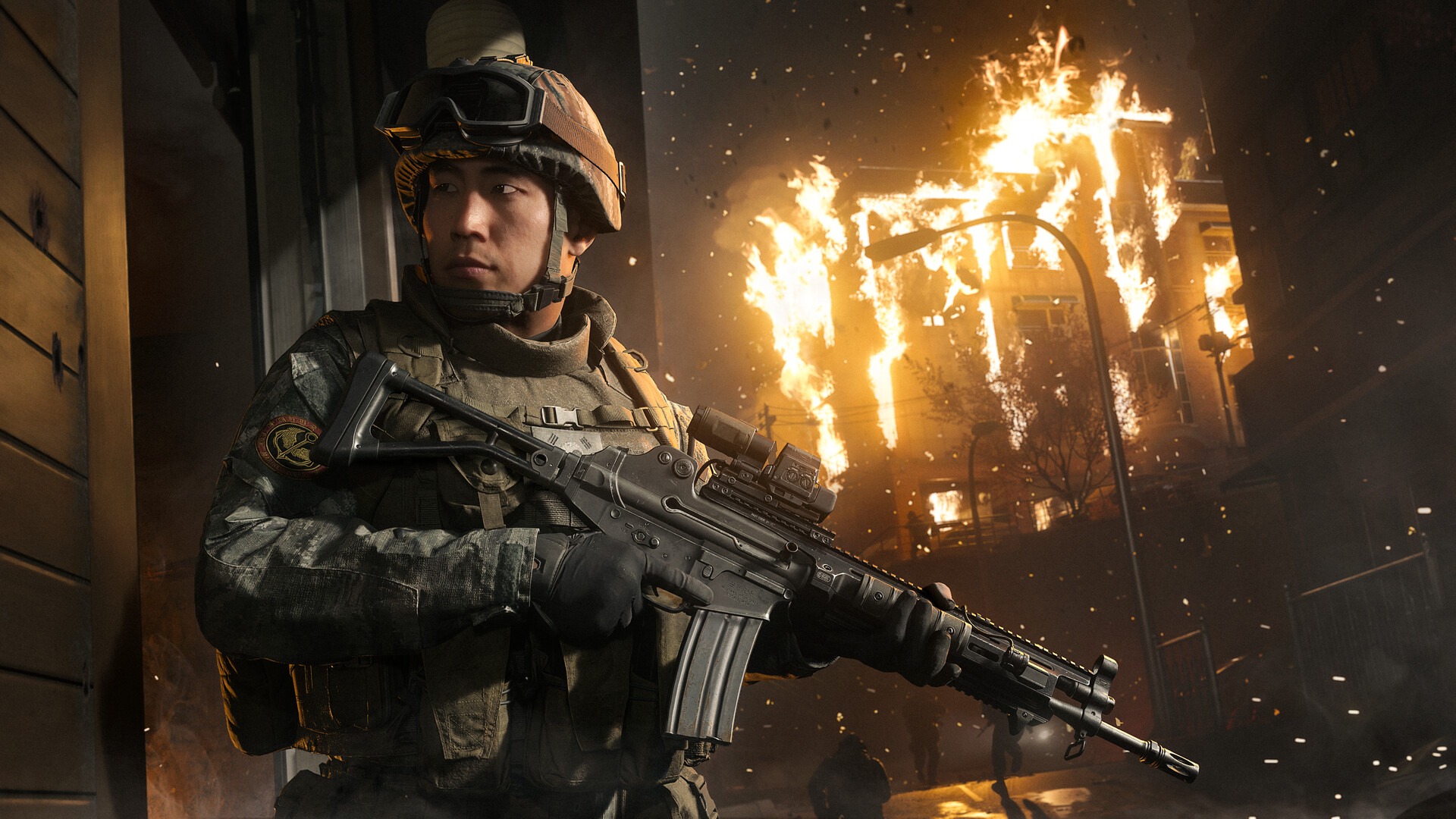
Raven Software pushed a sharp November 10 hotfix that just transformed close-quarters Warzone Season 1 controller gunfights. Alongside Modern Warfare 4 stability fixes, hardcore health scaling adjustments, and split-screen patches, Raven tuned a vital aim setting. Specifically, Instant Aim Down Sights Sensitivity Transition Timing now shifts back to full hip-fire speed earlier on exit. Therefore, if interior duels felt sticky last week, refining your stick profile today restores snappy rotational tracking.
Following Raven Software’s November 10 update speeding up Instant ADS transition exit timing back to hip-fire, top meta Warzone Season 1 controller settings use 1.50–1.60 stick sensitivity, 0.90 ADS multiplier, Dynamic aim response curve, Instant ADS transition timing, Tactical layout, Vibration Off, and zero-drift deadzones.
- Nov 10 Fix: Faster exit back to hip-fire speed when running Instant ADS Sensitivity Transition Timing.
- Stick & ADS Speed: Run 1.50–1.60 Horizontal/Vertical sensitivity paired cleanly with a 0.90 ADS multiplier.
- Aim Curve: Lock Dynamic response curve + Default Target Aim Assist On for snappy close tracking.
- Deadzones: Set Left Min 0, Right Min 0–3 (just above stick drift), Max 99, and Triggers 0.
1. Why Nov 10’s Warzone Season 1 Instant ADS Fix Matters
Transition timing controls the exact frame your thumbstick swaps between fast hip-fire rotation and slower ADS precision. Previously in Modern Warfare 4 and battle royale playlists, even players picking Instant felt brief scope drag. Whenever you knocked one enemy and released aim to turn on a squadmate, lingering friction slowed camera sweeps. Consequently, close-range challengers dropped critical milliseconds inside tight stairwells and cramped doorways.
Raven Software’s November 10 update shifts that release trigger earlier during scope-out animations. Moreover, it ships alongside broader Season 1 fixes covering hardcore mode health scaling and split-screen stability. Now, releasing left trigger restores full hip-fire turn velocity right away during quick-scopes or slide cancels. Instead of dragging through mud between enemies, your reticle whips cleanly toward the second angle.
Therefore, aggressive SMG players chaining consecutive downs inside multi-story buildings gain real camera freedom. In addition, reload cancels and fast weapon swaps no longer trap your right thumb in slow zoom scaling. For instance, breaking out of a quick-scope check on staircase footsteps lets you snap ninety degrees onto a rushing doorway flank immediately. Instead of feeling heavy friction across the middle frames of your exit turn, horizontal responsiveness engages right as the weapon dips. Because wide rotational momentum recovers smoothly, breaking cameras up close feels crisp again across fast resurgence fights.
2. Complete Warzone Season 1 Controller & Aim Settings
Next, combine that upgraded Instant recovery with balanced stick multipliers for Warzone Season 1. Disciplined scaling holds steady long-range rifle beams while keeping tight 180-degree turns fast. Enter every setting below inside your Controller Aiming tab as your reliable competitive baseline.
| Setting Category | Option Name | Meta Recommended Value | Why It Wins Gunfights |
|---|---|---|---|
| Stick Speed | Horizontal & Vertical Sensitivity | 1.50 – 1.60 | Fast enough to snap 180° without overshooting heads |
| Aim Scaling | ADS Sensitivity Multiplier (Low Zoom) | 0.90 | Stabilizes mid-range recoil smoothing on SMGs/ARs |
| Patch Focus | ADS Sensitivity Transition Timing | Instant | Pairs with Nov 10 early hip-fire recovery update |
| Curve | Aim Response Curve Type | Dynamic | Reverse S-curve sharpens micro-aim & rotational pull |
| Assist | Target Aim Assist / Type | On / Default | Consistent rotational stickiness during strafing |
| Layout & Feel | Button Preset / Vibration | Tactical / Off | Drop-shot & slide without lifting right thumb |
| Sprint | Sprint Behavior | Tactical Sprint Assist | Keeps movement crisp with minimal left-stick mash |
3. Warzone Season 1 Deadzone & Movement Hacks
However, even meta sensitivities fail when worn thumbsticks carry bloated factory deadzones. Oversized deadzones create slack gaps where soft thumb nudges fail to steer mid-range recoil. Instead, tune every slider tightly around your hardware’s true mechanical center:

- Dial Right Stick Min to the Drift Edge (0–3): Open deadzone testing, drop Right Min to 0, and inspect the live dot. Next, step up one tick until stray reticle drift vanishes (usually 2–3 on worn sticks, or 0 on Hall-Effect modules).
- Set Left Stick Min to Zero: Unless heavy wear walks your character backward, keep Left Min at 0. As a result, rotational aim assist activates instantly on slight strafe taps.
- Trim Triggers to 0 and Stick Max to 99: Zero trigger deadzones shorten pull travel on semi-auto pistols and quick ADS snaps. Meanwhile, 99 Max preserves smooth full-tilt turn velocity.
- Use Tactical Preset for Slides: Mapping slide and crouch onto R3 keeps your aiming thumb anchored through slide cancels and sudden drop-shots.
- Switch Controller Vibration Off: Rumble motors visibly rattle fine micro-aim on sticks and tire wrists across long tournaments. Therefore, keep Vibration turned completely Off.
4. Practice Drills & Cross-Shooter Latency Consistency
Whenever you rotate ranked nights between Call of Duty and large-map shooters covered in our Battlefield 6 Casino Heist update breakdown, steady hip-to-ADS ratios protect muscle memory. Still, Dynamic aim curves rely heavily on clean cables and low display latency. Console and PC pad players should plug in via USB to bypass noisy 2.4GHz room interference. In addition, match frame sync practices from our 2026 pro monitor & latency rig guide and turn off TV motion smoothing.
Equally important, avoid copying flashy 2.0+ clip sensitivities that destroy mid-range centering under pressure. Start every evening session inside the firing range with ten focused tracking drills. Specifically, compare 0.85 against 0.90 Low-Zoom ADS scaling while beaming moving dummy targets across iron sights and red-dot optics. Next, swap cleanly between hip-fire strafing and quick ADS bursts to feel how the November 10 transition fix speeds target transfers. Once bot tracking feels natural without overshooting shoulders, lock those numbers across every ranked loadout.

In addition, keep aim assist type set to Default instead of switching presets mid-week. Checking deadzones once per season catches worn analog sensors early. Also, inspect right-stick tension every few weeks because aging springs eventually develop slight center wobble. Finally, pair console USB cables cleanly with low display lag so inputs feel crisp. Even hybrid desktop mouse players pairing zero-lag hardware like 0.2ms LE-UWB wireless peripherals benefit when matching Instant transitions with steady low-zoom multipliers across playlists.
Frequently Asked Questions
What did Raven Software fix on Instant ADS Timing on Nov 10?
The November 10, 2026 hotfix adjusted Instant ADS transition timing so full hip-fire camera turn speed returns earlier when releasing ADS.
Is Dynamic still the best Aim Response Curve in Warzone Season 1?
Yes. Dynamic remains the top competitive curve because its reverse S-curve translates subtle stick corrections smoothly into rotational tracking.
What stick sensitivity works best after the November 10 patch?
Running 1.50 to 1.60 Horizontal/Vertical sensitivity with a 0.90 Low-Zoom ADS multiplier blends agile camera breaks with steady AR control.
Should Left and Right Trigger deadzones stay at 0?
Yes. Zeroing L2 and R2 trigger deadzones cuts activation distance so shots and ADS fire immediately on light finger pressure.
Related posts:
 Warzone Season 6 Meta Loadouts 2026: Top 5 Weapon Builds for Rebirth Island
 Call of Duty Warzone Season 6 Meta Loadouts: Best DTIR 30-06 & Kastov LSW Setups for Rebirth Island
 Black Ops 6 Liberty Falls Secret Easter Eggs: Free Ray Gun, Bowling Mini-Game & Vault Codes
 Call of Duty Modern Warfare 4 & Black Ops 6 Saturday Night Weapon Meta Bible: Post-Patch TTK Telemetry, Jackal PDW vs XM4 Pro Loadouts & 240 FPS PC Config Hacks