
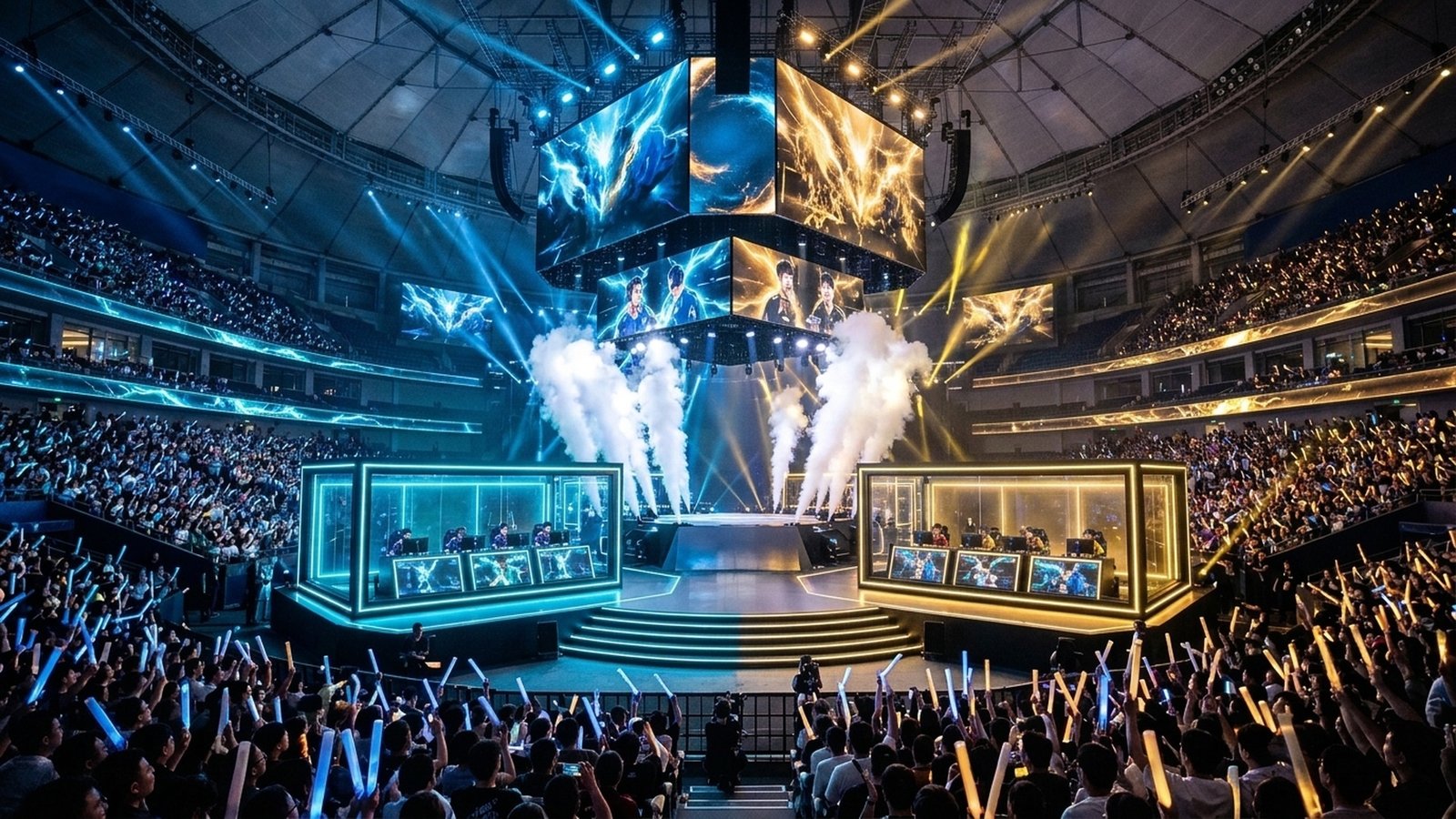
As the Counter-Strike 2 Shanghai Major European RMR enters crucial Friday Swiss Stage decider matches, the margin between tier-1 qualification and elimination is measured in sub-tick milliseconds. With Valve’s sub-tick networking architecture registering movement and click timestamps between visual engine ticks, elite fraggers like Donk (Team Spirit), m0NESY (G2), and b1t (NAVI) utilize surgical pre-aiming routines and rapid-trigger keyboard actuation to secure opening duel advantages. Mastering pro-level crosshair placement, pixel-peeking geometry, and standardized jump-throw utility lineups provides competitive matchmaking and Premier players with an immediate tactical boost.
CS2 Shanghai Major RMR Telemetry Fast Facts
- Tournament Stage: European RMR Swiss Round 3 & 4 Decider Series (Best-of-1 & Best-of-3 format).
- Critical Engine Tech: Sub-tick hit registration rewards pre-aiming exactly on the head-level collision mesh before counter-strafing.
- Hardware Benchmark: 8,000 Hz polling rate mouse sensors paired with Hall-effect rapid trigger keyboards set to 0.1mm reset points.
- Meta Map Vetoes: Mirage, Dust II, and Ancient command over 68% of total competitive map selections.
Sub-Tick Crosshair Placement: Angles, Geometry, and Distance Off the Corner
The most common error among competitive players is “hugging” the corner with their crosshair while holding an angle. In CS2, human visual reaction time averages 180 to 220 milliseconds. When an enemy executes a high-speed ferrari-peek or wide swing, crosshairs placed flush against the wall require a compensatory micro-flick, resulting in missed shots. High-ELO pros place their crosshair approximately 1.5 to 2 player-widths away from the edge, ensuring the opponent’s head decelerates directly into the crosshair during the counter-strafe.
Furthermore, utilizing the “perspective advantage” (holding angles as far away from the corner as possible) ensures your shoulder does not render on the enemy’s monitor before their hitbox enters your field of view. As analyzed in our breakdown of CS2 Shanghai Major RMR Preview & Sub-Tick Jump-Throw Consistency, proper geometric positioning neutralizes even the most aggressive lurkers.
| Map Territory | Common Engagement Angle | Optimal Crosshair Offset | Pro Counter-Peek Tech | First-Bullet Accuracy % |
|---|---|---|---|---|
| Mirage: Middle Window | Top Mid / Catwalk Peek | 1.5 Player-Widths Left | Crouch-tap jiggle cancel | 74.8% (m0NESY standard) |
| Dust II: Long A Doors | Pit to Long Corner | 2.0 Player-Widths Right | Off-angle headshot ledge hold | 68.2% |
| Ancient: B Ramp | Cave Entrance Duel | 1.0 Player-Widths High | Pop-flash instant swing | 82.1% (Donk entry rate) |
| Inferno: Banana Car | T-Ramp to Sandbags | 1.8 Player-Widths Center | Shoulder-bait baiting AWP | 61.5% |
Instant Jump-Throw Utility Protocols in CS2
Unlike CS:GO, which required complex third-party autoexec jump-throw bind scripts, CS2 features built-in native jump-throw consistency. By releasing your mouse button (Attack) anywhere within the apex window of a jump, the game engine automatically guarantees identical grenade trajectory and velocity. In competitive RMR matches, teams execute “god smokes” from spawn areas that bloom exactly as execute timers reach 1:45.
Pro Hack: The Rapid-Trigger 0.1mm Counter-Strafe
Players using magnetic Hall-effect keyboards (Wooting 60HE, Razer Huntsman V3 Pro) configure their D-key and A-key actuation points to 0.1mm with instantaneous Rapid Trigger reset. This allows your character to achieve full zero-velocity movement stability in less than 15 milliseconds, resetting your spray cone accuracy significantly faster than traditional mechanical switches.
Sub-Tick Network Optimization & Audio Equalization Profiles
Beyond in-game mechanics, configuring your local PC network and audio pipeline is critical for high-stakes competition. CS2’s sub-tick engine transmits packet streams at variable rates depending on network stability. Ensuring your launch options include optimal network packet buffering prevents packet-loss micro-stutter during intense 5v5 grenade executes on server choke points.
For competitive audio positioning, pro players utilize parametric equalizer profiles (via Equalizer APO or native DAC software) to boost the 1.5 kHz to 4.0 kHz frequency range. This specific acoustic band isolates footsteps, bomb plant clicks, and grenade pin releases while suppressing muddy low-end explosion rumble, providing instant directional awareness through walls.
Tactical Angle: The Sub-Tick Mirage Retake Protocol
When retaking Mirage A-site from CT spawn, never clear ticket booth and palace simultaneously. Throw a high-bouncing flash over the ticket roof, clear the shadow corner under palace first, and utilize the ticket ledge as a one-way headshot angle against terrorists attempting to hold Default from Tetris.
Frequently Asked Questions (FAQ)
What is the optimal mouse DPI and sensitivity for CS2?
The pro consensus sits at an effective DPI (eDPI = DPI * in-game sensitivity) between 700 and 900 (e.g., 800 DPI at 1.0 sensitivity). This balance provides smooth micro-adjustments for headshots while retaining sufficient arm speed for 180-degree turnarounds.
How do sub-tick hitboxes differ from 128-tick servers?
In sub-tick, bullets register exactly on the frame you clicked your mouse button, regardless of when the server calculates the next tick packet. This eliminates tick-rate discrepancy but requires pinpoint initial shot placement.
What video settings maximize visibility in CS2?
Enable “Boost Player Contrast”, set Global Shadow Quality to High (to spot enemy player shadows around corners), Model/Texture Detail to Low/Medium, and FidelityFX Super Resolution to Disabled.
Related posts:
 Valorant Episode 9 Act 3 & Counter-Strike 2 Saturday Night Grind Playbook: Shanghai Major RMR Utility Lineups, Vyse/Omen Abyss Setups & Raw Input Buffer Latency Hacks
 CS2 Best Audio Equalizer & Radar Console Commands: Footstep Hearing Boost & Mini-Map Zoom Optimization
 CS2 Shanghai Major 2026 Americas RMR Opening Round Matchups: Complexity, Liquid & Imperial Swiss Bracket Predictions
 Top 10 CS2 Players 2026: Global Rankings, Major Rostermania, HLTV Ratings & ADR Telemetry