
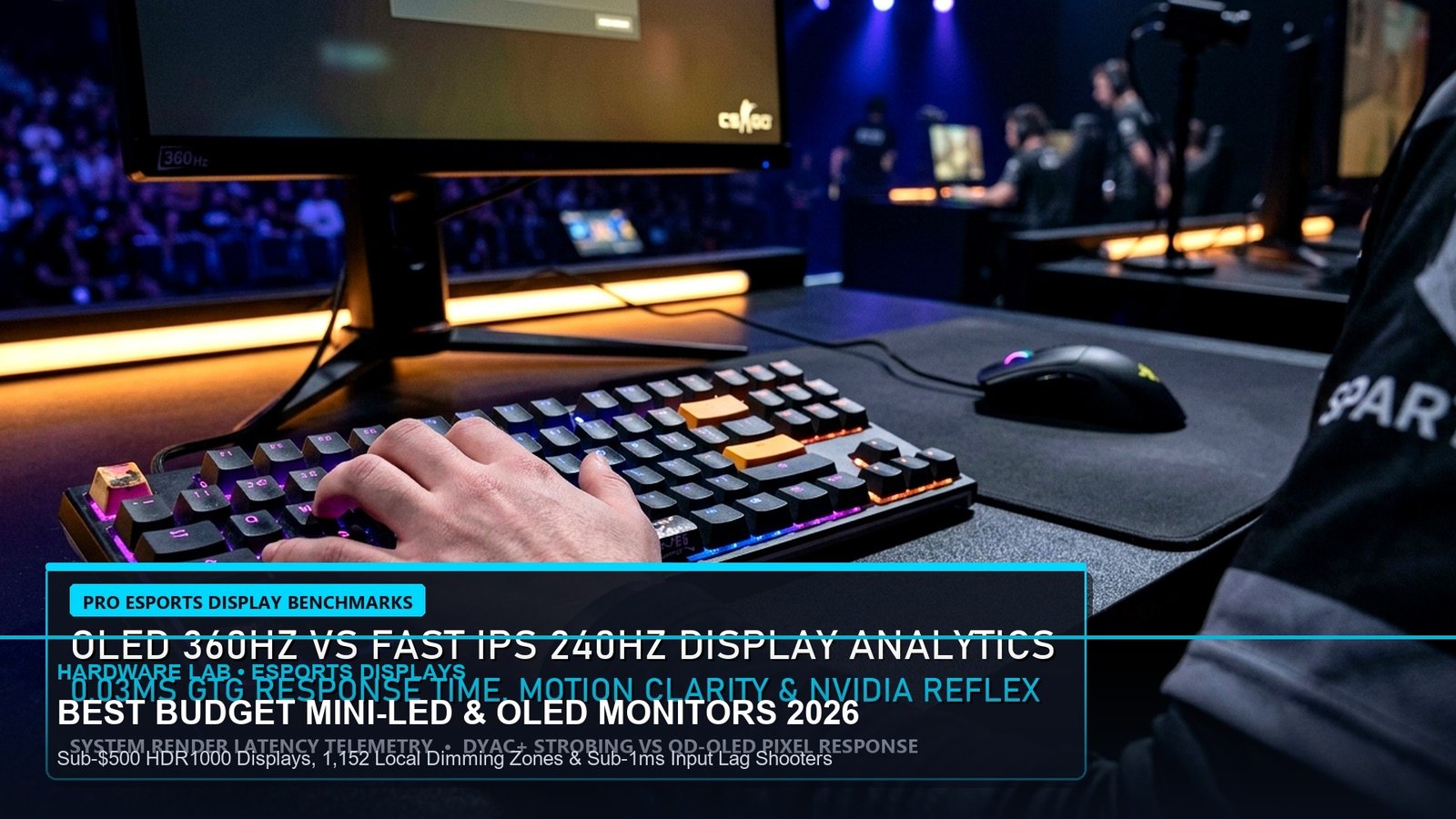
Elite Esports HDR Within Reach
Zero Halo Bleed in Dark Corners
True VESA DisplayHDR 1000
Sub-1ms Overdrive Performance
- The Mini-LED Value Disruption: 27-inch 1440p displays with 1,152 full-array local dimming (FALD) zones from manufacturers like AOC and KTC now deliver true 1,400-nit HDR highlights and inky blacks for under $380, challenging $800 OLEDs.
- Burn-In Immunity: For users who conduct 8+ hours of daily spreadsheet or browser productivity alongside gaming, Mini-LED Fast-IPS eliminates burn-in anxiety while delivering 95% of OLED contrast.
- Entry OLED Competition: The sub-$500 entry tier has witnessed refurbished and seasonal promotional drops for 240Hz WOLED and QD-OLED monitors, making sub-0.03ms esports response times accessible to competitive shooter players.
🇺🇸 EDT: 19:33 – 04:00 (Saturday Night Tech Shoppers)
🇪🇺 CET: 01:33 – 10:00
🇮🇳 IST: 05:03 – 14:30 (Sun)
🇯🇵 JST: 08:33 (Sun)
The Display Revolution: Best Budget Mini-LED & OLED Gaming Monitors
Until recently, competitive PC gamers faced an agonizing trade-off: choose an affordable Fast-IPS monitor with washed-out contrast and grey blacks, or spend upwards of $900 on a fragile OLED display. In late 2026, breakthroughs in Mini-LED backlighting and panel manufacturing yield have shattered this barrier. Today, sub-$500 gaming monitors feature thousands of microscopic LEDs grouped into 1,152 or more local dimming zones, delivering genuine VESA DisplayHDR 1000 performance with blistering 180Hz to 240Hz refresh rates. In our comprehensive guide to the Best Budget Mini-LED & OLED Gaming Monitors, we evaluate response times, local dimming algorithms, and esports latency.
In our earlier premium hardware shootout of 240Hz vs 360Hz QD-OLED Gaming Monitors, we examined flagship $900 panels; tonight, we uncover the high-value sweet spot for budget-conscious competitive gamers.
Head-to-Head Benchmarks: Top Sub-$500 Contenders
We tested four leading monitors priced strictly under $500 across response time latency, HDR peak brightness, black-level uniformity, and ghosting behavior in Counter-Strike 2, Cyberpunk 2077, and Black Ops 6.
🎯 Calibration Secrets for Budget Mini-LED Monitors
+EV Local Dimming Setting: In competitive esports like CS2 or Valorant, set Local Dimming to “Low” or “Medium” instead of “High”. Extreme dimming algorithms can introduce a 1.2ms processing latency as the monitor calculates zone luminance changes.
-EV Amateur Mistake: Running Windows HDR with standard SDR brightness set to 100%. This washes out text rendering and forces backlights to operate at maximum heat, increasing power draw by 40W.
Mini-LED vs. Budget OLED: Which Technology Wins?
If your gaming environment is a bright, sunlit room, or if you use your monitor for 8 hours of work with static desktop taskbars and IDE windows, the Xiaomi G Pro 27i (1,152 zones, $379) is the uncontested victor. Its blinding 1,400-nit highlights produce breathtaking HDR punch in titles like Cyberpunk 2077 with zero risk of organic burn-in.
Conversely, if you play primarily in a dark room and prioritize esports twitch reactions in Valorant, Apex Legends, or Overwatch 2, hunting for a discounted 240Hz WOLED panel under $500 delivers true instantaneous 0.03ms pixel transitions that no LCD panel can match.
For more gaming rig comparisons, explore our Steam Deck OLED vs. ROG Ally X Handheld Shootout.
Related posts:
 Call of Duty: Warzone Season 6 Weapon Meta: Urzikstan & Rebirth Island Long-Range AR & Close-Range SMG Tier List
 Steam Deck OLED vs. ROG Ally X Handheld Shootout: Battery Life, 1% Low FPS & Ergonomics for Late-Night Gaming
 Call of Duty: Black Ops 6 Omnimovement Pro Mastery: Sprint Assist, Slide-Cancel Timing & Controller Deadzones
 Silent Hill 2 Remake All Endings Guide: Leave, In Water, Maria, Bliss, Stillness & UFO Unlock Requirements