If you are playing Free Fire MAX on a budget Android smartphone with 2GB, 3GB, or 4GB of RAM, copying sensitivity settings from professional YouTubers who play on high-end iPhones or gaming tablets is actively ruining your gameplay. Low-RAM devices suffer from lower touch sampling rates, display latency, and aggressive thermal throttling during intense final-circle firefights.
To connect clean “one-tap” drag headshots without screen lag or micro-stutters, your sensitivity must compensate for your hardware’s hardware constraints. Here is the definitive free fire max headshot sensitivity settings guide specifically calibrated for low-spec Android devices in the 2026 meta.
- Table of Contents:
- The RAM-Specific Sensitivity Blueprint (2GB, 3GB & 4GB)
- Optimal Fire Button Size & Position (The Secret to Drag Aim)
- Display Settings to Eliminate Thermal Frame Drops
- Developer Options: Safe DPI Adjustments for Low RAM
- 💡 Expert Tip: The “J-Drag” Headshot Technique
🔥 NEXT UP (Don’t Miss This): Free Fire MAX India Cup 2026 Fall: Schedule, Teams & Prize Pool
1. The RAM-Specific Sensitivity Blueprint
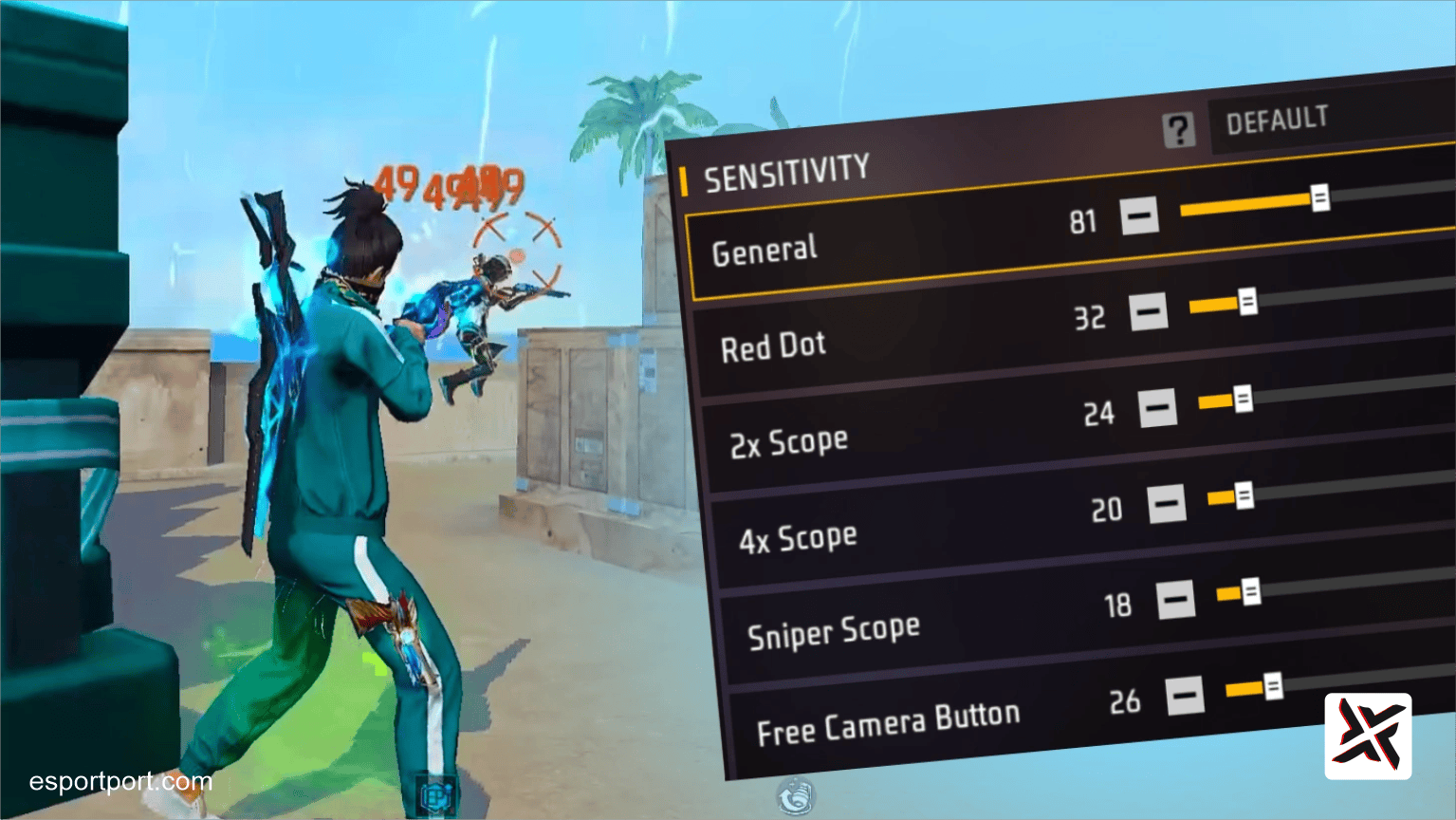
Low-RAM phones have lower touch response sensitivity. Therefore, your General Sensitivity must be significantly higher than standard recommendations to ensure upward finger swipes register fast enough to drag your crosshair from chest to head.
| Sensitivity Slider | 2GB RAM Devices | 3GB RAM Devices | 4GB RAM Devices | Strategic Purpose |
|---|---|---|---|---|
| General | 100 (Max) | 98 | 95 | Overcomes sluggish touch-digitizer response times |
| Red Dot | 95 | 92 | 90 | Prevents the crosshair from locking onto the torso |
| 2x Scope | 92 | 88 | 85 | Smooth mid-range drag tracking with UMP and MP40 |
| 4x Scope | 85 | 82 | 80 | Controls vertical bounce when firing long-range Woodpecker/SVD |
| Sniper Scope | 55 | 60 | 62 | Keeps AWM / M82B crosshair steady on moving targets |
| Free Look | 70 | 75 | 80 | Quick 360-degree situational awareness without lag |
2. Optimal Fire Button Size & Position
Even with flawless sensitivity sliders, an improperly configured Fire Button will cause your drag shots to miss.
- Button Size: Set your Right Fire Button size between 42% and 48%. If your button is larger than 50%, your thumb doesn’t have enough physical screen runway to drag upward before hitting the top edge of your screen.
- Button Position: Drag the Fire Button down to the lower-third quadrant of your screen. Giving your thumb maximum vertical travel distance creates the explosive acceleration needed to trigger the game’s auto-aim headshot lock.
3. Display Settings to Eliminate Thermal Frame Drops
When a 2GB or 3GB phone heats up, its processor drops frames, instantly causing your drag headshot to register as a body shot. Go to Settings → Display and configure these settings:
- Graphics: Set strictly to Smooth. Never select Standard or Ultra on devices with 4GB RAM or lower.
- High FPS: Set to High (if available on your device). A stable 60 FPS is mandatory for frame-perfect drag registration.
- Auto Scale: OFF (prevents dynamic resolution adjustments from resetting your muscle memory).
- Shadow: OFF.
4. Safe DPI Adjustments for Low RAM
Under your phone’s Android Developer Options, you can adjust “Smallest Width” (DPI) to increase overall touch sensitivity:
- Default DPI on budget phones: Usually 360 or 392.
- Safe Competitive Target: Set DPI to 420 on 3GB RAM phones, and 440 on 4GB RAM phones.
- Warning for 2GB RAM: Do not exceed 400 DPI on 2GB RAM phones. Pushing DPI too high exhausts video memory and causes Free Fire MAX to crash straight to your home screen during battle royale matches.
🛡️ EXPERT TIP: MASTERING THE “J-DRAG” HEADSHOT TECHNIQUE
Why straight upward dragging fails on budget devices.
When an enemy is moving laterally across your screen, dragging your fire button straight upward into the air will cause your shots to sail over their shoulder. Instead, professional Indian mobile players use the J-Drag (Rotation Drag). When dragging the fire button, sweep your thumb slightly downward first toward the enemy’s feet, and then violently flick upward in a curved ‘J’ shape following the direction of the enemy’s sprint. This curved trajectory forces Free Fire’s aim-assist algorithm to break its chest-lock and snap directly to the head hitbox, delivering an instant red-number elimination even at 40 FPS.