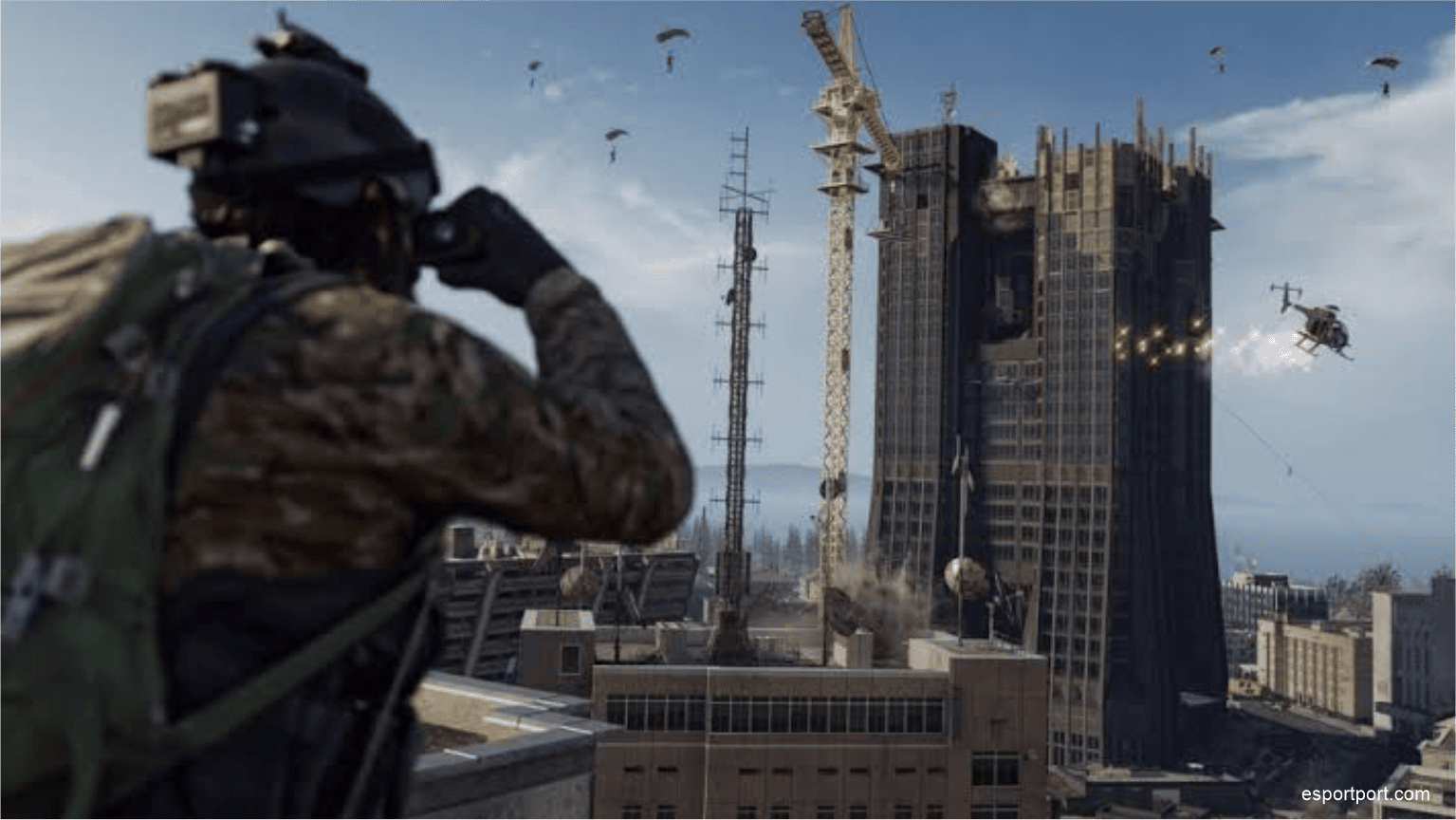
There is a pervasive myth in the casual gaming community that the gap between an average player and a top 1% competitor comes down entirely to “raw talent” or genetic reaction time. While mechanical skill is undeniably important, it only tells half the story. At the highest echelons of competitive First-Person Shooter (FPS) gaming—specifically within the Call of Duty League (CDL) and high-stakes Warzone tournaments—dominance is achieved through the meticulous optimization of hardware and in-game settings.
If you consistently feel like enemies are reacting faster than you, tracking you perfectly through visual clutter, or pre-firing your position before you even enter a building, you are likely playing on default, unoptimized settings. Today, the EsportPort analyst desk is breaking down the “legal hacks”—the exact audio equalizers, movement layouts, and visual configurations used by professionals to gain an unfair advantage in their lobbies.
Part I: The Audio EQ Exploit (Hearing the Unseen)
In modern Warzone, audio is arguably more important than visual information. The default game audio engine is designed for cinematic immersion; it mixes all sounds equally, meaning airstrikes, explosions, and ambient wind often drown out the crucial sound of enemy footsteps.
Professionals bypass this cinematic mix by utilizing PC Audio Equalizer (EQ) software or specific MixAmp presets on console to artificially manipulate the game’s frequency output.
Understanding Frequency Bands
Footsteps in Call of Duty generally exist in the high-mid frequency range (around 2000Hz to 4000Hz), while explosions and killstreaks dominate the low-end bass frequencies (20Hz to 200Hz).
By downloading free EQ software (like Equalizer APO or utilizing the built-in software of premium headsets), pros will aggressively “cut” (lower) the low-frequency bands by -5dB to -10dB. Simultaneously, they will “boost” the high-mid frequencies by +3dB to +6dB. The result is a soundscape where explosive noise is muffled, but the crunch of an enemy’s boot on gravel sounds like it is happening right inside your ear.
Furthermore, PC players utilize Windows “Loudness Equalization.” This setting mathematically compresses the audio—making the loudest sounds quieter and the quietest sounds (footsteps) drastically louder. If you are not utilizing this, you are effectively playing the game deaf compared to your top-tier opponents.
Part II: Mastering Omnimovement and Controller Deadzones
Call of Duty’s movement mechanics have evolved drastically. The introduction of “Omnimovement” means players can sprint, dive, and slide in full 360-degree vectors. To execute these mechanics flawlessly, your controller settings must be tuned for zero-latency input.
The Deadzone Paradigm
A “Deadzone” is the amount of physical distance you must move your thumbstick before the game registers the input. By default, Call of Duty sets the Right Stick Deadzone to 0.10. This is designed to prevent “stick drift” on old, broken controllers, but it creates a massive amount of input delay for your aim.
| Controller Setting | Casual Default | Pro Analyst Recommendation |
|---|---|---|
| Right Stick Min Deadzone | 0.10 | 0.02 – 0.04 (Minimizes input delay) |
| Left Stick Max Deadzone | 0.99 | 0.60 (Allows instant full-speed sprinting) |
| Auto Tactical Sprint | Off | Enabled (Saves controller wear, maximizes speed) |
By dropping your Right Stick Min Deadzone to 0.03, the moment you twitch your thumb, your crosshair moves. This fractional millisecond advantage is often the deciding factor in high-TTK (Time to Kill) gunfights.
Part III: Manipulating Rotational Aim Assist
Aim assist in modern crossplay shooters is incredibly powerful, but it does not work the way most casual players think it does. There are two types of aim assist: “Slowdown” (where your sensitivity lowers when passing over a target) and “Rotational” (where the game actually tracks the moving target for you).
Rotational Aim Assist is the secret to perfect tracking, but it only activates when your left thumbstick is moving. If you are standing perfectly still aiming with your right stick, you are losing 50% of the game’s built-in aiming assistance.
Dynamic vs. Standard Response Curves
To maximize this, CDL professionals exclusively use the Dynamic Aim Response Curve.
- Standard Curve: Maps your stick movement linearly.
- Dynamic Curve: Reverses the S-curve mapping. It allows for incredibly fine micro-adjustments in the center of the stick (perfect for snapping to heads at long range) while allowing for hyper-fast flicking when the stick is pushed to the edge.
When you combine a 0.03 Deadzone, the Dynamic Response Curve, and constant Left-Stick movement to engage Rotational Aim Assist, your tracking will immediately look identical to top-tier Warzone streamers.
Part IV: Visual Fidelity vs. Performance (FOV and Affected ADS)
Finally, we must address the visual configuration. Console players playing on large, 60Hz living room televisions are at a severe, almost insurmountable disadvantage against PC players on 240Hz monitors. If you cannot upgrade your hardware, you must heavily optimize your software settings.
Field of View (FOV) Optimization
Historically, a higher FOV was always better. However, pushing your FOV to the maximum of 120 actually shrinks the center of your screen so drastically that tracking targets at a distance becomes mathematically harder. The current “sweet spot” agreed upon by professional analysts is between 105 and 110 FOV.
More importantly, you must set your ADS (Aim Down Sight) Field of View to Affected, not Independent.
- Independent: Zooming in aggressively reduces your FOV back to 80, creating massive visual recoil and screen shake.
- Affected: Zooming in scales with your 110 FOV. This almost entirely removes visual recoil from your weapons, making heavy Assault Rifles look like they shoot absolute laser beams.
Conclusion: Stop Playing at a Disadvantage
The era of casual FPS gaming is dead. The integration of crossplay and SBMM (Skill-Based Matchmaking) means that you are constantly being tested against highly optimized players. By implementing these audio EQs, controller deadzones, and visual parameters, you are leveling the playing field. The rest comes down to hitting your shots.
🚨 Elevate Your Esports Intelligence
Join the EsportPort Network
Stop losing gunfights you should be winning. Bookmark EsportPort for daily promo codes, live tournament coverage, and the most advanced tactical hardware guides in the industry.