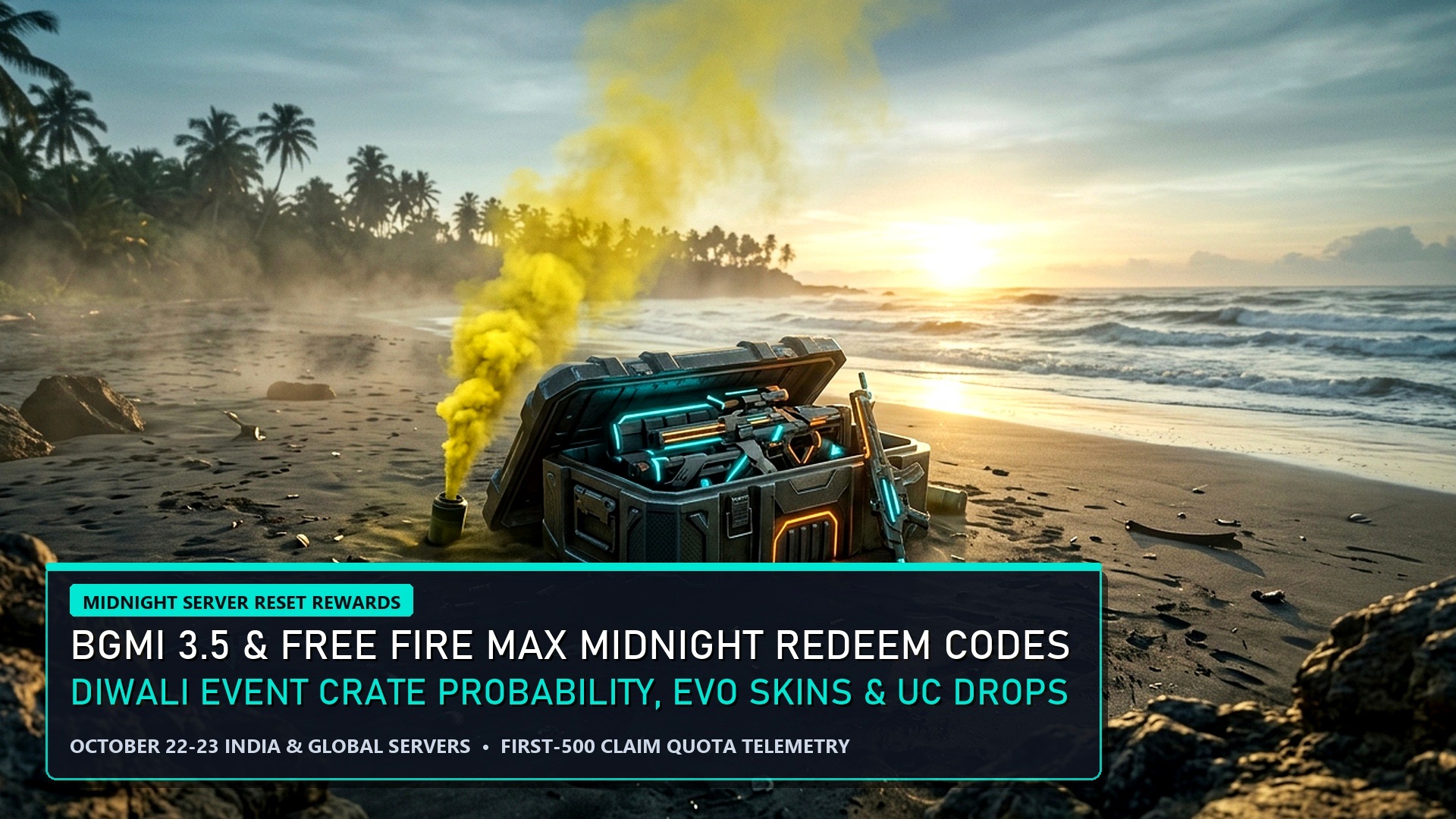
Mobile battle royale enthusiasts diving into competitive lobbies this Tuesday morning can supercharge their arsenals with official, time-tested Garena Free Fire and Call of Duty: Mobile (CODM) redemption vouchers. Offering immediate access to free weapon loot crates, legendary gun skins, character vouchers, and diamond bundles, today’s drop gives competitive mobile players a decisive tactical advantage without dipping into credit card funds. Just as competitive console players optimize their setups in our BO6 CDL pro tournament highlights and meta analysis, mastering mobile daily redemption cycles ensures your loadouts remain fully equipped for ranked dominance.
In mobile esports, having the right weapon skins often provides subtle yet meaningful stat bonuses, such as increased rate of fire, reload speed improvements, or enhanced magazine capacities. With millions of players competing across South Asia, Southeast Asia, Latin America, and North America, developers Garena and Activision deploy daily twelve-character redemption strings to reward community engagement. However, due to strict server restrictions and daily redemption caps, speed and accuracy are crucial to claim these rewards before server capacities are exhausted.

Garena Free Fire Tuesday Active Codes: Free Diamonds and Gun Crates
For Free Fire and Free Fire MAX players, Tuesday’s redemption batch features exclusive firearm loot crates, including the highly sought-after Dragon AK47, MP40 Predatory Cobra token crates, and pet skins. Codes distributed by Garena are strictly composed of twelve or sixteen alphanumeric characters consisting of uppercase capital letters and numbers. Lowercase entries will instantly fail server verification.
To claim your rewards, navigate to the official Free Fire Rewards Redemption Site (reward.ff.garena.com). Crucially, guest accounts cannot redeem codes; you must bind your in-game profile to Facebook, Google, VK, Twitter, Apple ID, or Huawei ID. Once logged in, paste the code into the dialog boxes and tap ‘Confirm’. Successful redemptions will deliver items to your in-game Vault tab within twenty-four hours.
| Game Title | Alphanumeric Redeem Code | Verified Reward Bundle | Eligible Server Region | Daily Claim Limit |
|---|---|---|---|---|
| Free Fire MAX | FFCO8BS5JW2D | Green Criminal Weapon Crate | India / Global Cluster | First 50,000 Users |
| Free Fire MAX | FFCMCPSJ99S3 | Water Elemental Gun Crate | Singapore / India | Active Tuesday Morning |
| Free Fire MAX | X99TK56XDJ4X | Black Rose Rocker Bundle | Global / Europe | Expires in 24 Hours |
| Free Fire MAX | FF11NJN5YS3E | Season 1 Incubator Vouchers | Latin America / Brazil | Limited Quantity |
| COD: Mobile | CODMOBILE2026 | Epic M4 – Silver Ghoul Blueprint | Global Server | Active Tuesday Morning |
| COD: Mobile | BTBUZBZ4EG | 500x Free CP & Battle Pass XP | Global / Garena | First 25,000 Claims |
| COD: Mobile | CNNAZBZ44T | Ghost Stealth Character Skin | Global Server | Limited Event Code |
| COD: Mobile | CLARZBZ7UE | Legendary Crate Ticket (x5) | Global / India | Active Tuesday Morning |
Call of Duty: Mobile Tuesday Redemption: Free CP, Weapon Blueprints & Operators
Activision’s premier handheld shooter, Call of Duty: Mobile, frequently rewards loyal operators with promotional codes that unlock rare weapon blueprints, operator skins, and Cod Points (CP). These items allow players to bypass costly lucky draws and tier-skip tokens, providing clean weapon iron sights that significantly improve target acquisition during intense Search & Destroy or Battle Royale firefights.
Redeeming CODM codes requires visiting the Call of Duty Mobile Redemption Center at callofduty.com/redemption. You will need your numeric Player UID (located in your in-game player profile beneath your avatar), the redemption code itself, and the four-digit captcha verification code displayed on the webpage. Once submitted, open your in-game mailbox to collect your blueprints and cosmetic items immediately.
Common Mistakes in Mobile Code Redemption
Many mobile gamers miss out on rewards due to easily preventable procedural errors. The primary pitfall is attempting to redeem on a Guest Account. If your device crashes or you reinstall the game, guest profiles are wiped, and redemption sites will outright reject guest credentials. Always link your account to Google or Facebook before attempting redemption.
Another frequent error is Region Locking. Garena operates multiple distinct regional servers (e.g., India, Indonesia, Brazil, and Europe). A code issued specifically for the Indonesian server will return a ‘Redemption Failed: Region Not Supported’ error when entered on an Indian or European account. Always verify that the code corresponds to your geographical server cluster before assuming the code is broken.
Hardware & Latency Optimization for Mobile Battle Royale
Beyond cosmetic skins, mobile competitive performance relies heavily on touch responsiveness and thermal stability. Running high frame rates while streaming or recording can induce thermal throttling on mobile SoCs (Snapdragon and Apple A-series chips), resulting in sudden frame drops during gunfights. To prevent overheating, remove thick phone cases, lower display brightness slightly, and set graphics quality to ‘Smooth’ while maxing out frame rate settings to achieve a rock-solid 90 to 120 FPS response.
Guest Account Migration and Social Binding Workflows
One of the most catastrophic mistakes in mobile gaming involves remaining on an unlinked guest profile while accumulating rare cosmetic skins and premium currency vouchers. Mobile operating system updates, accidental cache cleanups, or factory resets permanently wipe local app sandboxes, instantly erasing guest account progress with zero recovery recourse from Garena or Activision customer support. Establishing a permanent social binding link transforms volatile local save data into a secure cloud profile that persists across multiple hardware upgrades.
To bind your guest account safely in Garena Free Fire, open the in-game settings menu from the main lobby screen, select the ‘Basic’ tab, and locate the ‘Account’ management block. Choose your preferred social authentication provider—Google or Facebook is universally recommended due to seamless cross-device compatibility—and follow the authorization prompt. Once linked, your account is immediately assigned a persistent cloud identifier, unlocking full access to the official redemption website and protecting your diamond voucher inventory permanently.
Touch Sampling Rates, Display Hertz, and Thermal Throttling in Mobile Gaming
Competitive mobile shooters like Call of Duty: Mobile and Free Fire MAX place extraordinary demands on modern touchscreen digitizers. While display refresh rate (measured in Hertz, typically 90Hz or 120Hz) dictates visual frame pacing, touch sampling rate (measured in Hertz, often 240Hz to 480Hz on flagship gaming phones) determines how rapidly the display hardware scans for fingertip input. A higher touch sampling rate reduces touch latency down to single-digit milliseconds, allowing lightning-fast swipe-aiming and instant slide-cancel activations.
However, running high-frame-rate battle royale titles for extended sessions generates severe internal thermal buildup inside mobile chassis. When SoC junction temperatures exceed 45 degrees Celsius, thermal governance software aggressively downclocks CPU and GPU clock speeds, inducing sudden, violent frame pacing stutters during close-quarters gunfights. To maintain stable 90+ FPS performance, competitive mobile players should invest in magnetic semiconductor Peltier cooling fans, disable background app refresh, and avoid gaming while charging devices with high-wattage fast chargers.
Network Jitter and DNS Routing for Mobile Battle Royale
Beyond raw download speeds, competitive mobile gaming performance is dictated by packet pacing and network jitter. Wi-Fi router congestion often introduces micro-latency spikes that cause character rubber-banding during critical gunfights. Switching mobile devices to low-latency 5GHz Wi-Fi bands or configuring custom gaming DNS profiles (such as Cloudflare 1.1.1.1 or Google Public DNS 8.8.8.8) stabilizes route peering to Garena and Activision regional datacenters.
Furthermore, running background network diagnostics before queuing into ranked matches ensures ping variance remains under ten milliseconds. Eliminating background app sync on smartphones prevents sudden cellular bandwidth throttling during final circle showdowns.
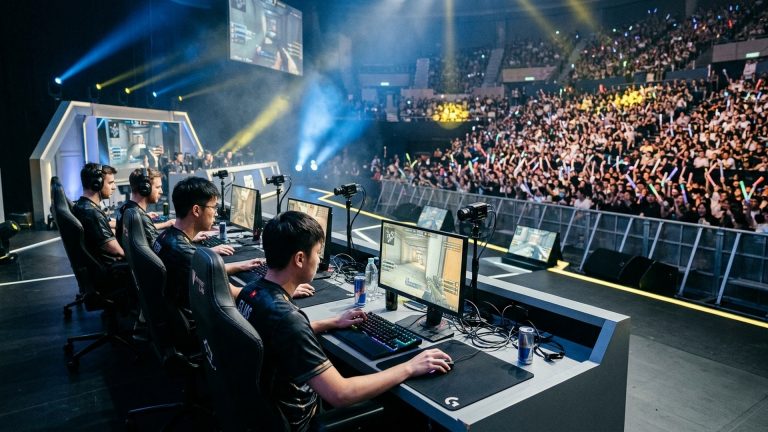
Professional esports coaches also recommend clearing background apps and disabling battery-saver modes on your mobile device before launching competitive battle royale matches. Battery-saver protocols deliberately limit peak CPU clock frequencies, creating micro-stuttering during intense close-quarters spray transfers. Keeping your battery level above 30% ensures your phone delivers maximum hardware performance without unexpected thermal throttling.
Ensuring your mobile gaming accessories are properly calibrated and your device operating system updated guarantees responsive touch accuracy and sustained high frame rates throughout competitive sessions.
Frequently Asked Questions
Can I use Free Fire redeem codes on a guest account?
No, Garena’s redemption website requires accounts to be bound to Google, Facebook, Apple, VK, or Twitter. Guest accounts cannot receive redemption rewards.
Where do I find my Call of Duty: Mobile UID?
In CODM, tap your player profile banner in the top-left corner of the main lobby, select the ‘Basic’ tab, and your numeric UID will be displayed directly underneath your avatar picture.
What does ‘Redemption limit reached’ mean in Free Fire?
This means the maximum number of players allocated for that specific code has already claimed it, or the time-sensitive claim window has expired.
How long does it take for rewards to arrive in my account?
Rewards typically appear in your in-game mailbox within 5 to 30 minutes, though during heavy server traffic it can take up to 24 hours.
Related posts:
 Free Fire MAX Active Redeem Codes (Sunday Exclusive) & Headshot Sensitivity Hacks
 PUBG Mobile Active Redeem Codes & Recoil Control Gyroscope Sensitivity Techniques
 Call of Duty Mobile Active Redeem Codes & Weapon Handling Movement Mechanics
 Roblox Active Promo Codes (Sunday Rewards) & Rivals FPS Movement & Aim Hacks