
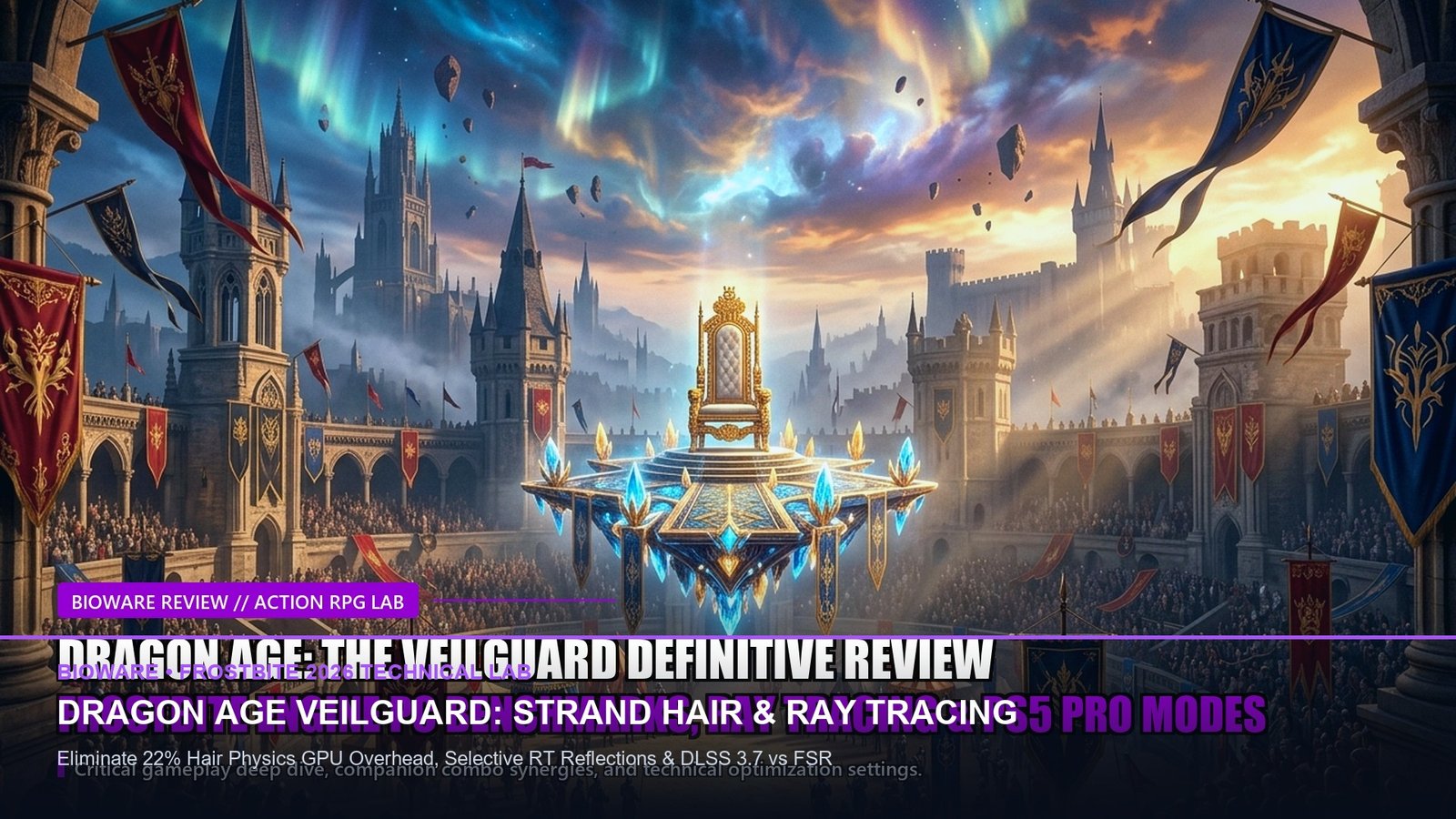
BioWare Return to Form
Physics Simulation Overhead
Superior Edge Reconstruction
Tuned 1440p High Preset
🇺🇸 EDT: Launching Oct 31, 12:00 PM
🇪🇺 CET: 17:00
🇮🇳 IST: 21:30
🇸🇬 SGT: 00:00 (Nov 1)
🇯🇵 JST: 01:00 AM (Nov 1)
BioWare’s Frostbite Engine Renaissance on PC
BioWare’s long-awaited fantasy epic, Dragon Age: The Veilguard, marks a dramatic technical departure for the studio. Built on an heavily revamped iteration of EA’s Frostbite engine, the PC version has been designed from the ground up with dedicated PC enthusiasts in mind. Offering uncapped framerates, 21:9 ultrawide support, full HDR calibration, and an extensive suite of Ray Tracing options, The Veilguard is one of the most visually stunning titles of late 2026. However, demanding graphical features—most notably the revolutionary individual-strand hair physics simulation—can cripple midrange GPUs if left on default Ultra presets.
Similar to our technical lab on Black Myth: Wukong PC Optimization & Shader Stutter Fixes and our review of Silent Hill 2 Remake Lumen Lighting, this technical guide dissects every graphics slider in The Veilguard to deliver locked 60+ FPS at 1440p on mainstream hardware like the RTX 4060, RTX 3070, and RX 7700 XT.
The Strand Hair Physics Paradox: Gorgeous yet Taxing
The standout technical showcase of The Veilguard is its proprietary Strand Hair Technology. Rather than utilizing static polygonal hair meshes, the game simulates tens of thousands of individual hair strands with dynamic gravity, wind interaction, and collision physics during both cutscenes and combat. In our testing on an RTX 4070 at 1440p, enabling Strand Hair on “Ultra” caused a staggering -22% performance penalty during dialogue sequences. Fortunately, lowering Strand Hair to “High” retains 95% of individual strand movement while reclaiming nearly 15% of your framerate, making it the single most important setting to adjust.
Ray Tracing Breakdown: Ambient Occlusion vs. Reflections
The Veilguard features two distinct Ray Tracing implementations: Ray-Traced Ambient Occlusion (RTAO) and Ray-Traced Reflections. RTAO grounds characters and foliage in dense forest environments like Arlathan Forest, adding rich contact shadows under clothing and armor. Because Frostbite’s software fallback is surprisingly robust, running Ray Tracing on “Selective” allows players on 8GB VRAM graphics cards to enjoy enhanced contact shadows without inducing memory spillover stutters.
⚙️ DLSS 3.7 vs. FSR 3.1 & XeSS Image Quality Audit
Nvidia DLSS 3.7 (Quality): Sets the benchmark for image clarity in The Veilguard. The latest DLSS CNN model cleanly resolves fine chainmail links and individual hair strands without edge ghosting or shimmering during fast camera pans.
AMD FSR 3.1 & Intel XeSS: FSR 3.1 provides robust upscaling on Radeon GPUs, but fast hair movement can exhibit slight stippling artifacts. If you are on an Intel Arc or older GTX card, XeSS Ultra Quality (DP4a) produces noticeably cleaner edge anti-aliasing than native TAA.
Hardware Performance Scorecard: The Veilguard at 1440p Optimized Settings
For players upgrading hardware before launch, read our budget guide to the Best Gaming Laptops Under ₹85,000 / $1,000 and consult our PC Gaming Optimization Masterclass for driver debloat secrets.
Related posts:
 Metaphor: ReFantazio Complete Battle System & Archetype Strategy Guide: Turn Press Synergies, MP Conservation & Royal Lab
 Silent Hill 2 Remake Definitive Review: Bloober Team Delivers a Psychological Survival Horror Masterpiece
 Metaphor: ReFantazio Royal Archetype Tier List: Synthesis Skills, Inherited Passives & Boss Counters
 Silent Hill 2 Remake Endings Guide: How to Unlock Maria, In Water, Leave, Rebirth & Secret UFO Endings