
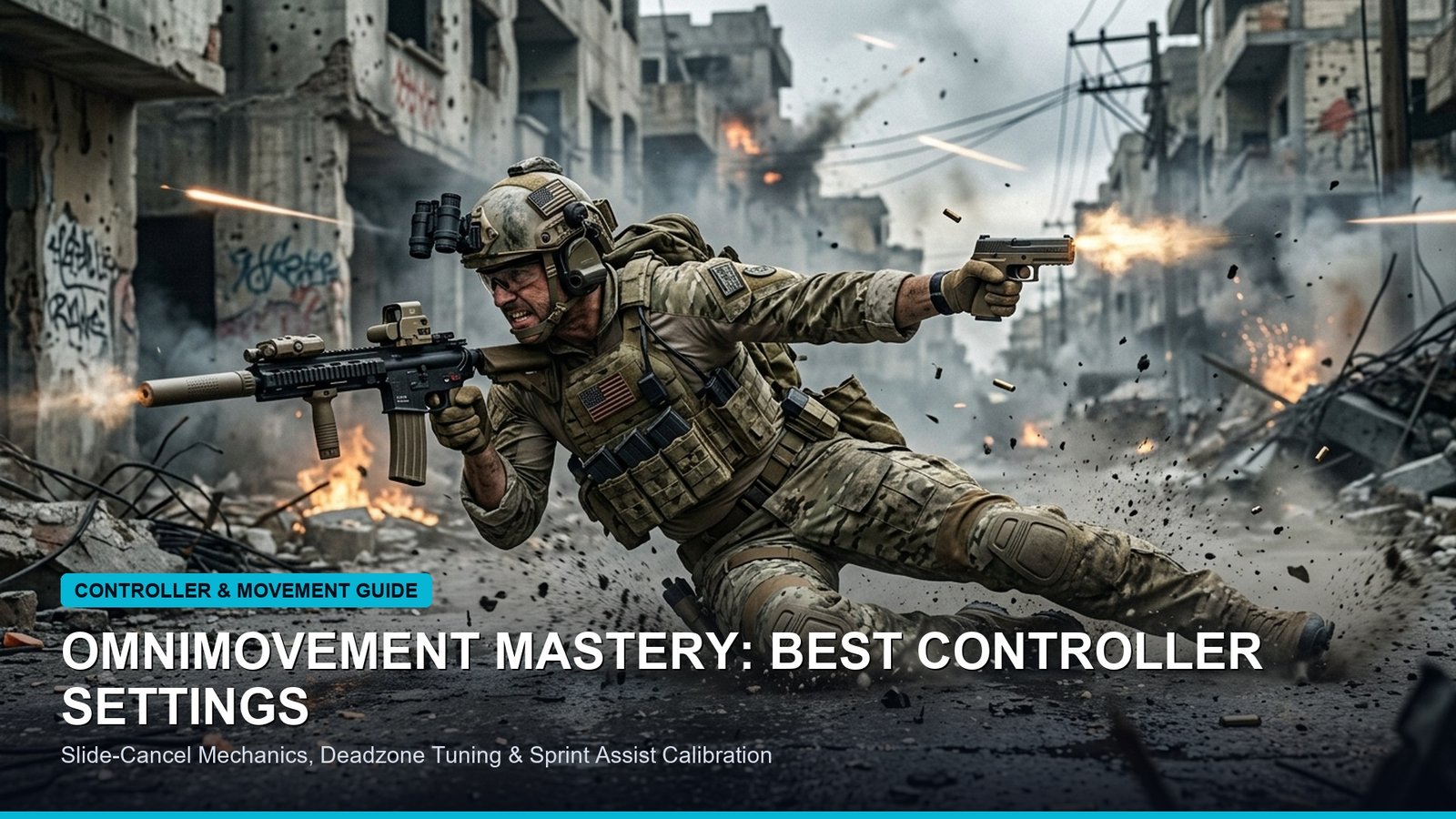
BLUF: The Pro Standard Controller Setup for Black Ops 6
Treyarch’s omnimovement engine in Call of Duty: Black Ops 6 introduces full 360-degree sprint, slide, and dive momentum, fundamentally altering controller input physics. The definitive pro baseline for high-level ranked play is Horizontal & Vertical Sensitivity 6-6, Dynamic Aim Response Curve, Target Aim Assist ON (Default mode), and a strict Left Stick Min Deadzone of 2 to 3 to trigger instantaneous tactical sprints without stick drift.
| Controller Setting | Pro Benchmark (Ranked Meta) | Alternative (Sniping / Anchor) | Mechanical Impact |
|---|---|---|---|
| Horizontal Sensitivity | 6 | 7 | Optimizes tracking flick precision without overshooting targets. |
| Vertical Sensitivity | 6 | 7 | Matches horizontal rotation to maintain consistent rotational aim assist. |
| Aim Response Curve | Dynamic | Linear | Accelerates stick acceleration at outer threshold for fast 180 snap turns. |
| ADS Sensitivity Multiplier | 0.85 | 0.90 | Tightens reticle friction when zooming into target hitboxes. |
| Left Stick Min Deadzone | 2 – 3 | 0 – 1 (Hall Effect) | Instantly activates omnidirectional tactical sprinting. |
| Left Stick Max Deadzone | 70 | 65 | Reaches max strafe velocity with 30% less physical thumb throw. |
| Right Stick Min Deadzone | 3 – 4 | 2 (Custom Hall Effect) | Prevents crosshair drift while enabling sub-millimeter recoil adjustments. |
| Right Stick Max Deadzone | 99 | 99 | Ensures full linear range of micro-adjustments before max speed caps. |
Understanding Omnimovement Physics: Why Dynamic Response Curves Dominate
The introduction of omnimovement in Black Ops 6 represents the most significant mechanical overhaul to Call of Duty input architecture since the introduction of tactical sprint in Modern Warfare (2019). Because players can now sprint, slide, and dive in any lateral or backward direction without rotating their first-person camera, engagement angles occur at radically sharper arcs. Under a standard Linear response curve, raw thumbstick deflection correlates 1:1 with camera velocity. While Linear provides pure raw muscle memory on mouse and keyboard converters, on physical analog potentiometers it exposes players to severe micro-stutter during rapid slide-cancel transitions.
Dynamic Aim Response Curve counters this by implementing an S-curve calculation. The initial micro-deflection zone is dampened, giving precision thumbstick tracking for crosshair placement down mid-range lanes like Babylon or RedCard. Once the thumbstick pushes beyond 75% deflection, the curve aggressively accelerates turning velocity. This allows competitive submachine gun players utilizing the Jackal PDW or Marine SP to snap a full 180 degrees when an enemy omni-slides through their peripheral flank, while retaining pin-point rotational aim assist once their crosshair enters the target’s bounding box.
Deadzones Masterclass: Eliminating Input Lag and Ghost Drift
Most players leave their controller deadzones on default presets (typically 10 to 13), unknowingly adding 25 to 40 milliseconds of physical input latency to every slide cancel and centering action. To optimize your response time, enter the Black Ops 6 controller test menu and lower your Left Stick Min Deadzone down to 0. Slowly increment the value by 1 until your operator stops moving on their own. For 90% of genuine DualSense and Xbox controllers, this sweet spot lies between 2 and 4.
Crucially, lowering your Left Stick Max Deadzone from 100 down to 70 transforms your lateral movement. In Black Ops 6, your operator does not achieve maximum sprint velocity until the stick registers 100% deflection. By clamping the maximum input ceiling to 70, you reach peak omnidirectional velocity 30% faster in thumb travel distance. This provides an immense advantage during lateral strafe battles, causing enemy aim assist bubbles to disconnect as you change direction at the physical speed ceiling.
Recommended Pro Controller In-Game Keybinds (Bumper Jumper Tactical)
If you play without rear paddles or custom back buttons, standard default button layouts force your thumb to leave the right aiming stick every time you slide, jump, or dive. Switching to Bumper Jumper Tactical or Tactical Flipped is essential for ranked play:
- Jump / Mantle: L1 / LB (Enables bunny-hopping while aiming)
- Crouch / Slide / Dive: Right Stick Click (R3) (Instant omnidirectional slide-canceling)
- Melee: Circle / B button
- Tactical Equipment: X / A button
- Sprint / Tactical Sprint: Automatic Tactical Sprint (Saves thumb fatigue and guarantees fastest slide timing)
Aim Assist Telemetry: Default vs Precision vs Focusing
Treyarch fine-tuned rotational aim assist values in Black Ops 6 to slightly reduce pull strength inside extreme close-quarters ranges (0 to 3 meters). Despite these adjustments, the Default Aim Assist setting remains the indisputable meta. Default utilizes both slowdown aim assist (lowering crosshair speed when near an enemy) and rotational aim assist (automatically matching camera movement when your left movement stick is engaged).
Never use “Precision” or “Focusing” unless you are exclusively playing long-range sniper roles in Ground War. Both of these alternative modes disable rotational aim assist entirely, relying purely on extreme slowdown over the target’s chest. In an omnimovement meta where opponents are diving across doorways at 15 meters per second, rotational tracking is mandatory to remain competitive. Ensure your left stick is always engaged with slight lateral pressure during gunfights to keep rotational assist active.
For players cross-training between Call of Duty and tactical PC shooters like Valorant or Counter-Strike 2, ensure your stick input translates seamlessly by utilizing our Universal Esports Mouse Sensitivity Converter to align your mechanical muscle memory across platforms.
Related posts:
 Best Budget Hall Effect Gaming Keyboards Under ₹5,000 / $60: 8000Hz Polling, Rapid Trigger & 0.1mm Actuation
 360Hz QD-OLED vs 540Hz Fast TN Monitors: Motion Clarity, GtG Latency & Apex/Valorant Visual Tracking Benchmark
 Best Gaming Laptops of Late 2026: RTX 4080 & 4090 Benchmarks, Thermal Limits & Esports Buying Guide