
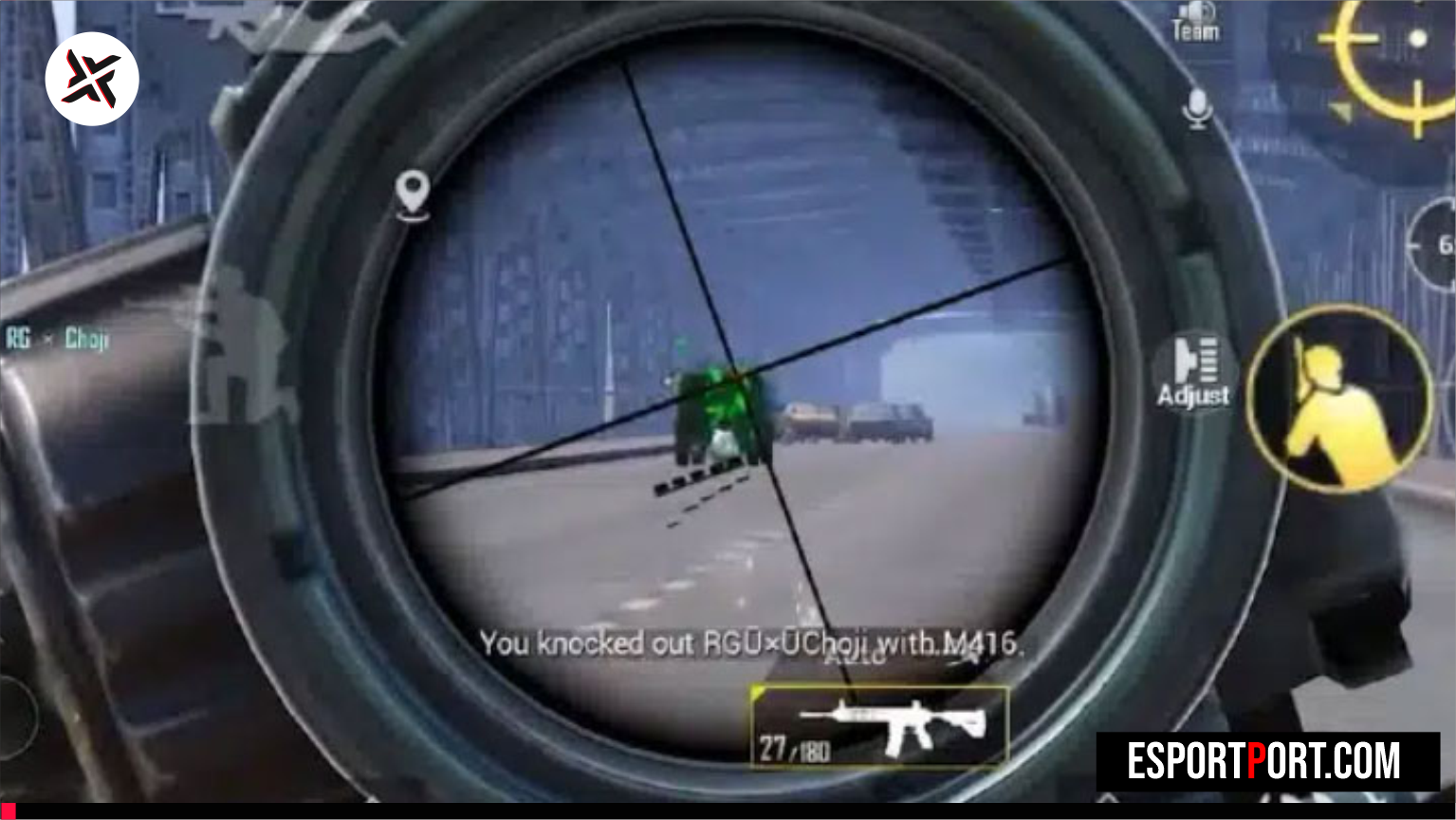
Want sharper aim? These BGMI best sensitivity settings give you a reliable starting point for every device. Test them for a week, then fine tune.
In This Guide
- Starting values
- Gyroscope setup
- Control layout
- Daily drill
- Mistakes to avoid
- FAQ
BGMI Best Sensitivity Settings: Starting Values
| Scope | Camera | ADS | Gyro |
|---|---|---|---|
| No scope | 100–110% | — | — |
| Red dot / Holo | 55–60% | 55–60% | 300% |
| 2x | 40–45% | 40–45% | 270% |
| 3x | 30–35% | 30–35% | 230% |
| 4x | 25–30% | 25–30% | 200% |
| 6x | 18–22% | 18–22% | 150% |
Pro Tip
Lower values give more control at long range. If you overshoot targets, drop each value by 5% and retest.
Gyroscope Setup
- Turn gyro on for scopes to control recoil.
- Use Always On if you play with a 4-finger claw.
- Sit or brace your elbows for steadiness.
Best Control Layout
A 3-finger or 4-finger claw lets you aim, move and shoot together. Put fire buttons where your thumbs rest.
5-Minute Daily Aim Drill
- Open Training Ground.
- Spray a wall at 50 m then 100 m.
- Practice pull-down recoil slowly.
- Finish with 2 minutes on moving targets.
Mistakes to Avoid
- Copying a pro setup without testing.
- Changing values every match.
- Playing with a dirty or hot screen.
Recommended Next Reads
Frequently Asked Questions
Are these settings legal?
Yes. They are normal in-game sensitivity values, not cheats.
Should I use gyroscope?
Gyro helps recoil control but needs practice. Start with scopes only.
How long before I see results?
Most players improve in one to two weeks of daily drills.
Do settings work on every phone?
Use them as a base and adjust for screen size and refresh rate.