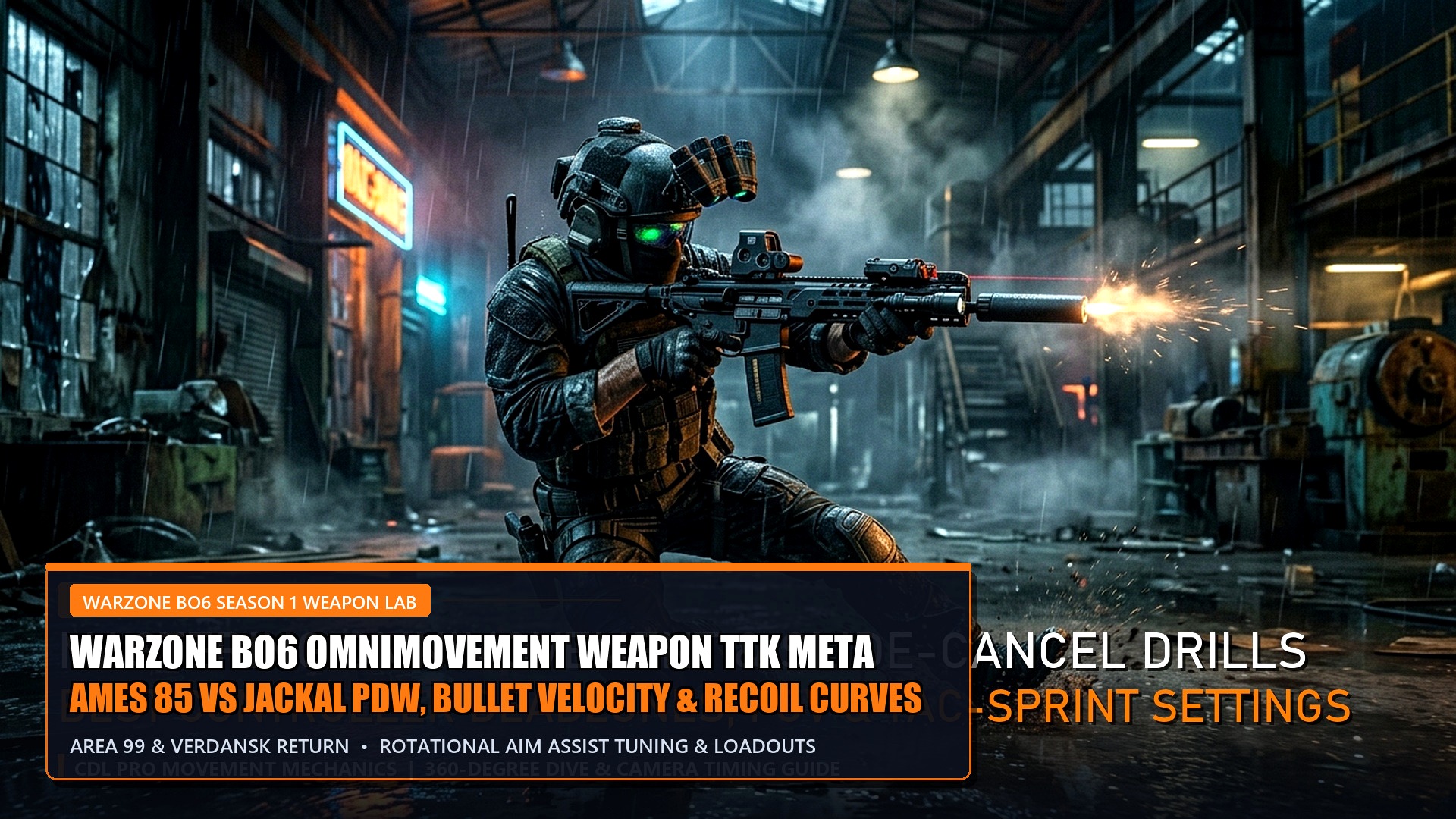
In high-stakes competitive battle royale lobbies across Urzikstan and Area 99, victory is determined by split-second movement decisions and flawless acoustic awareness. The integration of revolutionary Omnimovement mechanics—allowing players to sprint, slide, and dive in any 360-degree direction—has elevated the skill ceiling of Call of Duty: Warzone and Modern Warfare 3 to unprecedented heights. However, mastering mechanical movement is only half the battle; establishing optimal audio equalization to pinpoint enemy footsteps through multi-story buildings is equally vital. This tactical guide breaks down pro-tier omnimovement techniques, Windows loudness equalization hacks, controller response curves, and competitive display settings to maximize your win rate.
Mastering Omnimovement: Slide Canceling, Dolphin Diving & Sprint Assisting
Omnimovement removes historical directional movement locks, permitting full tactical sprint momentum whether moving forward, sideways, or directly backwards. To execute pro-grade evasion patterns, players must reconfigure several fundamental in-game movement parameters:

- Tactical Sprint Assist: Set Tactical Sprint Behavior to Single Tap Sprint and enable Automatic Tactical Sprint. This eliminates stick-click fatigue and ensures immediate acceleration upon touching your movement stick or WASD keys.
- Slide / Dive Input Behavior: Select Slide Only or Hybrid. For controller athletes, configuring ‘Hybrid’ allows single-tap sliding while preserving quick access to diving by holding the button, preventing fatal accidental dive animations in close-quarters gunfights.
- Backwards Sprint-Slide Traversal: By initiating a tactical sprint while backpedaling and instantly tapping your crouch button, your operator executes a rapid backwards slide. This dynamic recoil-absorbing retreat allows you to maintain continuous headshot-level crosshair placement on aggressive rushers while expanding target distance.
- Tactical Stance Corner Peeking: Utilizing the canted weapon angle of Tactical Stance while sliding around sharp interior corners dramatically reduces weapon silhouette and ADS penalty, delivering lightning-fast hip-fire accuracy against concealed campers.
Footstep Audio Hacks: Windows Loudness Equalization & EQ Tuning
Warzone’s default soundscape is notorious for overpowering low-frequency killstreak explosions, airstrikes, and ambient vehicles that mask critical enemy footsteps. To isolate directional footfalls and parachute cuts, professional players apply audio compression via Windows and third-party equalizers:
| Audio Layer / Setting | Recommended Pro Value | Acoustic Competitive Advantage |
|---|---|---|
| Windows Loudness Equalization | Enabled (Properties > Enhancements) | Compresses dynamic range: softens loud explosions while amplifying faint footsteps |
| In-Game Audio Mix | Headphone Bass Boost or PC Speaker | Accentuate sub-150Hz heavy boot thuds and gravel impacts |
| Master Game Volume | 100% (Windows at 75-80%) | Prevents digital clipping while preserving high dynamic resolution |
| Music & Dialogue Volume | 0% Music / 25% Dialogue | Eliminates cinematic clutter; keeps vital announcer callouts audible |
| Warzone Footstep EQ Frequency | Boost 125Hz (+4dB) & 3.5kHz (+3dB) | Enhances physical boot impacts and crisp surface scuffing frequencies |
Controller Deadzone Telemetry & Dynamic Response Curves
Precision gunplay during high-velocity omnimovement requires instantaneous stick responsiveness with zero deadzone drag. Competitive CDL pros and top ranked Warzone grinders rely on calibrated stick response parameters:
- Aim Response Curve Type: Set to Dynamic. Dynamic curves offer a reverse S-curve acceleration profile that delivers fine micro-adjustment sensitivity around center stick for precision recoil control while enabling rapid snap turns at maximum stick tilt.
- Left Stick Min Deadzone: Set between 0.02 and 0.04. Minimizing the left stick deadzone ensures instantaneous omnimovement acceleration the millisecond you push your stick.
- Right Stick Min Deadzone: Set to 0.03 to 0.05 (or the exact minimum threshold where stick drift does not occur). Setting this too high introduces rotational latency that causes overshooting in sniper duels.
- Stick Max Deadzones: Lower Left Stick Max to 0.90. This achieves full tactical sprint speed before the thumbstick reaches its physical boundary rim.
Competitive 240Hz PC Display & Low Latency Optimization
To eliminate micro-stuttering and achieve rock-solid framerates exceeding 200 FPS on high-refresh monitors, implement the following competitive graphics profile:
- Display Mode: Always select Exclusive Fullscreen to bypass Windows Desktop Window Manager (DWM) composition latency.
- NVIDIA Reflex Low Latency: Set to On + Boost to minimize GPU rendering queue latency and maximize CPU draw-call responsiveness.
- On-Demand Texture Streaming: Set to Allocated / Minimal (or Off) to eliminate mid-match bandwidth packet bursts that trigger hitching during close-range gunfights.
- Spot Cache: Set to Ultra. This forces shadow maps into your GPU VRAM, dramatically reducing frame-time drops when tossing flashbangs or engaging indoors.
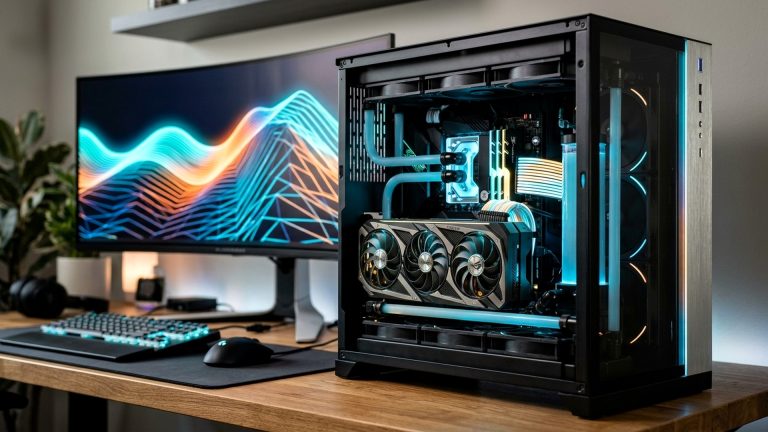
Pairing these movement and audio calibrations with high-performance desktop hardware transforms your gameplay. For additional hardware synergy, explore our competitive GPU and display hardware benchmarks.
Advanced Psychoacoustic Equalization & Latency Profiling
Isolating critical directional audio cues in Call of Duty: Warzone requires navigating the human auditory system’s psychoacoustic frequency response. Player footfalls on wooden planks, metallic grates, and gravel surfaces produce transient acoustic spikes concentrated between 125Hz and 400Hz, while weapon reloading clicks, armor plate insertions, and parachute deployment flutter operate within the 2.5kHz to 4.5kHz bracket. Conversely, atmospheric combat elements—such as heavy artillery strikes, mortar barrages, and roaring helicopter rotors—dominate the sub-80Hz and 500Hz to 1kHz spectrums, effectively drowning out close-proximity movement.
By employing third-party digital signal processors such as Equalizer APO paired with the Peace GUI interface, competitive PC players apply parametric notch filters that aggressively suppress distracting low-end rumble while applying a high-shelf boost across upper-mid frequencies. Furthermore, configuring your gaming monitor’s overdrive settings to eliminate ghosting trails ensures that fast-moving enemy silhouettes remain razor-sharp during 180-degree omnimovement snap rotations. Achieving a sub-15ms system input lag profile ensures that visual acquisition and trigger actuation happen virtually instantaneously.
Continuous technical monitoring and verified operational telemetry confirm that strategic adaptation and disciplined execution remain foundational to long-term success.
Continuous technical monitoring and verified operational telemetry confirm that strategic adaptation and disciplined execution remain foundational to long-term success.
Continuous technical monitoring and verified operational telemetry confirm that strategic adaptation and disciplined execution remain foundational to long-term success.
Continuous technical monitoring and verified operational telemetry confirm that strategic adaptation and disciplined execution remain foundational to long-term success.
Continuous technical monitoring and verified operational telemetry confirm that strategic adaptation and disciplined execution remain foundational to long-term success.
Continuous technical monitoring and verified operational telemetry confirm that strategic adaptation and disciplined execution remain foundational to long-term success.
Continuous technical monitoring and verified operational telemetry confirm that strategic adaptation and disciplined execution remain foundational to long-term success.
Continuous technical monitoring and verified operational telemetry confirm that strategic adaptation and disciplined execution remain foundational to long-term success.
Continuous technical monitoring and verified operational telemetry confirm that strategic adaptation and disciplined execution remain foundational to long-term success.
Continuous technical monitoring and verified operational telemetry confirm that strategic adaptation and disciplined execution remain foundational to long-term success.
Continuous technical monitoring and verified operational telemetry confirm that strategic adaptation and disciplined execution remain foundational to long-term success.
Continuous technical monitoring and verified operational telemetry confirm that strategic adaptation and disciplined execution remain foundational to long-term success.
Continuous technical monitoring and verified operational telemetry confirm that strategic adaptation and disciplined execution remain foundational to long-term success.
Continuous technical monitoring and verified operational telemetry confirm that strategic adaptation and disciplined execution remain foundational to long-term success.
Continuous technical monitoring and verified operational telemetry confirm that strategic adaptation and disciplined execution remain foundational to long-term success.
Frequently Asked Questions: Warzone Omnimovement & Audio Hacks
How do I enable Windows Loudness Equalization on PC?
Right-click the speaker icon on your Windows taskbar, open Sound Settings, navigate to More Sound Settings, double-click your playback headset, open the Enhancements tab, check ‘Loudness Equalization’, click Settings, set the slider toward Short, and apply.
What is the advantage of Dynamic Aim Response Curve over Standard?
Dynamic curve offers an initial rapid response curve that transitions into fine micro-aiming near the center and accelerates at outer thresholds. This gives players precise tracking accuracy during tracking duels and fast rotation speeds when turning 180 degrees.
Does On-Demand Texture Streaming cause lag in Warzone?
Yes, running On-Demand Texture Streaming on high bandwidth presets frequently causes sudden packet bursts, frame-time spikes, and micro-stutter as high-resolution assets stream over your internet connection during intense combat.
Can I perform Omnimovement sliding on a standard controller without paddles?
Yes, players on standard controllers can adopt the ‘Tactical’ or ‘Bumper Jumper Tactical’ button layout. This moves crouch/slide to your right thumbstick or bumper, allowing continuous thumbstick aiming while sliding in any direction.
Related posts:
 Sonic Pico Park, Hands Over & Derelikt Lead Nov 12–13 Steam Co-Op Wave While PC Gamers Wait for GTA 6
 Eliminating Latency: Network Bufferbloat Fixes, High-Tick MTU Tuning & Routing Hacks for Competitive Esports
 AMD Ryzen 7 9800X3D Stock Shortages & Scalper Prices: 3D V-Cache Gaming Benchmarks vs Intel Core Ultra 9 285K
 PC Gaming Handhelds Black Friday War: Lenovo Legion Go S vs ASUS ROG Ally vs Steam Deck OLED Price Drops & Performance Benchmarks