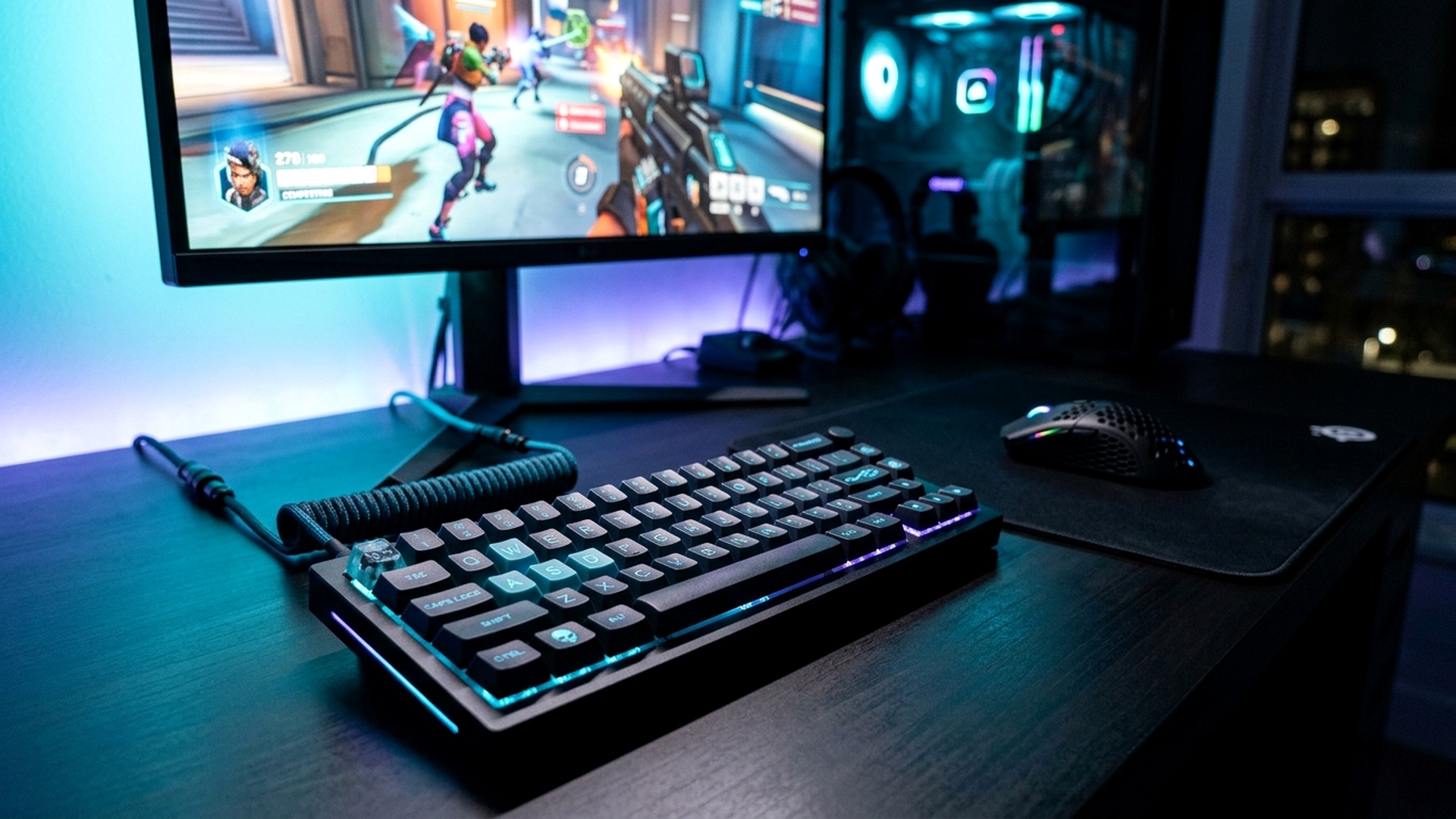
In modern high-tick competitive esports titles—including Counter-Strike 2, Valorant, Apex Legends, and Call of Duty—the difference between securing a game-winning headshot and suffering an infuriating ‘dying behind cover’ desync often comes down to network telemetry. While hardcore gamers routinely spend thousands of dollars on ultra-fast graphics cards—as analyzed in our guide to Nvidia RTX 5090 Blackwell architecture and power requirements—they frequently overlook the single greatest bottleneck in online gaming: network bufferbloat and suboptimal ISP routing.
Contrary to popular belief, purchasing expensive gigabit or multi-gigabit fiber internet connections does not automatically guarantee low gaming latency. High bandwidth measures raw download capacity, whereas gaming responsiveness depends entirely on packet serialization speed, queuing delays, and jitter consistency. By eradicating bufferbloat, tuning MTU packet payloads, and taking control of your Windows TCP/IP networking stack, you can eliminate hit registration delay and gain decisive peeker’s advantage in every match.
What is Bufferbloat? The Silent Killer of Gaming Latency
Bufferbloat is a fundamental software design flaw present in standard commercial routers and ISP modems. To prevent packet loss during heavy data transfers, routers maintain excessively large memory buffers. When your home network experiences background traffic—such as a family member streaming 4K video, downloading a game update, or uploading a cloud backup—the router queues up packets in a massive FIFO (First-In, First-Out) line.
Because real-time gaming packets are tiny UDP datagrams that require instant transmission, getting trapped behind massive streaming buffers introduces catastrophic ping spikes jumping from 20ms to 200ms+. This latency fluctuation (known as jitter) causes the game engine’s lag compensation algorithms to misalign player client positions with server reality, resulting in ‘ghost bullets’, rubber-banding, and delayed damage registration.
| Network Optimization Technique | Default Consumer Configuration | Competitive Esports Configuration | Measured Latency & Jitter Benefit |
|---|---|---|---|
| Smart Queue Management (SQM) | Disabled (Standard FIFO Queuing) | Enabled via CAKE or fq_codel Algorithm | Zero ping spikes under 100% upload/download saturation |
| Bandwidth Rate Limiting Caps | 100% ISP Line Capacity | 85% – 90% Provisioned Throughput Cap | Prevents ISP bottleneck queue saturation entirely |
| Maximum Transmission Unit (MTU) | Default Auto 1500 | Optimal Ping MTU (1492 PPPoE / 1500 Fiber) | Eliminates packet fragmentation and resend overhead |
| Nagle’s Algorithm (Windows TCP) | Enabled (Bundles network packets) | Disabled via Registry (TCPNoDelay = 1) | Instantly sends game packets without 200ms wait delay |
| Network Adapter Interrupt Moderation | Enabled (Buffers CPU interrupts) | Disabled for Realtek / Intel PCIe NICs | Processes incoming network frames in microsecond real time |
| DNS Resolution Infrastructure | ISP Default Dynamic DNS | Cloudflare 1.1.1.1 / Google 8.8.8.8 Primary | Accelerates matchmaking server handshake lookups |
Fixing Bufferbloat with Smart Queue Management (SQM: CAKE & fq_codel)
The only permanent, mathematically proven cure for network bufferbloat is deploying Smart Queue Management (SQM) on your router. Standard consumer routers prioritize bandwidth size over packet timeliness. In contrast, advanced active queue management algorithms—specifically CAKE (Common Applications Kept Enhanced) and fq_codel (Fair Queuing Controlled Delay)—automatically separate heavy streaming data streams from ultra-light gaming UDP packets.
Under SQM, gaming packets skip the line entirely, receiving instantaneous forwarding while bandwidth-heavy downloads are throttled smoothly. To configure SQM, system builders can utilize custom firmware like OpenWrt or Asuswrt-Merlin. The golden rule of SQM tuning is setting your router’s download and upload speed limits to approximately 85% to 90% of your maximum verified connection speed. Capping your connection slightly below peak capacity ensures that your local router—not your ISP’s unmanaged street cabinet—controls the queue, achieving an unwavering ‘A+’ Bufferbloat rating on Waveform latency tests.
Windows Registry Tweaks: Disabling Nagle’s Algorithm and Network Throttling
Beyond router configuration, the Windows 11 operating system includes legacy networking protocols designed for 1990s dial-up reliability rather than modern 240Hz competitive gaming. Foremost among these is Nagle’s Algorithm, which deliberately withholds sending small data packets until a full network frame buffer is filled, introducing artificial delays of up to 200 milliseconds.
To disable Nagle’s Algorithm for competitive gaming, open the Windows Registry Editor (regedit) and navigate to HKEY_LOCAL_MACHINE\SYSTEM\CurrentControlSet\Services\Tcpip\Parameters\Interfaces. Locate your active network adapter interface GUID and create two new DWORD (32-bit) values: name the first TcpAckFrequency and set it to 1; name the second TCPNoDelay and set it to 1. This forces Windows to transmit every single gaming keystroke and mouse input packet to the server instantly without buffering.
Ethernet vs Wi-Fi 7: The Physical Layer Truth
While marketing for modern Wi-Fi 6E and Wi-Fi 7 routers boasts theoretical multi-gigabit speeds and low latency, wireless signals remain vulnerable to environmental radio frequency interference (RFI), structural wall attenuation, and airtime congestion. In high-stakes esports, physical Cat6 or Cat6A shielded Ethernet cabling remains non-negotiable.

A hardwired Ethernet connection delivers zero packet loss, impervious electromagnetic shielding, and unwavering sub-0.5ms local gateway transit times. Furthermore, accessing your Ethernet network adapter properties in Windows Device Manager allows you to disable ‘Energy Efficient Ethernet’ and ‘Green Ethernet’, preventing your network card from cycling into low-power sleep states during critical combat lulls.
Gaming VPNs and Custom BGP Route Optimization
Finally, players frequently suffer from high in-game ping because their retail Internet Service Provider (ISP) routes traffic through cheap, congested peering exchanges rather than the shortest physical path to game servers. Specialized gaming routing services like ExitLag and Mudfish operate private BGP routing networks, bypassing public ISP congestion hubs and routing packets directly along dedicated fiber backbones.
In international tournaments or cross-regional scrimmages—such as North American players competing on European servers or East Asian players accessing Southeast Asian hubs—custom routing software can shave off 15ms to 35ms of transit ping while stabilizing jitter curves. In modern competitive gaming, where peak reactions are measured in hundredths of a second, an optimized network pipeline provides the ultimate unfair advantage.
DSCP Packet Tagging, QoS Prioritization, and Local Switch Architecture
For multi-device households where multiple family members share a single internet connection, implementing Differentiated Services Code Point (DSCP) packet tagging ensures that gaming traffic maintains supreme priority over standard web traffic. By configuring Windows Group Policy to assign a DSCP tag of 46 (Expedited Forwarding) or 40 (CS5) to your primary gaming executables, network packets are stamped with high-priority headers before leaving your PC.
When these tagged packets reach a managed home router or network switch supporting Layer 3 Quality of Service (QoS), the hardware immediately pushes gaming UDP traffic to the highest-priority transmission queue, bypassing background smart TV streaming, BitTorrent downloads, and automated smartphone cloud backups. Furthermore, competitive setups should avoid daisy-chaining cheap unmanaged desktop Ethernet switches, which frequently lack dedicated flow control buffers and can introduce micro-packet queuing delays during intense firefights.
Modern gaming motherboards equipped with Intel 2.5G or Realtek 5G Ethernet controllers also benefit from dedicated driver optimizations. Disabling ‘Interrupt Moderation’ within the advanced device manager settings forces your CPU to process network packets the microsecond they arrive at the PCIe bus, shaving off additional fractions of a millisecond from client-to-server transaction loops.
Finally, verifying your local ISP connection with automated ping plotting tools (such as PingPlotter or WinMTR) allows you to diagnose intermediate routing hops where packet loss or high jitter occurs. Armed with objective hop telemetry, players can request static routing reassignments from their ISP support tiers, ensuring direct, low-latency interconnection to regional game hosting clusters.
Frequently Asked Questions Regarding Gaming Latency and Bufferbloat
What causes high ping spikes even on fast fiber internet?
High ping spikes are typically caused by router bufferbloat, where heavy background downloads saturate internal memory queues, delaying lightweight gaming UDP packets behind massive data buffers.
How does Smart Queue Management (SQM) eliminate bufferbloat?
SQM algorithms like CAKE prioritize real-time gaming packets over bulk download traffic, ensuring instant packet forwarding and consistent ping even when your network is at 100% load.
What does disabling Nagle’s Algorithm do for gaming?
Disabling Nagle’s Algorithm forces Windows to send game input packets immediately without waiting to bundle them into full frames, eliminating artificial delays of up to 200ms.
Is Cat6 Ethernet significantly better than Wi-Fi for esports?
Yes, hardwired Cat6 Ethernet provides zero packet loss, immunity from radio frequency interference, and unwavering sub-0.5ms local latency that no wireless protocol can match.
Related posts:
 Singapore & APAC Pro Hardware Playbook: Sub-5ms Fiber Routing to Singapore AWS Servers, Marvel Rivals 120 FPS UE5 Settings & 360Hz QD-OLED Monitor Calibration
 Monster Hunter Wilds PC System Requirements & Best Optimization Guide: VRAM Memory Leak Fixes & Stable 60 FPS
 Nvidia RTX 5090 & 5080 Blackwell Architecture Deep Dive: GDDR7 Speeds, Power Demands & Flagship GPU Leaks
 OMEN Gaming Hub 2026 Update: Free AI FPS Boost & Voice Changers For All PCs