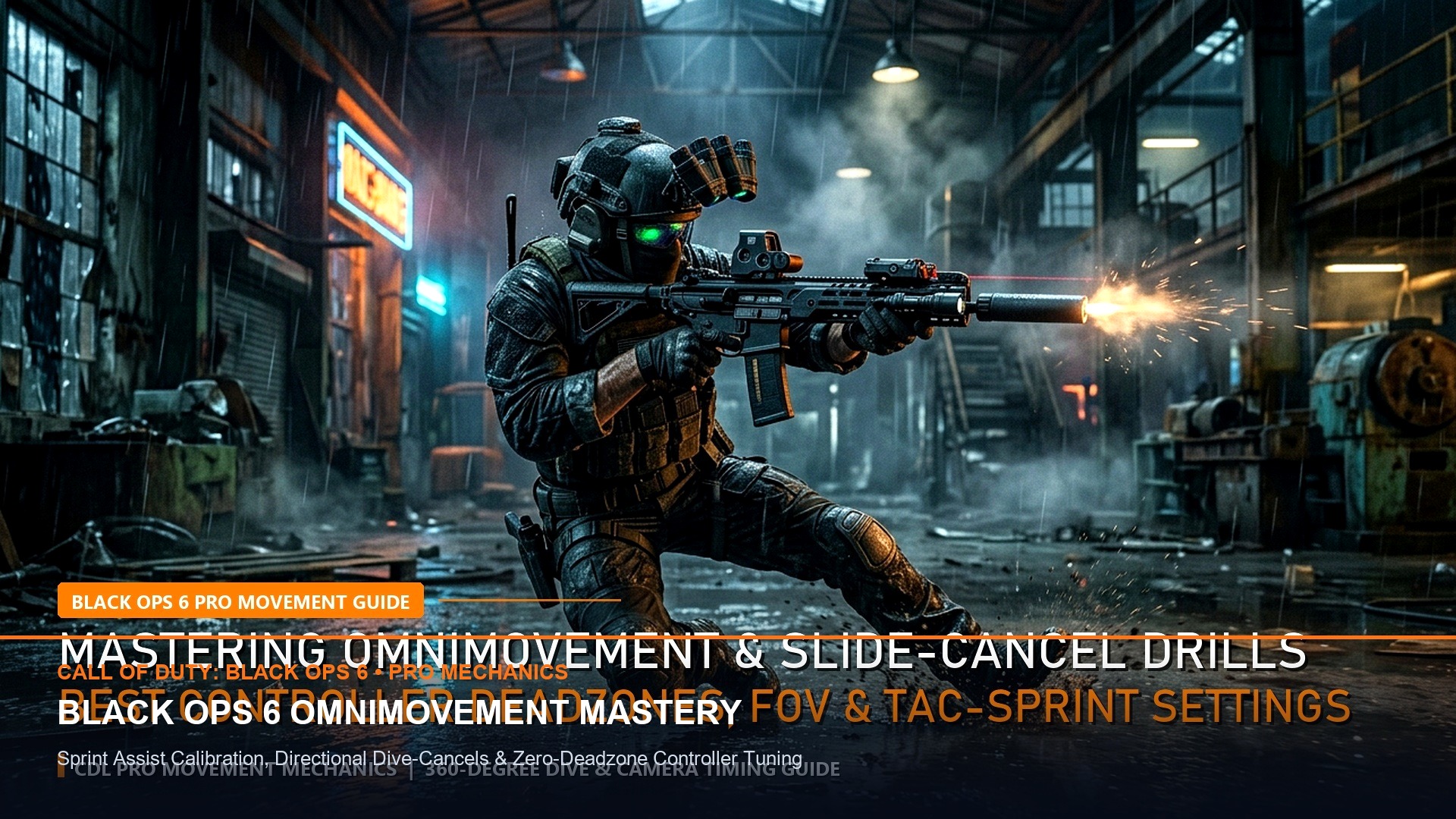
In the fiercely contested arenas of modern competitive first-person shooters—from Call of Duty: Warzone and Black Ops 6 to Apex Legends and Halo Infinite—the perennial debate between mouse-and-keyboard precision and controller aim assist has decisively tilted in favor of thumbstick athletes. As explored in our breakdown of Warzone BO6 Season 1 Reloaded meta weapons and omnimovement techniques, achieving top-tier tracking accuracy is not merely a matter of natural reflex. It requires an intimate understanding of controller firmware overclocking, dynamic response curve algorithms, and rotational aim assist mechanics.
Professional esports competitors operating in $100,000 tournaments do not rely on factory default controller configurations. Every parameter—from stick minimum deadzones and outer deadzone threshold caps to polling rate overclocking and linear response translation—is calibrated to exploit the underlying physics of modern game engines. By deconstructing the mathematical reality of rotational aim assist, players can transform sluggish thumbstick aiming into laser-focused, automated target tracking.


Rotational Aim Assist Deconstructed: Why Left-Stick Movement Rules
The single most widespread misconception among casual controller gamers is that aim assist is activated by aiming with the right thumbstick. In modern shooters utilizing crossplay balancing systems, aim assist is bifurcated into two distinct algorithms: Traditional Slowdown Aim Assist and Rotational Aim Assist (RAA). Slowdown aim assist merely decelerates your crosshair velocity when sweeping across an enemy hitbox, preventing you from overshooting targets.
Rotational Aim Assist, however, is the true competitive cheat code. RAA actively mirrors the enemy’s lateral movement vectors, automatically adjusting your camera angle even before your conscious human reaction time can register the directional change. Crucially, Rotational Aim Assist is triggered almost entirely by Left Stick (movement stick) engagement. As long as your left stick generates at least a 5% to 10% directional velocity vector (strafe walking), the game engine engages maximum rotational pull, sticking your crosshairs to the adversary’s chest during high-speed Omnimovement slides and jump-peeks.
| Controller Setting / Feature | Default Factory Setting | Pro Esports Recommended Value | Mechanical Advantage & Engine Impact |
|---|---|---|---|
| Aim Response Curve Type | Standard (Linear to Exponential) | Dynamic (Reverse S-Curve) | Accelerates micro-adjustments; fine target centering |
| Left Stick Min Deadzone | 10 – 15% Deadzone | 2 – 5% (Just above drift) | Instantly triggers Rotational Aim Assist on strafe |
| Right Stick Min Deadzone | 10 – 15% Deadzone | 1 – 3% (Tight micro-aim) | Eliminates initial stick resistance for recoil control |
| Right Stick Max Deadzone | 100% (Full Stick Deflection) | 90 – 95% | Reaches maximum turn speed faster on flick shots |
| Polling Rate Overclocking | 125Hz – 250Hz (4ms – 8ms lag) | 1000Hz via USB Overclock (1ms) | Sub-1ms input latency on PC DualSense/Xbox pads |
| ADS Sensitivity Multiplier | 1.00x Uniform | 0.80x – 0.90x | Smooth tracking against sprinting targets at range |
The Power of the Dynamic Aim Response Curve
Most competitive shooters provide three fundamental response curves: Standard, Linear, and Dynamic. A Standard curve increases crosshair speed exponentially the further you push the thumbstick. A Linear curve maps stick deflection 1:1 with camera velocity, which offers great theoretical consistency but makes micro-corrections near the stick center extremely twitchy and unforgiving.
The overwhelming majority of Call of Duty and Apex Legends pros universally utilize the Dynamic Response Curve. Dynamic uses a reverse S-curve mathematical formula: initial stick deflection accelerates quickly to allow rapid centering adjustments, smooths out across medium deflection for stable tracking, and ramps up at maximum deflection for quick 180-degree turns. This unique deceleration in the mid-range of stick movement perfectly complements Rotational Aim Assist bubbles, preventing your thumb from accidentally breaking out of the sticky targeting zone.
Zero-Deadzone Tuning and Stick Drift Realities
Deadzone calibration dictates the physical boundary between rest and registered input. High default deadzones (10% to 15%) force players to physically push the analog stick several millimeters before the in-game camera begins moving. This mechanical dead space introduces crippling input latency during close-quarters gunfights where millisecond tracking decides the winner.
Pros calibrate their Left and Right Stick Minimum Deadzones down to the absolute lowest value their hardware permits—typically between 2% and 5%. While slight stick drift in menus may occur, having a hair-trigger minimum deadzone ensures that even subconscious micro-movements of your left thumb keep Rotational Aim Assist perpetually engaged. For hardware longevity, investing in controllers equipped with contactless Hall Effect magnetic joysticks completely eliminates mechanical potentiometer wear and potentiometer stick drift forever.
USB Polling Rate Overclocking: Achieving True 1000Hz Input
For PC controller players, default Windows USB polling rates cap controller inputs at 125Hz or 250Hz, introducing 4ms to 8ms of transmission latency. By utilizing open-source driver modifications like LordOfMice’s hidusbf, players can overclock the USB polling rate of Sony DualSense or DualShock controllers to a blistering 1000Hz (1 millisecond response time).
This fourfold reduction in input delay sharpens micro-adjustments during high-velocity tracking battles. When paired with high-refresh-rate gaming monitors operating at 240Hz or 360Hz, thumbstick inputs translate into on-screen aiming reticles with zero perceptible latency, creating a seamless connection between physical muscle memory and digital hit registration.
Advanced Rotational Aim Assist Tactics: The ‘Wiggle’ and ‘Mirror’
Knowing the theory is meaningless without execution. Elite competitors employ two specific physical habits to maximize aim assist efficiency in every engagement. The first technique is the Strafe Wiggle: when holding an angle or waiting for an enemy to round a corner, subtly rocking the left thumbstick back and forth keeps your character in constant micro-motion. This guarantees that Rotational Aim Assist is 100% active the exact millisecond an enemy hitbox crosses your sightline.
The second technique is Mirror Strafe Tracking. When an adversary slides or jumps across your screen, matching their directional movement with your left stick while applying minimal right-stick pressure lets the game’s rotational assist perform 80% of the tracking workload. Fighting the aim assist by furiously over-correcting with the right stick breaks the rotational lock; relaxing your aiming thumb and guiding the reticle with your movement stick produces aimbot-like tracking accuracy that dominates competitive lobbies.
Stick Tension, Precision Rings, and Hardware Ergonomics
Beyond digital settings, the physical mechanics of your controller hardware dictate how effectively you can translate micro-inputs. Professional competitors frequently customize the physical spring tension of their right aiming stick. Increasing stick tension from the standard 60 grams of force up to 80 or 100 grams (via custom builders like Battle Beaver or Scuf) provides heightened tactile resistance, preventing players from accidentally jerking the thumbstick beyond the aim assist slowdown boundary.
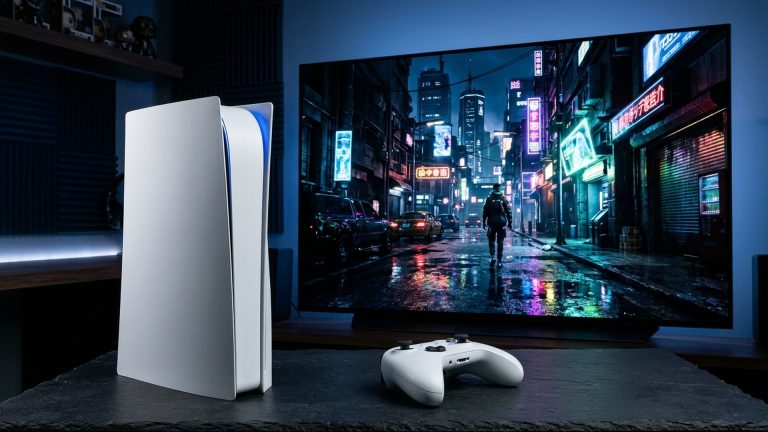
Additionally, equipping raised convex thumbstick extenders (such as KontrolFreek performance thumbsticks) lengthens the joystick lever arm by roughly 10 millimeters. This simple physical modification expands the thumbstick’s radial arc of motion by over 40%, effectively granting controller athletes the equivalent of a lower sensitivity mouse DPI setting. When combined with foam precision resistance rings around the stick base to cushion high-velocity recoil corrections, physical hardware modifications turn controller aiming into an exact science.
Furthermore, maintaining clean potentiometer sensor wheels or upgrading to magnetic Hall Effect sensors prevents microscopic sensor jitter. Dirt and graphite dust accumulation inside traditional controller modules can send spurious micro-voltage signals to the console, tricking the game into registering involuntary stick movement that disrupts your carefully tuned minimum deadzones.
Frequently Asked Questions Regarding Pro Controller Aim Assist
How do you trigger Rotational Aim Assist in modern shooters?
Rotational Aim Assist is activated primarily by left-stick movement (strafe walking). Maintaining at least 5-10% movement velocity causes the aim assist engine to automatically track moving targets.
Why do esports pros prefer the Dynamic aim response curve?
Dynamic uses a reverse S-curve that accelerates initial micro-adjustments while smoothing out mid-stick deflection, making it easier to stay locked within the enemy’s aim assist bubble.
What is the ideal minimum stick deadzone for competitive gaming?
Between 2% and 5% is ideal. Setting it as low as possible without severe involuntary stick drift ensures instant input response and continuous aim assist engagement.
Does overclocking a controller to 1000Hz make a noticeable difference?
Yes, overclocking reduces input latency from 4-8ms down to 1ms, resulting in crisper recoil control, faster centering, and noticeably more responsive micro-tracking.
Related posts:
 Call of Duty Black Ops 6 Omnimovement Tech Guide: Slide-Cancel Combos, Velocity Stacking & Aim Assist Hacks
 Call of Duty Warzone Nov 12 Patch Analysis: Smoke Aim-Assist Removal & Black Ops 7 M10 Breacher Meta Breakdown
 Black Ops 6 Season 1 Reloaded Meta Weapon Tier List: Best TTK Loadouts, Attachments & Omnimovement Tuning
 Warzone & Black Ops 6 Season 1 Reloaded Meta Tier List: Best Weapons, Omnimovement Perks & Loadouts