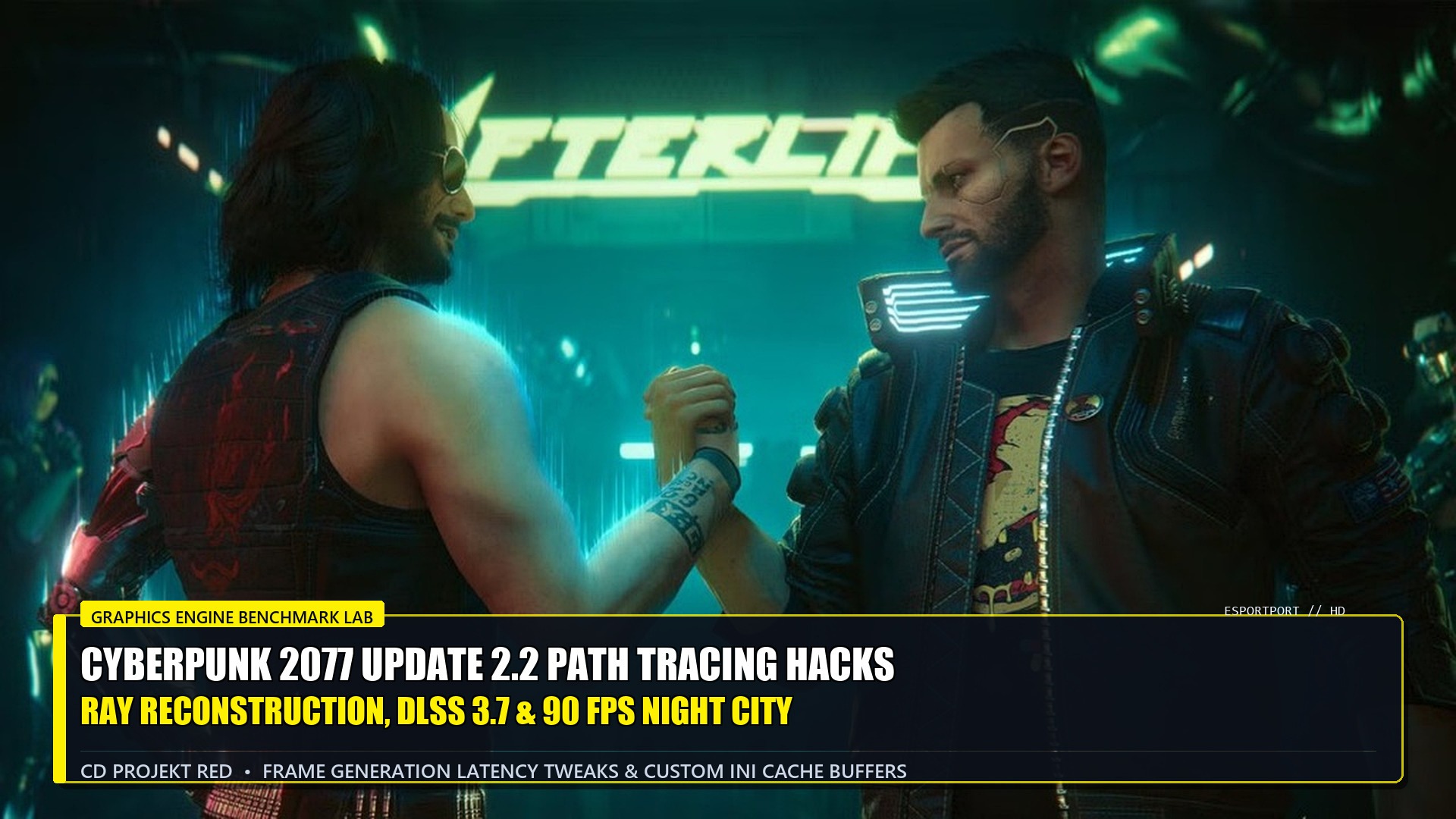
More than four years after its initial launch, CD Projekt Red’s Cyberpunk 2077 remains the undisputed graphical benchmark for consumer PC hardware. Through the relentless release of the 2.0 overhaul, the Phantom Liberty expansion, and continuous technological collaborations with Nvidia, Night City serves as the definitive showcase for full path tracing, also known as Ray Tracing: Overdrive mode. While traditional rasterization and hybrid ray tracing simulate only isolated shadow maps and localized reflections, path tracing simulates the true physics of light transport across billions of photons in real time.
However, running Cyberpunk 2077 with full path tracing at 1440p or 4K resolutions requires extreme computational power that pushes even flagship graphics cards to their thermal thresholds—a reality closely watched by hardware builders following our deep dive into the Nvidia RTX Blackwell architecture and GPU supply dynamics. To achieve playable, ultra-smooth frame rates without visual noise or smearing, players must optimize Ray Reconstruction algorithms, configure hidden engine configuration parameters, and install curated visual modding enhancements.


The Physics of Overdrive: Why Full Path Tracing Revolutionizes Night City
Traditional video game lighting pipelines rely on complex approximations: pre-baked lightmaps for static walls, screen-space ambient occlusion (SSAO) for contact crevices, and screen-space reflections (SSR) that vanish jarringly whenever reflecting objects leave the player’s field of view. Ray Tracing Overdrive discards all of these legacy compromises. In Overdrive mode, every neon sign, streetlamp, vehicle headlight, and muzzle flash acts as a true physical light emitter.
Light rays are traced from the camera through pixels, bouncing multiple times off concrete walls, puddle surfaces, metallic car paint, and character skin. As light bounces, it absorbs the pigment of surrounding surfaces, creating realistic color bleeding: a bright pink neon sign illuminates the damp pavement and casts a soft magenta glow onto the leather jacket of a nearby pedestrian. Furthermore, path-traced indirect shadows produce natural penumbras that soften realistically as distance from the casting object increases.
| Graphics Feature / Preset | Standard Ultra (Rasterized) | Hybrid Ray Tracing Ultra | RT Overdrive (Full Path Tracing) | Hardware Impact & Performance Cost |
|---|---|---|---|---|
| Indirect Global Illumination | Static pre-baked lightmaps | Single-bounce RT diffuse lighting | Full multi-bounce path-traced GI | High compute load; requires Tensor core AI |
| Reflections & Specular Detail | Screen-space reflections (SSR) | RT reflections on selected water/glass | 100% physically accurate full-scene reflections | Massive VRAM memory bandwidth consumption |
| Soft Shadow Penumbras | Uniform filtered shadow cascades | RT directional sun shadows | Physically accurate contact and ambient shadows | Eliminates shadow acne & distance pop-in |
| DLSS Ray Reconstruction Role | N/A (Standard Super Resolution) | Optional noise reduction filter | Mandatory neural denoiser for clear reflections | Doubles reflection sharpness and resolves ghosting |
| Average FPS @ 4K (RTX 4090) | 110 – 130 FPS (Native) | 75 – 90 FPS (DLSS Quality) | 75 – 95 FPS (DLSS Quality + Frame Gen) | Near-tripling of total rendering workload |
DLSS 3.7 Ray Reconstruction: Replacing Hand-Tuned Denoisers
The monumental breakthrough that made path tracing practical in Cyberpunk 2077 is Nvidia DLSS 3.5 and 3.7 Ray Reconstruction (RR). Under standard ray tracing, game engines cast only one or two rays per pixel to conserve frame rate budgets, resulting in extremely noisy, speckled raw images. Historically, engines cleaned this noise using hand-tuned mathematical denoisers. However, these traditional denoisers often blurred sharp specular reflections, removed subtle shadow details, and caused severe temporal ghosting trails behind moving vehicles.
Ray Reconstruction replaces multiple hand-tuned denoisers with a single unified deep neural network running directly on Nvidia Tensor cores. By training on offline supercomputer renders with 16 rays per pixel, the AI denoiser recognizes lighting patterns, distinguishing between true scene geometry and transient noise. In Night City, enabling Ray Reconstruction restores intricate reflections in rain puddles, sharpens the reflections in automobile chrome rims, and prevents ghosting trails during high-speed chases along Kabuki and Watson thoroughfares.
Engine INI Tweaks: Custom Bounce Counts and Ray Sample Counts
Enthusiast PC gamers who want to extract the ultimate visual perfection or claw back precious frame rates can modify hidden internal engine variables located in Cyberpunk’s configuration files. By accessing the engine\config\platform\pc\user.ini directory, players can customize ray tracing sample rates that are otherwise locked behind in-game menus:
For players on RTX 4080 and RTX 4090 GPUs seeking cinematic fidelity, increasing RayTracing.PathTracing.RaysPerPixel from 1 to 2, and setting RayTracing.PathTracing.BounceCount to 3 delivers reference-grade lighting that rivals Hollywood visual effects renders. Conversely, players on mid-tier GPUs like the RTX 4070 can reduce secondary bounce calculations slightly while keeping Ray Reconstruction enabled, regaining up to 18% in baseline frame rates without noticeably diminishing visual luster.
Essential Visual and Photorealism Mods for 2026
The Cyberpunk 2077 modding community has elevated the title’s visual ceiling to photorealistic heights. To maximize the impact of RT Overdrive, three essential mods stand out as mandatory installations. The first is Nova LUT (Look-Up Table), which removes the game’s aggressive green-yellow cinematic tint, replacing it with a color-accurate, neutral photographic palette that lets path-traced lighting bloom naturally.
The second essential enhancement is the Cyberpunk 2077 HD Reworked Project by Halk Hogan, which overhauls thousands of environmental surfaces—such as weathered asphalt, rusted shipping containers, and cracked concrete sidewalks—with 4K uncompressed textures that capture micro-shadows perfectly. Finally, installing Ultra+ Control Center unlocks a convenient in-game UI to fine-tune particle density, dynamic draw distances, and path-traced cascade limits on the fly.
Thermal Optimization, VRAM Monitoring, and System Stability
Sustained path tracing generates intense thermal dissipation across graphics cards. Because path tracing simultaneously stresses CUDA cores, RT cores, and Tensor cores while saturating memory buses, GPU power draw frequently hovers near the card’s maximum TGP limit. Ensuring that your PC chassis has sufficient intake ventilation and aggressive fan curves is critical to prevent thermal throttling downclocking.
Furthermore, VRAM allocation should be monitored closely using tools like RivaTuner Statistics Server or MSI Afterburner. At 4K resolution with Ultra textures and Frame Generation enabled, Cyberpunk 2077 easily consumes 14GB to 16GB of VRAM. If your graphics card has 12GB or less, reducing Screen Space Reflections Quality and Volumetric Clouds Quality prevents VRAM overflow into system RAM, eliminating severe frametime stuttering and ensuring buttery-smooth nocturnal explorations.


Frame Pacing, Reflex Latency Reduction, and G-Sync Calibration
Achieving a smooth, stutter-free path-traced experience in Cyberpunk 2077 requires careful synchronization between the graphics rendering pipeline and your display panel. Enabling DLSS 3 Frame Generation inserts an AI-generated frame between every traditionally rendered frame, which effectively doubles apparent visual fluidity. However, to prevent input sluggishness and erratic frame pacing, Nvidia Reflex Low Latency must be permanently set to ‘Enabled + Boost’.
Additionally, display settings should be properly configured within the Nvidia Control Panel: enable G-Sync or FreeSync, turn Vertical Sync ‘On’ globally in the driver control panel (while keeping it ‘Off’ inside the game’s menu), and set a global frame rate limiter exactly three frames below your monitor’s maximum refresh rate (e.g., 141 FPS on a 144Hz monitor or 117 FPS on a 120Hz OLED). This configuration keeps the rendering engine strictly inside the variable refresh rate window, eliminating screen tearing and delivering fluid, cinema-grade camera panning through the neon-soaked streets of Night City.
Frequently Asked Questions Regarding Cyberpunk 2077 Path Tracing
What is the difference between Ray Tracing and Path Tracing in Cyberpunk 2077?
Standard Ray Tracing calculates only specific effects like reflections or shadows on selected surfaces, whereas Path Tracing (RT Overdrive) calculates full-scene lighting and multi-bounce global illumination across all surfaces.
How does DLSS Ray Reconstruction improve path-traced image quality?
Ray Reconstruction uses a deep learning neural network on Tensor cores to replace manual denoisers, eliminating blurriness and ghosting while sharply rendering detailed reflections and shadows.
What hardware is required to run Ray Tracing Overdrive at 60+ FPS?
An Nvidia GeForce RTX 4070 Ti or higher is recommended for 1440p with DLSS Quality, while 4K at 60+ FPS requires an RTX 4080 or RTX 4090 paired with DLSS Super Resolution and Frame Generation.
Does Nova LUT reduce performance when installed?
No, Nova LUT simply alters the game’s post-processing color grading tables to provide natural photorealistic lighting and neutral contrast, with zero impact on GPU rendering frame rates.
Related posts:
 Monster Hunter Wilds PC System Requirements & Best Optimization Guide: VRAM Memory Leak Fixes & Stable 60 FPS
 Pro FPS Gaming Tweaks & Latency Hacks: Windows 11 Optimization, Nvidia Reflex, AMD Anti-Lag 2 & Zero-Input Delay Guide
 Steam Deck & Handheld PC Optimization Hacks: SteamOS 3.6 Tweaks, TDP Tuning, CryoUtilities & Battery Longevity Guide
 Monster Hunter Wilds Open Beta Pre-Load Guide: Crossplay Setup, Focus Strike Mechanics & System Requirements