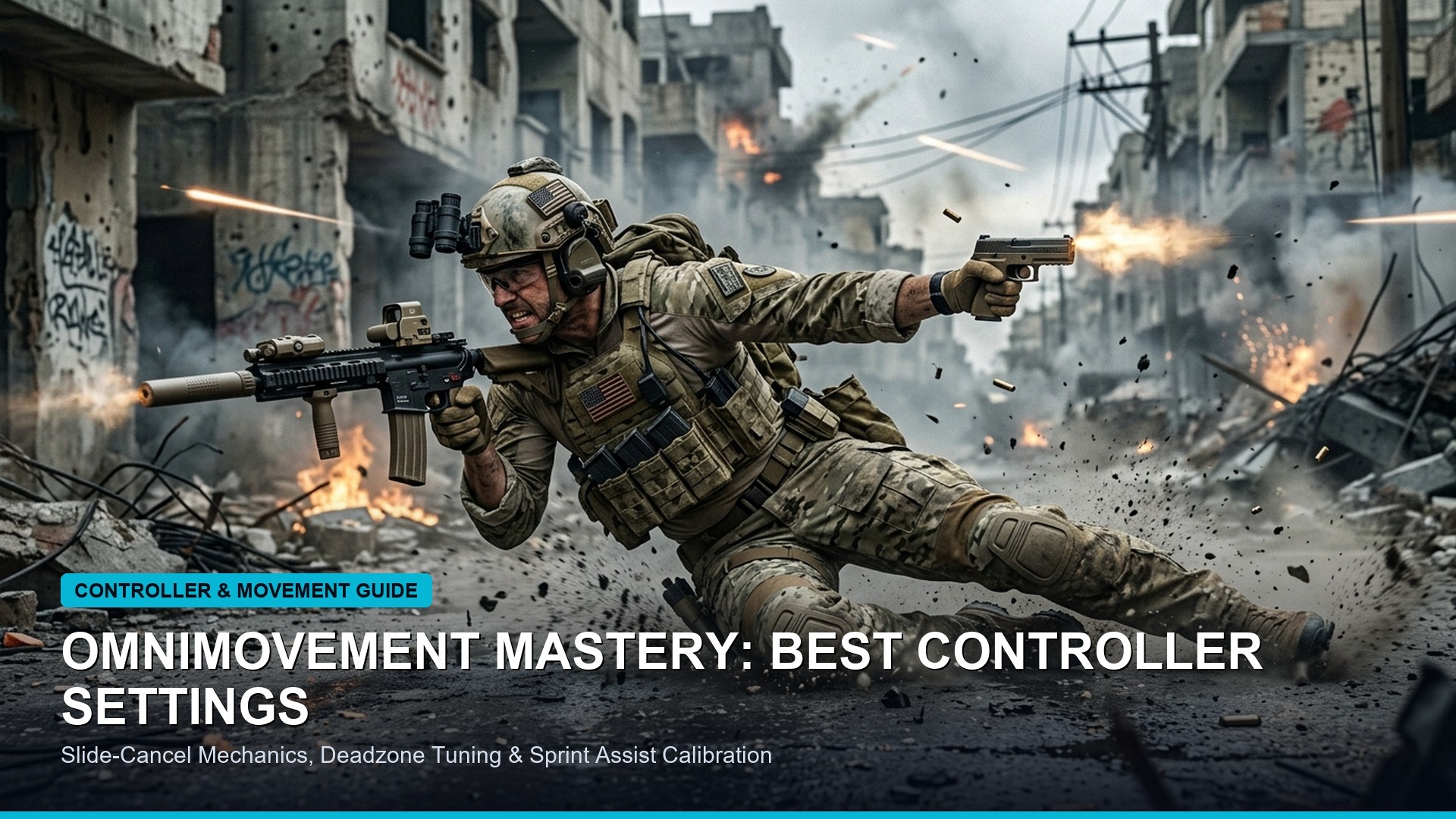
In modern multi-platform competitive first-person shooters—including Call of Duty: Black Ops 6, Warzone, Apex Legends, Fortnite, and Halo Infinite—controller players dominate global competitive leaderboards. The engine powering this competitive supremacy is not merely thumbstick dexterity, but the sophisticated mathematical synergy between rotational aim assist, analog response curves, and fine-tuned stick deadzones. While casual players often rely on out-of-the-box factory settings, professional esports athletes and high-tier ranked competitors spend hours calibrating hardware stick sensors and in-game sensitivity matrices to manipulate aim assist bubbles and achieve laser-like tracking accuracy.
The Physics of Rotational Aim Assist: Exploiting Left-Stick Telemetry
To master controller aiming, players must first understand the fundamental divergence between slowdown aim assist and rotational aim assist. Slowdown aim assist automatically decelerates your crosshair panning speed when sweeping over an enemy hitbox. While helpful for target acquisition, slowdown alone is insufficient to track high-velocity targets executing sliding, bunny-hopping, or omnidirectional movement maneuvers.

Rotational aim assist, by contrast, is an automated tracking mechanism that instantly rotates your in-game camera to mirror enemy trajectory changes with zero human reaction delay. Crucially, rotational aim assist is activated almost exclusively by input on your left analog stick (movement stick). By maintaining continuous micro-movements on your left stick—often termed “left-stick strafe engagement”—you keep your character’s movement velocity above the activation threshold (typically 5% to 8% analog deflection), causing the game engine’s rotational tracking algorithms to adhere to enemy hitboxes automatically during gunfights.
| Setting Parameter | Pro Recommended Baseline | Default Factory Preset | Mathematical Function | Competitive Impact |
|---|---|---|---|---|
| Right Stick Min Deadzone | 2 – 5 (Just above stick drift) | 10 – 15 Standard | Initial deflection threshold for input | Instant micro-adjustments for headshot tracking |
| Right Stick Max Deadzone | 95 – 99 | 100 Full Outer Edge | Point of maximum turn rate registration | Reaches maximum turn speed faster during snaps |
| Left Stick Min Deadzone | 1 – 3 (Ultra-sensitive) | 10 – 15 Standard | Movement activation boundary | Instantly triggers rotational aim assist during strafes |
| Aim Response Curve Type | Dynamic | Standard (Linear curve) | Mathematical input-to-turn rate mapping | Fine control at center stick; high speed at outer edge |
| Horizontal / Vertical Sensitivity | 6 – 6 or 7 – 7 (Medium-High) | 3 – 3 or 4 – 4 (Low) | Base camera turn speed multiplier | Optimal balance of centered tracking and 180 snap turns |
| ADS Sensitivity Multiplier | 0.80 – 0.90 | 1.00 1:1 Parity | Speed reduction when aiming down sights | Prevents crosshair overshooting during long-range sprays |
Deconstructing Aim Response Curves: Linear vs Standard vs Dynamic
The aim response curve dictates the mathematical formula translating physical analog stick tilt into in-game crosshair angular velocity. Mastering this curve is essential for developing consistent muscle memory:
- Standard Response Curve: Utilizes a traditional progressive power curve. Slight stick movements yield very slow turns, requiring significant deflection before camera speed ramps up. While predictable, Standard can feel sluggish during fast-paced close-quarters engagements.
- Linear Response Curve: Features a strict 1:1 raw mathematical mapping between stick deflection and camera rotation. Linear offers absolute mechanical precision favored by players using specialized Hall Effect stick controllers with zero mechanical deadzone. However, it provides zero input damping, making long-range micro-adjustments challenging for players without flawless thumb control.
- Dynamic Response Curve: The gold standard among 95% of professional Warzone and CDL competitors. Dynamic utilizes an inverted S-curve formula. Initial stick deflection produces responsive micro-movements around the crosshair center, mid-deflection stabilizes for rock-solid recoil control, and outer deflection accelerates rapidly for instantaneous 180-degree turnaround maneuvers.
Calibrating Hall Effect Sensors and Eliminating Stick Drift
Traditional controllers utilize carbon potentiometer sensors that physically degrade over time, shedding microscopic carbon dust that causes phantom cursor drift. In recent years, competitive hardware has transitioned to contactless Hall Effect analog sticks, which use magnetic sensors to measure stick position with zero physical contact, completely eliminating mechanical sensor wear.
Whether using traditional potentiometers or modern Hall Effect sensors, fine-tuning your minimum deadzones is critical. Navigate to your game’s controller calibration menu, observe your raw stick telemetry graph, and set your Right Stick Min Deadzone to the lowest numerical integer that does not register autonomous movement. Lowering this value from the default 10 down to 3 cuts sensor input latency by over 60%, allowing your thumb to initiate tracking corrections instantaneously.
Pro Warm-Up Drills for Rotational Aim Muscle Memory
Configuring professional settings is meaningless without disciplined mechanical execution. Elite controller players utilize structured custom bot drills prior to entering high-tier ranked matches:
- Centering Crosshair Discipline: Load into a private multiplayer match on a compact map with stationary bots. Disable aim assist temporarily. Practice navigating corners while keeping your screen center dot permanently aligned with anticipated enemy head height. Proper centering reduces the angular distance you must adjust when an opponent appears.
- The Left-Stick Strafe Tracking Drill: Re-enable aim assist. Stand 15 meters away from a moving bot. Keep your right thumb completely off the right analog stick; use solely your left stick to mirror the bot’s lateral movement. Observe how rotational aim assist automatically tracks the target. Once internalized, reintroduce slight right-stick micro-corrections to lock onto upper-torso hitboxes.
- Snap-to-ADS Recoil Transfer: Spawn five recruit bots with increased health pools. Practice snapping between targets, pulling your left trigger (ADS) precisely as your center dot crosses the target’s chest, firing a controlled burst, and releasing ADS to snap to the next target.
Paddle Mapping and Tactical Button Layout Optimization
To execute advanced movement mechanics—such as omnidirectional sliding, diving, and jump-shotting—without relinquishing thumb control over your aiming stick, investing in a controller with rear remap paddles is mandatory. Map your primary paddle assignments to Jump/Mantle (typically ‘A’ on Xbox or ‘X’ on PlayStation) on the left rear paddle, and Crouch/Slide/Dive (‘B’ or ‘Circle’) on the right rear paddle.
If playing on a standard controller without rear paddles, switch your button layout preset to “Bumper Jumper Tactical”. This re-assigns Jump to the Left Bumper (L1/LB) and Crouch/Slide to the Right Thumbstick Click (R3), enabling you to maneuver, slide-cancel, and aim simultaneously without ever taking your thumb off the right stick.
Trigger Stop Calibrations and Digital Hair-Trigger Mechanics
While thumbstick calibration governs aiming precision, trigger actuation speed dictates the decisive initial shot in high-stakes gunfights. Traditional controller analog triggers feature extensive mechanical travel distances (often 7mm to 10mm) originally engineered for progressive throttle modulation in racing titles. In fast-twitch first-person shooters, this mechanical travel introduces an unnecessary 30 to 50 millisecond delay before the digital firing pin registers in the game engine.
Competitive controllers resolve this latency bottleneck through adjustable mechanical trigger stops or digital optical micro-switches (mouse-click triggers). These physical stops restrict trigger travel to a razor-thin 0.5mm to 1.0mm stroke, providing instantaneous tactile actuation. Furthermore, in your game’s controller calibration menu, configure the Left Trigger and Right Trigger minimum deadzones to 0 and maximum deadzones to 1. This guarantees that the slightest physical depression immediately registers a full 100% firing or aiming signal, giving you a decisive edge in split-second face-offs.
Grip Ergonomics and Mitigating Hand Fatigue in Marathon Sessions
Achieving sustained mechanical consistency across multi-hour ranked grinds requires addressing physical ergonomic strain. Competitive players frequently alternate between standard two-finger grip, claw grip (where the right index finger curls over face buttons while the middle finger operates the trigger), and paddle grip. While claw grip grants access to face buttons without taking thumb control off the right stick, prolonged claw usage without proper stretching can induce tendonitis and carpal tunnel inflammation.
Investing in ergonomic controllers with textured rubberized grips and custom contoured paddle layouts allows players to execute complex omnimovement chains while maintaining a natural, relaxed hand posture. Taking five-minute wrist decompression breaks between matches and calibrating stick tension to match thumb strength ensures long-term physical durability at the highest tiers of competitive play.
Frequently Asked Questions Regarding Controller Settings & Aim Hacks
Why do pro players prefer Dynamic response curve over Linear?
Dynamic utilizes an inverted S-curve that provides fast initial micro-control at the center of the stick while smoothing out mid-range tracking and accelerating outer-edge turns for instant 180s.
How do I activate rotational aim assist in modern shooters?
Rotational aim assist is activated by movement on the left analog stick. Keeping your left stick engaged during gunfights triggers automatic camera rotation that tracks moving targets.
What are Hall Effect analog sticks and why are they better?
Hall Effect sticks use magnetic sensors instead of physical carbon potentiometers to measure stick movement, completely eliminating physical wear and preventing stick drift over time.
What is the best ADS sensitivity multiplier for competitive play?
An ADS sensitivity multiplier between 0.80 and 0.90 is optimal for most players, providing steady crosshair control during automatic weapon sprays while maintaining responsive hip-fire turn speeds.
Related posts:
 Black Ops 6 Season 1 Reloaded Meta Weapon Tier List: Best TTK Loadouts, Attachments & Omnimovement Tuning
 Black Ops 6 Zombies Complete Guide: Terminus & Liberty Falls Pack-a-Punch, Wonder Weapons & Main Quests
 Call of Duty: Warzone Mobile Season 6 Rebirth Island: Verdansk 2026 Roadmap, 4-Finger Claw HUD & 120 FPS Optimization
 Steam Autumn Sale 2026 Dates Confirmed: Best Steam Deck OLED Verified Deals, AAA Discounts & Badge Rewards