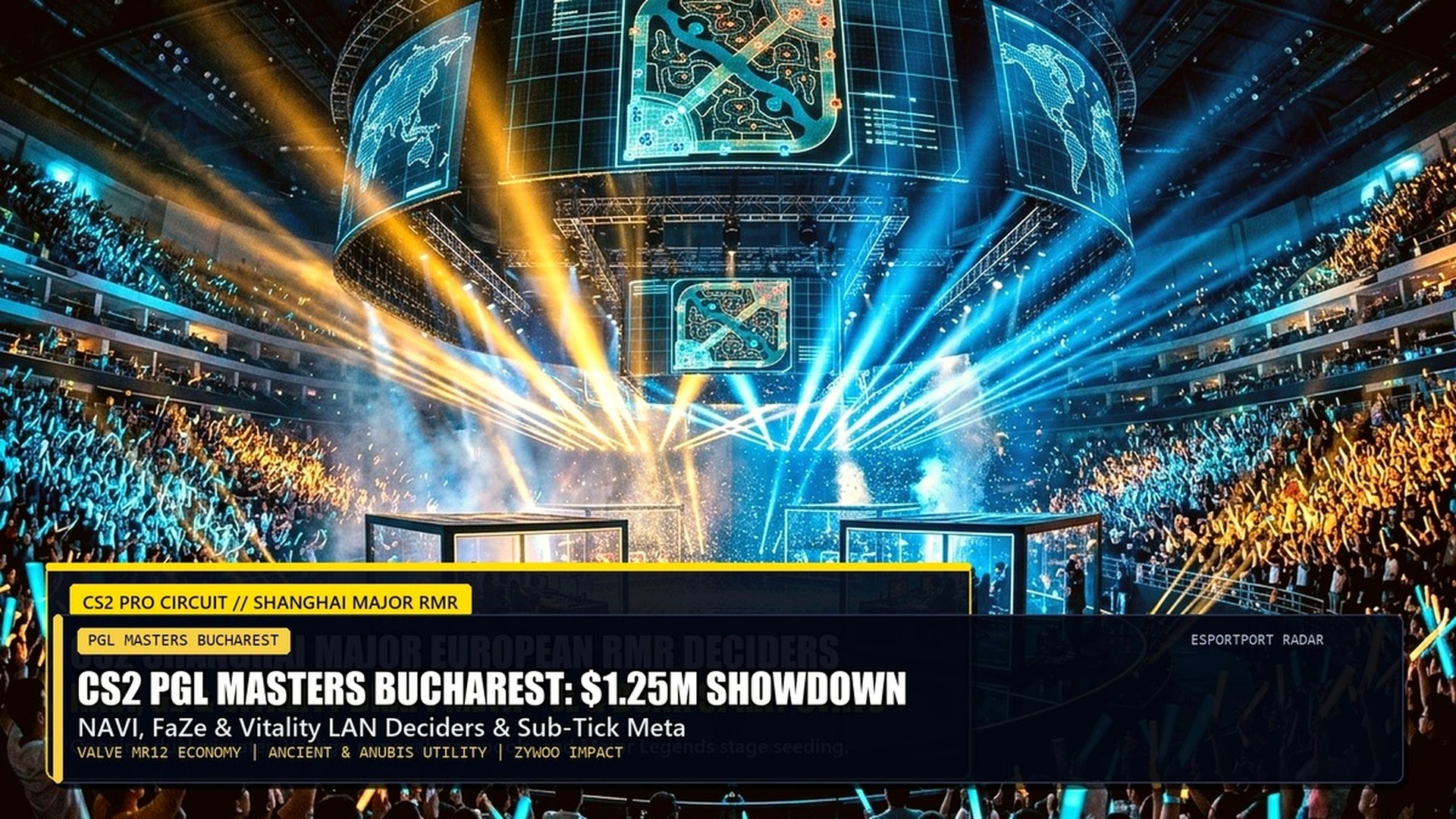
CS2 Source 2 Engine Physics: Sub-Tick Binds & Movement Playbook
Counter-Strike 2’s sub-tick server architecture revolutionized tactical utility throwing and movement physics. However, post-patch changes and strict tournament regulations around SOCD / Snap Tap hardware require competitive players to master legal autoexec configuration binds and manual recoil smoothing. Here is your comprehensive guide to sub-tick jump-throws, run-throw scripts, desubtick autoexecs, and AK-47 spray control.
The Truth About CS2 Sub-Tick Jump-Throws
In legacy CS:GO, jump-throw smokes required strict bind commands because the server processed inputs exclusively on fixed 64-tick or 128-tick intervals. In Counter-Strike 2, Valve introduced an internal sub-tick jump-throw mechanic: if you press the jump key and release mouse attack within the jump trajectory window, the game emits an audible audio grunt signifying a successful jump-throw release.
However, in Premier 20,000+ ELO lobbies and tournament play, human timing inconsistencies can cause essential utility smokes—such as Mirage window smoke from T-spawn or Ancient B-site lane smokes—to land off-center by several pixels. To eliminate micro-variance, setting up a standardized autoexec script remains the gold standard for premier riflers and IGLs.


For more cross-title competitive mechanics, review our tactical guide on Valorant Pro Peeking & Aim Hacks and stay updated with live esports fixtures on our Tomorrow’s Main Esports Events & Tournament Schedule.
Legal Autoexec Jump-Throw, Run-Throw & Crouch Binds
Following Valve’s official competitive ruling regarding SOCD hardware macros and multi-action alias chains, tournament-legal autoexec scripts must operate purely within sanctioned console commands. Below is the 100% legal, non-bannable autoexec configuration that delivers flawless utility consistency:
Snap Tap / SOCD Hardware Transition & Counter-Strafing
Following Valve’s mandatory server-side kick implementation for SOCD (Simultaneous Opposing Cardinal Directions) and Razer Snap Tap / Wooting Rappy Snappy keyboards, competitive players must return to manual counter-strafing discipline. When releasing your strafe key (e.g., ‘A’), you must physically tap the opposite key (‘D’) for precisely 40 milliseconds to instantly cancel horizontal velocity.
To train this reflex, open community aim maps (such as Aim Botz CS2) with cl_showpos 1 toggled on. Practice strafing between pillars and shooting only when your velocity displays 0.00 units/sec. Within three days of dedicated practice, manual counter-strafing matches SOCD performance without risking automated server disconnects.
AK-47 Spray Recoil Pull-Down & First 10 Bullets Mastery
In CS2 Source 2 physics, the AK-47 recoil pattern exhibits slightly more vertical screen kick compared to CS:GO. The first five rounds travel straight up in a vertical column: pull your mouse straight down smoothly. Bullets 6 through 9 curve sharply to the right: pull your crosshair down and diagonally to the left. Bullets 10 through 15 pull hard to the right: slide your crosshair smoothly across to the right side of the chest.
Because 90% of competitive firefights conclude within the first seven bullets, dedicating your daily warmup to locking in the first seven-bullet vertical pull guarantees immediate rank progression in Premier matchmaking.


Desubtick Movement Philosophy & Viewmodel Alignment
The implementation of sub-tick processing in Counter-Strike 2 fundamentally changed how the client renders player movement relative to server tick registers. In CS:GO, every jump, landing, and strafe occurred on discrete tick boundaries, producing a rhythmic, predictable movement feel. In CS2, sub-tick registers your input the exact microsecond your key actuates, which occasionally introduces subtle frame pacing stutter if your framerate fluctuates.
To achieve silky smooth movement fluidity, competitive players synchronize client interp rates and viewmodel motion using dedicated console parameters. Adding viewmodel_presetpos 0 combined with optimized bob parameters minimizes weapon shaking during high-speed bunny hops, allowing you to track crosshair placement across elevation changes on maps like Nuke and Vertigo with laser-like focus.
Advanced Run-Throw & Crouch-Jump Tactical Applications
Standard stationary jump-throws only cover short-to-medium utility trajectories. For deep map executes—such as smoking off Ancient donut from T-spawn or smoking Inferno coffin from banana—players must execute a run-throw (pressing +forward and +jump simultaneously). Without an autoexec bind, human variance in run duration will cause the grenade to bounce off exterior geometry or detonate prematurely in mid-air.
Similarly, the crouch-jump bind automates the simultaneous actuation of duck and jump. This enables players to clear maximum obstacle heights effortlessly: mounting Mirage ticket booth solo without teammates, hopping onto Ancient temple boxes, or executing rapid ladder climbs without experiencing deceleration penalties. Integrating these binds into your daily config elevates your tactical utility execution to Tier-1 professional standards.


M4A1-S vs M4A4 Recoil Dynamics & Burst Discipline
On the Counter-Terrorist side, choosing between the silenced M4A1-S and the unsuppressed M4A4 remains a critical tactical decision. The M4A1-S features a tight, laser-accurate 20-bullet magazine with minimal horizontal recoil deviation: pulling down smoothly through the first five rounds guarantees dead-center chest-and-head clusters. Additionally, the lack of bullet tracers through smoke makes the A1-S the ultimate weapon for spamming chokepoints.
In contrast, the M4A4 offers 30 rounds of high fire-rate stopping power, essential for anchoring solo sites against full five-man T-rushes on Inferno B-site or Overpass monster. However, its recoil curve kicks aggressively to the right on bullet 7; mastering the horizontal counter-drag ensures you can spray down multiple rushing opponents in a single continuous burst.
Network Interpolation Rates & Rate 1000000 Optimization
In competitive Counter-Strike 2, networking parameters directly influence how cleanly opposing player models render around corners. By default, the game client may restrict bandwidth allocation on unstable broadband connections. Pro players bypass this limitation by forcing maximum uncompressed bandwidth via their autoexec configuration.
Adding rate 1000000 to your autoexec file allows your client to ingest maximum packet updates from Valve’s official sub-tick servers without encountering choke or packet loss. Furthermore, adjusting cl_interp 0.015625 synchronizes client interpolation with the lowest possible render latency, eliminating the ‘peeker’s advantage phantom hit’ where enemies appear to shoot through solid walls.
Coupling these network console commands with high-refresh rate 240Hz or 360Hz esports monitors ensures that moving hitboxes match rendered player models down to the exact sub-tick packet, delivering tournament-grade hit registration in Premier competitive matchmaking.
Pixel Surfing & Edge Boosting Physics in Source 2
The Source 2 physics engine in Counter-Strike 2 preserves subtle environmental geometry interactions that skilled movement practitioners exploit for vertical positioning. Known as edge boosting, sliding along specific angled stone textures on Inferno or Overpass allows players to gain sudden vertical elevation without expending a teammate boost.
Mastering edge slide trajectories grants unexpected off-angles over smokes and walls, allowing anchor players to catch attacking execute trains completely unprepared during crucial match points in Premier competition.
Frequently Asked Questions (FAQ)
Are jump-throw binds banned in Counter-Strike 2?
Standard jump-throw binds are completely legal. Only automated multi-key SOCD null-binds and hardware Snap Tap macros are prohibited by Valve on official VAC-secured servers.
Where should I save my CS2 autoexec.cfg file?
Save your file in Steam/steamapps/common/Counter-Strike Global Offensive/game/csgo/cfg/autoexec.cfg, and add +exec autoexec.cfg to your Steam launch options.
Does CS2 sub-tick make 128-tick servers obsolete?
Sub-tick processes shooting, jumping, and utility releases precisely between server ticks, eliminating tick-rate smoke variations and standardizing grenade physics worldwide.
Related posts:
 CS2 Vertigo A Site Rework Guide: New Catwalk Angles, Smoke Lineups & CT Defense Meta
 CS2 Best Audio Equalizer & Radar Console Commands: Footstep Hearing Boost & Mini-Map Zoom Optimization
 CS2 Shanghai Major Americas RMR Day 1 Preview: Team Liquid, Complexity, FURIA Swiss Stage Brackets & Pick’Em Guide
 Call of Duty: Mobile Season 10 (7th Anniversary) Drops Verdansk & Gulag as Poison Ivy GIZY Wins Manila GBRC Title