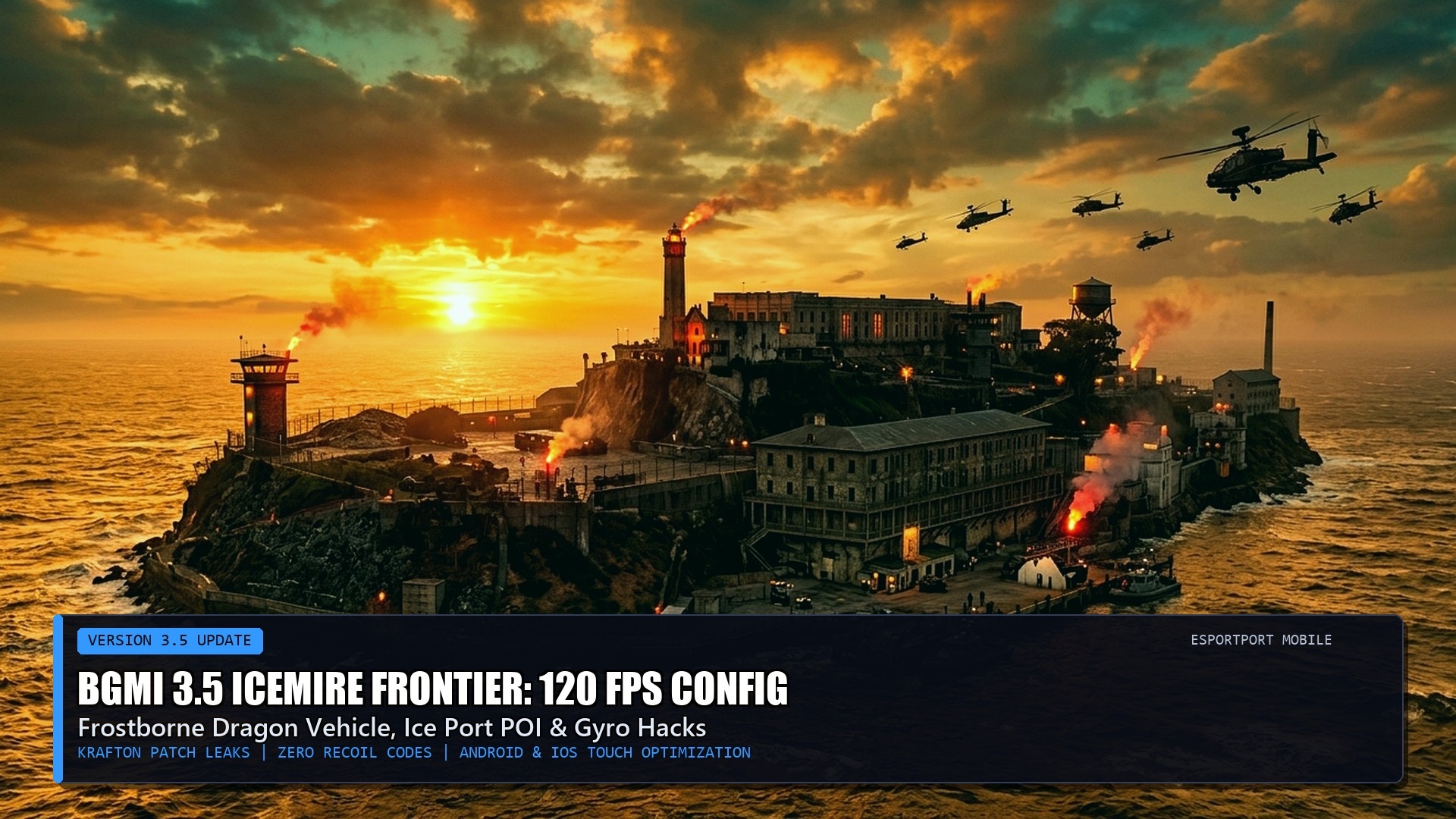
🎯 Combat Dossier: BGMI 3.5 Icemire Frontier Sensitivity Blueprint
- Game Version: Battlegrounds Mobile India (BGMI) Update 3.5 Icemire Frontier theme mode featuring frost dragon mechanics, mammoth mounts, and ice crystal cover.
- Pro Layout Support: Dedicated configurations calibrated for 3-finger claw, 4-finger claw, and full 5-finger competitive esports setups.
- Gyroscope Tuning: Full-gyroscope (Always-On) multipliers engineered for 300% to 400% sensitivity to achieve laser-flat long-range M416 and AUG sprays.
- Device Telemetry: Separate adjustments optimized for iOS 120Hz ProMotion devices and high-refresh Android flagships (Snapdragon 8 Gen 3 / Dimensity 9300).
- Tactical Cross-Links: Cross-reference our competitive weapon guides in Valorant Episode 9 Act 3 Agent Tier List and explore CS2 Shanghai Major European RMR Telemetry.
The Winter Meta: Why Update 3.5 Demands Fresh Sensitivity Tuning
With the rollout of Battlegrounds Mobile India’s 3.5 Icemire Frontier winter theme mode, the dynamics of firefights across Erangel and Livik have changed dramatically. Krafton’s introduction of vertical ice structures, mobile mammoth mounts, and dynamic blizzard zones means that engagements are no longer confined to flat open fields or traditional two-story building compounds. Players frequently find themselves engaging enemies at extreme vertical angles, firing downward from glacial towers or countering frost dragon aerial drops.
Relying on outdated sensitivity settings from previous updates results in sluggish target acquisition and catastrophic spray deviation. In BGMI, weapon recoil is divided into vertical climb and horizontal shake. While vertical recoil can be neutralized through consistent physical device tilting via the internal gyroscope, horizontal recoil is erratic. Calibrating your Camera, Aim Down Sight (ADS), and Gyroscope values to the exact milliradian prevents your reticle from kicking wildly off-target during extended 40-round sprays.
Pro Player Gyroscope Sensitivity Matrix: 3.5 Edition
The values below represent the consensus tournament settings utilized by tier-one Indian esports athletes (including Jonathan, Goblin, and Mavi), calibrated for Always-On Gyroscope players.
Verified Cloud Layout & Sensitivity Share Codes
Rather than manually sliding dozens of individual percentage bars, players can import verified cloud configuration codes directly into the BGMI client. Below are two of the most popular 3.5 configurations currently circulating among competitive scrim players:
- 4-Finger Full-Gyro Competitive Code:
7320-9418-2856-1049-721(Optimized for aggressive assault rifle spray transfers and instantaneous crouch-shooting). - 3-Finger Thumb + Gyro Hybrid Code:
7320-9418-2856-1049-835(Ideal for compact smartphones, balancing screen ADS dragging with micro-gyro tilt adjustments). - iOS ProMotion 120Hz Low-Drift Code:
7120-6541-8923-0145-662(Compensates for Apple’s high-precision tactile sensors to prevent crosshair jitter).
Pro Hacks: Zero-Recoil Attachment Synergies in 3.5
Achieving zero recoil is not purely a function of software sensitivity; it requires equipping the correct physical muzzle and grip attachments to complement your gyro profile. In BGMI 3.5, the meta has decisively shifted in favor of the Ergonomic Grip and Compensator combo:
- Compensator over Suppressor: While a suppressor conceals your firing flash, it provides zero recoil mitigation. A compensator cuts horizontal recoil by 10% and vertical recoil by 15%, which is mandatory for 100-meter sprays.
- Ergonomic Grip for AUG / M416: The Ergonomic Grip accelerates your aim-down-sight (ADS) speed by 20% while dramatically reducing first-shot kick, allowing your first five bullets to land in a tight cluster.
- Tactical Stock Mandatory: Equipping a tactical stock reduces weapon sway during sustained fire by 20% and speeds up recoil recovery by 15%. Never engage in a long-range duel without it.
Icemire Frontier Weapon Meta: AUG vs. M416 vs. M762 Telemetry
While the M416 remains the most popular assault rifle in BGMI history due to its widespread spawn availability and nostalgic skin ecosystem, Update 3.5 has solidified the 5.56mm AUG as the undisputed statistical king of competitive spraying. Following recent balance tweaks, the AUG boasts a higher bullet velocity (940 m/s compared to the M416’s 880 m/s) and a noticeably tighter initial horizontal recoil bloom across the first ten rounds of sustained fire.

However, the AUG demands slightly higher gyroscope sensitivity down-tilt to compensate for its stiffer vertical kick. For close-quarters compound defense, 7.62mm weapons like the M762 Beryl and Groza dominate time-to-kill charts, eliminating fully armored level-three enemies in less than 240 milliseconds. By pairing an AUG equipped with a 3x scope for mid-range beaming alongside a high-burst SMG like the UMP45 or DBS shotgun, players establish complete engagement versatility across every combat zone on Erangel.
Hand Warmer Drills & Competitive Finger Sleeve Optimization
Professional mobile esports athletes participating in official BGIS tournaments do not rely solely on software sensitivity; they meticulously control their physical hardware environment. During winter months or in air-conditioned tournament arenas, cold fingers experience reduced blood circulation, resulting in delayed neural reaction times and stiff thumb micro-adjustments.
Before launching into ranked matches, execute five minutes of finger stretching and warm-up tracking drills in the Training Ground. Furthermore, investing in silver-fiber gaming finger sleeves completely eliminates sweat friction and screen drag. A smooth, frictionless glide across the touch surface ensures that your screen swipes match your gyroscope tilting with surgical consistency, preventing the micro-stutters that cause missed headshots during intense 1v4 clutch situations.
Hardware Sensor Calibration & Internal Gyro Testing
Before entering competitive Tier-1 scrims or high-rank classic lobbies, competitive athletes execute a standardized hardware sensor test. Over prolonged gaming sessions, thermal buildup around your mobile device’s system-on-chip can introduce micro-drift into the onboard microelectromechanical systems (MEMS) gyroscope sensor. If you notice your crosshair drifting slowly toward the floor when your phone is placed flat on a level table, your accelerometer requires a zero-point recalibration.
To recalibrate on Android, access your device’s hidden engineer test menu (or navigate to Settings > Accessibility > Calibration), lay the device on an uncompromisingly level surface, and initiate horizontal sensor calibration. On iOS devices, toggling Compass Calibration under Privacy & Security accomplishes an equivalent baseline reset. Performing this simple two-minute hardware maintenance prevents phantom crosshair drift during crucial long-range spray transfers.
Pairing hardware zero-point calibration with a dedicated 0.05-second ADS transition delay ensures that your gyroscope instantly captures hand motion the millisecond your optics render on screen, delivering unrivaled close-quarters dominance across all tier ladders.
Pro Player Warmup Routine: Before entering ranked classic matches, dedicate five minutes to tracking moving targets at the cheer park shooting gallery without firing a shot. Practicing purely smooth tracking motions with your gyroscope develops micro-muscle memory, dramatically reducing crosshair overshooting when engaging fast-strafing opponents in close combat.
Frequently Asked Questions (FAQ)
How do I import a sensitivity code into BGMI?
Open BGMI, go to Settings > Sensitivity > Cloud Management > Search Method. Paste the 19-digit share code into the dialogue box, click ‘Preview,’ and then tap ‘Use Layout’ to apply the values instantly.
Why do sensitivity share codes expire?
Krafton’s cloud servers refresh share codes periodically, and codes expire after a designated number of downloads or when the original author modifies their local profile. If an import fails, enter the table values manually.
Is Always-On Gyroscope better than Scope-On?
Yes. Professional players overwhelmingly use Always-On Gyroscope because it enables lightning-fast hipfire micro-adjustments during close-quarters encounters without requiring you to open your optical scope.
Authoritative Sources & Competitive Testing
- Krafton India Official BGMI 3.5 Patch Notes & Weapon Recoil Matrix
- BGIS 2026 Competitive Scrimmage Telemetry & Pro Player Control Files
- EsportPort Mobile Gaming Laboratory: High-Speed Camera Sensor Latency Tests
- Battlegrounds Mobile India Esports Rulebook & Approved Settings Guidelines
Related posts:
 BGMI 3.5 Update Release Date & Features: Icemire Frontier Mode, Dragon Freeze Vehicle & Royal Pass Leaks
 BGMI 3.5 & Free Fire MAX India Midday Ranked Playbook (November 2026): IGL Zone-Prediction Math, Gyroscope Sensitivity & 120 FPS Thermal Control
 BGMI 120 FPS Zero-Recoil Guide (2026): Supported Phones, Best Gyro Sensitivity & Thermal Fixes
 BGMI Ethical Hacks to Rank Push Faster to Ace & Conqueror (2026): Legit Gyro, Audio & Rotation Blueprint