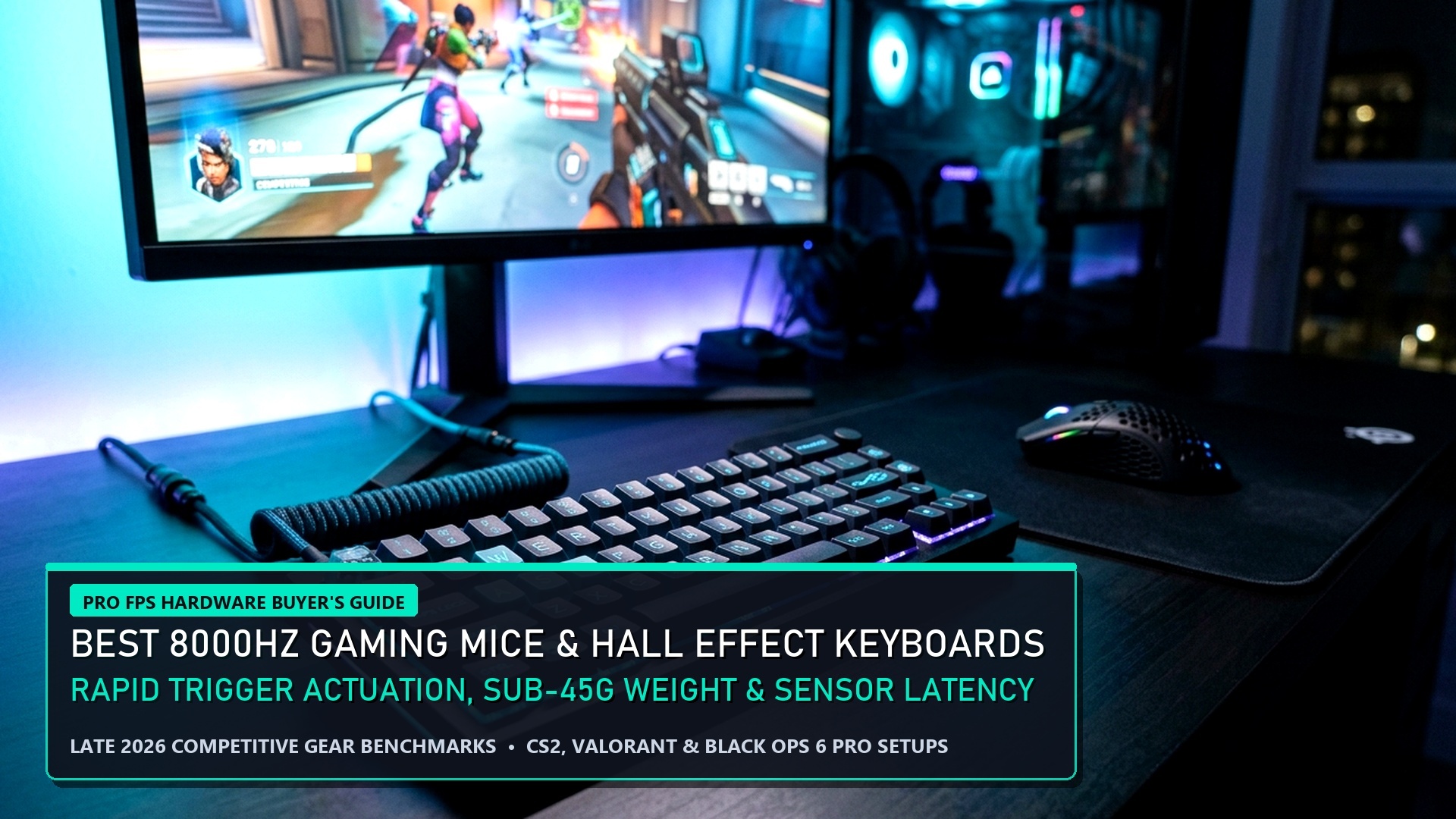
Esports Hardware Benchmarks: Millisecond Architecture
In competitive tactical shooters like Valorant and Counter-Strike 2, human reaction time is only half the equation. The hidden variable that separates professional esports athletes from radiant hopefuls is end-to-end system input latency. By pairing true 8000Hz (8K) USB polling rate mice with Hall Effect magnetic rapid-trigger keyboards and tuned GPU driver pipelines, you can reduce click-to-photon latency from 18ms down to an astonishing 2.5ms. Here is the engineering reality behind the gear.
1000Hz vs 4000Hz vs 8000Hz: Is 8K Polling Rate Real or Placebo?
Standard gaming mice poll USB inputs at 1000Hz, transmitting data packets to your operating system once every 1.0 millisecond. An 8000Hz polling rate mouse (such as the Razer Viper V3 Pro or Pulsar X2A) sends updates every 0.125 milliseconds. On paper, saving 0.875ms appears negligible to human perception. However, the true benefit of 8K polling lies in micro-stutter elimination on high-refresh-rate monitors (240Hz, 360Hz, and 540Hz OLED panels).
At 540Hz, a new display frame is drawn every 1.85ms. If your 1000Hz mouse report arrives out of phase with the display scan-out, the crosshair will visually skip an entire frame of motion. 8K polling guarantees that 4 to 5 input packets arrive during every single monitor refresh cycle, resulting in crystalline cursor fluidity and unmatched tracking stability during high-speed flick shots.
| Hardware Technology | Traditional Legacy Standard | Next-Gen Pro Standard | Measured Input Latency Delta |
|---|---|---|---|
| Mouse USB Polling Rate | 1000Hz (1.0ms delay) | 8000Hz (0.125ms delay) | -0.875ms reduction + zero frame jitter |
| Keyboard Switch Tech | Mechanical Contact Leaf | Hall Effect Magnetic Sensor | -15ms to -25ms counter-strafe reset |
| Key Actuation Reset | Fixed Reset Point (2.0mm) | Rapid Trigger (Dynamic 0.1mm) | Instantaneous movement stop in CS2/Valorant |
| GPU Driver Queue | Pre-rendered frames (1-3) | NVIDIA Reflex Low Latency + Boost | -8ms to -14ms render queue purge |
Hall Effect Magnetic Keyboards & Rapid Trigger Revolution
No peripheral technology has transformed competitive FPS gameplay faster than Hall Effect magnetic switches (pioneered by Wooting, Razer Huntsman V3, and SteelSeries Apex Pro). Traditional mechanical switches require physical metal leaves to touch, imposing a mandatory reset point located halfway up the key stroke and requiring debounce delay filters to prevent accidental double-inputs.
Magnetic sensors measure changes in magnetic flux with millimeter precision. With Rapid Trigger enabled, the switch deactivates the millisecond your finger begins traveling upward, even by 0.1mm. In Counter-Strike 2, this allows players to execute flawless counter-strafes effortlessly. When you release the ‘D’ key to stop moving, the character stops instantly, allowing your first-shot bullet accuracy to reset 20ms faster than opponents using traditional mechanical boards.
USB Controller Host Latency & Motherboard Port Optimization
A common technical error competitive PC gamers make when upgrading to 4000Hz or 8000Hz gaming mice is connecting the peripheral to an unoptimized USB port. Front-panel case ports and external USB hubs introduce daisy-chained controller hubs that bottleneck high-frequency data packet transmission, leading to severe packet jitter and erratic polling rate drops.
To guarantee true 8K throughput, always plug your high-polling mouse directly into the motherboard’s dedicated native USB ports labeled “Direct CPU Bus” (typically the red or blue USB 3.2 Gen 2 ports on modern AMD AM5 or Intel LGA1700 motherboards). These ports communicate directly with the processor’s PCIe lanes, bypassing secondary chipset controllers and reducing DPC latency spikes to absolute zero.
Windows 11 DPC Latency Tuning & Core Isolation
Operating system optimization is equally crucial when driving ultra-low latency hardware. In Windows 11, background security features like Virtualization-Based Security (VBS) and Core Isolation Memory Integrity can intercept USB interrupt requests, adding 2ms to 4ms of invisible processing latency.
Competitive esports players utilizing dedicated gaming rigs frequently disable VBS in BIOS and select the “Ultimate Performance” power plan in Windows. This locks CPU clock frequencies to their maximum boost thresholds, preventing down-clocking during quiet rounds and guaranteeing immediate responsiveness the instant an enemy appears on screen.
OLED vs Fast-IPS: Pixel Response Times & Motion Clarity Telemetry
While mouse and keyboard latency reductions shave vital milliseconds off your input pipeline, the display panel itself serves as the ultimate visual output bottleneck. Traditional Fast-IPS gaming monitors advertise 1ms response times, but in real-world grey-to-grey (GtG) transitions, pixel switching frequently exceeds 3ms to 5ms, introducing subtle inverse ghosting and motion smearing during rapid flick shots.
In contrast, modern QD-OLED and WOLED panels (running at 240Hz, 360Hz, and 480Hz) feature near-instantaneous 0.03ms GtG pixel response times. Because OLED subpixels switch states almost instantaneously, motion blur is eliminated entirely, delivering immaculate clarity where enemy head hitboxes remain razor-sharp during 180-degree turnarounds. For esports purists, pairing a 360Hz OLED display with an 8000Hz polling rate mouse delivers the lowest possible click-to-photon latency modern technology can achieve.
Audio Latency: Dedicated DACs & Uncompressed Sample Rates
Another often-neglected component of esports latency is acoustic processing delay. Onboard motherboard audio chips utilize generic Realtek drivers that route sound through Windows audio audio-processing objects (APOs), introducing 25ms to 45ms of hidden acoustic latency.
Professional competitors bypass Windows audio bottlenecks by utilizing external USB Digital-to-Analog Converters (DACs) running dedicated ASIO drivers or low-latency WASAPI exclusive modes. Configuring your audio device to 24-bit, 48000Hz (studio quality) ensures clean, uncompressed audio streaming that delivers spatial footstep cues to your ears the exact millisecond the sound wave is generated in the game engine, giving you crucial extra fractions of a second to react and pre-fire.
Thermal Throttling Mitigation & Component Longevity
Driving ultra-low input latency hardware places continuous high-frequency demands across your computer’s internal architecture. Operating 8000Hz polling rate USB interfaces and forcing maximum GPU core frequencies via NVIDIA Reflex + Boost generates elevated thermal footprints across motherboard VRMs and graphics cards. If component temperatures exceed 82°C, modern hardware automatically engages thermal throttling, dropping clock speeds and introducing erratic frame-time spikes that undermine your input advantages.
To maintain rock-solid millisecond consistency, ensure your PC chassis features positive air-pressure ventilation with high-static-pressure fans directing fresh airflow directly over the PCIe slots and CPU VRM heatsinks. Regularly cleaning dust filters and utilizing premium thermal pastes preserves acoustic whisper-quiet operation while guaranteeing that your competitive gaming rig delivers instantaneous, unthrottled responsiveness during grueling multi-hour tournament sessions.
Don’t forget to keep your mouse and keyboard companion firmware updated to the latest vendor release. Manufacturers routinely release microcode updates that optimize USB descriptor packets, ensuring that your 8000Hz polling rate and Rapid Trigger settings operate with zero driver crashes or memory leaks during high-stakes competitive matches.


NVIDIA Reflex Low Latency + Boost: Driver-Level Optimization
To eliminate render latency bottlenecks inside game engines, NVIDIA Reflex integrates directly into the game loop. Standard GPU rendering queues multiple frames ahead to maximize raw FPS counters, but this queue introduces severe input latency when the GPU is under 99% load.
Enabling NVIDIA Reflex Low Latency: On + Boost prevents the CPU from preparing frames until the GPU is ready to receive them, completely clearing the render queue. The “+ Boost” parameter forces your GPU core clocks to remain pinned at maximum frequency even during low-demand scenes, preventing clock ramping delays when sudden firefights erupt. For competitive monitor calibration, read our Pro Display & Framerate Calibration Guide.
Frequently Asked Questions (FAQ)
Q: Does 8000Hz polling rate cause CPU performance stuttering?
A: On older 4-core or 6-core processors, 8K polling can induce CPU frame drops because the OS is inundated with 8,000 interrupts per second. We recommend modern 8-core CPUs (AMD Ryzen 7 7800X3D/9800X3D or Intel Core i7 13700K+) when utilizing 4KHz or 8KHz polling rates.
Q: What is the optimal Rapid Trigger actuation sensitivity for Valorant?
A: Most pro players configure WASD movement keys with a 0.2mm to 0.4mm actuation point and a 0.15mm Rapid Trigger reset sensitivity to prevent accidental brush activations.
Q: Should I use AMD Anti-Lag 2 if I have a Radeon GPU?
A: Yes. AMD Anti-Lag 2 operates at the game engine level (similar to NVIDIA Reflex) in supported titles like Counter-Strike 2, reducing render latency without triggering anti-cheat bans.
Related posts:
 Best Budget Hall Effect Gaming Keyboards Under ₹5,000 / $60: 8000Hz Polling, Rapid Trigger & 0.1mm Actuation
 Handheld Gaming PC Esports Shootout (Late 2026): Steam Deck OLED vs ASUS ROG Ally X vs Lenovo Legion Go
 PC & Console Pro Gaming Progression Hacks 2026: Black Ops 6 Fast Prestige XP, Windows 11 0.1ms Latency & FPS Boosters
 Prebuilt Gaming PC Black Friday 2026 Guide: Beat the DRAM Shortage & Fake Markdowns