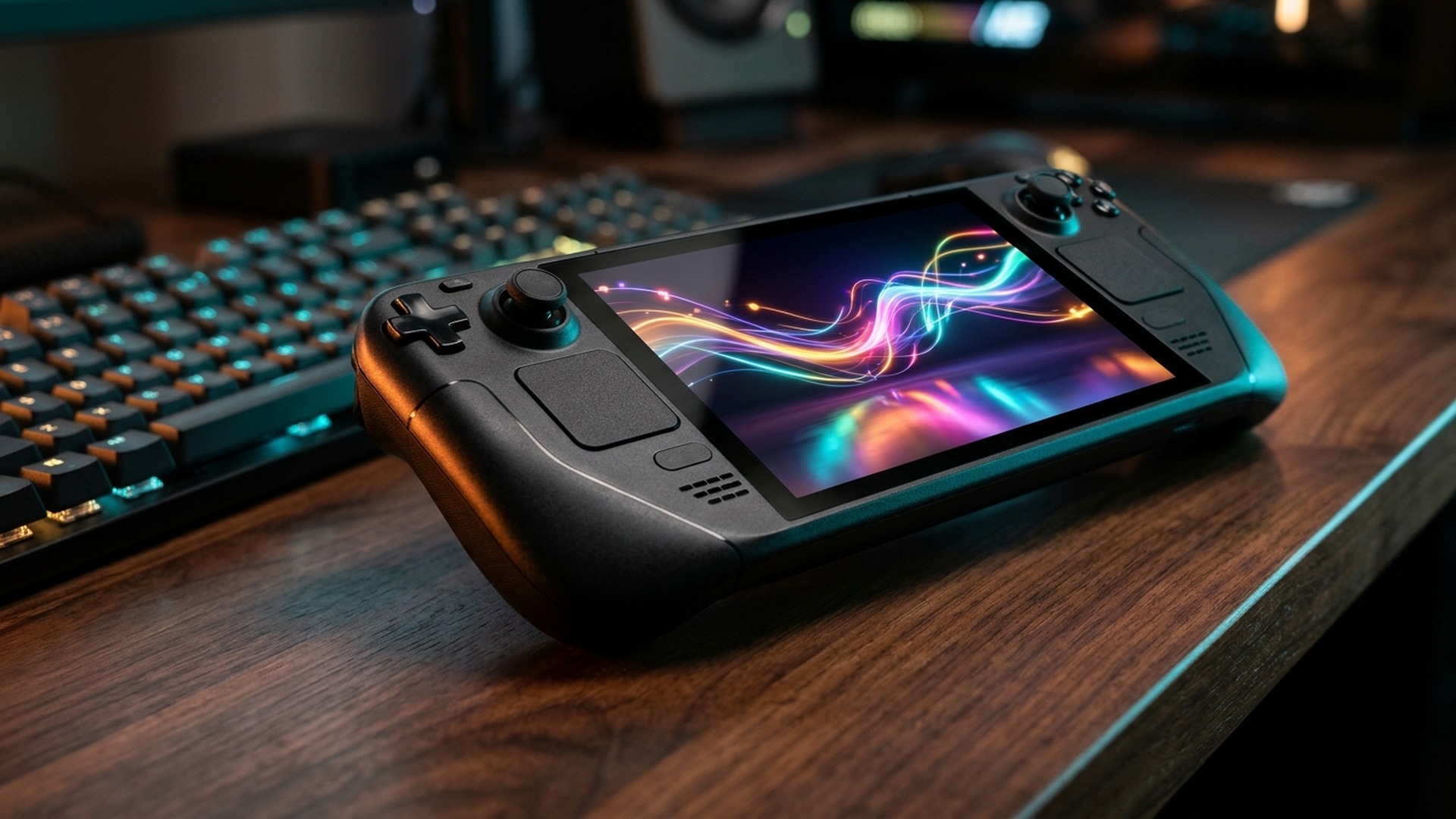
Handheld and Linux PC gaming crossed a major transparency threshold this week as two rival storefronts made unexpectedly pro-consumer strides. First, Valve rolled out real-world average framerate data and FPS distribution histograms across thousands of Steam Store compatibility pages (live for Steam Deck / SteamOS panels and rolling out inside the Steam Client Beta, with desktop PC telemetry following). Hours later, Epic Games confirmed plans to bring a redesigned native Linux launcher directly to distributions spanning Ubuntu, Debian, Fedora, and SteamOS.
Together, those two moves dismantle two of portable PC gaming’s biggest frustrations: vague ‘Verified’ checkboxes that never told you whether a game runs at a choppy 26 FPS or a locked 60 FPS, and clunky third-party workarounds previously needed to boot Epic library titles cleanly on Valve’s OS. Here is how both updates actually work — and why anti-cheat roadblocks like Fortnite still deserve fine print.
Key Takeaways
- Real-World FPS Histograms: Steam pages now surface crowd-sourced, opt-in average framerates and frame distributions under Steam Deck Compatibility > Learn more and Client Beta.
- End of Guesswork Badges: Replaces misleading binary ‘Verified’ ticks with verifiable community telemetry before shoppers hit Buy.
- Native Epic Linux Client: Epic Games confirmed a unified launcher overhaul bringing official native support to Linux distros and Valve’s SteamOS.
- The Remaining Catch: Kernel-level anti-cheat games like Fortnite remain restricted on Linux/SteamOS pending EAC Linux evolution and studio opt-ins.
Why Valve’s Crowdsourced FPS Histograms Beat Static Compatibility Badges
Ever since the original Steam Deck debuted, Valve’s Green ‘Verified’ checkmark suffered from one glaring blind spot: a demanding RPG barely holding 24–28 FPS on ultra-low FSR Ultra Performance could technically score the identical Verified badge as an indie masterpiece locked to 90 FPS at native resolution. Buying heavy winter releases blindly meant digging through Reddit or ProtonDB threads before every checkout.
| Steam Compatibility Layer | What It Previously Showed | What New Opt-In FPS Telemetry Reveals |
|---|---|---|
| Launch Checkmark | Binary pass/fail for controller glyphs, text legibility & boot stability. | Remains intact as baseline usability check before installation. |
| Average Framerate Metric | Hidden outside third-party benchmarking blogs or YouTube reviews. | Aggregated real-world FPS averages harvested directly from opted-in players. |
| FPS Histogram Spread | Zero visibility into frame drops during late-game cities or boss fights. | Shows distribution peaks (30 vs 45 vs 60+ FPS presets) across player configs. |
| Expansion Roadmap | Focused strictly on Valve Steam Deck LCD/OLED targets. | Testing actively in Steam Client Beta with broader desktop PC GPU rollouts next. |
How Epic Games’ Native SteamOS & Linux Launcher Changes Dual-Store Libraries
Historically, owning hundreds of weekly Epic freebies or exclusive Alan Wake / Kingdom Hearts drops while gaming primarily on SteamOS meant wrestling Heroic Games Launcher, Lutris prefixes, manual Proton-GE builds, and frequent login token breaks after storefront patches. Confirming official native Linux support covering Fedora, Ubuntu, Debian, and SteamOS handhelds cuts out fragile community middleware dramatically.

Crucially, native store infrastructure benefits more than Steam Deck owners alone. As desktop PC players grow restless over OS upgrade mandates — highlighted cleanly by NVIDIA sunsetting Windows 10 Game Ready drivers and pushing older hardware toward Windows 11 24H2/25H2 migrations — dual-booting or running dedicated SteamOS living-room boxes looks markedly less restrictive once Epic libraries sync natively out of the box.
Beyond simple launch convenience, official Epic support eliminates recurring storefront friction that routinely breaks third-party tools: automatic cloud-save conflict resolution, proper store overlay authentication inside Big Picture controller sessions, direct DLC entitlement detection, and native controller rebinding without hacking non-Steam shortcut startup arguments. For budget handheld buyers or students stretching multi-year weekly Epic giveaways onto an affordable Steam Deck or Linux laptop, that single client update effectively doubles an immediately playable game library without sacrificing handheld sleep-resume stability or risking manual Proton prefix corruption after routine storefront patches.
Watch one sneaky performance detail too when comparing Proton layers versus native SteamOS integration across upcoming 2027 engines: Valve’s pre-compiled Vulkan shader caches downloaded seamlessly through official Store listings remain the single biggest secret weapon preventing UE5 traversal stutters on handheld APUs. If Epic integrates streamlined shader delivery cleanly alongside native client updates, frame-time graphs across both stores could finally converge.


- Single-player AAA campaigns, indies & Epic weekly free giveaways without Heroic.
- Unified cloud-save sync & direct shader cache orchestration via Valve/Proton.
- Clean controller navigation across living-room Big Picture and handheld screens.
- Competitive multiplayer titles forcing strict kernel-mode Windows drivers.
- Flagship Epic shooters like Fortnite remain locked pending EAC Linux v2 progress.
- Third-party publisher launchers (EA App / Rockstar) still add login quirks.
What This Means Ahead of Desktop PC Rollouts & Holiday Sales
Look closely at how smartly Valve’s opt-in telemetry dovetails with today’s surging handheld & desktop release pace. Fresh indie and live-service updates like Fortnite’s v43.10 November 12 update highlight the exact split PC gamers encounter: Epic-owned anti-cheat ecosystems keep blockbuster multiplayer isolated on Windows for now, whereas breakout Steam hits featured in our ROB RUN 139K Steam players PC guide immediately benefit when shoppers verify rock-solid 60–90 FPS averages on the store page itself before downloading.
Even more revealing is how reading an FPS histogram beats trusting a raw single-number average. When inspecting Valve’s distribution chart, look at the left-hand tail below 30 FPS rather than just the bright peak column. A title averaging 52 FPS with a tall cluster sitting between 48 and 60 FPS feels buttery with VRR or a 40 Hz handheld refresh cap; a title averaging 52 FPS split sharply between 75 FPS indoor corridors and 24 FPS open-hub stutters signals heavy shader-compilation or CPU traversal bottlenecks that even aggressive upscaling struggles to mask.
On desktop Windows machines too, combining Valve’s upcoming PC FPS histogram data alongside cleaner driver optimization lets builders calibrate realistic expectations before investing heavily in Black Friday parts. Browse live Steam Deck & store beta announcements directly on the official Steam Store alongside storefront previews via the Epic Games Store official YouTube channel, review our Windows 11 24H2/25H2 safe gaming upgrade guide if staying on Windows desktop rigs, and weigh CPU value in our AMD Zen 6 architectural preview.


Expect rival storefronts and handheld manufacturers heading into 2027 to feel enormous pressure matching Steam’s crowd-sourced performance clarity. Once desktop PC GPU-tier histograms appear publicly next to user reviews, poorly optimized AAA ports will have nowhere left to hide on launch week — handing PC gamers unprecedented buying leverage before spending a single dollar on Steam or locking into dual-boot SteamOS living-room consoles.
Frequently Asked Questions
Where can gamers see average FPS data on Steam store pages?
Opt-in anonymized average framerate metrics and FPS histograms appear under the Steam Deck Compatibility (‘Learn more’) popup and in the Steam Client Beta, with wider desktop PC support on the roadmap.
Does Epic Games Store officially support SteamOS and Linux?
Epic Games confirmed an upcoming native Linux launcher update targeting Ubuntu, Debian, Fedora, and SteamOS compatibility cleanly without relying solely on community tools.
Can Fortnite run natively on SteamOS once the Epic Linux launcher arrives?
Not immediately — games relying on aggressive anti-cheat software like Fortnite remain blocked on Linux/SteamOS until anti-cheat compatibility (such as EAC Linux updates) is finalized.
- https://esportport.com/rob-run-139k-steam-players-main-sequence-early-access-nov-12-pc-guide/
- https://esportport.com/fortnite-v43-10-update-nov-12-treasure-hunters-hatsune-miku-sprites-guide/
- https://esportport.com/windows-11-23h2-kb5131087-end-of-support-gaming-upgrade-24h2-25h2-guide/
- https://esportport.com/prebuilt-gaming-pc-black-friday-2026-dram-shortage-deals-guide/
Related posts:
 Steam Autumn & Winter Sale 2026 Roadmap: Exact Dates, Wallet Prep, Regional Currency Patch & Top 10 Wishlisted Hits
 Valve’s ‘Deadlock’ Datamine: 3 Unreleased Heroes Leaked in Patch
 ROB RUN Hits 139,700 Steam Players & Main Sequence Launches Nov 12: PC Guide & Impressions
 9 Kings 1.0 Launch Guide (Nov 12 Steam & PC Game Pass): Custom Decks, Joker Mode & 27+ Decrees