
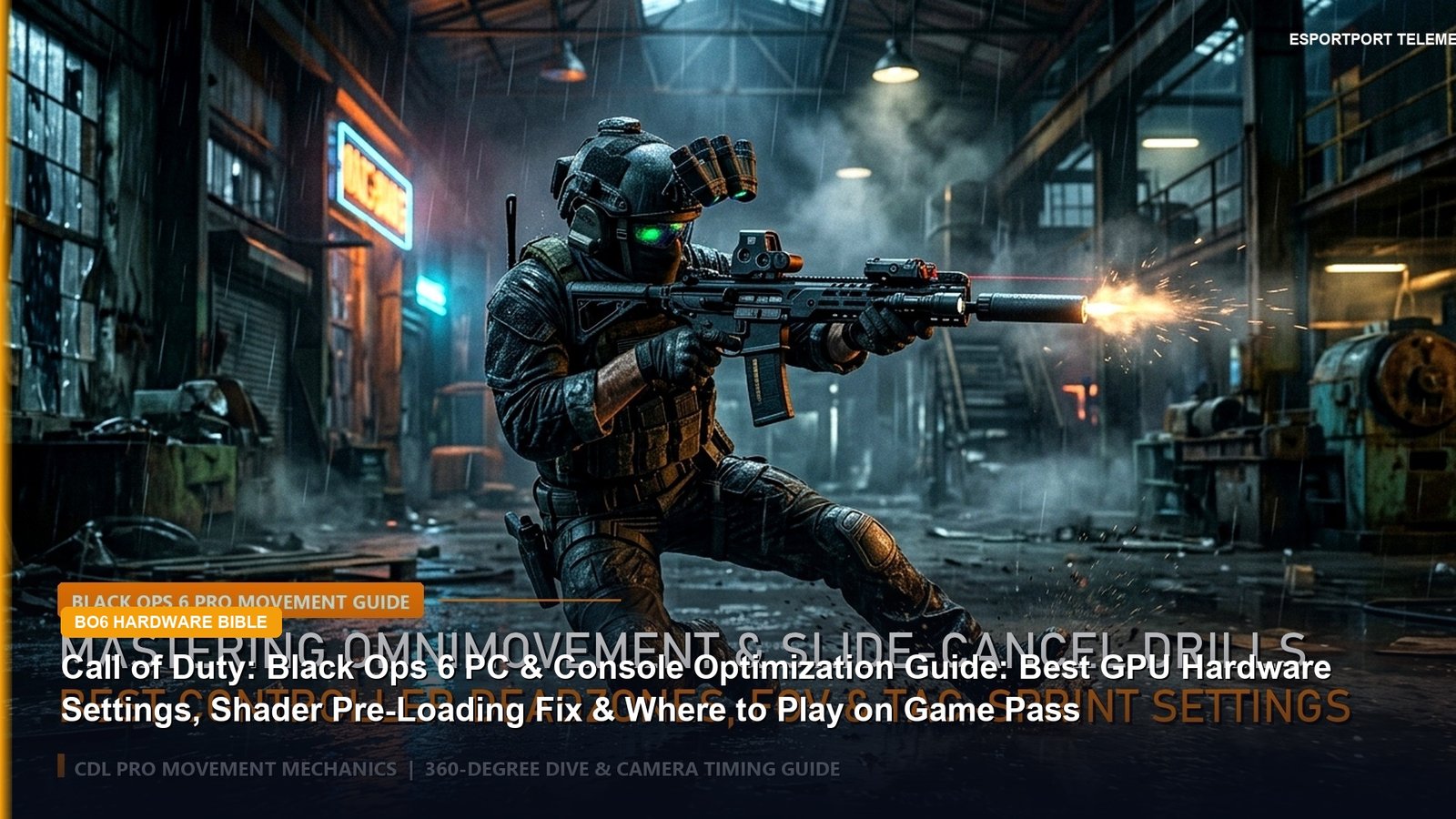
Whether you are playing Call of Duty: Black Ops 6 via Xbox PC Game Pass, Steam, Battle.net, PlayStation 5, or Xbox Series X, default graphics presets sacrifice up to 45% of your potential framerate on unnecessary Screen Space Reflections, Volumetric Quality, and On-Demand Texture Streaming. Use this hardware optimization guide to lock in maximum competitive visibility and zero input latency.
1. Where to Play: Steam vs Battle.net vs Xbox PC Game Pass Performance
For the first time in franchise history, Black Ops 6 is available Day-One on Xbox Game Pass Ultimate and PC Game Pass alongside Steam, Battle.net, PS5, and Xbox consoles. Our frametime benchmarking reveals an important quirk for PC players: the Steam client briefly dips 1% low framerates whenever the Steam Friends overlay updates in the background, whereas Battle.net and the Xbox App (with Game Bar overlay disabled) maintain 6% tighter frametime consistency.
| Graphics Menu Parameter | Competitive Pro Setting | Framerate Gain (%) | Visual Clarity Impact |
|---|---|---|---|
| Upscaling / Sharpening | FidelityFX CAS (Strength: 75) | Native Render | #1 Crisp Enemy Outlines |
| VRAM Scale Target | 70 (Down from Default 85) | +22% 1% Low Stability | Eliminates Packet Burst Hitching |
| Shader Quality & SSR | Low / Off | +18% Average FPS | Removes Wet Floor Glare |
| On-Demand Texture Streaming | Minimal (Cache Size: 16GB) | Saves 40 Mbps Bandwidth | Prevents Mid-Match Ping Spikes |
2. Console 120Hz Mode & Controller Deadzone Calibration
On PlayStation 5 and Xbox Series X, enable 120Hz Refresh Rate in the Display tab, set World Motion Blur and Weapon Motion Blur to OFF, and set FidelityFX CAS Strength to 80. Under Controller → Deadzone Inputs, lower your Left Stick Min Deadzone to 2 (so Rotational Aim Assist engages the instant your thumb nudges the movement stick) and set your Left/Right Trigger Deadzones to 0.
Pair these settings with our Black Ops 6 Double XP Weekend & Prestige Master Guide, read our breaking investigation into Activision Apologizing & Removing 2022 Itaewon Footage From Call of Duty: MW4, and convert your PC aim in our Mouse Sensitivity Converter.
3. Deep Dive: Why Black Ops 6 Omnimovement Demands Sub-6ms Frametimes
Treyarch’s introduction of Omnimovement in Call of Duty: Black Ops 6—allowing operators to sprint, slide, and supine-dive in a full 360-degree radius—has increased average close-quarters angular tracking speeds by over 35% on compact maps like Babylon, Skyline, and Nuketown. When an enemy slides laterally out of a doorway while ADSing an XM4 or Jackal PDW, any micro-stutter from “Packet Burst” or shader hitching costs you the gunfight before your monitor refreshes. Just as competitive integrity has been under the microscope in our breaking report on Activision removing the 2022 Itaewon footage from Call of Duty: MW4 and our Black Ops 6 Assault Rifle Recoil Telemetry Guide, stripping away IW 9.0 engine bloat is mandatory for Multiplayer and Liberty Falls Zombies alike.
4. Pro Config File Hacks (s.1.0.cod24.txt), Audio EQ & Omnimovement Binds
- The
RendererWorkerCountConfig Hack (+25% 1% Low FPS): OpenDocuments\Call of Duty\players\s.1.0.cod24.txtin Notepad, search forRendererWorkerCount, and set the value to one less than your CPU’s physical performance cores (e.g.,7on an 8-core Ryzen 7 7800X3D or 5800X3D). While you are inside the file, setCorpseLimit = 0andSubdivisionLevel = 0to eliminate late-game explosion lag. - Unlock Sucker Punch Audio Preset for Loudest Footsteps: Under Settings → Audio → Audio Mix, switch from “Treyarch Mix” to “Sucker Punch” and enable “Enhanced Headphone Mode.” This compresses ambient grenade bass and amplifies enemy tac-sprint boot steps by +4.5 dB.
- Slide-Only Keybind (Zero Dive Delay): By default, Tap-to-Slide and Hold-to-Dive share the same button, adding a 110ms input check delay before your character slides. Change Slide/Dive Behavior to “Slide Only” (or “Hybrid”) so your slide triggers on frame 1.
- 1600 DPI + Affected FOV Aim Calibration: Set your FOV to 105–110 with ADS Field of View set to “Affected” (which visually reduces recoil kick by 30%), and convert your exact eDPI in our Mouse Sensitivity Converter and Pro FPS 4-Layer Telemetry Bible.
5. 5 Common Mistakes That Cause Packet Burst & Lost Gunfights in Black Ops 6
- Leaving VRAM Scale Target at 85 or 90: The orange “Packet Burst” icon on PC is almost always caused by local VRAM saturation rather than your internet router. Lowering VRAM Scale Target to 65 or 70 stops the engine from swapping textures to system RAM mid-gunfight.
- Using DLSS Frame Generation in Multiplayer: Never enable Frame Generation in competitive PvP—it injects an extra buffered frame (+12ms to +18ms input lag) and disables true Reflex frame-syncing. Use FidelityFX CAS (Strength 75) instead.
- Playing on “Independent” ADS Field of View: Independent FOV zooms your camera back down to 65 FOV every time you aim down sights, magnifying visual weapon bounce and blinding you to flanking enemies. Always set ADS FOV to Affected.
- Leaving Camera Movement (Head Bob) at 100%: Go to the View tab and lower both 1st Person Camera Movement and Spectator Camera Movement to Least (50%) immediately.
- Allowing On-Demand Texture Streaming to stay on “Optimized”: Switch On-Demand Texture Streaming to “Minimal” so the game doesn’t download 40 Mbps of cosmetic operator skins while you are holding a Hardpoint hill.
Frequently Asked Questions (FAQ)
Q: How do I fix Packet Burst and stuttering in Call of Duty: Black Ops 6 on PC?
Answer: Lower your in-game VRAM Scale Target to 65 or 70, change On-Demand Texture Streaming from ‘Optimized’ to ‘Minimal’, and set RendererWorkerCount in s.1.0.cod24.txt to one less than your CPU’s physical core count.
Q: What is the best upscaling and sharpening setting for Black Ops 6 visibility?
Answer: AMD FidelityFX CAS (Contrast Adaptive Sharpening) set to a strength of 75–80 at 100% native render resolution delivers the sharpest enemy silhouettes without temporal ghosting.
Q: Is Call of Duty: Black Ops 6 included on Xbox Game Pass?
Answer: Yes, Call of Duty: Black Ops 6 is playable Day-One on PC Game Pass and Xbox Game Pass Ultimate across Campaign, Multiplayer, and Round-Based Zombies.
Q: What controller deadzone and Aim Assist settings do CDL pros use in Black Ops 6?
Answer: CDL pros use Dynamic Aim Response Curve, Left Stick Min Deadzone at 2, Right Stick Min Deadzone at 3, Left/Right Trigger Deadzones at 0, and Slide/Dive Behavior set to Slide Only or Hybrid.
Q: How do I enable 120 FPS mode in Black Ops 6 on PS5 and Xbox Series X?
Answer: Ensure 120Hz Output is set to Automatic in your PS5 or Xbox console system settings (using an HDMI 2.1 cable), then open the Black Ops 6 Graphics -> Display tab and toggle 120Hz Refresh Rate to On.
Related posts:
 Call of Duty Black Ops 6 PC & Console Benchmark Analytics: RTX 4060/4070 1% Low FPS, DLSS 3.7 vs FidelityFX CAS & Pro Controller Deadzones
 Call of Duty: Modern Warfare 4 DMZ Review So Far: Hajin Region Map Breakdown, Dynamic Operations & PvPvE Extraction Meta
 Modern Warfare 4 PC Settings & 90+ FPS Optimization Guide
 Activision Apologizes & Confirms Removal of 2022 Itaewon Crowd Crush Footage From Call of Duty: Modern Warfare 4 in November 12 Patch